

PowerA Charging Station for PlayStation Portal™ Remote Player with Lumectra™, RGB Lighting, USB Powered, Magnetic Charger, Charge and Display, Weighted Base, Officially Licensed
$29.99
Related Products


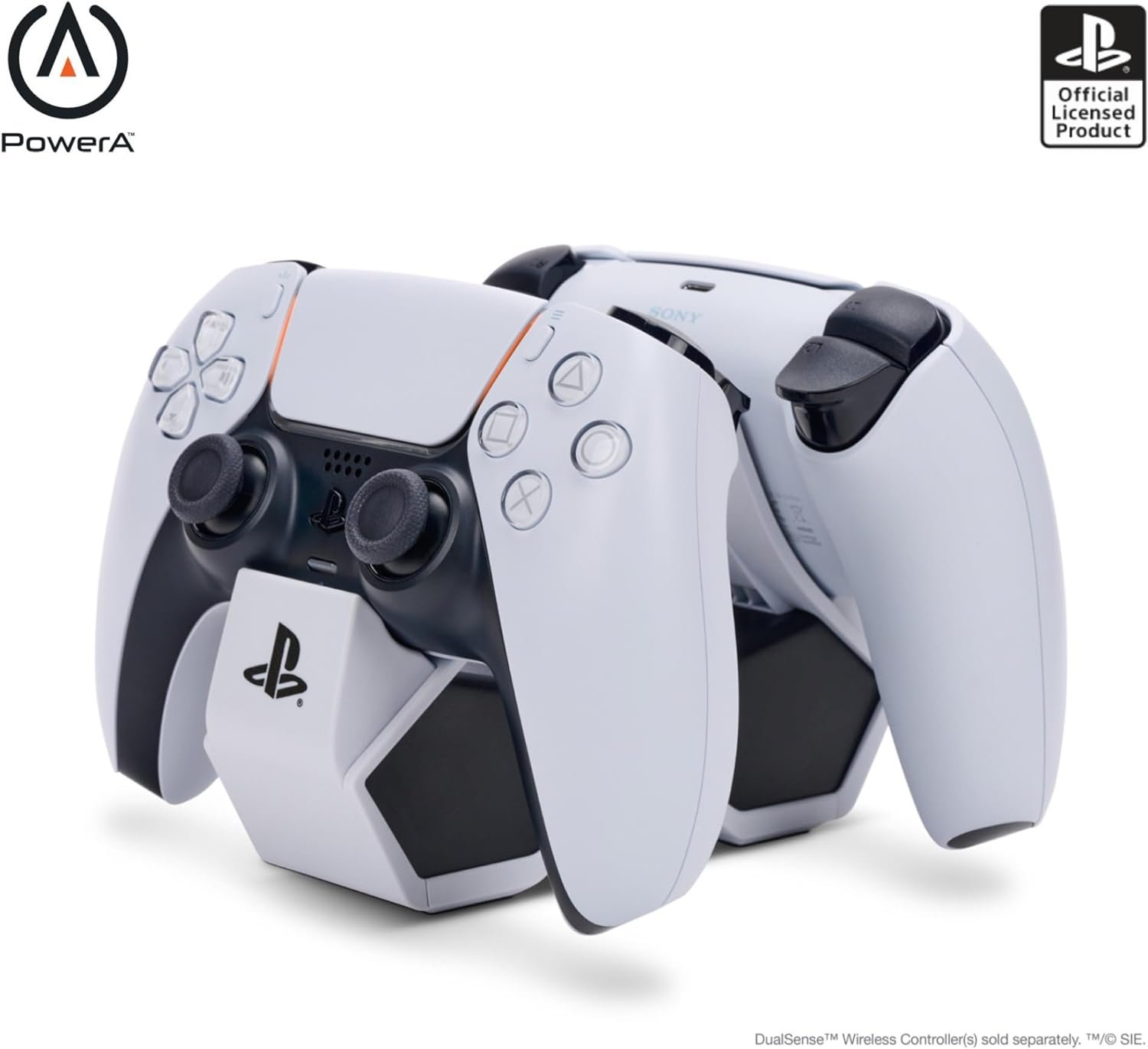


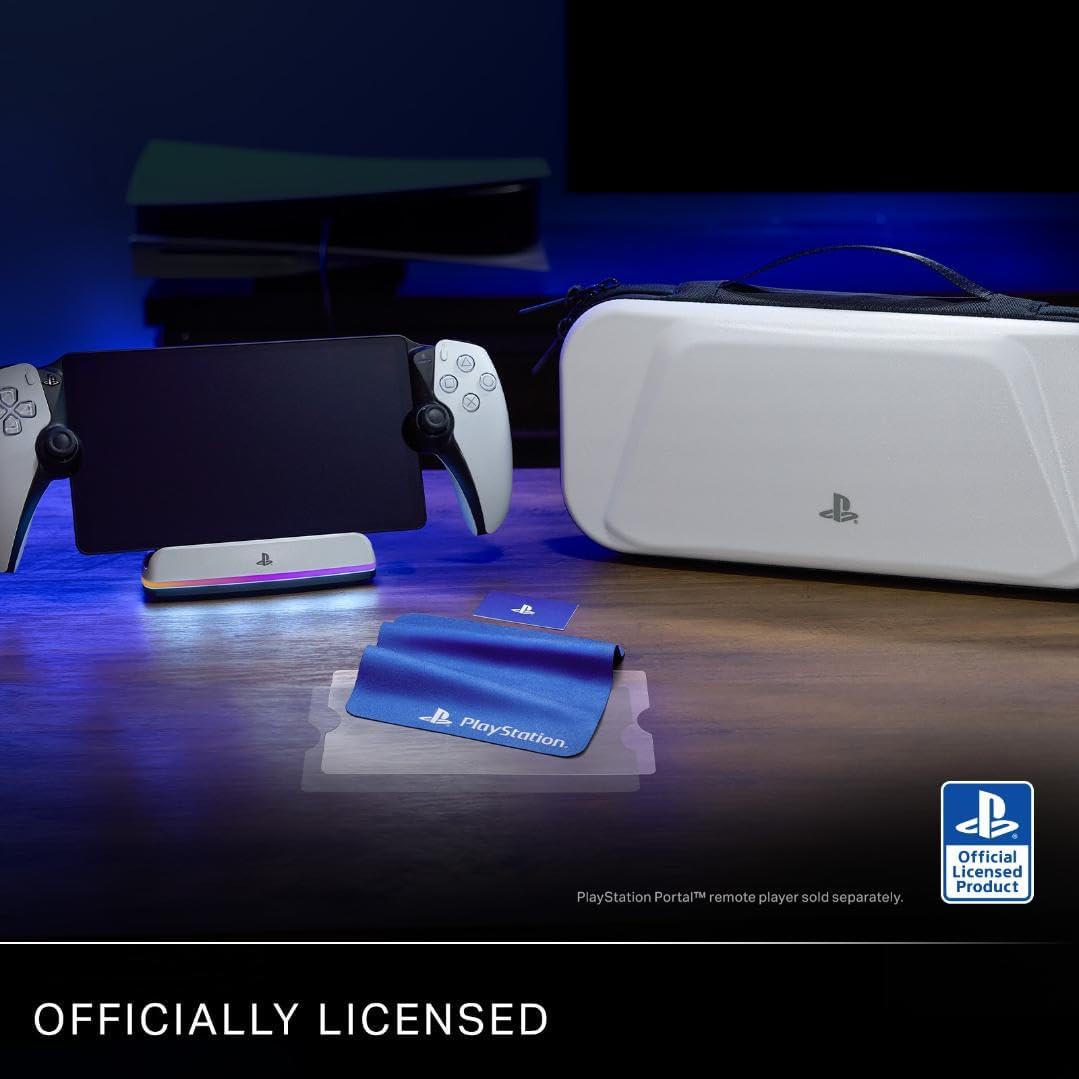
Charge and display your PlayStation Portal™ remote player with the officially licensed PowerA Charging Station for PlayStation Portal™ Remote Player with Lumectra™. Offering an easy docking experience, the PS Portal remote player slides into place on the Charging Station to recharge and the added stability from the weighted base keeps it from moving around. A built-in RGB charging indicator keeps you informed on the charging status and can cycle between 5 lighting modes and different brightness levels. An included USB-C® cable and magnetic USB-C charging adapter lets you connect it to your PlayStation®5 so your PS Portal remote player can be displayed next to your console as it recharges. 2-Year Limited Warranty. *PlayStation Portal™ Remote Player and PlayStation®5 console not included
Charge and Display – Charge the PlayStation Portal remote player and display it next to your PlayStation5 console
RGB LED Indicator – Built-in RGB charging indicator with touch capacitive button to change lighting modes. Modes – Standard, Off, Cycle, Wave, Rainbow Breathing
Weighted Base – Added stability to keep the Charging Station in place
Effortless Recharging – Easily slides into place
USB Powered – Includes a 5 ft./1.5 m USB-C to USB-C cable and magnetic USB-C charging adapter
Officially licensed by PlayStation
For best user experience, please remove any case while charging
13 reviews for PowerA Charging Station for PlayStation Portal™ Remote Player with Lumectra™, RGB Lighting, USB Powered, Magnetic Charger, Charge and Display, Weighted Base, Officially Licensed
Add a review

$29.99
Brian M. –
Great PS Portal Dock!
This is a great dock, it fits the PS Portal perfectly. There’s a little USB-C dongle that plugs into the charging port on the portal and that magnetically connects at the dock when you set it down.The lights on the dock are great, they look cool when you want them on and it’s a good way to know when it’s charging. One of the complaints I saw in some reviews said you can’t turn the lights off, which is not true. You can turn them off, you press and hold at the back middle of the dock (where you’d normally tap to change the light scheme) until they turn off. The details to do that are in the user guide.Once I confirmed I could turn the lights off, I bought a second dock to keep in my room so I could put it on the charger in the 2 places I use it the most.You do need to get a charger, I chose the Anker Nano USB C Charger 65 Watt GaN II, https://a.co/d/7dMjjZt and that chargers it really fast. I also grabbed a longer Anker USB-C to USB-C cable so I could put the dock where I wanted it.Overall this is a great dock and I would definitely recommend it.
OJ Silk –
Best overall PS Portal Charging Dock
I have tried a couple & this is the perfect PS Portal charging docks. The fact that it’s not a consensus 5.0 means nothing is meant to be.Dongle fits nice and secure & serves as an easy guide to dock. Most importantly, charges at the fastest rate possible (14% to 83%) in one hour. 2 hours total from empty to full. Others I’ve tried do not charge as fast in comparison to a USB C cable connected directly to a 20-30w power brick.The lights are a nice touch & can be turned off. Others have mentioned that the dongle is hard to remove. You’ll need to turn the Portal upside down & remove by putting fingers on both sides & pulling away, since it’s a secure fit. The removal on other, similarly designed docks is more difficult (due to the smaller dongle(s), where you actually need pliers).The base of the dock has nice weight to it, too.This is the only first party charging dock & best overall IMO. It’s also the most expensive.
Lee E –
Good Quality and Ease of Use
Works great. I especially like the magnetic charging port connector. No need to carefully line up the USB C charging port with other chargers I have used. Some were difficult to line up correctly (given the location of the C port on the PlayStation Remote. I was concerned about possible damage to either the charger or my portal. No worries with this however… just lay the device in position and good to go.
Amazon Customer –
Works well, looks good!
Keeps my portal topped up. It’s easy to use and functions as a little display stand for my device. I like that it matches the Portal and Ps5’s color scheme.
Matthew –
Nice charger, nice display, cool light but incredibly bright
Looks good with the Portable sitting on it. Kind of a pain with the usb-c insert; it doesn’t really just drop on like I’d hoped, requires quite a bit of hunting and grinding the device along the charger. Love that you can turn that insanely bright light off by tapping the back (discovered that on accident, and is easily worth 2 of these 4 stars by itself).
Fenix-Jester –
Amazing dock and charger for PS Portal Remote
This is amazing!! It has a little Mag Safe dongle that plugs into the dock that makes docking and charging easy.This is not a HDMI/Video Dock, it merely charges the Portal and you can either have lights or turn the lights off the display when its charging.The dongle in the back is a little temperamental to remove but if you wiggle it a bit it’ll come out. Or just pack and bring the dock with you when you travel. If you have a case you can put the dongle in the case (DON’T LOSE IT, if you do, you’ll have to buy a whole new dock)I just pack my dock, its small enough and fits right in my carry-on.Highly recommend this if you are looking for an easy way to charge your Portal. Mine would just sit on the couch until it died, then I’d go plug it in somewhere, now when I’m done playing I dock it and always have a fully charged portal.
Farrow Tech –
Works perfectly!
This charge dock is exactly what I was looking for. It take just a few minutes to set-up and is extremely simple to use. The LED light options are a cool touch. Seems well made and provides a quick charge for my Portal. Zero problems encountered. Definitely recommended for Portal owners.
Kane –
Awesome charging dock
Perfect charging station for your PlayStation portal and nice design with lighting. rubber stoppers ensure a safe platform for your device to prevent sliding on surfaces.
Manel Martinez Zapata –
La conexión magnética es un lujo, la indicación de carga, y los tipos de led e intensidad de brillo quedan geniales.
Mal –
Fajny pomysł z ruchomym pinem
Eduardo Campo Rios –
Esta base esta al nivel de los productos oficiales y las luces se ven muy bien.
Allan Mori –
essa base de carregamento é excelente! esteticamente fica muito bonito (pq tem as luzes de LED na frente) e pra carregar o PS Portal fica muito mais fácil, pq não precisa ficar encaixando o fio USB-C toda vez. ele vem com um adaptadorzinho que vc só encaixa no USB-C atrás do PS Portal, e depois pra carregar é só encaixar na base (equivalente a um dock do Nintendo Switch)
Fabrizio –
Comodo efficace