

ASUS ZenScreen 27” 1440P Transportable Monitor (MB27ACF) – QHD (2560 x 1440), IPS, 100Hz, USB-C PD 70W, Speakers, Carrying Handle, Kickstand, C-clamp, Sub-woofer, 2.1 Channel Audio, 3 yr Warranty
$76.99
Related Products


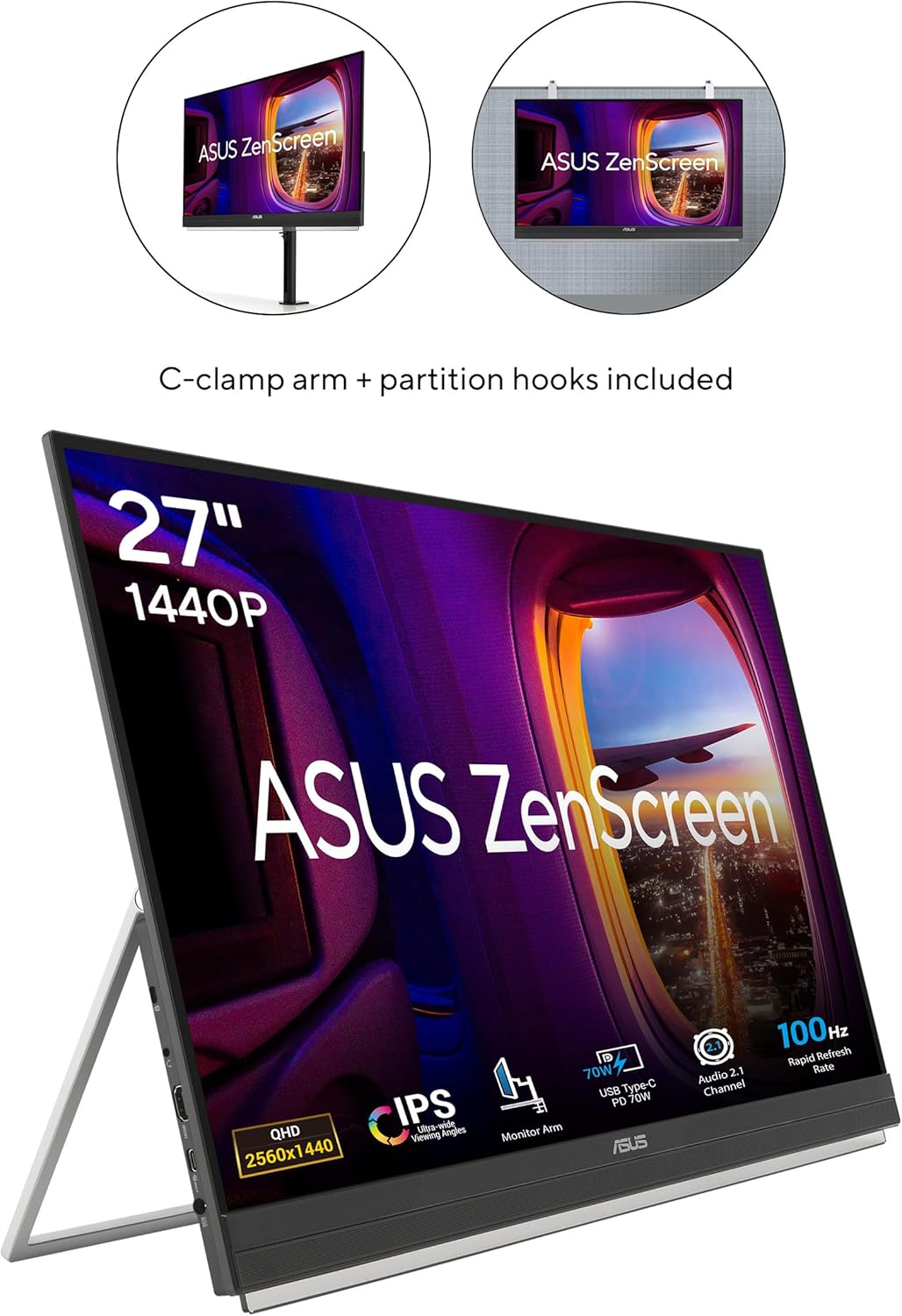
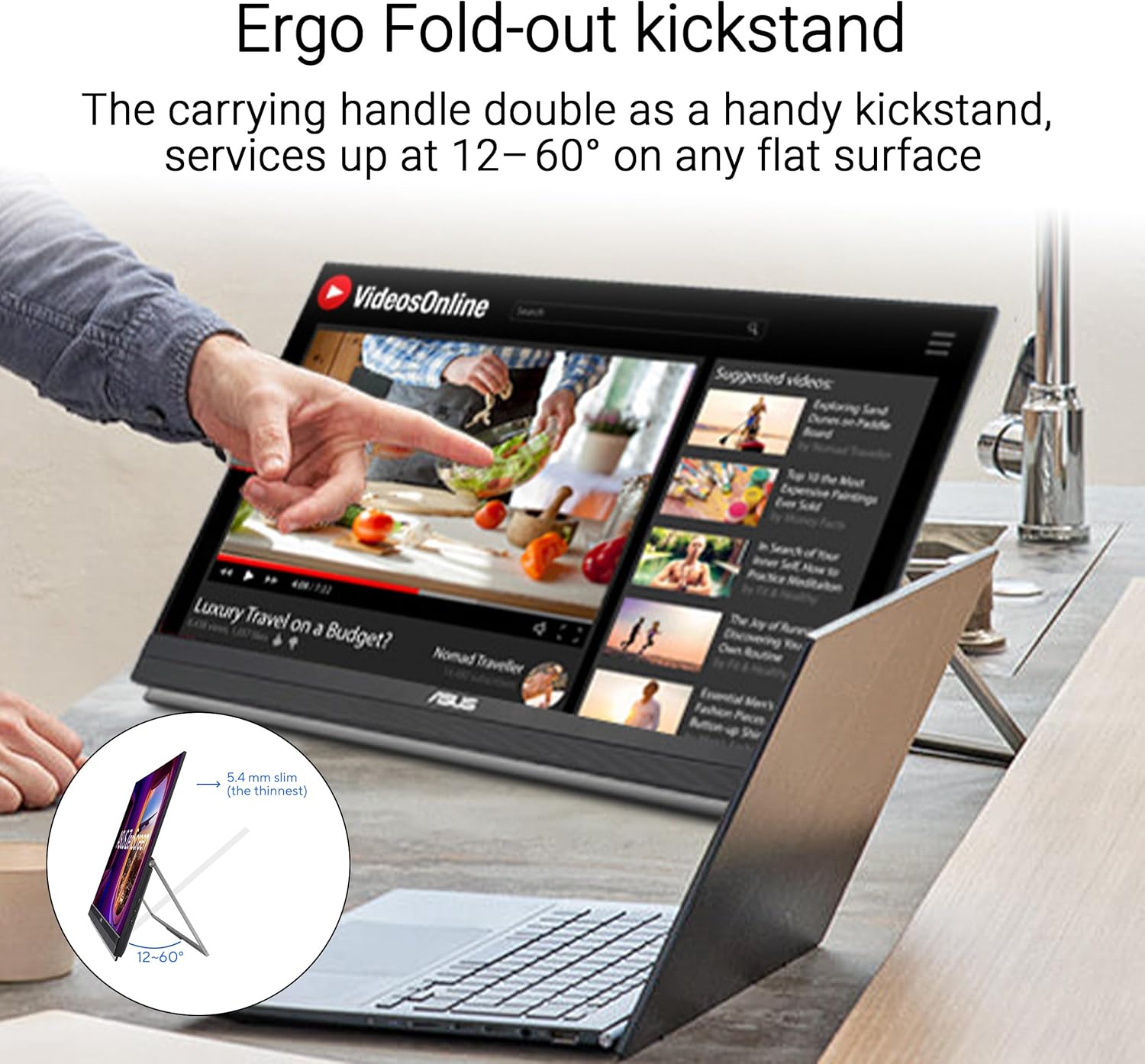
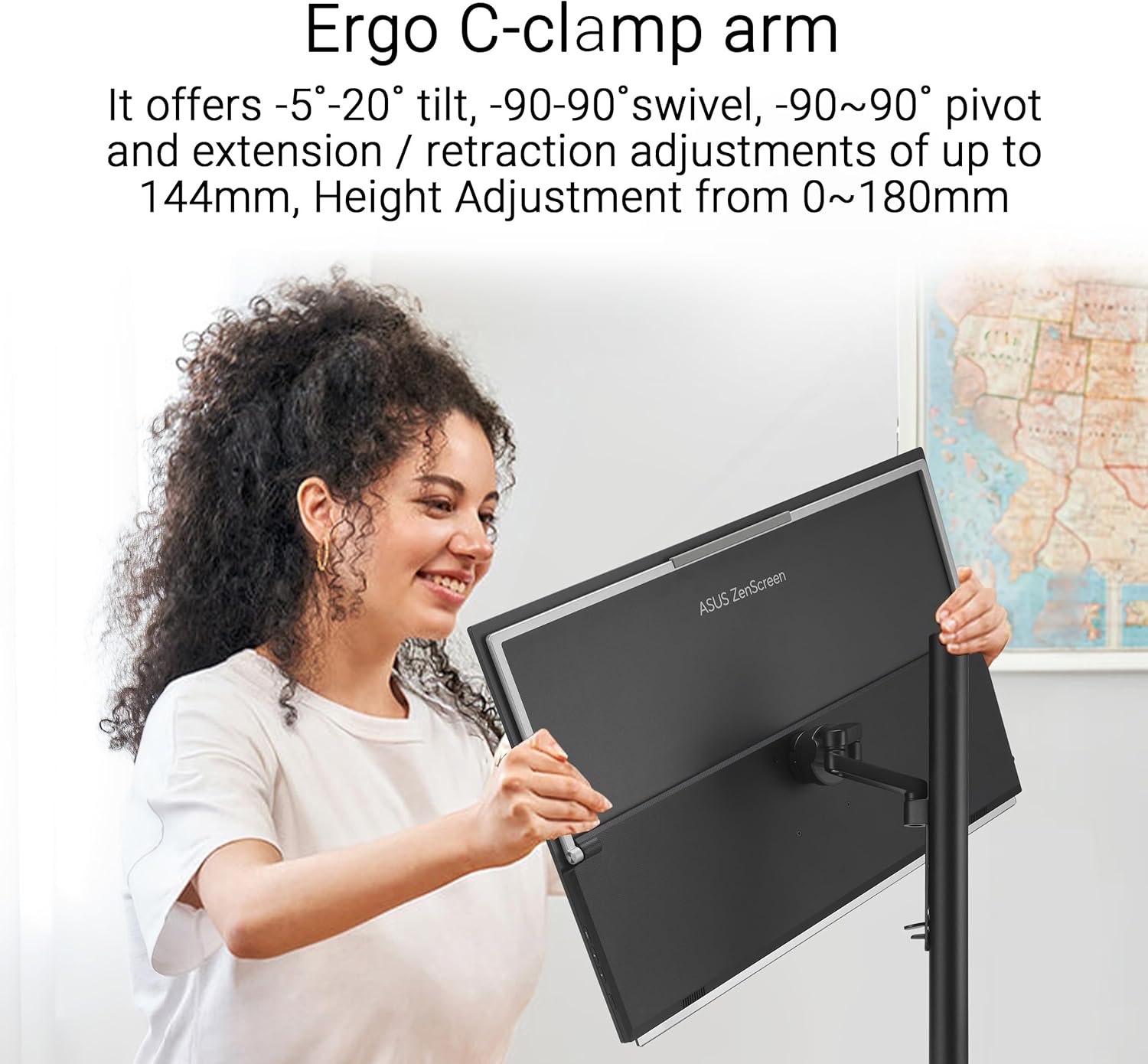
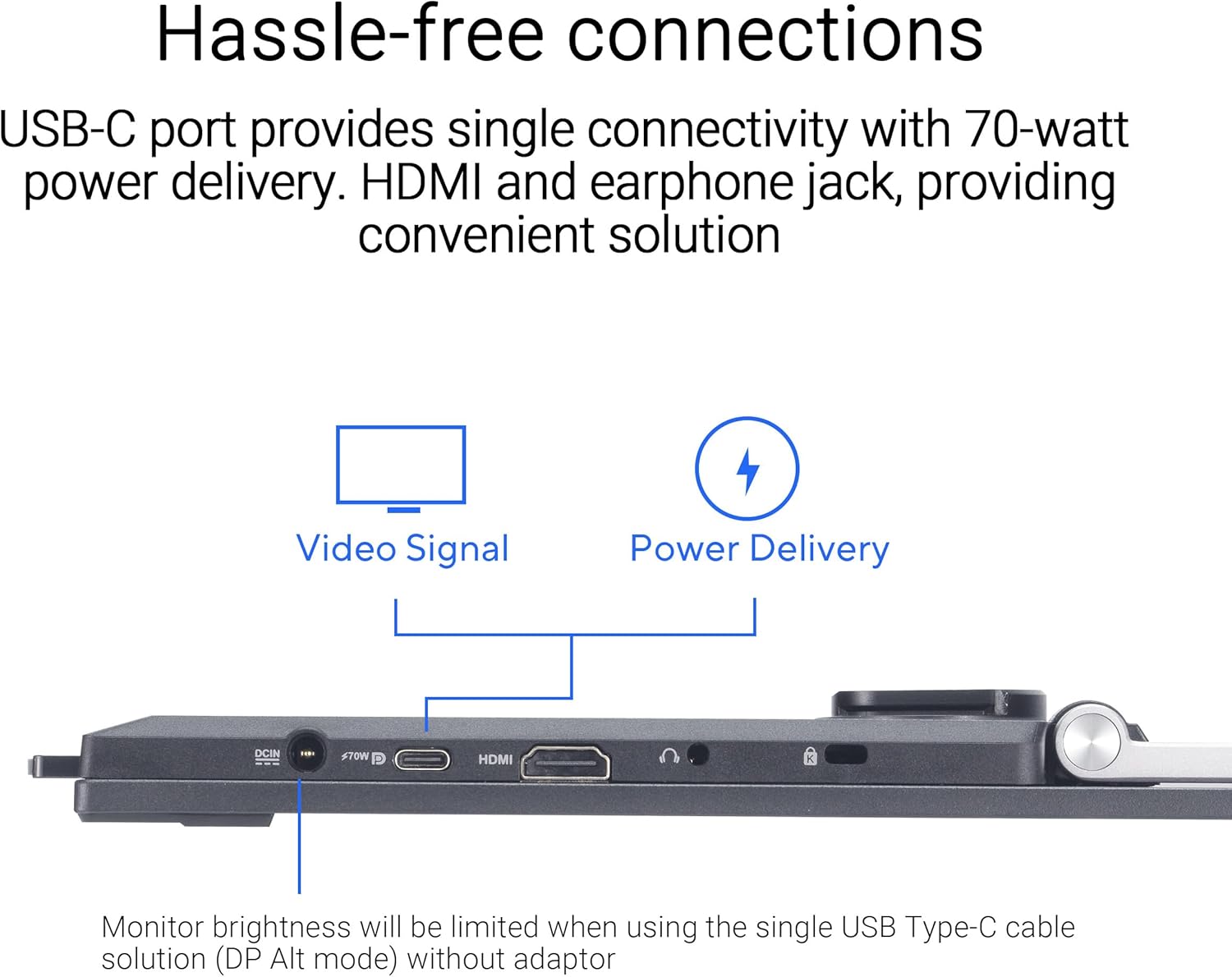


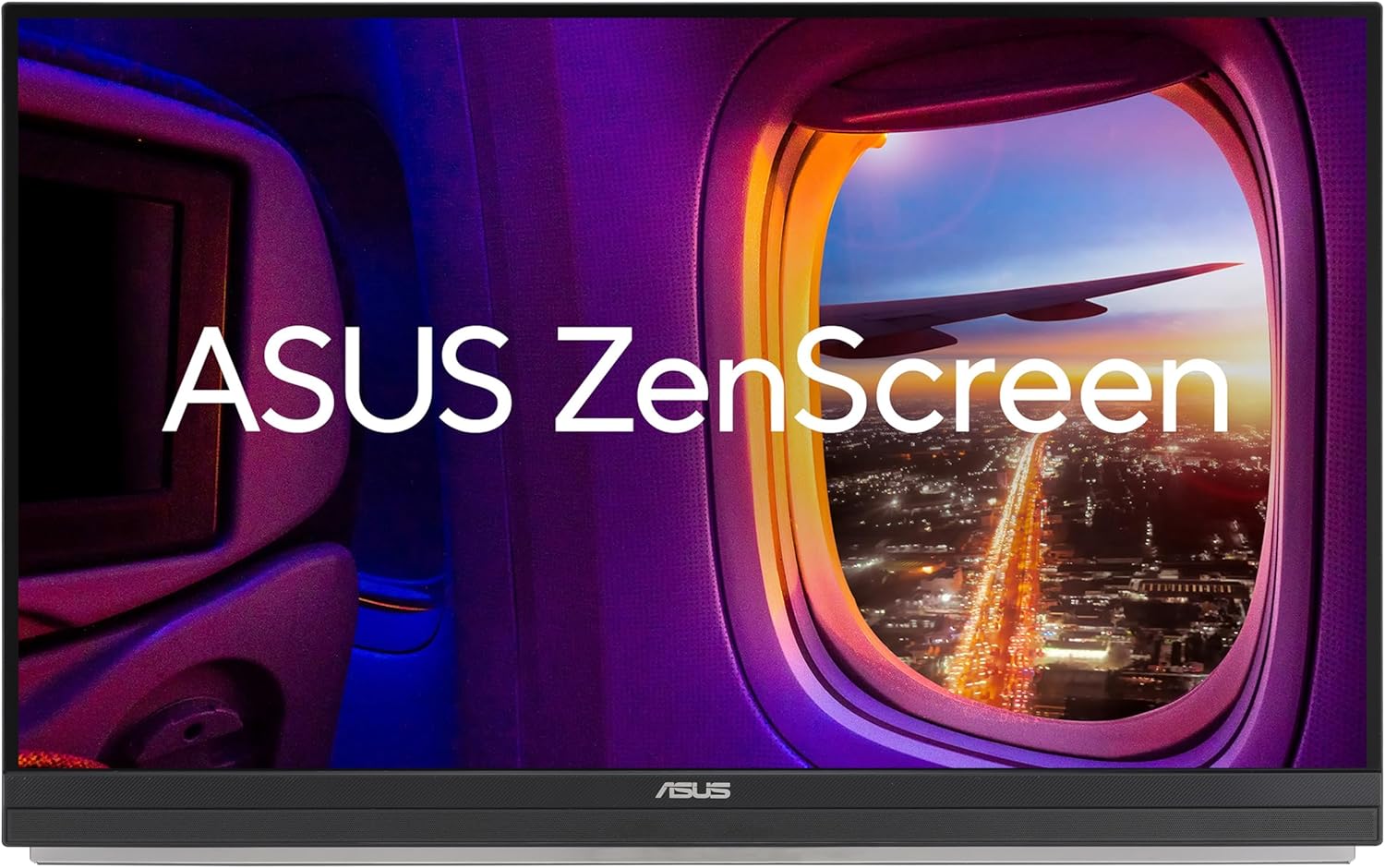



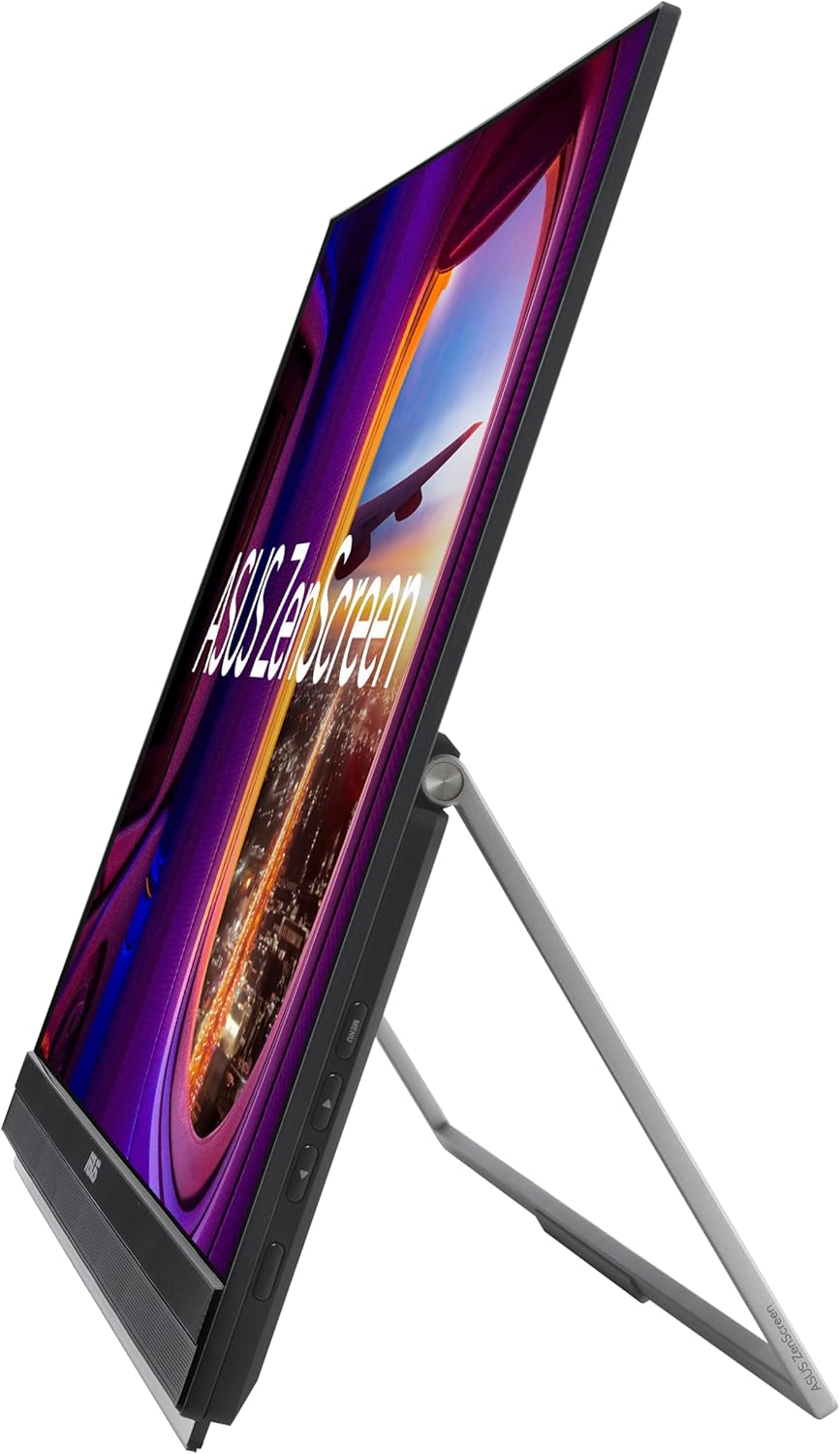
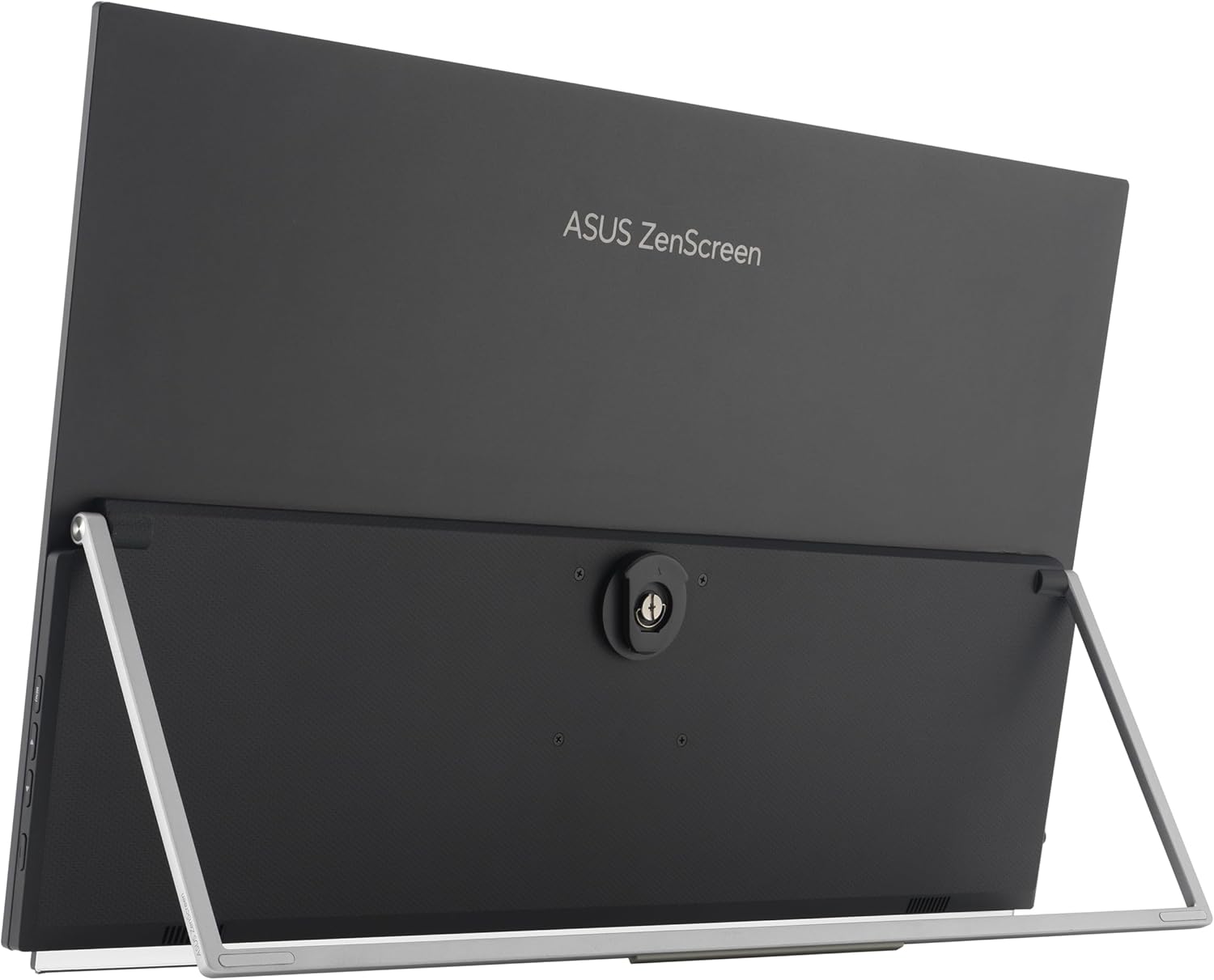
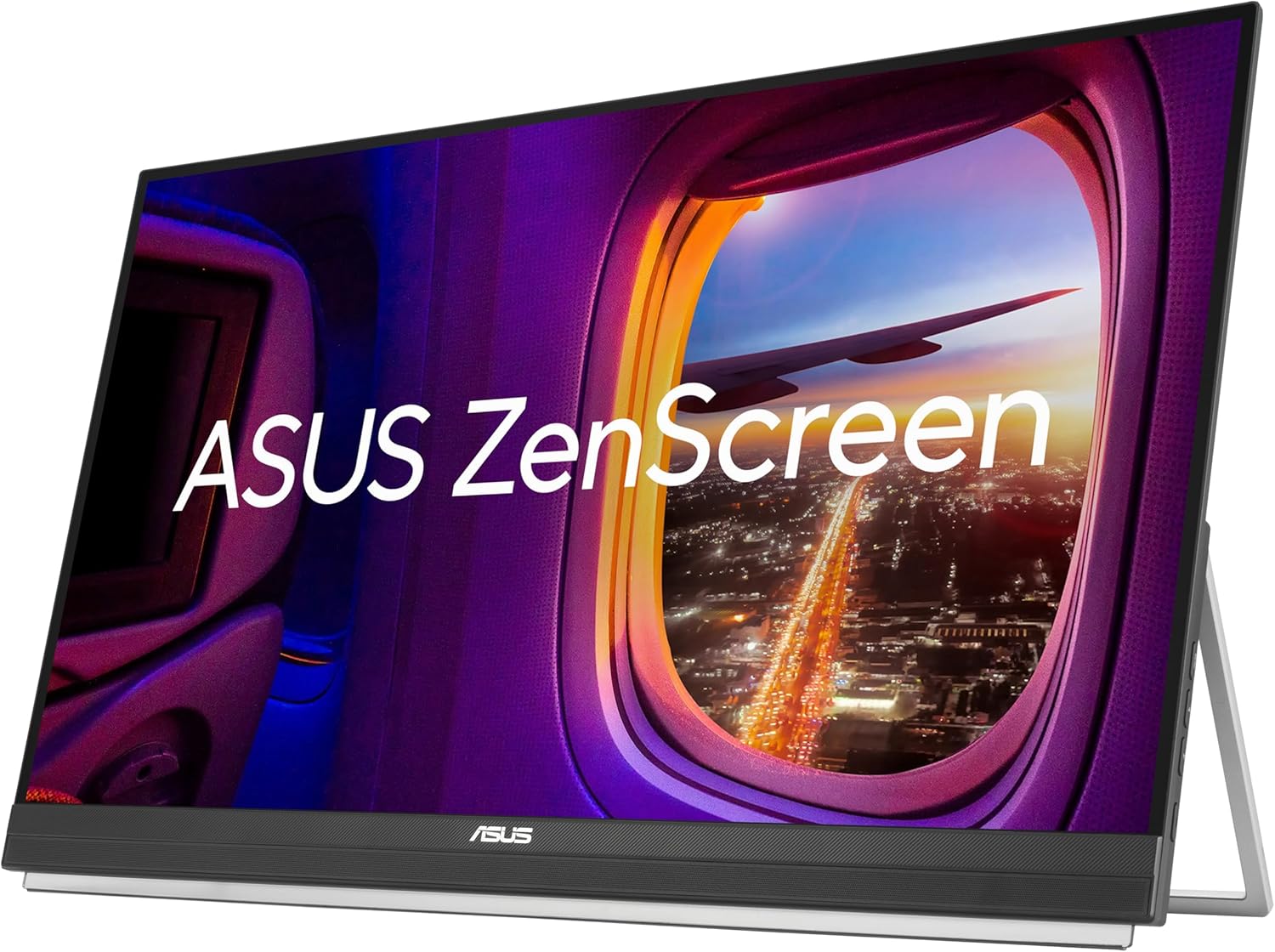
ASUS ZenScreen MB27ACF is designed to give multitasking a boost, with its large, frameless 27-inch QHD panel smooth 100Hz refresh rate. Its sleek 5.4mm profile and less than 3kg weight ensure effortless portability around the home, office, or co-working spaces. Plus, multiple stand options offer complete versatility, so you can configure MB27ACF to meet any need. Its versatility lets you turn any space into a productive nook.
27-inch QHD IPS display with sleek, ultraslim profile and light weight enable effortless portability
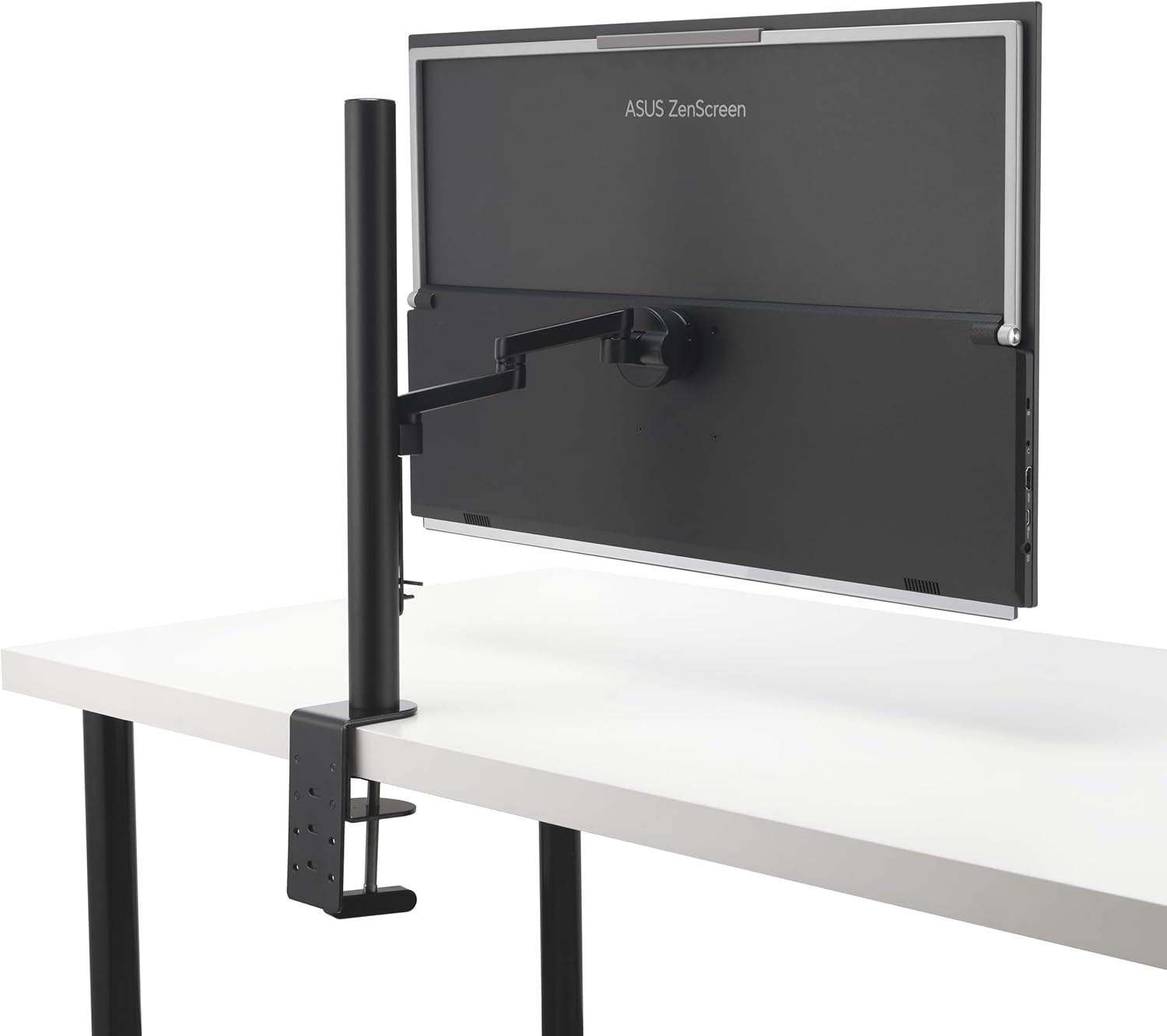
Multiple stand options and accessories, including an integrated carrying handle/kickstand, height-adjustable C-clamp with Z-axis adjustment, and partition hook kit for flexible placement
Rich connectivity options include a full-function USB-C with 70-watt power delivery, HDMI, and earphone jack
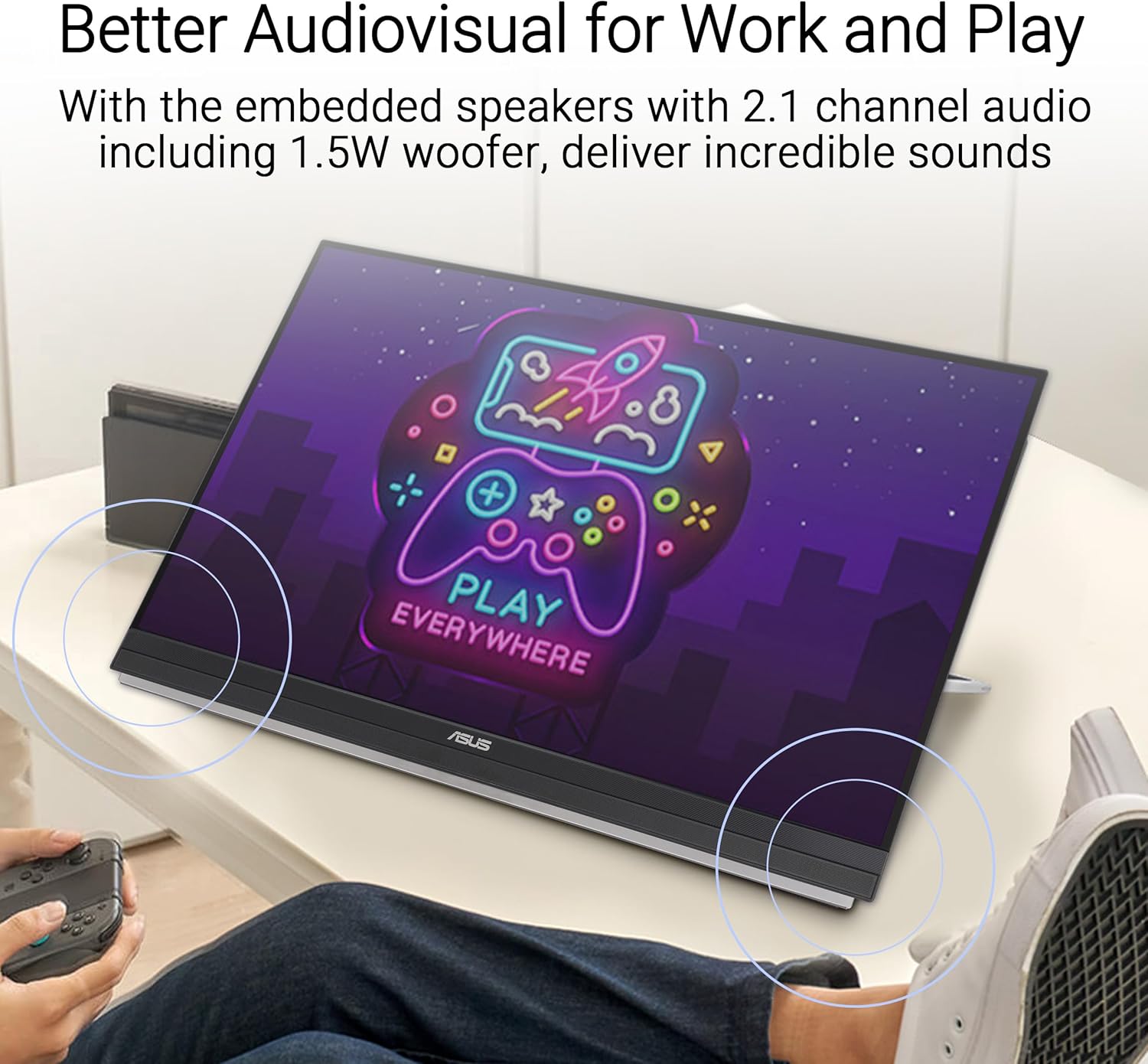
Powerful 2.1-channel audio with subwoofer for exceptionally well-balanced audio
Environmentally friendly design with ENERGY STAR-certified energy efficiency, and packaged in FSC certified paper
3-month Adobe Creative Cloud: Receive complimentary access with the purchase of this product (valid until 8/31/2026)
8 reviews for ASUS ZenScreen 27” 1440P Transportable Monitor (MB27ACF) – QHD (2560 x 1440), IPS, 100Hz, USB-C PD 70W, Speakers, Carrying Handle, Kickstand, C-clamp, Sub-woofer, 2.1 Channel Audio, 3 yr Warranty
Add a review

$76.99
Topcat –
Inexpensive and impressive option for a “pop-up” office
About a year ago, a customer support rep from a company I work with was raving about the “portable monitors” her team had acquired. I remember being intrigued by the concept but I’d yet to encounter an application for such a thing — both my home and on-site offices were already equipped with full-sized, dual screens. However, since then, my wife and I acquired a travel trailer, out of which I plan to work remotely on occasion. I started thinking about using the trailer’s onboard HD TV as a second monitor but it’s really too far away from my workspace to serve as a 2nd monitor. I then thought of hauling and extra, full-sized monitor along but the work to set it up, tear it down and find storage space seemed to outweigh the benefit. Then I remembered that conversation last year about portable monitors ….The ZenScreen seemed to garner good reviews, and I’ve been happy with other Asus products I’ve purchased in the past. Mine arrived yesterday and I gotta’ say that I’m rightly impressed.I’m not sure why you’d want to consider the larger models as those seem to fly in the face of portability. But the 16″ model (15.6″ viewable) is lightweight and small enough to coexist with a laptop in most computer bags. Setup is fast and easy – a quick-connect kickstand allows you to place the display right next to your laptop at the perfect angle. Power and video are simultaneously delivered via a single USB C connection. And brightness, contrast and image quality really exceeded my expectations.My local Target store has a similar Asus 16″ ZenScreen for twice the price. The performance specs seem identical to this one. The only difference seems to be that it has an integrated folding stand verses the screw-on “kickstand.” While the integrated stand seemed a bit more convenient, it didn’t look as sturdy (especially when propping up the display in portrait mode) and I couldn’t justify twice the price.Obviously, I have not yet had enough time to speak to the long-term reliability of this product. I’ll be sure to edit this review in the future if I encounter any issues. However, this Asus backs the ZenScreen with a 3-year warranty and, as I said, the company has a good reputation for quality.So far, I enthusiastically recommend the ZenDesk portable display for those who travel with a laptop and have the need for dual displays.
Elayna –
Great monitor, indispensable!
I love this monitor, It is my office when I’m away from my office. If not plugged in it does drain the laptop battery but that is expected, I always carry external batteries anyway.The size is perfect, the clarity is as good a my macbook, and it just works.
AI –
Excellent portable montior
I’ve had several mobile monitors that utilize DisplayLink over the years, this is my fourth so far. In the past, I started with the 14inch Lenovo LT1421, I went to 15.6 inch HP, then finally to the 14 inch HP S140u before moving to the ZenScreen. Each had their upsides but all had basically the same downside, resolution and color quality. For comparison the only one fair to benchmark the ASUS ZenScreen against (from what I’ve used) is the HP S140u as that is still available for sale by HP. The ZenScreen is worlds better. First off, with such thin bezels on 3 sides of the ZenScreen, you get 15.6 inches of screen instead of 14 inches of screen for almost the same total size, a huge plus. Secondly, the ZenScreen actually fits better in my bag even though it is marginally bigger overall; it is very thin for being a monitor and most important to me is the thickness is consistent across the unit. The HP had a rounded back that made it less convenient to have in my laptop bag and created a strange “bulge” when all packed up. That, plus the ZenScreen is just a bit lighter, was a win on its own.The most important factors here though are resolution and color quality. The resolution is full 1080p which is far better than what I’ve used in the past. There is no resizing of documents etc when you drag something over from your primary laptop monitor (granted their may be a little bit depending on the resolution of your laptop but at 1080p this is very minimal and hardly noticeable from other models, such as the HP S140u I’ve dealt with). I realize ASUS has other screens with 1080p but their stands before the ZenScreen are so ridiculous and non-user friendly, I always avoided them. On that point, the stand on this screen is pretty smart. Some point this out as a flaw but honestly in the mobile monitor space, no one has a perfect solution (the S140u wasn’t bad as it had a similar concept, but still I think ZenScreen is superior). The stand is effectively the case that wraps around the unit and with a few simple folds, strong magnets hold it in place as a stand. There are two degree’s you can have it at (at least, with the fold option I prefer – I guess there are a couple in the instructions only one of which I remember) and they seem to be all I need (I really only change the angle if I am experiencing glare); Oh, and you can also use a pen if you prefer to prop this up – I’ve yet to use this as the case is so quick and effective to fold, but an option none the less. As for color quality, I am not an expert on the levels etc but this screen, although the colors are a little different from my laptop, are the best I’ve experienced in a mobile monitor; there are settings you can play with native to the screen that allow you to adjust certain aspects which was key in getting the colors to line up pretty well. Again, not perfect compared to my laptop monitor but close enough where after the first week of using it, I didn’t even noticed anymore.All in all, this monitor is easily worth the $250. In my experience, it is the best I’ve used and I’ll use it until something eventually is more sophisticated, but I suspect this won’t be for a while as this screen (compared to others I’ve used) seems ahead of the game.
Jim B. –
Work seamlessly. Just plug-in and go.
Ayub –
The monitor has good build quality. Plug and play, no issues in connectivity using Type C cable. Works equally well with USB A cable when drivers are installed. Very portable being lightweight. The color reproduction is not great but good enough for general use as an extended display.
Nadnum87 –
I purchased this product as I travel a lot and needed a second monitor when using my laptop. The dual mode input is a great advantage as it increases the compatibility to include all laptops with a USB port, without requiring the additional input.The size and weight make it great for travelling, fitting easily into my existing laptop case.I would definitely buy again, and am considering a second to provide me with a third screen option.
Nathan –
If you’re sitting on the fence on whether to pay the premium for an ASUS zenscreen or save a few bucks and settle for one of those cheaper OEM alternatives, I’d highly recommend you to just get the ASUS. I too, went for the cheaper ones, and ended up hating the quality and returning them. This model from ASUS works as advertised – build quality is fantastic, screen quality and color are also much better compared to the cheaper OEM models.
Georges LE ROUX –
con esa pantalla conectada a un puerto USB, mas otra conectada al puerto HDMI de mi portatil, tengo tres pantallas; era el objectivo comprandola y lo he conseguido