

Brother DS-740D Duplex Compact Mobile Document Scanner
$25.99
Related Products


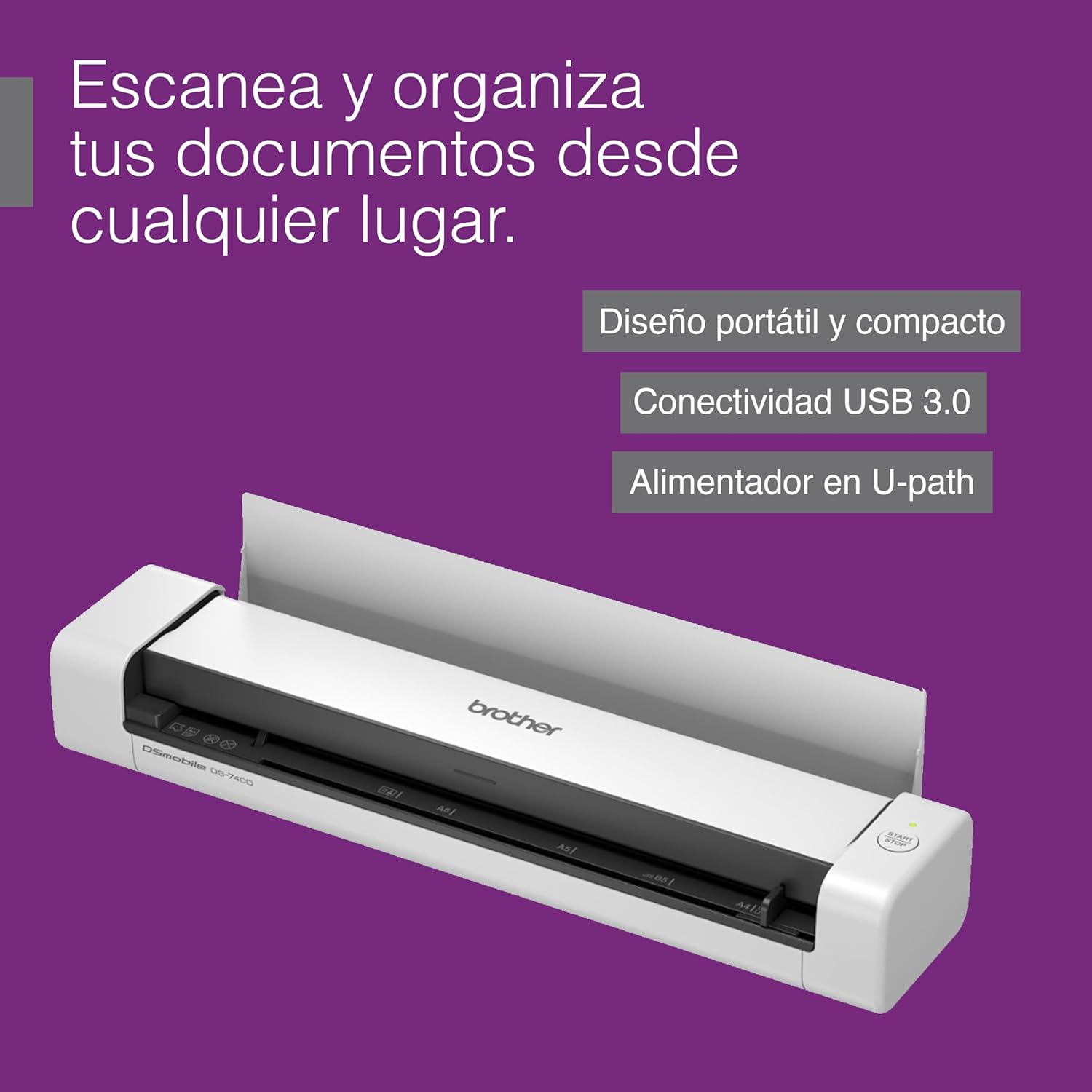

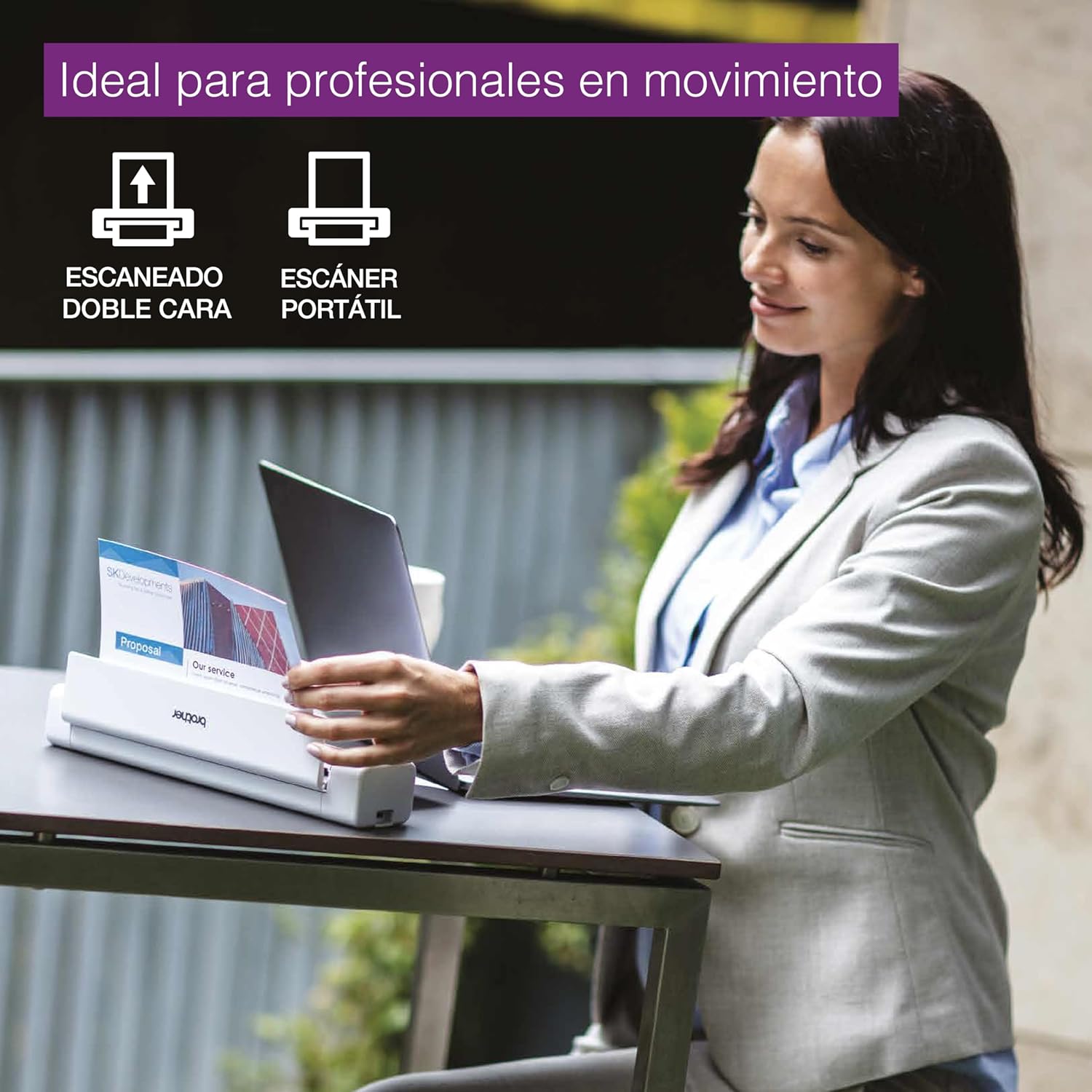
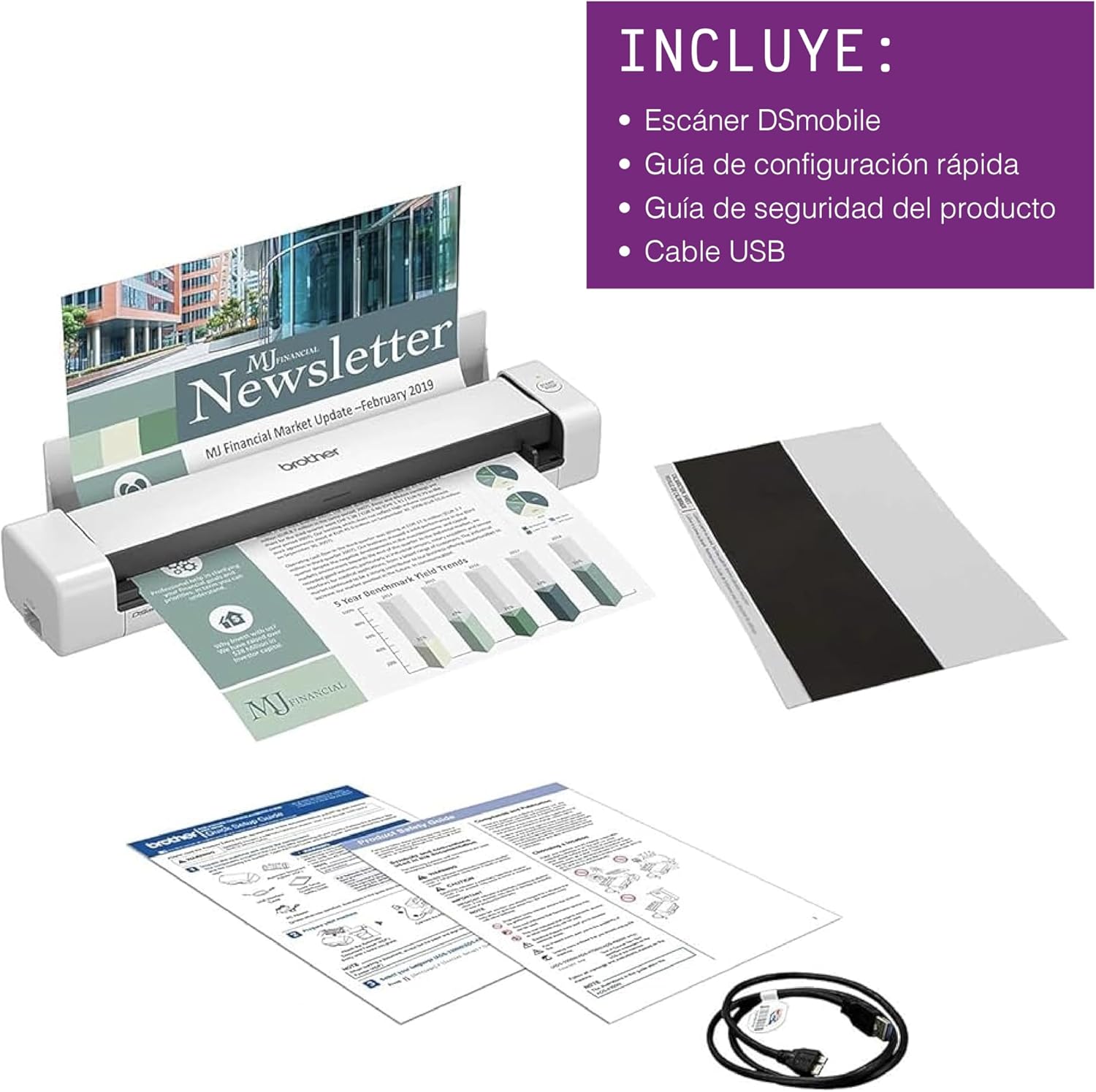
With its compact mobile design and simple workflow applications the Brother DS-740D duplex mobile document scanner is ideal for on-the-go small office/home office professionals It quickly scans single and double-sided materials up to 16ppm(1) in a single pass through a local USB connection Power the DS-740D through a micro USB 3 0 cable connection to your laptop or PC and experience the portability that makes this product the perfect work partner for mobile professionals Scan to multiple destinations including File Image OCR Email and cloud services(4) with the Brother free iPrint&Scan for desktop software Compatible with Windows Mac and Linux Supports TWAIN/WIA for PC/ICA for Mac/SANE drivers (3) Scan two-sided documents once eliminating the need to rescan the same document saving time and avoiding deterioration of your originals Save space with the new DSD (Desk Saving Design) feature from Brother which drastically reduces desk space needed to operate the device Enhance scans with automatic color detection/adjustment image rotation (PC only) bleed through prevention/background removal text enhancement and color drop (4) The DS-740D small footprint and light weight make it ideal for users that need to scan on-the-go The included software suite provides document management and OCR software for easy storage and retrieval of your documents Have confidence with a one-year limited and free lifetime product online call or live chat support (5) Disclaimers (1)Color and monochrome scan speed letter size paper at 300dpi (2)Based on Letter (8 5 x 11 inch) size paper (3)Drivers and bundled software available via download at solutions brother Internet connection required Refer to User Guide for more information (4)When connected to a PC with applicable software Drivers and bundled software available via download at solutions brother Internet connection required Refer to User Guide for more information (5)Free technical support only in USA.
FAST SPEED AND DUPLEX SCANNING – Scan single and double sided documents in a single pass at up to 16 ppm (1) Color scanning doesn’t slow you down at all as it has the same scan speed as black and white document scanning
ULTRA COMPACT – At less than 1 foot in length you can fit this device virtually anywhere (a bag, a purse a pocket) The DSD (Desk Saving Design) feature reduces the amount of space needed to use the device saving you 11 inches of desk space (2)
READY WHENEVER YOU ARE – The DS 740D is powered via an included micro USB 3 0 cable, allowing you to use it even where there is no outlet available Plug it into your PC or laptop and you are ready to scan
WORKS YOUR WAY – Use the Brother free iPrint&Scan desktop app for scanning to multiple “Scan to” destinations like PC Network cloud services Email and OCR (2) Supports Windows, Mac and Linux and TWAIN/WIA for PC/ICA for Mac/SANE drivers (3)
OPTIMIZE IMAGES AND TEXT – Automatic color detection/adjustment image rotation (PC only) bleed through prevention/background removal text enhancement color drop to enhance the scans Software suite includes document management and OCR software (4)
The unique roller system means you are not required to have extra space behind the scanner for the document to feed-through. As the document goes in, it glides over the top of the scanner and is returned to you.
Bring your documents to life with the DSmobile DS-740D portable document scanner.
Enjoy scanning, saving and sharing your files whether you are in the office or out on the road. Whether it’s receipts, 2-sided documents or ID cards, your files are easily transformed into digital files. Making your information safer, easier to find and more convenient to edit or share.

Hae, The Journeyman –
A great portable scanner for mobile offices
It’s heavier and slightly bigger than the Epson Workforce ES-60W, but the built quality and sturdiness are superior. Scanning speed and quality are also better. It does the job I need.Functionality:It scans both sides.9/10Durability:Well built.9/10Speed:The scanning speed is fast.10/10Quality:Software quality can be better.Additionally, the downloadable software, Power PDF (with the serial number), is for a 14-day trial period only. Why is that?6/10
Brain Bailey –
Brother’s Japanese Portable Scanner!!
One of the greatest creations for students, bookkeepers & businesses owners. When filing electronic documents, images, identification and card information.
Stephen –
Good Portable Scanner
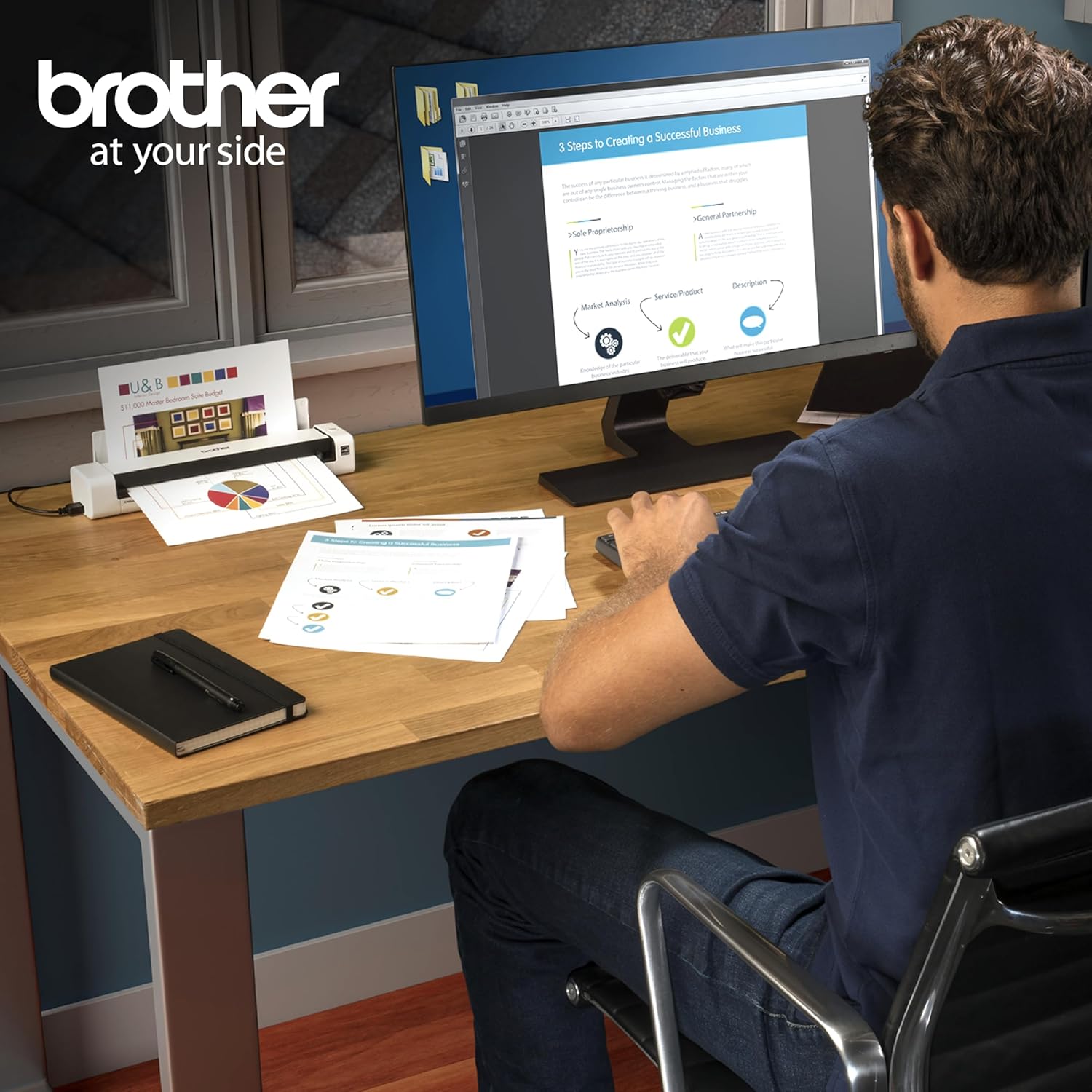
I purchased this scanner to use on my desk at work. I do not have a lot of space on my desk so I needed a smaller unit. This worked perfect! I have it sitting in front of one of my monitors, between my keyboard and monitor. While there are a couple quirks with this, I relly like it. Here are some pros and cons of the unit:Pros:- Compact: It’s small enough to fit on a smaller desk or throw into a laptop bag if you travel- Quick: It is pretty quick when scanning. A full page takes a few seconds to process- Software: The software is pretty easy to use and allows you to save as various types of documents. I usually scan as PDF. It also has an option to scan multiple documents to the same file and front and back.- Includes a copy of PDF editing software, with the codes on the bottom of the unit- It uses a single USB 3.0 cable to connect and power the unit, so no separate power cable is needed. That’s really big for me. The fewer cables the better.- Scanner has a “paper grabber” (not sure what to call it) that pulls the paper in slightly when you first stick it in. That’s a nice way to know when your paper is ready to scan.Cons:- Jams: I have had a few instances where I stuck paper in too quick and it showed a jam. The only way to clear the jam was to unplug the unit and plug it back in. Not a deal breaker, but it caught me off guard the first couple times it happened. Just be a little gentle when putting paper into the scanner.- Slider for paper size is way too easy to move. I’ve stopped using it because of how easy it slides. It needs a way to lock it in place or notches to give it some slots to hold it in place. As it is now, bumping it with paper moves it.- Cover is pretty hard to open. I was afraid I was going to break it the first couple times I tried to open it. The first time opening it, I thought maybe it wasn’t made to open. After a few very firm pulls, it finally popped open.Overall, I’m very happy with my purchase. It saves me from having to walk to another part of the building to use the community printer/scanner/copier and wait for the email to come through. It doesn’t take up much space, and it is quick. I’d highly recommend this to anyone looking for a portable or small scanner.
James L. Wagner –
Works well
Great scanner and printer
Banana –
Included software necessary
Really good scanner, fits up to pretty much exactly 8.5×11. we digitized like 25 huge photo albums in about 3 days. You really need to use the software on their website because it gives you a continuous feed option that saves so much time. Whatever the PPM listed on this page, it’s wrong. This scanner scans much faster, provided you do three things: use continuous scan setting, close the tray so it’s feeds out straight, and pull the pictures away so they don’t cause a “jam”. My only complaint is that it will “jam” because it thinks it’s blocked, and instead of allowing you to continue after pulling the picture out and continuing scans, it aborts the scan (saving the pictures most of the time) and you have to restart continuous scan.
LAH –
Small, but a workhorse!
This is a great little printer. I was looking for a portable printer that didn’t rely on thermal paper and this is what popped up in my research. Although it’s a tad heavy if I had to take it with me every day. It’s still doable. It is a bit bigger than I had hoped, it’s still substantially smaller than most other printers unless you go to a thermal printer which I didn’t want to do.I have a bigger color Brother printer, so I was already familiar with the quality of their products. And this one lives up to their high quality standards. It holds a good amount of paper, so I don’t have to keep feeding it all the time.It does use toner cartridges instead of ink cartridges, so they are bigger. But once you walk through the steps of changing a cartridge, it’s quite easy.Overall, I’m happy with this purchase. It’s a great product at a great price and the quality is solid. I recommend this little workhorse.
Anthony –
I have good experience with previous Brother products, and this scanner, fortunately, was no exception. Decent quality of scanned documents, good scan speed, easy setup (macOS Catalina), and intuitive operation.
Muito bom e muito prático! –
Muito fácil de instalar e muito prático de usar! 100% satisfeito!
Deya –
Ha sido una excelente compra. El tamaño es perfecto puedes guardarlo fácilmente. Escanea rapidísimo y muy fácil de instalar en tu laptop. Me ha sido muy útil. Escanea super bien credenciales. Volvería a comprar otro producto marca brother.
Gerard –
Easy to use and pretty fast scanning
Kikirock –
Ya tengo más de 3 años y sigue operando muy bien