

EMEET C950 1080P Webcam – USB Webcam with Microphone & Physical Privacy Cover, Noise-Canceling Mic, Auto Light Correction, Fixed Focus, Ultra Web Cam w/ 70°View for Meeting/Online Classes/Zoom/YouTube
$15.99
Related Products


Product description
The video showcases the product in use.The video guides you through product setup.The video compares multiple products.The video shows the product being unpacked. EMEET C950 1080P USB Webcam with Microphone Merchant Video

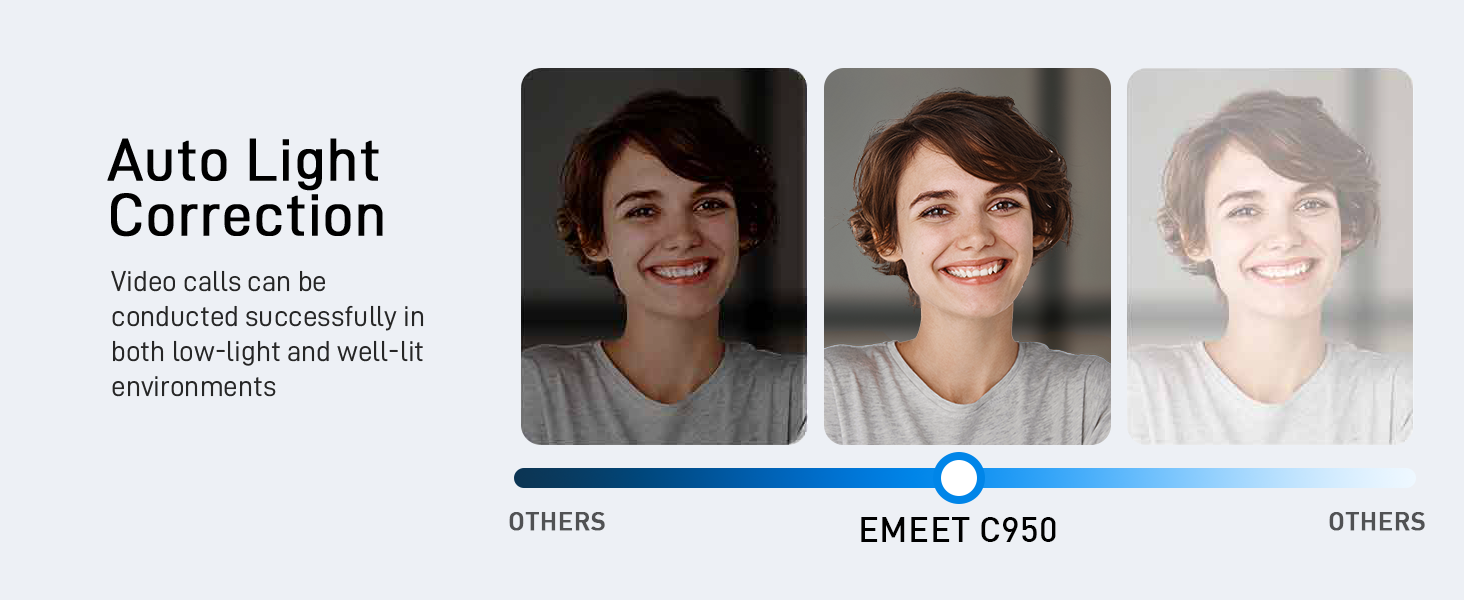

1 Auto Light Correction
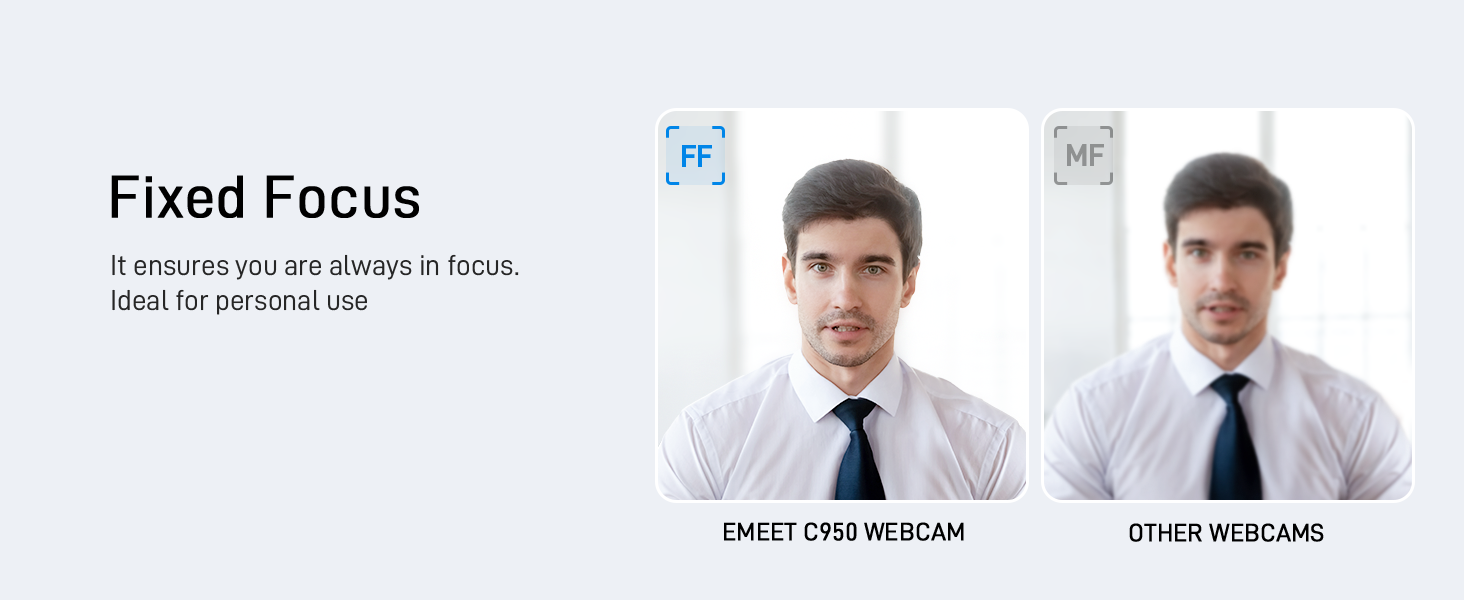
2 Fixed Focus
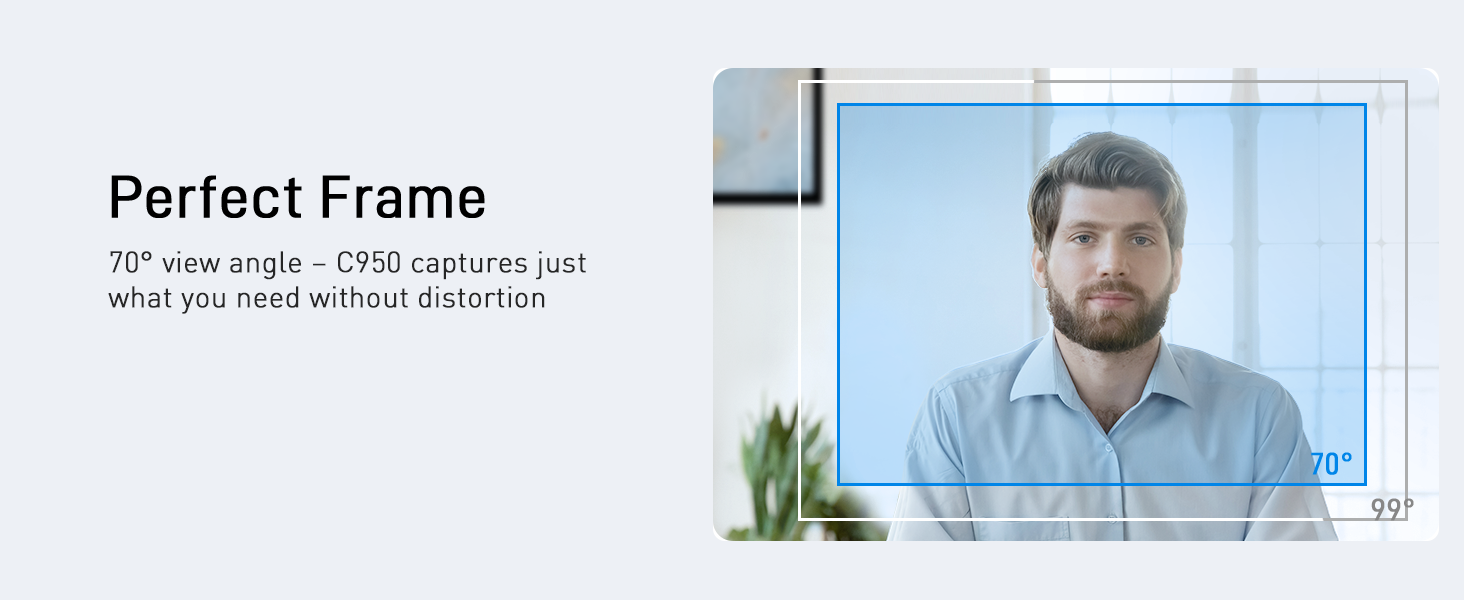
3 70° View Angle
4 Multiple Using Scenes

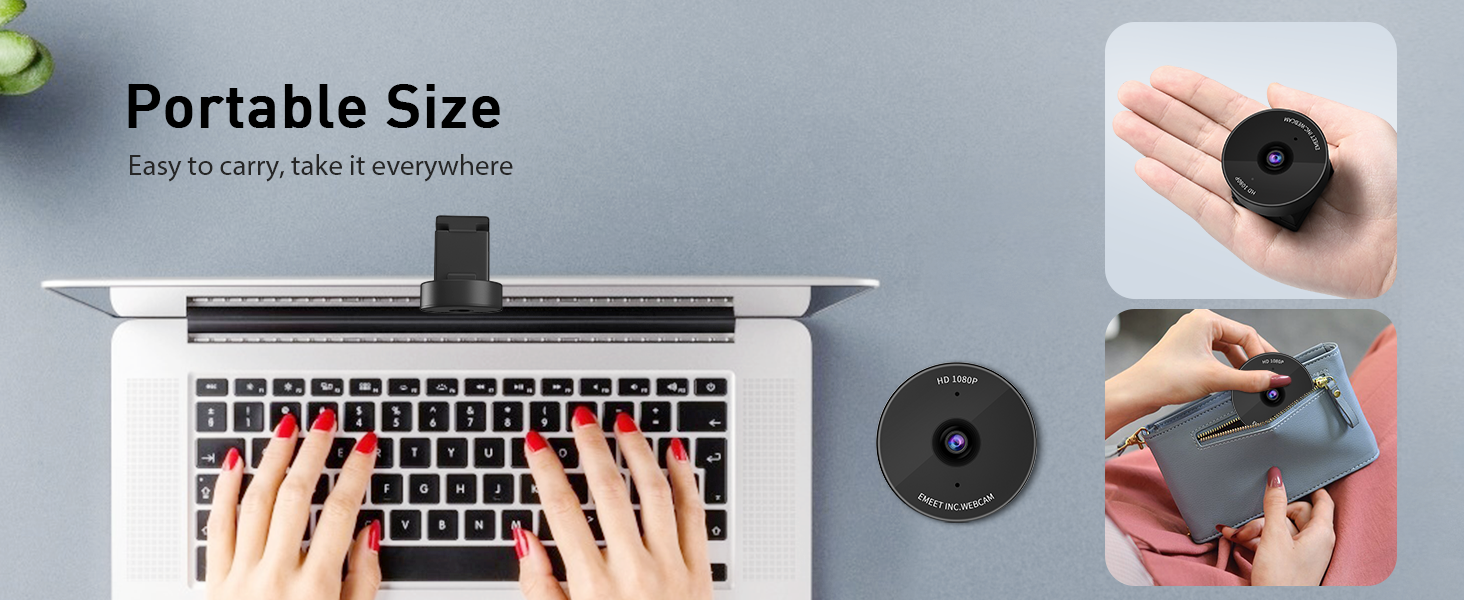
1 Portable Size
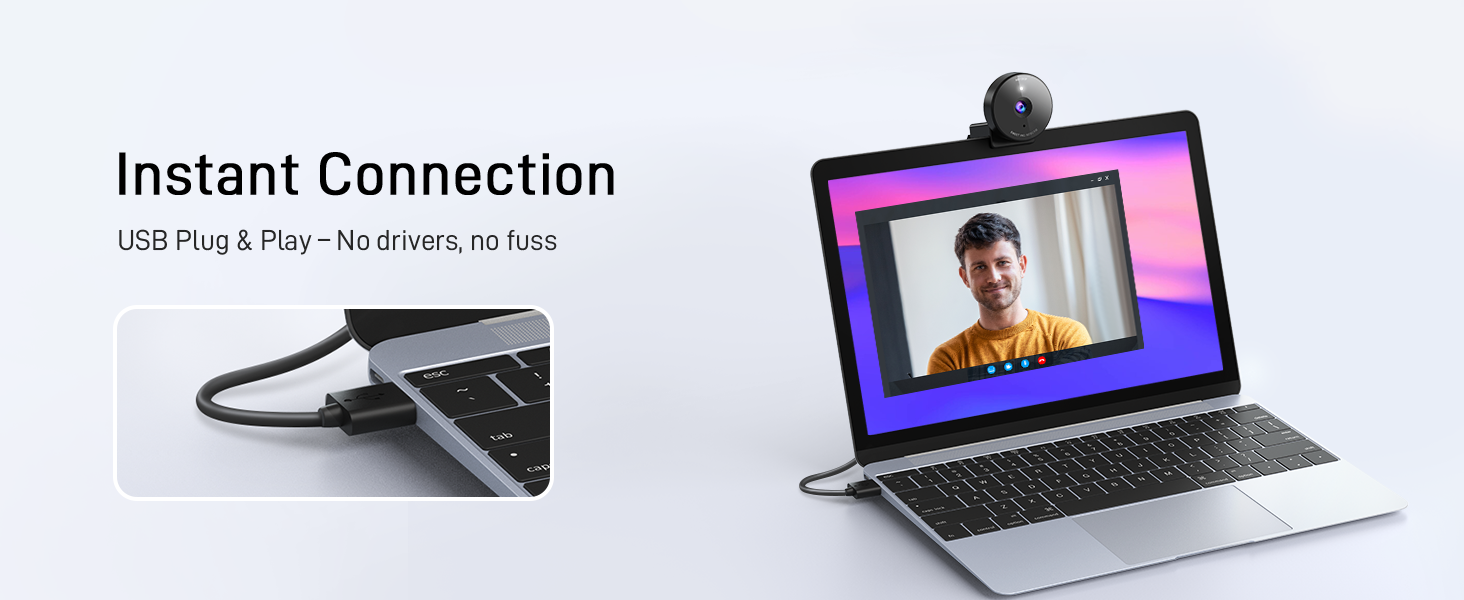
2 Instant Plug & Play
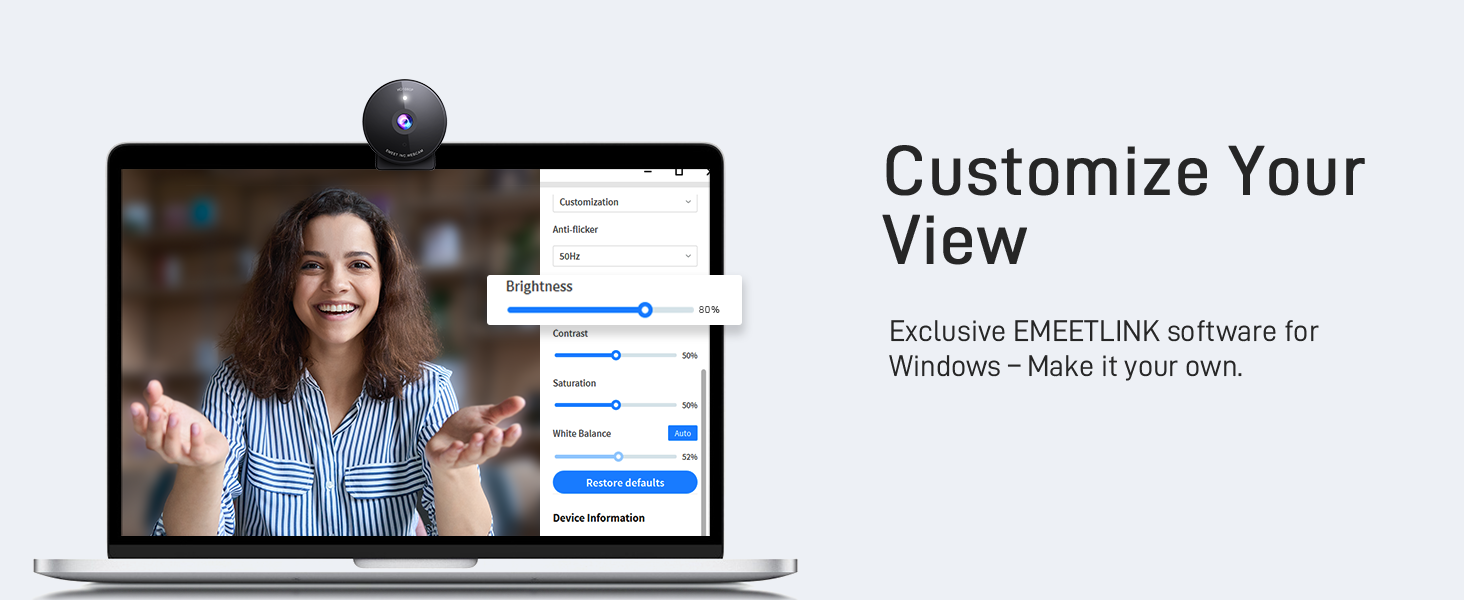
3 EMEETLINK Customization
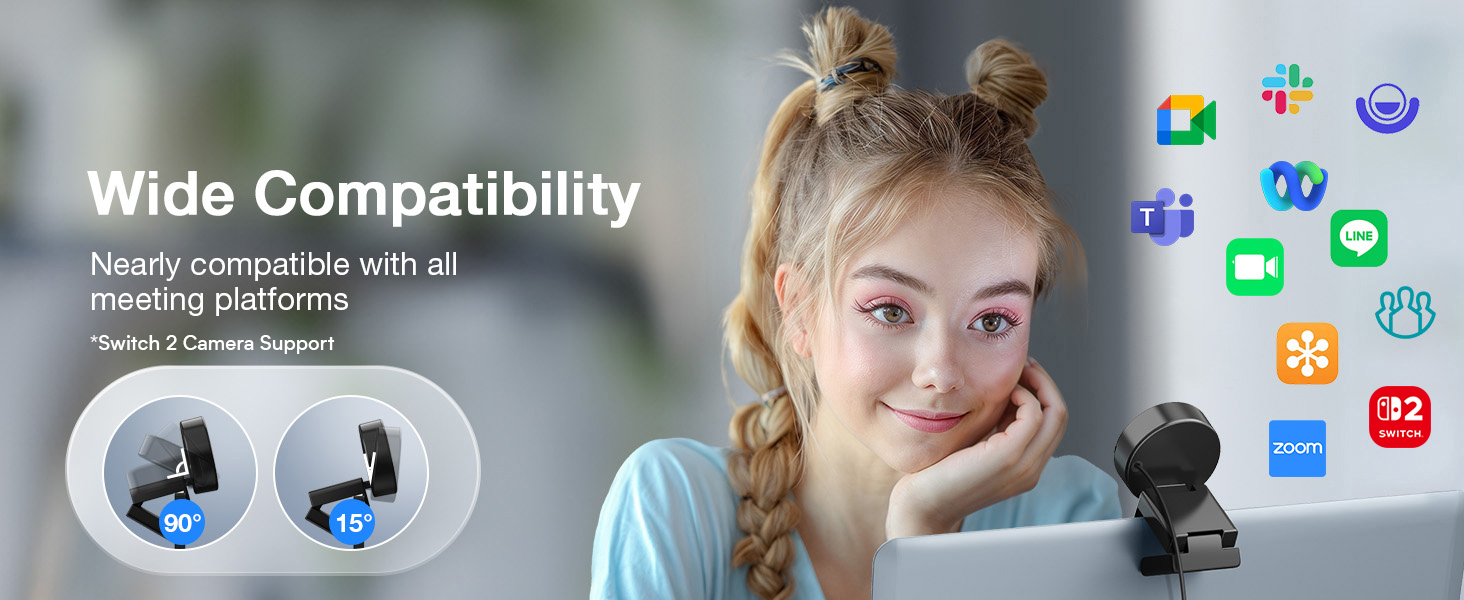
4 Wide Compatibility
Feature Comparison among 1080P USB Webcams
Offer
19.99
23.99
39.99
29.99
Release Time
2024 Latest Model
2010
2023
2020
Resolution/FPS
1080P/30FPS
720P/30FPS
1080P/30FPS
1080P/30FPS
Microphone
1 Noise-Canceling Mic
Single Mic
Single Mic
Single Mic
Light Correction
YES
YES
YES
YES
Camera Material
4 Plastic
Plastic
Plastic
Plastic
Privacy Cover
YES
NO
YES
YES
FOV
70° Perfect for Individual Use
60° too Small for Person
60° too Small for Person
110° too Wide for Person
What operating systems are compatible with the C950 webcam?
Compatible with Windows 10/11, macOS 10.14+, Android TV 7.0+, Linux, and UVC devices. Not all Chrome OS versions are supported—C950 works on version 76.0.3809.136. For help, please reach to us via Amazon’s messaging system.
What should I do if the operating system’s privacy settings block the C950 webcam from being accessed or started?
For Windows: go to “Settings > Privacy > webcam” and ensure webcam access is enabled for both the system and specific applications.
For macOS: go to “System Preferences > Security & Privacy > webcam” and enable access for necessary applications.
Which video conferencing tools are supported by the C950 webcam?
C950 works with Zoom, Teams, Google Meet, Webex, Facetime & more. Please close other webcam apps (e.g., conferencing or streaming tools) when using your preferred platform to avoid conflicts.
How to ensure C950 webcam powers on properly?
1. Correct Connection: Connect the webcam directly to a USB 2.0 port (avoid hubs/extensions).
2. First-Time Use: PC should auto-detect it; restart if not.
3. After Service: If it still doesn’t turn on, please find us for further assistance.
How to ensure the test image quality with C950 webcam?
1. Set C950 as the default camera in system settings and adjust resolution to 1080P.
2. Some apps only support 720P, which compresses the image, but it still looks better than native 720P.
3. For sharper video, consider upgrading to C950 4K model.
Innovative and Fashion Privacy Protection – EMEET C950 web camera comes with physical privacy cover slide to block immoral and unlawful shootings. Align to C950 webcam, press firmly for seconds, pull right or left, the privacy protection will be functioned. The privacy cover features a fashionable design which accords with the beautiful aesthetic of C950 device.
1080P Webcam with Specialized Software – C950 1080P webcam, powered by 2MP, provides sharp 30FPS video with low-light correction for optimal exposure. To achieve the best image clarity, use the webcam in a well-lit environment, avoiding backlighting or direct light. The ideal shooting distance is 0.5-1.2 meters, with the face directly facing the camera. Pairing with a high-definition monitor ensures the best viewing experience. Video/image parameters could be adjusted via EMEETLINK software.
70° Small View – The 70° ultra angle lens under web cameras for computers would be a good fit for personal use, such as online conferences or classes. EMEET pc camera better keeps you at the center of view without exposing too much details about the environment of your home or office, protecting your privacy as much as possible. This fixed focus hd webcam offers more stable image quality by precise focus. You are easy to surf the internet with adequate privacy care.
Noise Cancelling Mic Ideal for Clear Calls – The C950 webcam features an advanced noise reduction function that significantly enhances sound quality during live videos or online calls. By filtering out ambient noise, it ensures a more natural and clearer audio experience. For optimal sound pickup, keep the mic (100-10KHz, -38dB) at a distance of 1-1.8 meters from the speaker, use it in a quiet environment to minimize background noise, and ensure the mic is unobstructed and close to the speaker.
Easy to Use with Wide Compatibility – The C950 webcam works with Windows (Win 10, 11), macOS (10.14+), Android TV (V7.0+), Linux, and USB Video Class (UVC) devices. Additionally, we recommend using the above mainstream operating systems instead of Chrome OS which may not be compatible with all versions and models. It supports popular video tools like Zoom, Microsoft Teams, Google Meet, Cisco Webex, Facetime, GoToMeeting, Lifesize, etc, ensuring seamless performance across platforms.
13 reviews for EMEET C950 1080P Webcam – USB Webcam with Microphone & Physical Privacy Cover, Noise-Canceling Mic, Auto Light Correction, Fixed Focus, Ultra Web Cam w/ 70°View for Meeting/Online Classes/Zoom/YouTube
Add a review

$15.99
Christopher Gibson –
Great camera at an excellent value
I have a laptop that has several years old that has been upgraded with amazing specs. However, what hasn’t been updated is the WebCam that came with the laptop. Because the laptop is several years old, I did not want to spend a lot of money on a WebCam so I decided to try this as an option. I’m really glad that I did. Its compact size makes it easy to put away when not in use. The video and sound quality are both amazing with the camera. It was very easy to use and set up. I bought this on prime day and it was well worth the money!
Kodey –
Buy it…
If you are here because of TikTok, just buy it. It is very worth the money and quality is very good, if you think it won’t look good then maybe invest in lighting because that might be your issue. Otherwise, this is a very solid camera, just use OBS instead of their actual camera setting app.
HCC –
Simple and practical
This webcam is really easy to use, plug it into the USB port and it works right away. I bought it for my son’s online classes, and it has been very practical for that.The picture is clear, and the microphone works well enough for video calls, picking up his voice without too much background noise. The fixed focus viewing angle are fine for his desk setup, and the light correction helps when the room isn’t very bright.One thing to note: I never found the privacy cover that the description mentions, so that’s a bit misleading. Still, for the price, it’s a simple and reliable webcam that gets the job done.
Chelz 💋 –
Very good webcam for meetings
The video quality and sound is decent. I wouldn’t recommend it for content creating, but it’s perfect for meetings/conferences. I don’t use it that often but it hasn’t given me any problems since I got it. It connected with no problem and works with all the programs I’ve used so far.
Calbeau –
A Camera That Works with the Switch 2
I’ve been using this on my Switch 2 and it’s been great so far. Video quality, colors, and angles are all good, and as far as my Switch 2 is concerned, it’s plug-and-play. Not sure about any zoom capabilities though, as I haven’t tested this on any other device.Overall, a satisfying purchase.
Kim McKellar –
Fine but wouldn’t buy again
Works fine if you’re not picky. The light does not adjust well and the video is constantly over-exposed. Also it is a struggle to get it to work with zoom. I have to open zoom, my camera will go black, and then I have to open the Photo Booth app to nudge the camera to connect to zoom.
Jaz C –
Nice Camera!
Lightweight. Amazing brightness adjustment and camera image is spot on! Simple set up and audio is great. Replaced my work camera and I’m loving it! Price was nice, couldn’t pass it up.
James W. Anderson –
SUPERB image quality, but beware wavy lines caused by LED lighting!
One of my peers started using this camera for our team meetings, and for months I assumed he was using a DSLR for his webcam, because his image quality was *that* much better than anything I had ever seen. One day my curiosity got the best of me and I asked him, and I was floored when he told me it was this sub-$20 webcam.Under natural light this camera far exceeds even the best Logitech webcam I have. It is truly amazing how this low-priced, unassuming device can deliver such amazing performance, but it does.There is one flaw with this webcam which I will cover that later. But first, let me tell you all the good things about it…The camera’s native resolution is 1920×1080 pixels (1080p) and a 16:9 aspect ratio. Video conferencing apps can and sometimes do crop video to a 4:3 aspect ratio but this camera’s native resolution is full 1080p.Unless you’re Bigfoot, the sweet spot for this camera is about 20″ away. At this distance your head and torso will fill the screen fully. Any closer and you’ll crop your head or torso, and if you’re more than 36″ away you will look like a miniature person. The camera has a fixed focal length: there is no optical zoom. Apps may allow you to “zoom,” but they accomplish this by cropping the 1080p image, so your image will get fuzzier the more you “zoom” in (unfortunately, the “infinite zoom” technology showcased in movies like “Blade Runner” and on TV shows like “CSI” has yet to be perfected).Sharpness and color balance are good, while color intensity is low. Motion blur is minimal at 30fps, which is fine for videoconferencing unless you’re one of those who flails your arms when you talk, and even then you should be fine over a good network connection. But seriously, let your words speak for themselves and reconsider your need to flail. :)This is a USB device and setup is easy: plug it in and let Windows or Mac OS detect it, then choose it for your camera when you join a video call.This camera has one MAJOR shortcoming. Its image sensor is VERY sensitive to pulsating light from LED light bulbs or virtually *any* LED light source. This will manifest as wavy horizontal lines that slowly move up the image. If you use LED light bulbs in your home it’s very likely you will experience this. Here’s why…LED bulbs are powered by pulsating electricity. Circuitry inside the bulb’s base converts alternating current (AC) from the electrical outlet to direct current (DC), then pulses this direct current on and off rapidly at a rate and duty cycle necessary to produce the desired level of brightness for the bulb (this form of power delivery is called Pulse Width Modulation (PWM), if you want to learn more about it).Light from LEDs pulses in sync with the current that powers them. This happens so quickly that our eyes don’t detect it but the sensor on this camera does, as it’s sampling each of the 1080 lines that make up one frame of an image–some lines will be sampled while the LEDs are pulsed on and will be bright, while other lines will be sampled while the LEDs are off and will be dark. As the camera samples 1080 lines 30 times over one second, you get a mishmash of light and dark lines that our eyes see as wavy horizontal lines that appear to crawl slowly up the screen.ALL LEDs use PWM to power them because they would burn up if we applied a steady direct current at the level necessary to provide the desired intensity of light.My strong recommendation is to purchase a LED light source made for webcams, such as a ring lamp or LED array. These are engineered with a shorter pulse width or a randomly changing pulse width that eliminates the wavy lines. I purchased a rather inexpensive LED light that sets atop my monitor and illuminates my face and torso nicely, without the wavy lines. I can even fine tune the color temperature on the light to give my face a little more color on camera.Despite its sensitivity to LED lighting, I highly, highly recommend this webcam because of its amazing image quality and low price.
Gabriel Oliveira –
Devo ser um dos primeiros BR avaliando essa câmera.Chegou hj, rápido e pelos Correios. Pelo pouco que testei parece muito boa. Tudo é fácil de configurar pelo windows mesmo. O app da Emeet é ruim, além de desnecessário. O windows entrega tudo.Qualidade em 4k é top pra uma câmera de 200 reais. Satisfeito. Não é um 4k nativo, nem imagem cinematográfica, mas tá maravilhoso pelo preço.Proteção de privacidade foi fácil de instalar. Câmera plug and play.Um ponto negativo é que ela esquenta bastante. No geral recomendo bastante.
PaolitaB –
Great quality – very good value for money. I just got it and it’s def better than my laptop camera. Crisper. It’s more zoomed in so I have to move away from the laptop but not an issue.The photo I attached here is low res but the actual camera resolution in real time is very good. So far I am happy with the (inexpensive) webcam and my colleagues have noticed.PS: The difference in image quality is less noticeable if you use a blurred background on Teams.
Lucy Alejandro –
La laptop la detecta en automático., mejora la calidad en automático, excelente nitidez, mucho mejor que la de la laptop.
Suepy62 –
Easy set up plug and play. Microphone clear picture clear. Use it for video meeting no issues.
Mohamed G. –
جميلة وجودتها كويسة بالنسبة لسعرها