

FOPO 14″ Laptop Screen Extender, FHD 1080P IPS Monitor Extender, Just 1 Cable for 3 Screens Quad Monitor, Triple Extender for 12″-17.3″ Laptops, Compatible with Windows 10/11 and Mac M1/M2/M3
$84.99
Related Products


Product description


1 14″ FHD 1200P
2 Driver Quick Installation
3 connect 1
4 connect 2
5 connect 3


1 High Definition
2 For 12″-17.3″
3 Angle 360°
4
5 Packing List


Why does the video recording window appear when installing the driver?
MacOs laptops need to install the driver manually, due to the MacOS system’s inherent abiity to priect the system, it will show the recording window, this is
caused by the system, not the driver recording the screen.
How to deal with the black screen, no display, or screen flickering, or intermittent black screen after connection?
Please make sure that the power board indiator light is on, and then check whether both ends ofthe connection cable are connected properly. Try to connecan external power source (USB-C charger or DC 5V3A or PD charger) to the device.
Why doesn’t the screen above show a black screen?
For macOS system, you need to install the driver. In addition, if the screen does not display due to insufficient power supply, please power the screen, replug the screen, and restart the laptop.
Why is there a delay when displaying on the screen, requiring unplugging and replugging each time?
Connect the power first, then the signal. This will slightly improve the display response time. Since there is no memory function, it is recommended to unplug and replug the device and restart the computer before each use.
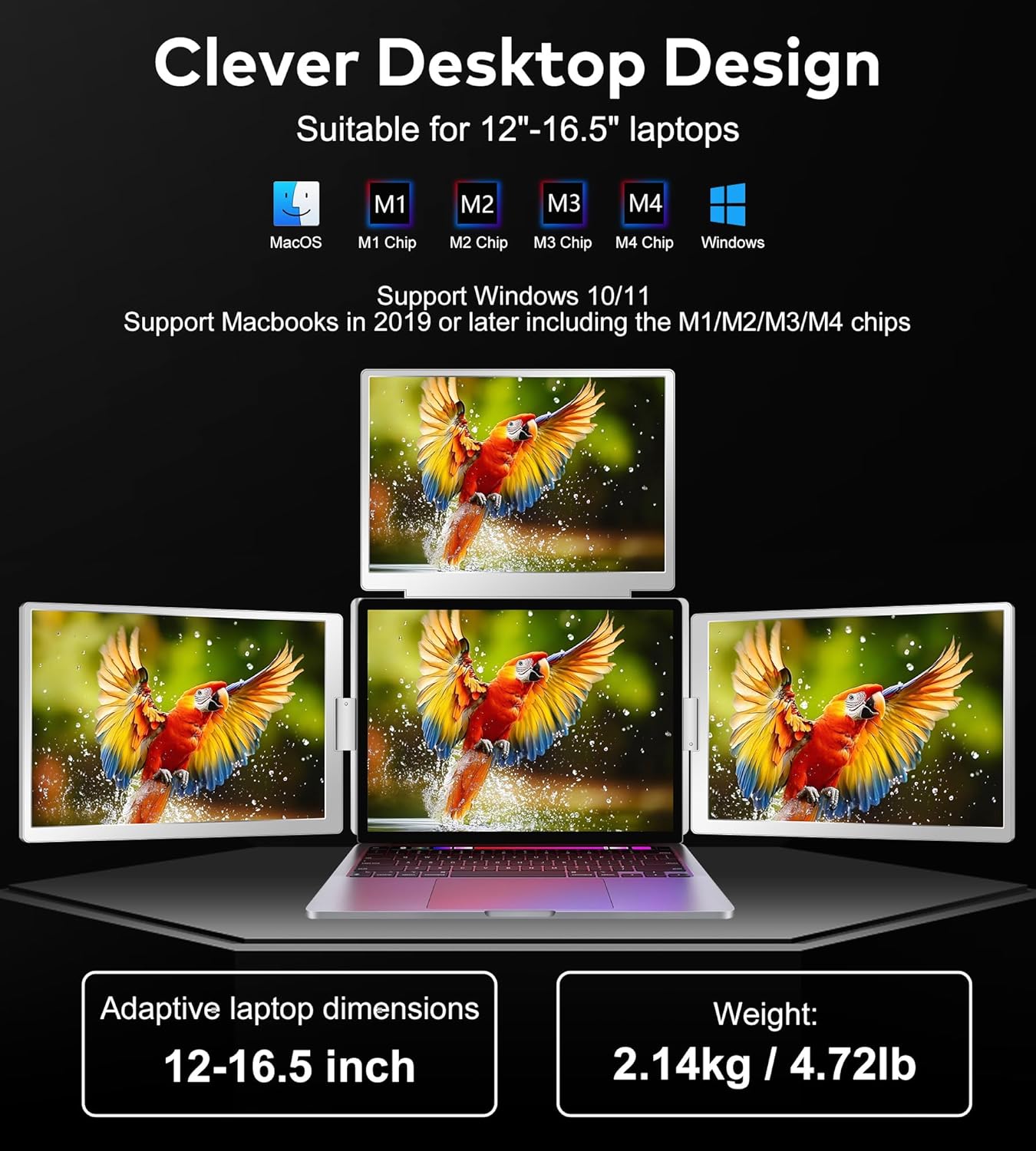
[Plug and Play Convenience] The FOPO 14″ laptop screen extender allows for seamless connection to your 12″-17.3” laptops via HDMI or full-featured USB-C ports, Laptop Extender is compatible with Windows10/11 and macOS (2019 or later Macbooks, including M1, M2, M3 M4 chipsets), (Please note: Not applicable to Microsoft Surface series and Chormebook). ensuring a hassle-free setup for your portable laptop monitor.
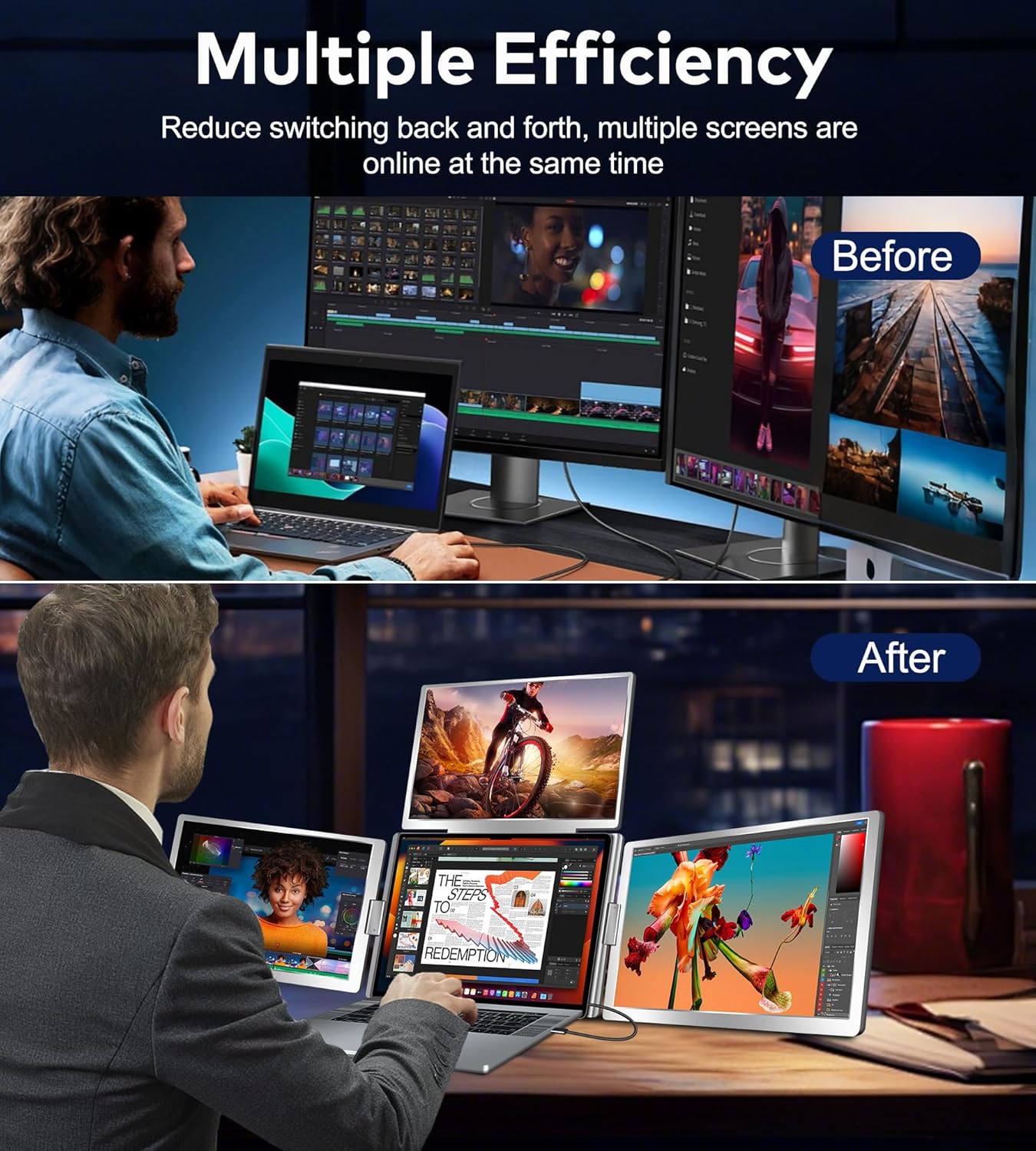
[Boost Your Productivity by 300%] Transform your workflow with this laptop screen extender that effectively adds two new screens, allowing for multitasking and opening multiple windows simultaneously, perfec t for designers, remote workers, and investment professionals. (Please connect PD power supply when you use the quad monitor.
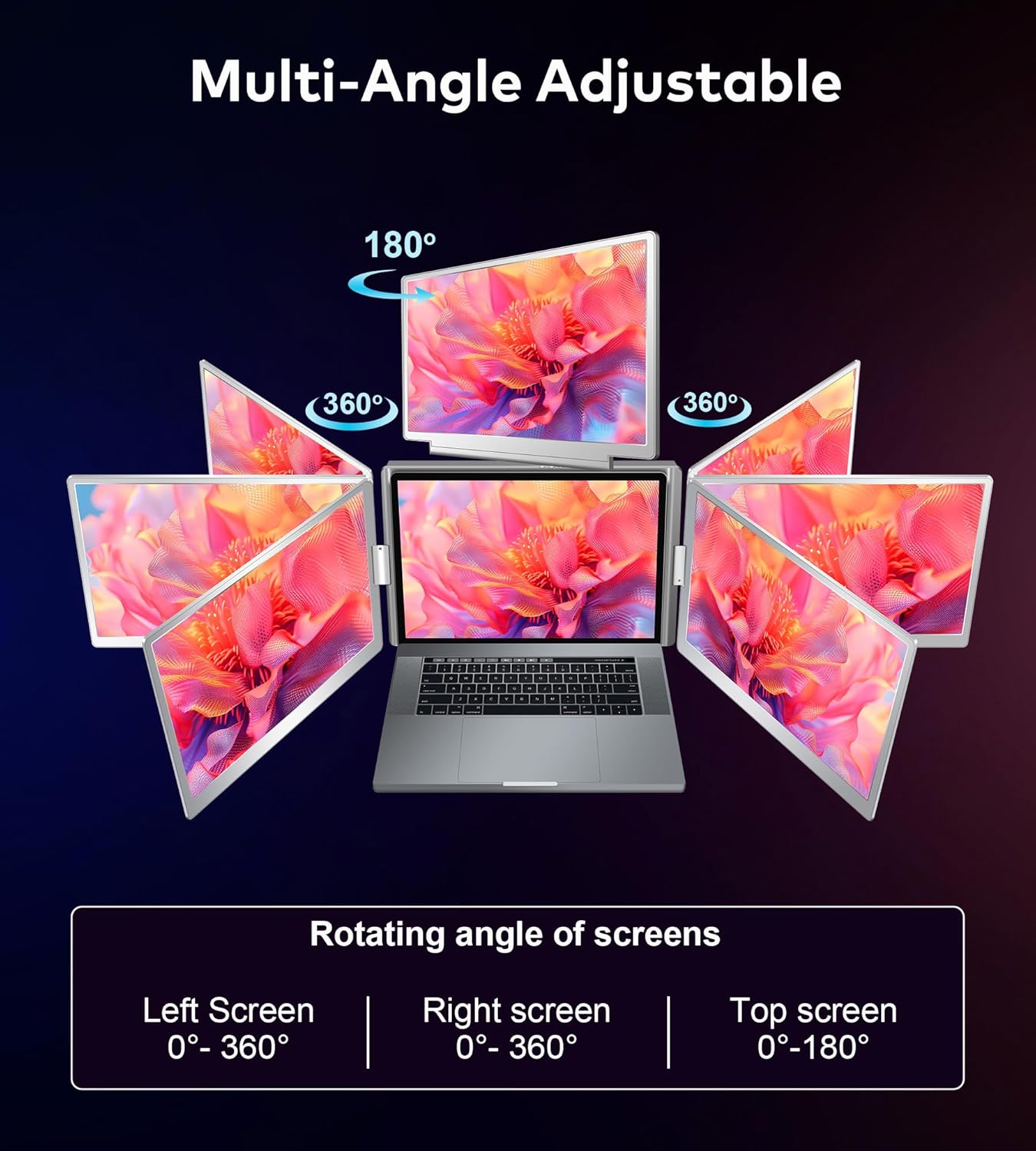
[Innovative 360° Flip Design] The FOPO Laptop Screen Extender experience versatile presentations with the left and right screen’s unique 360° flip feature. This portable screen extender supports auto-sensing for easy screen sharing, making it ideal for face-to-face meetings and collaborations.
[High-Quality Visual Experience] Enjoy stunning visuals with the FOPO portable laptop monitor featuring a 1920×1200 Full HD resolution and a 16:10 IPS screen. Customize each screen’s brightness to achieve the perfect display for your tasks.
[Comprehensive Package & Support] Each portable laptop monitor package includes everything you need: a monitor, carrying bag, user manual, and essential cables. Our customer service is ready to assist you with any questions or connection issues within 24 hours.
8 reviews for FOPO 14″ Laptop Screen Extender, FHD 1080P IPS Monitor Extender, Just 1 Cable for 3 Screens Quad Monitor, Triple Extender for 12″-17.3″ Laptops, Compatible with Windows 10/11 and Mac M1/M2/M3
Add a review

$84.99
lea –
Game changer for remote working!
I’ve been using the FOPO triple portable monitor with my laptop, and it has completely transformed the way I work. Setup was surprisingly quick—just plug it in, adjust the brackets, and you’re ready to go. The screens are lightweight but sturdy, and they fold neatly for travel, which makes this perfect for working on the go.The display quality is crisp and vibrant, and having two additional screens makes multitasking effortless. Whether I’m handling spreadsheets, editing documents, or running multiple browser tabs, everything feels much more efficient. The built-in kickstand provides great stability, and I appreciate that it works smoothly with both Windows and macOS devices.If you’re someone who travels frequently, works remotely, or just wants a more productive workspace without investing in a full multi-monitor setup, the FOPO triple monitor is a fantastic solution. It’s absolutely worth it.
Rehan Khan –
FANTASTIC monitors!
I’ve been using the FOPO 14” Triple Monitor Laptop setup for a little while now and it has completely transformed the way I work. The overall quality feels very solid, from the build materials to the hinges, and the picture quality on the screens is crisp and vibrant, making it easy to multitask without straining my eyes. For what it adds to productivity, the weight is surprisingly reasonable, and while it’s not SUPER light, it’s very manageable to carry along with my laptop when I need to work outside my home office.Compatibility has been excellent..everything connected smoothly with my laptop and I didn’t run into any frustrating setup issues. It’s essentially plug and play, which really adds to the ease of use. The size of the screens strikes a great balance: big enough to provide real extra space for documents, spreadsheets, and media, but not so oversized that it feels awkward or bulky attached to the laptop.Altogether, this setup delivers excellent functionality in a compact package. The quality, picture clarity, reasonable weight, wide compatibility, and easy setup all make it a fantastic tool for boosting productivity. It feels like a very smart investment, and I’d definitely give it five stars.
Mansur –
Great display
I often work on several things at once, and having two extra screens has helped me stay organized and get more done. Setting it up was really easy just plug it into the USB-C or HDMI port and it works right away.The screens are clear, bright, and the extra height from the 16:10 ratio is great for reading and writing. I also like that the left screen can flip around, which is helpful when showing something to someone else. It folds up nicely and fits in my bag, so I can carry it around easily.If you work on the go or need more space for multitasking, this is a great choice. It’s made my laptop feel like a full workstation.
Nicholas T. –
Game-Changer for Multitaskers on the Go
I didn’t realize how much I needed a triple monitor setup until I tried this portable screen extender. As someone who works remotely and often juggles spreadsheets, video calls, and project documents all at once, I was constantly flipping between tabs and losing focus. This setup completely changed the game for me. Plugging it in was incredibly simple—no drivers, no downloads—just connect via USB-C or HDMI and it’s ready to go.The design really impressed me. It’s not just about having two extra screens, it’s how flexible and intuitive they are. The left screen’s 360-degree flip feature is a thoughtful touch, especially for quick presentations or when collaborating with someone across the table. It folds down nicely into a compact carrying bag and, considering it adds two screens, it’s surprisingly lightweight. Perfect for slipping into a backpack for coffee shop work sessions or travel.Visually, everything looks sharp and vibrant. The 16:10 ratio gives more vertical screen real estate, which is ideal for reading and editing documents. Each screen is crisp with great color and brightness. I like that I can tweak the brightness for each one depending on the lighting around me—it’s small touches like that which make a big difference during long work hours.If you’re someone who’s often on the move but still wants the luxury of a full workstation, this is a solid investment. It’s boosted my productivity, cut down on task switching, and made working from anywhere feel just as efficient as being at a desk with a full setup.
Kevin John Wooldridge –
Nonfunctional immediately
I received my purchase today. However, upon plugging in one screen, it wouldn’t turn on. The other screen was inverted and couldn’t be adjusted. Following this, both screens stopped functioning altogether. Complete waste of a purchase. Additionally, for something that costs as much as this does, the material appears and feels flimsy and cheap. I wouldn’t recommend this even if the screens did function.
Ryan Cornmesser –
Works really well. Just wish the connections were better.
These work really well. I wish one USB plugged worked both screens though. Having to plug in 3 different cables kind of stinks.
Juan C. –
Great for multitasking!
The FOPO 14″ Triple Monitor Extender is a real productivity booster. Setup was super easy — just plug in the USB-C or HDMI and it worked instantly. The screens are sharp and the 16:10 aspect ratio gives extra space for reading or editing documents. I love that the left screen can flip 360°, perfect for sharing with coworkers or using vertically.
Junaid –
Great quality
This dual screen extenders is amazing. The picture and video quality is great. The setup isnquick and simple. It is light in weight so.it can be carried anywhere on the go. It is compatible with most of the laptops.