

Full HD 1080P Webcam with Microphone, Noise-Canceling, Privacy Cover, Wide-Angle Lens, Auto Light Correction, Plug & Play USB Web Camera for Laptop, Desktop, PC, Mac, Zoom, Skype – Pro Series
$14.99
Related Products





Product description
Vuexar 1080P Webcam For pc

Vuexar 1080P Webcam with Microphone

1080P Webcam with Microphone

Webcam for Mac

Computer Camera

1080p Webcam

Computer Camera for Desktop

Upgrade your remote communication and streaming setup with the Vuexar Full HD 1080P webcam. Designed for professionals, students, and creators, this USB webcam for laptop, desktop, and Mac combines sharp video quality, crystal-clear audio, and reliable privacy protection.
Full HD 1080P Video – Deliver sharp, smooth visuals at 30fps for calls, streaming, and online learning. Perfect as a logitech webcam alternative with superior clarity.Dual Noise-Canceling Microphones – Ensure clear and natural audio for meetings, online classes, or content creation.Plug & Play USB Connectivity – Start instantly without drivers. Compatible with Windows, Mac, and Linux—works seamlessly as a PC camera, USB camera, or web cam for all major platforms.Privacy Cover & Wide-Angle Lens – Slide the cover to block the lens when not in use, and enjoy a 110° wide field of view for team calls, family chats, or streaming.
Perfect for Zoom, Skype, Teams, Facetime, and OBS, the Vuexar 1080P computer camera for desktop and webcam for Mac is the ultimate choice for professional video calls, online teaching, and live streaming.
Full HD 1080P Resolution – Capture sharp and clear video with 1080P Full HD resolution at 30fps. Perfect for webcam for PC, laptop camera, and web camera for desktop computer, delivering smooth visuals for online meetings, streaming, and video calls.
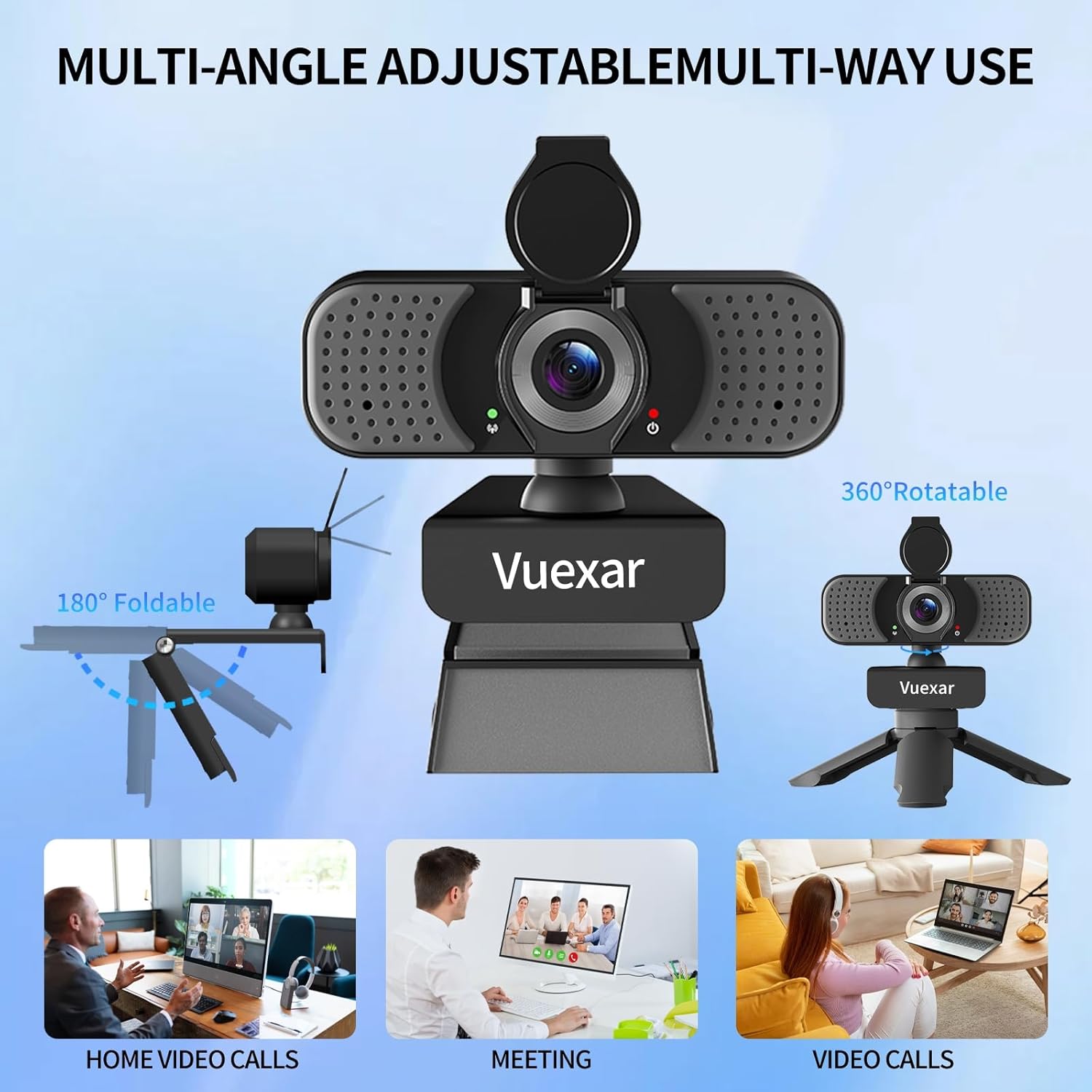
Portable 1080P Resolution with tripod :The video camera is very light and compact. It’s perfect to buy a small portable 1080p webcam for business travel or vacation, it has all the functions that a camera for computer should have. The flexible clip that can easily unfold 180 ° is suitable for all displays, and the screw design at the bottom is especially suitable for tripods.
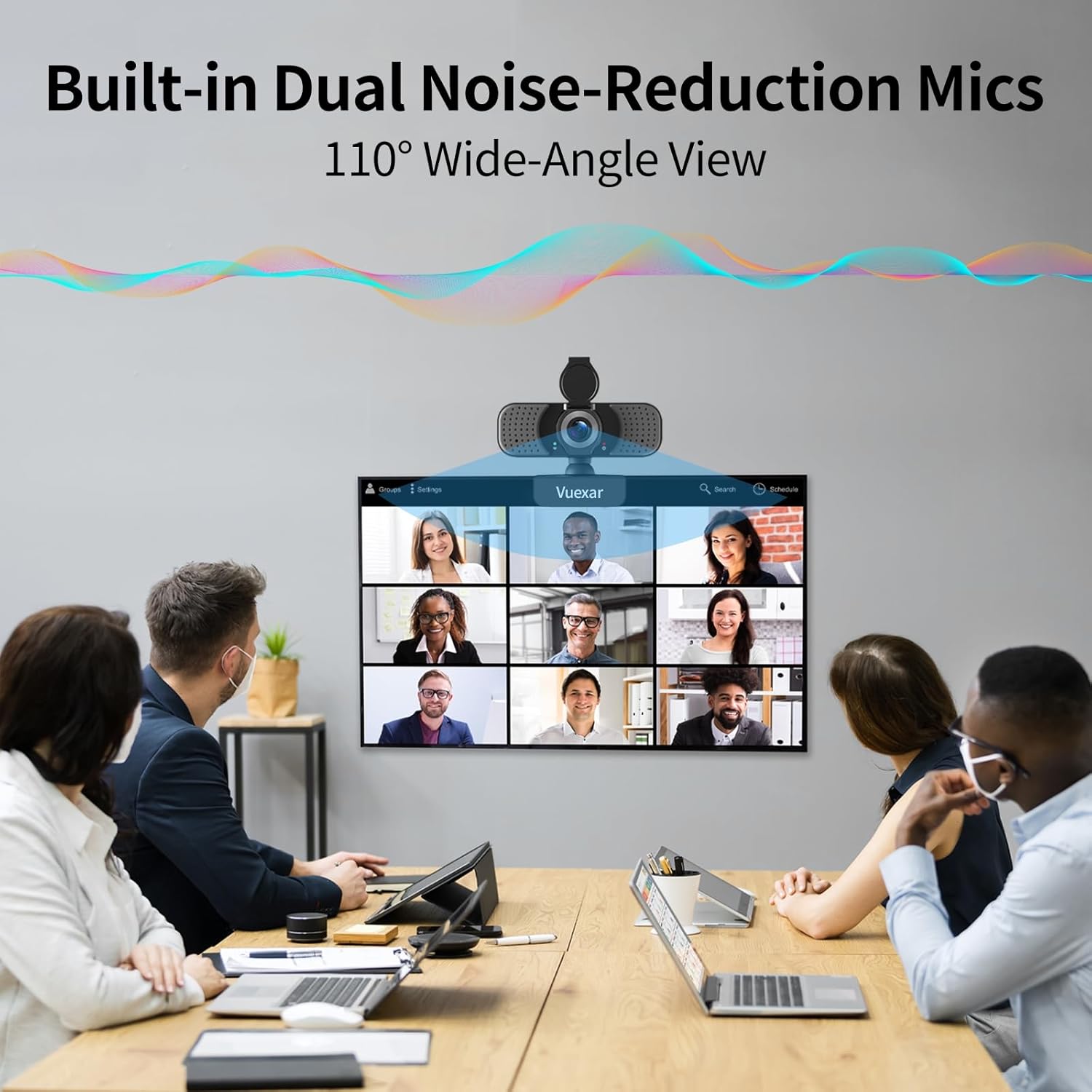
Dual Noise-Canceling Microphones – Equipped with two advanced noise-reduction microphones, this webcam with microphone captures your voice clearly while filtering out background noise. Ideal for online classes, Zoom meetings, Skype, or streaming.
Plug & Play, Wide Compatibility – No drivers required! Just connect via USB 2.0/3.0 and start using instantly. Works seamlessly with Windows XP/7/8/10/11, Mac OS, and Linux (UVC support). Suitable as a PC camera, USB camera, or webcam for laptop.
Privacy Cover & Wide-Angle Lens – Features a convenient sliding privacy cover for peace of mind when not in use, plus a wide-angle 90° field of view that captures more in the frame—ideal for team calls, group meetings, or family video chats.
4 reviews for Full HD 1080P Webcam with Microphone, Noise-Canceling, Privacy Cover, Wide-Angle Lens, Auto Light Correction, Plug & Play USB Web Camera for Laptop, Desktop, PC, Mac, Zoom, Skype – Pro Series
Add a review

$14.99
Ivan Madsen –
Easy to install
Works great
BellOnWheels –
Great Value – Especially Right Now!
USE: I use this in my home office primarily for telemed visits (I’m a man of a certain age where doctor visits are now a way of life.) I use my laptop as a desktop computer in that a separate monitor, keyboard and mouse are wirelessly connected. In the past I would need to pull my laptop over to my desk and use its built in camera. Now I can do telemed visits from the comfort of my daily use deskFORM: This is a small camera with a friction based mount for a monitor. I had absolutely no problem mounting it to my Samsung 32″ curved monitor. Also supplied is a desktop tripod which I am not using. The USB cable is hardwired to the camera so if you need longer than ~1 meter cable runs you’ll need to use an extension cable or a USB hub, which is what I did. A red LED indicates USB connection and a green LED indicates the camera is in use. There is a privacy cover that I pull down when I’m not using the camera. I am glad to have this.FUNCTION: The camera is a breeze to connect. Windows 11 recognizes it right away. Depending on your OS settings you may need to permit use of the camera. Happily, instructions in well written ENGLISH on how to accomplish this are provided. The instructions recommend a direct connection to the computer’s USB port, however I am getting great results with a non-powered USB hub. Removing and replacing the physical camera from the modnitor is very easy and can be done on-the-fly.Images are very clear. In the darker photo I have turned off my room’s overhead lights. Lighting is coming from the stairway, a desklamp and the monitor itself and the image appears veiled but useable. In the lighter photo I have turned on the overhad lights. The microphone is quite adequate.SUMMARY: This is a great USB camera which is easy to setup, offers excellent images, with an easily accessible hinged privacy cover. As of this writing there’s a 20% off coupon. If you need a camera snag this while it’s on sale!
Dr. B –
Pretty Good Webcam For The Price
This webcam exceeded my expectations. Admittedly, I wasn’t expecting much to begin with. My current webcam is an old Logitech C600 camera that’s well over 15 years old. This Vuexar beats that webcam in pretty much every category. I’ve included some comparison pictures to show the differences in picture quality.This is technically a 2.5K camera, not 2K. It’s resolution maxes out at 2,560 x 1440, which is higher than I was expecting. For a webcam, pictures come out mostly clear and colors are true to life. More so than with my old C600 webcam. Low light picture quality is also a bit better than with the C600. It also has a wider field of view than the C600 and should be more than adequate to do video conferencing with, especially if you need to fit several people on screen at once.One drawback this webcam has is that it over sharpens the picture. This causes pictures to come out more grainy and can cause artifacts to appear around high contrast areas. I’ve tried to reduce the sharpening in the Windows camera settings and can briefly see it changing in the preview window, but it immediately jumps back to default. The same thing happens with the saturation setting but at least the saturation is fine at the default setting. Another drawback is the microphone. It sounds fine if you’re a few inches away, but at the normal distance a webcam is away from you it has the same hollow sound that most webcams and even smartphones have.I would recommend this webcam if you’re looking for one that works pretty good and won’t break the bank. It’s easy to set up (the instructions are well written for those who have never used a webcam before), has good (but not great) picture quality, has a versatile clip that should fit most monitors, and a tripod if clipping on to the monitor isn’t an option. The biggest downsides are the overly sharp, grainy image and the microphone. To me, that only merits docking one star.
D –
Zero setup (even on Linux), with all of the necessary features
I ordered the 1080p version of the webcam. For my purposes (mostly Zoom), I don’t need 2K video. And this video quality looks fine to me. I’m kind of surprised to read in the manual: “Interface USB 2.0 port (compatible with USB 3.0).” I was expecting it to be a USB 3 device, since it’s video and since USB 3 has been out for so long. I’m also kind of surprised at the weight. For its small size, it is kind of heavy, which makes it feel sturdy. When I ordered it, I did not notice the included tripod. That will work out great when I’m using my laptop without a separate full-sized screen.It is Plug and Play on my Fedora Linux laptop. I just plugged it in, and the red power light lit up. I opened up a video capture program, and the green “working indicator light” lit up. I’m not sure if the red light on the top of my monitor will be distracting – I might cover it with tape after a while if it bothers me. On the other hand, it does let me know that it has power, removing one potential troubleshooting step. Even though you just plug it in and use it, they took the time to include a decent manual with troubleshooting (half of the 16 3″x4″ pages), a feature list and drawing, etc. On the final page, it has a tech support email address. It’s not uncommon for there to be no manual or one that is hard to read/understand these days.The base hangs off of my monitor just fine, and it is easy and intuitive to adjust up/down and left/right. A lens cover is important to me, and this webcam makes it very obvious whether or not the lens is covered. So now I can ditch my old webcam without a cover or microphone, and the separate microphone that takes up desk space!