

Guiheng Wireless Bluetooth Mouse,LED Dual Mode Rechargeable Silent Slim Laptop Mouse,Portable(BT5.2+USB Receiver) Dual Mode Computer Mice,for Laptop,Desktop Computer,ipad Tablet,Phone,TV (Grey)
$5.99
Related Products


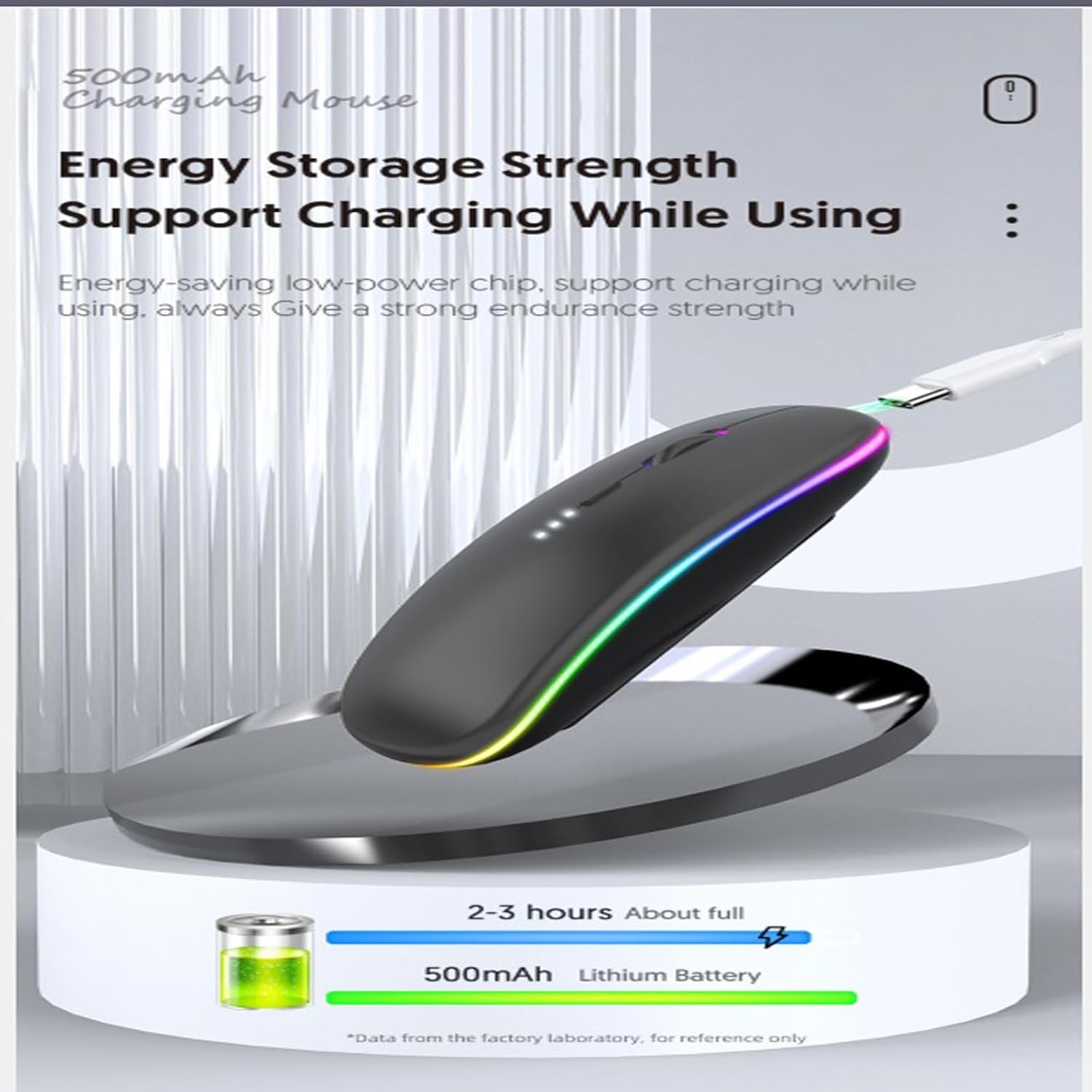
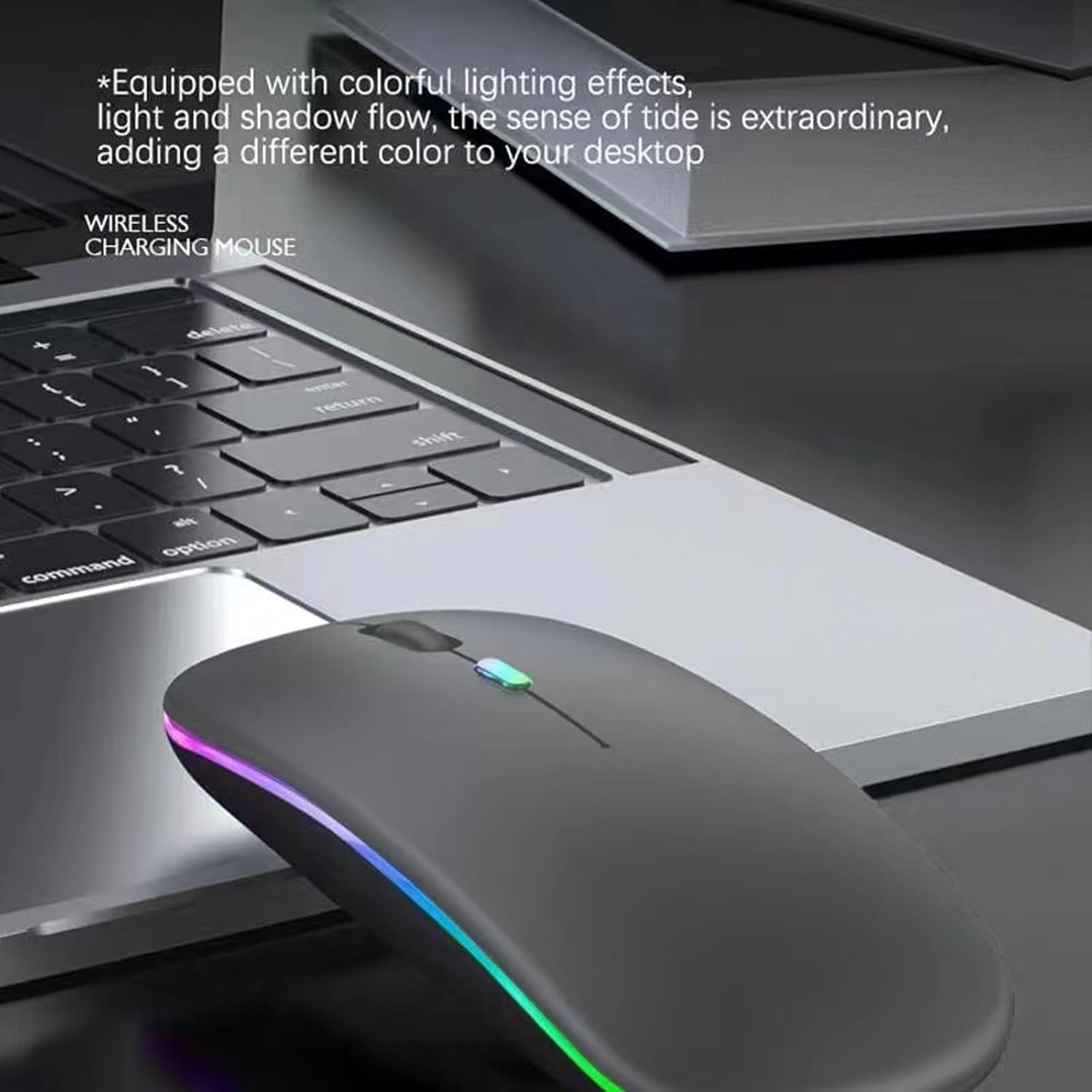

Colorful LED rechargeable dual-mode Bluetooth mouse (Bluetooth 5.2+USB 2.4G) Note: Cannot be set to a specific color. One mouse, multiple devices Just press the mode switch button at the bottom of the mouse to control the device you want. Wide Device Compatibility Windows 8, Windows 10 or later, Android 5.0 or later, Mac OS X10.10 or later, iPad OS 13 or later, Chrome OSTM.
Dual Mode Wireless Bluetooth Mouse: 7 different color changes randomly while in use, offering soothing lighting, creating cool and fancy atmosphere for work and play.
This Wireless Bluetooth Mouse is Suitable For With Laptops/PC/Notebook/Tablet/Macbook/ipad/iPhone. It is Compatible With Android/Chromebook/Windows/Vista/Linux/Notebook/Mac OS and Other Devices. Suitable for Homes、Offices、Travel and More.
Wireless Computer Mouse Advanced Optical Tracking Technology with Quick Click and Precise Responsiveness Control, Can Meet Your Demand of Daily Office Work inGames and Personal Preference,;
The mouse will be in sleep mode in 5 mins of inactivity. You can choose use the 2.4G wireless mouse when the mouse botton switch is on the 2.4G mode,or connect your laptop’s Bluetooth to use the Bluetooth mouse, easy to switch,
it can be easily put into your laptop bag and ultra-space saving.Slim and lightweight,durable ergonomic mouse is perfect for travel.The USB receiver is stored inside the back of the mouse.No need for a driver,Plug and Play!Automatic sleep mode and wake-up mode are installed to save energy.
7 reviews for Guiheng Wireless Bluetooth Mouse,LED Dual Mode Rechargeable Silent Slim Laptop Mouse,Portable(BT5.2+USB Receiver) Dual Mode Computer Mice,for Laptop,Desktop Computer,ipad Tablet,Phone,TV (Grey)
Add a review

$5.99
Izzie –
I’m SO happy with this purchase!
I have had laptops over the past couple decades, and not once have I purchased a mouse for any of them… until now. I’ve been a lover of The Sims ever since the game first came out 25 years ago. There was a period of time when I had to stop purchasing the games due to not having a computer with the gusto it needed to hold and run the games well and because, well, life, so I was pretty much playing The Sims 2 for *years* even after the majority of The Sims 4 games had been released.Fast forward to last year, and I unexpectedly became able to purchase the computer of my dreams and all The Sims games I’d missed out on over the past several years. Upon getting The Sims 4 up to the most current pack, I realized that there were a *million* CAS options and a million more build/buy options… and they did not include the up/down arrows to be able to scroll at the pace you wanted to go. If you want to use your laptop’s touch pad, you have to click and hold the scroll bar and *try* to make sure you didn’t move up or down too fast. I dealt with it for a while, but it was frustrating, especially with the number of items there are to scroll through. I decided, then, to come on here and find myself a wireless mouse with a scroll wheel so I’d have more control over how quickly or slowly I could scroll – and I am thrilled.First of all, setup was a breeze. All I had to do was remove the little USB insert from the bottom of the mouse I wanted to use, plug it into one of my computer’s USB slots, and make sure my settings allowed for Bluetooth. Then, I turned on the mouse, and let ‘er rip! It has made playing *so* much more enjoyable, especially because I can also hold the scroll wheel down and use that to change the view really fluidly.It is the perfect size, and the only clicking comes if and when you press the scroll wheel; even that is just a small click and not bothersome at all (at least to me). It seems to be durable; I use it almost every day, and it works flawlessly and effortlessly each time. The battery life is pretty good, too – if you use it for a few hours each day, you might have to recharge it every 2 – 3 days, so that holds up well, too! Added bonus, I love the multicolored lights that change periodically, and I love the contrast of the bright colors against the black mouse. It makes me happy. ^_^ The fact that it is a two-pack makes it an even better value, and it adds to the ease of use because if the battery of the mouse you’re using dies, you can switch to the other and use that while you charge the dead one and just cycle them out like that, ensuring that you always have a functioning mouse!Overall, I love everything about these mice. I love the colors, the ease of setup and use, the fact that it’s quiet, and how much easier and more enjoyable it allows my games to be. The overall value is fantastic, and I would 100% recommend this product!
Rozo A. –
Afforadable and perfect
I wanted a new mouse for my laptop to increase my productivity. I also wanted something that popped. It wasn’t what I expected because I wanted something that was more purple but it works. The design is sleek and feels nice. The service is easy to clean from the sweat of my fingers. The function of the Bluetooth and dongle are both quick. I charged the mouse via my laptop usb making it easy to charge. It is perfectly sized and can fit in your pocket or a small laptop bag with ease due to it being slim lining. Purchased for under 6 bucks and it is lasting longer than my other mouse. Rechargeable is better than plugin and battery powered. Fully charged in under 2 hours
Kim P. –
Buy it!!
This mouse is perfect for our NVR, works well, cute lights!! Perfect for what I needed it for.
Jerry F –
A Reasonable Option for a Good Inexpensive Dual Mode Mouse
A very reasonable option for a good inexpensive dual mode (BT/2.4 GHz RF) mouse. Though this mouse seems a little light in construction, I found it to be quite useable. Bluetooth pairing was quite easy and the mouse response times seem to be very good. The only time I perceived any lag was after a few minutes of inactivity, when the mouse apparently goes into a passive mode. (An energy saving “sleep” mode?) Simply clicking either of the functional (L/R) buttons, the scroll wheel, or the resolution button “wakes” the mouse and normal functioning is reestablished. Typically in less than a second.After almost a month of daily use, the mouse needed to be recharged. This became apparent when the mouse started to loose its connection. (Apparently the mouse doesn’t provide enough status information for either Windows 10 or macOS to report the mouse battery charge level.)Recharging is very easy via the provided USB-C to USB-A connector, which is almost 20″ long. Simply insert the C-end into the connection port at the front end of the mouse and the USB-A end into an appropriate port on your computer, or an adapter. (Note the included instructions warn that only slow charging options should be used. Apparently the mouse was not designed to use fast charging.) I found that the mouse only needed to be charged for about an hour.Though I initially thought that the USB-C charging port being place at the front of the mouse was not the best location aesthetically, I found that was an non-factor for mr after a few minutes of initial use. Having the small USB RF transceiver neatly located underneath the mouse in a convenient recess seems very practical. (However I have not used the transceiver and the RF mode at this time. May try this for a later update.)What I liked:1. Nice comfortable feel.2. Easy to use resolution (DPI) selector button just behind the scroll wheel.3. Fairly nice and accurate scroll wheel.4. Convenient RF transceiver “small form factor” and recess location.5. Ease of BT pairing and button responsiveness.What could be improved”1. Mode selector switch – tiny black on black labelling isn’t very ergonomic (difficult to see)I would like to little LEDs to help or light lettering (White or Yellow) to help visually.2. Tiny instructions sheet – increase the font and sheet size .Better solution – have an instruction guide as a pdf download option.This mouse might be considered for 5 stars. Still, it doesn’t quite match the functionality and quality of some of my more expensive mice. So I’ll give it 4 stars. However, the economic price definitely makes this mouse a very good buy (or a great buy for the 3-pack option that I purchased). For what it does, I’d highly recommend it as a budget purchase.Note: I may update this review and report on further experiences with future use.
Cassie Jo –
BEST MOUSE EVER
AWESOME MOUSE!Super easy instructions to add this cordless mouse to my laptop. The top of the mouse is soft as velvet and the exact color I picked out, actually brighter and prettier. The lights also change colors.The mouse glides so smoothly over the mouse pad, which was a huge problem with my last mouse. I wasn’t expecting much from this mouse because of the price, BUTi am so glad I bought it.
Blair –
Doesn’t work great
Doesn’t work well. Skips around. Doesn’t hold charge well.
MzGiGI –
Wireless Mouse
Works great! Compact size perfect for travel. Ergonomic design provides comfort when using it long term… I love the LED lights!!!