

HP Smart Tank 5101 Wireless All-in-One Ink Tank Printer with up to 2 years of ink included (1F3Y0A)
$28.99
Related Products


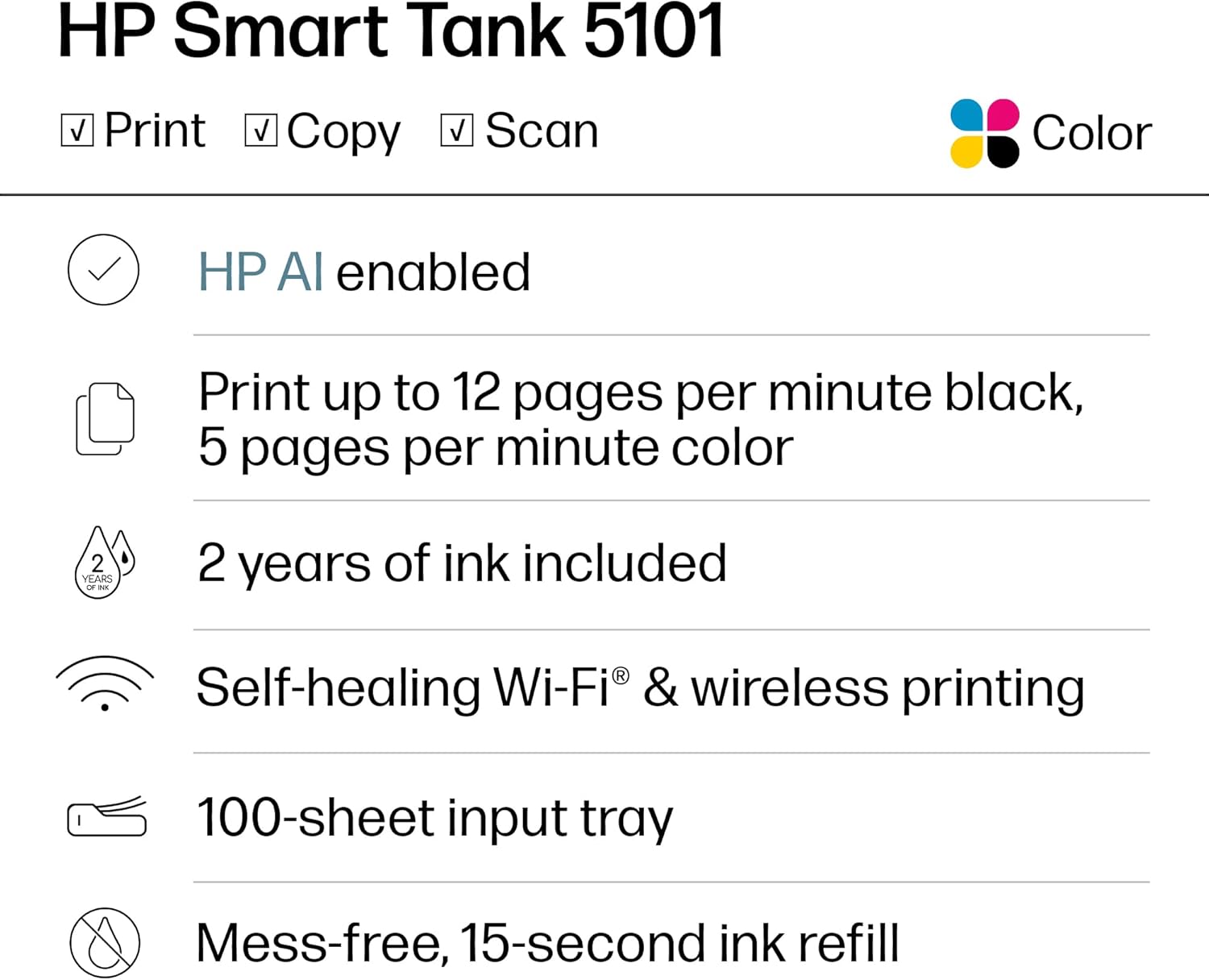




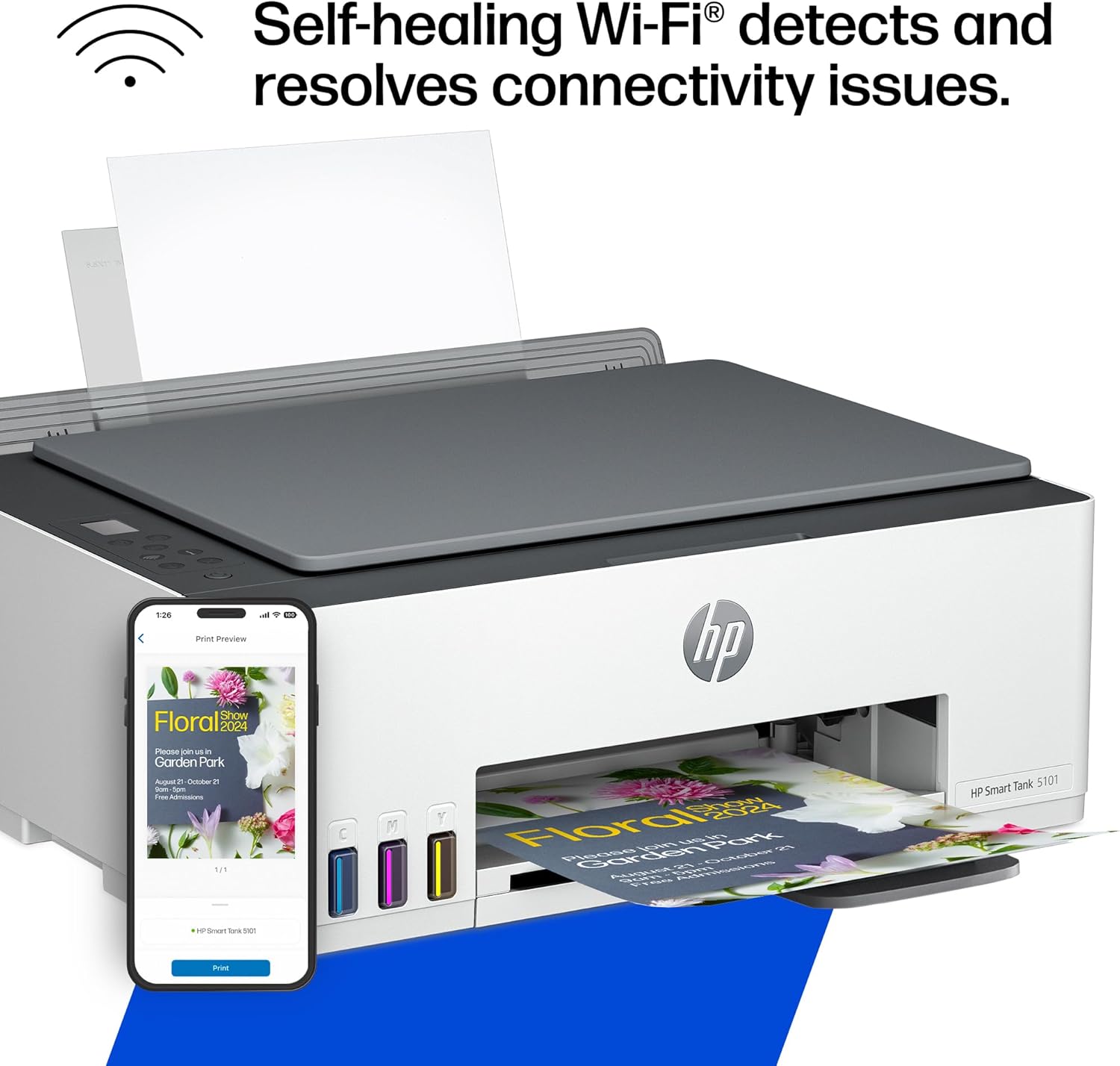



The HP Smart Tank 5101 All in one printer is a smart, connected and refillable tank printer that makes printing seamless for your home with its high capacity and wireless connectivity. Create everyday color documents at a low cost with 2 years of Original HP Ink included in the box. This Smart Tank printer with ink included is an inkjet printer perfect for high-volume printing. Perfect for a home office worker tackling an event or daily routine project and for anyone interested in home printing, it also serves as a dedicated photo printer for producing photos.
FROM AMERICA’S MOST TRUSTED PRINTER BRAND – The HP Smart Tank Printer 5101 is perfect for families printing a variety of color documents in high volumes. Print up to 12 pages per minute black and 5 pages per minute color with this HP printer
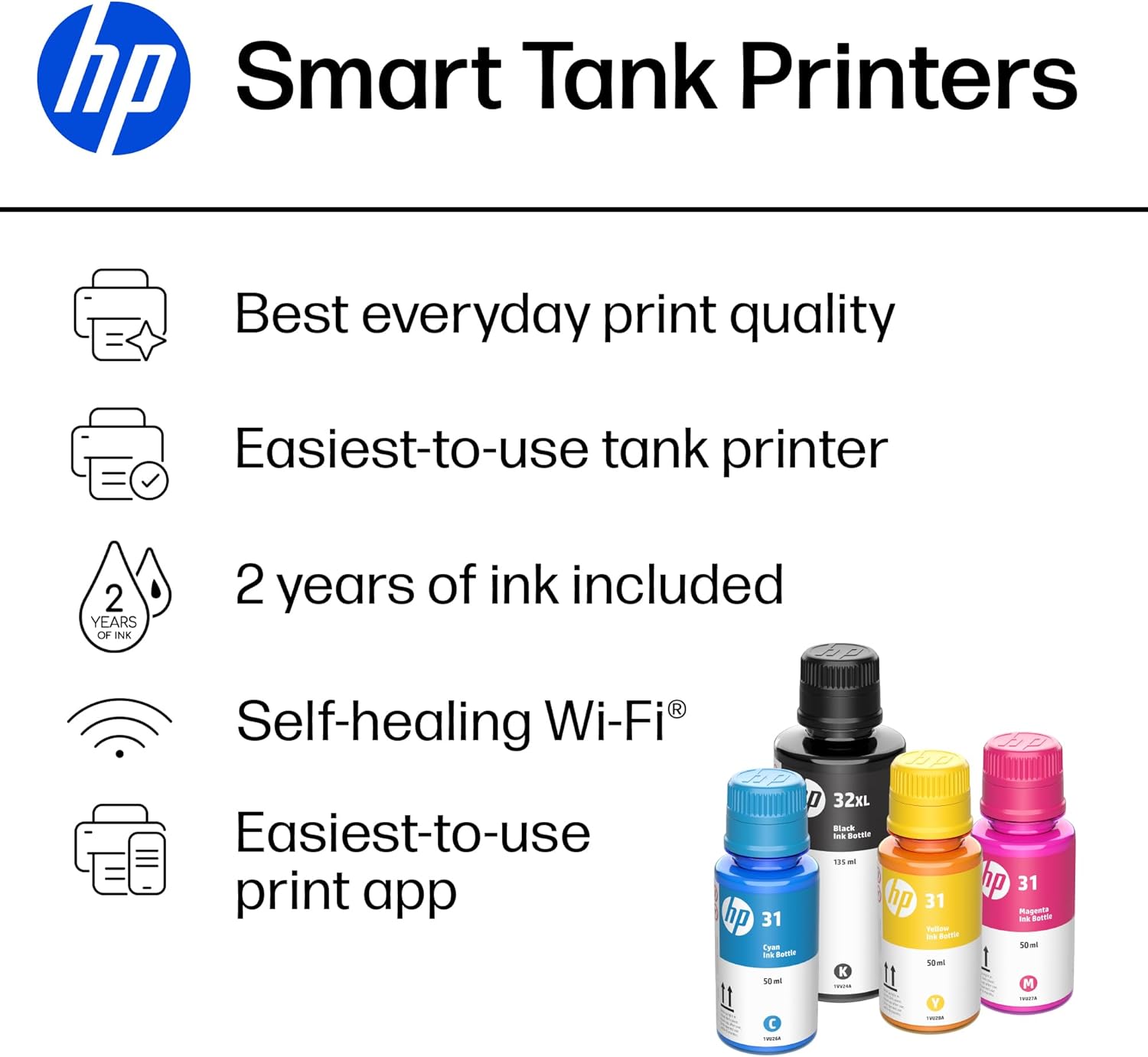
FULLY LOADED WITH SAVINGS – Best for low-cost, high-volume printing – up to 2 years of HP Ink included; get up to 6,000 color or black pages right out of the box
KEY FEATURES – Print, copy and scan, plus borderless prints, mobile and wireless printing. Self-healing Wi-Fi. Wireless operations are compatible with 2.4 GHZ operations only
BEST EVERYDAY PRINT QUALITY – HP tank printers are ideal color printers for home use that deliver crisp text and frame-worthy photos with vivid, true-to-life colors for consistently impressive prints
EASIEST-TO-USE TANK PRINTERS – Quick setup, easy print and scan, reliable Wi-Fi and an app that makes it all easy
7 reviews for HP Smart Tank 5101 Wireless All-in-One Ink Tank Printer with up to 2 years of ink included (1F3Y0A)
Add a review

$28.99
WBS –
Superior Performance and Economical Operation Well Worth the Price
After going through one cheap printer after another (paying for them through the expensive print cartridges they require), very impressed with this machine. Setup was a snap using HP’s well-designed app. Print quality, including photo printing, crisp and better than those cheaper models. Easy to monitor ink quantity. Last cheap printer, a Cannon, had constant problems maintaining a solid WiFi connection. Not sure what the HP’s claimed “WiFi healing” means, but this machine’s connection has been rock solid. Scanning function easy to use.Would have preferred having two feed/tray options as I need to sometimes print labels and photos, in addition to standard letter size, but the single feed option can be adjusted to smaller paper size as needed.
Karelia lopez –
Best printer l’ve ever had
After going through one cheap printer another ( paying for them though the expensive print cartridges they require) very impressed with this machine. Setup was a snap using HP’s well designed app. Print quality, including photo printing, crisp and better than those cheaper models. Easy to monitor ink quality. Last cheap printer, a cannon had constant problems maintaining a solid WiFi connection, connection has been rock solid, scanning function easy to useWould have preferred having two feed tray options as l need something to sometimes print labels and photos in addition to standard letters size but the single feed option can be adjusted to smaller paper size as needed
Dean S –
Worst Printer I have Ever Had
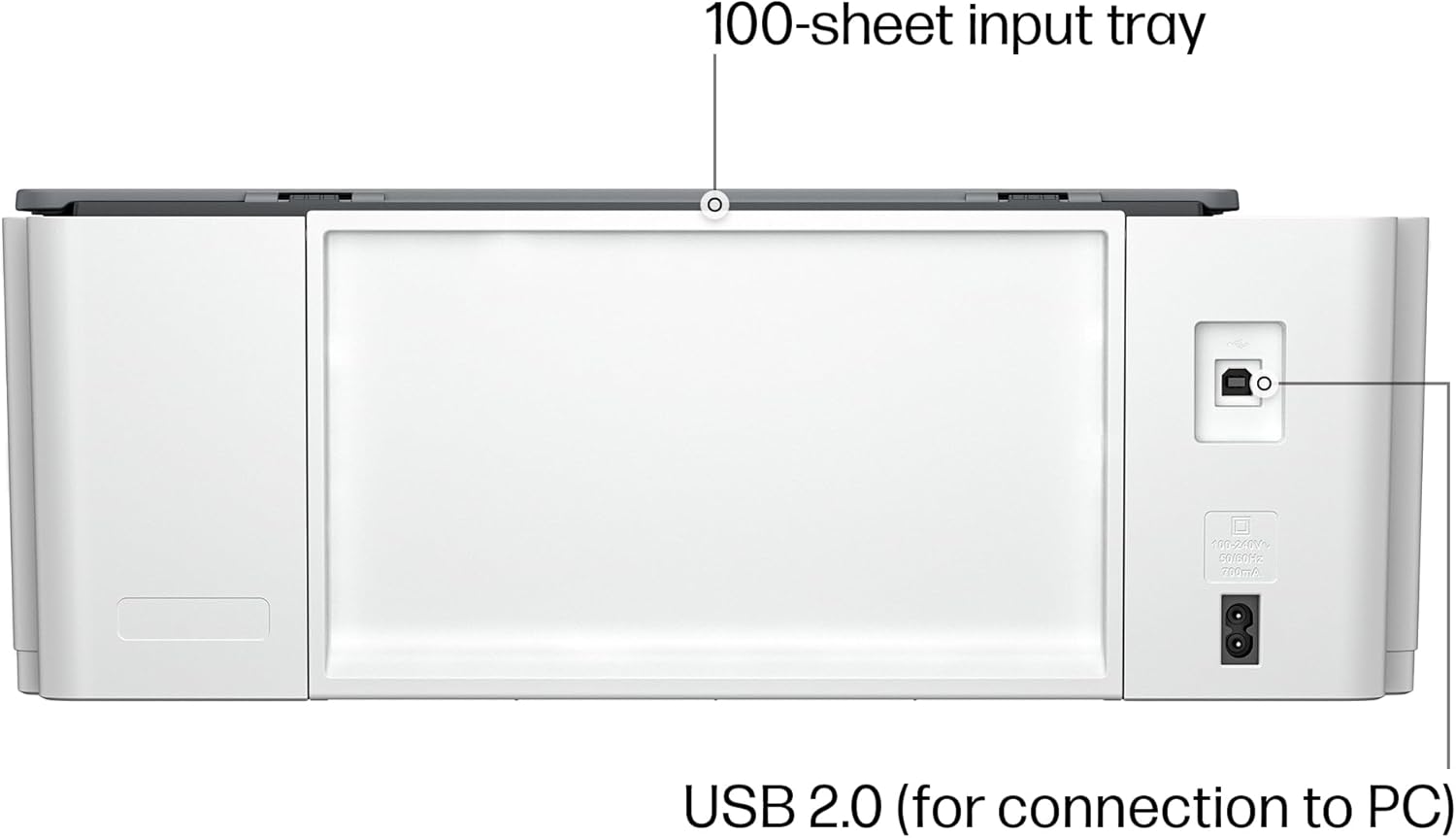
I bought this just under a year ago by mistake, actually. I’ve owned HP Officejet printers in the past and after disappointing print quality and expensive cartridges, I decided to buy an Epson Eco Tank for home use. Was so impressed with it, I decided to get the same one for the retail store I own. Logged onto Amazon typed in EcoTank and this HP popped up first and for some unknown reason I thought it was the Epson and purchased it.I have had non-stop issues from day one. First it doesn’t have an ethernet port, only works on 2.4 GHz Wi-Fi (so I have to run it on the same network my security cameras are on). I print out a lot of purchase orders and I am constantly battling with this printer to print out just ONE complete 3 page order. It will print the last page, then half of the next and then I get an error message “error cannot print document”. Sometimes it won’t even print a one-page document. I might get half a page and that’s it. I reboot printer, computer, uninstall, reinstall, use the HP smart app. Uninstall the app, reinstall the app. Nothing helps. I have 2 laptops at work and both have the same issue. I even installed it using the USB cable and it makes no difference. I worked in IT for 25 years, so I think I know what I’m doing, but after a year of this foolishness I think I will let the next delivery truck run over it and go out and get an Epson like I should have done in the first place. Not one problem with the Epson that I have had for a year also.
Deziree Boggs –
Deep Dive on Printer
Capability-Honestly, the best purchase I’ve made of 2025.I have printed over 3000 pages and it’s still working great. Honestly, completely worth the price you’re paying for. I print probably about four days out of the week and I’ve had the printer since February.Color quality-Does amazing but sometimes too saturated if there is a colored filter on the photos. You can always adjust the settings in the app.Ink capacity-I have printed over 3000 pages and around 40 photos and I’m still working on the same ink bottles I got with the printer.Scanning capabilities-The scanner works great other than it prints at a much slower rate. Also, I’ve used the scanner so much it now squeals a little bit.Compatibility-I print solely from my phone and it works great. If you’re printing from the app, you can’t use your phone while it’s printing but if you print from your google drive, you can still use your phone and leave the page.Hotspot-Using the printer from your mobile hotspot is a hit or a miss sometimes it works great and sometimes I have a little bit of trouble but that might be because of where I’m at. Majority of the time I have no issues.I’ve been printing safety data sheets for my work and those are 12 – 15 pages long and when on my hotspot, I can only print 3 copies of the packets if I try and print 4 copies of the packet it doesn’t work.Ink filling-Easiest process in the world. Never a mess.I’m giving this product a four star for the fact that sometimes I have connectivity issues when printing off my hotspot, but that may also be because of the area I’m in.The only thing I have not figured out is to get the unlimited ink for two years. I also haven’t run out of ink so I have not had to deep dive into that.
Leslie duncan –
Best printer I’ve ever had
I love this printer! I just bought my second one. I had my old one for over two years and used it all day every day, but I finally wore it out. Easy to set up, reliable, ink is cheap. I absolutely love this machine! Amazon had it on my porch. Two hours after I placed the order. Five stars for them too.
STRM –
Prints are Incredible
I have a professional strength Epson ecotank that was about $1,400. I had a client though and my Epson is a pigment based printer and the paper I had for this client’s wedding would not take pigment based ink so I bought this cheap inkjet to try and complete my order. I was able to di the order (although the black ink is pigment based so it caused a bit of an issue) but I have consistently found that this HP prints better, more vibrant, more true prints than my MUCH, MUCH more expensive Epson. Plus, the Epson’s printheads become clogged easier than this HP (the HPs have never clogged even though I do not use it often). It does print slowly and I have never been able to connect it wirelessly but, for the cost, the prints are outstanding.
CHARLES E. SWARTZ, . –
Great printer.
Great working printer, and the refillable tanks is a Plus no need to buy all those refills at a premium price. Pictures printed on sticker paper to go on mail box, big 3 inch numbers should stand out