

Mcbazel 4K HDMI Video Capture Card USB C, Video Capture Device for Live Streaming/Gaming/Recording, 1080p 60fps USB 3.0 HDMI to USB C Capture Card with Adapter, Compatible with OBS/PS5/Switch/PC/Mac
$8.99
Related Products




Product description


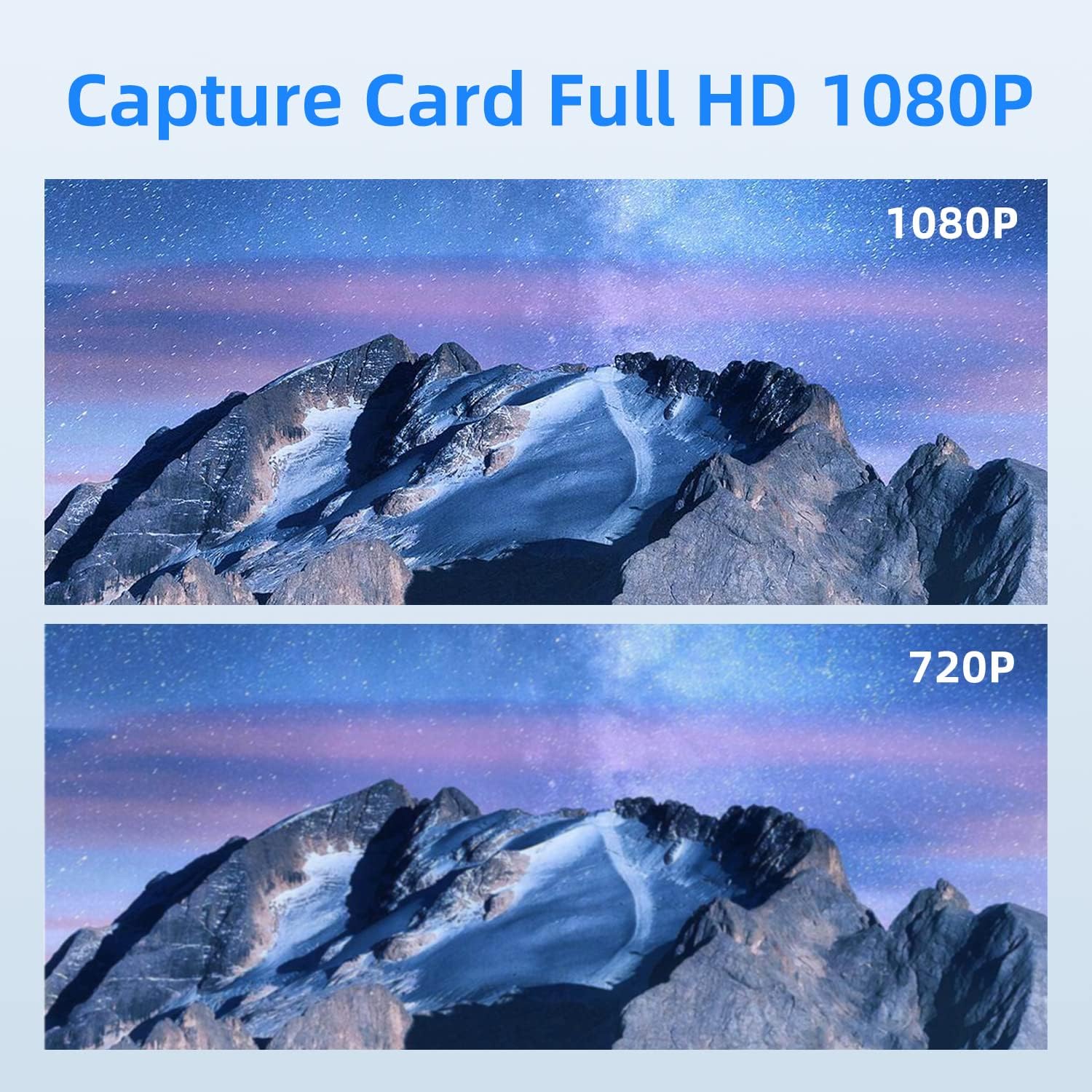
High-Quality Video Capture: This product supports a maximum input resolution of up to 3840*2160@30HZ and a maximum output resolution of up to 1920*1080@60HZ, making it perfect for capturing high-quality videos.
Enhanced Color Depth: With support for 8/10/12 bit color depth, this capture card ensures that your videos look stunning with vivid colors and excellent clarity.Long Transmission Distance: You can transmit your video signals up to 15 meters using a standard AWG26 cable (1080P and below resolution), providing you with greater flexibility and convenience.
Wide Compatibility: This capture card is compatible with most acquisition software, including VLC, OBS, Amcap, and more. It also works seamlessly with Windows, Linux, Android, and MacOS, ensuring that you can use it with a wide range of devices.
Portable and Easy to Use: With its small size and lightweight design(only 26.5g), this capture card is easy to carry wherever you go.
It doesn’t require an external power supply, so you can use it anytime, anywhere. The product is made from aluminum alloy, making it sturdy and durable.
11 reviews for Mcbazel 4K HDMI Video Capture Card USB C, Video Capture Device for Live Streaming/Gaming/Recording, 1080p 60fps USB 3.0 HDMI to USB C Capture Card with Adapter, Compatible with OBS/PS5/Switch/PC/Mac
Add a review

$8.99
C. –
Buy it, great product!
Good product, plug and play no issues. Thank you!
nathan britt –
Low Price High Quality
Works Great!
Ben R. –
Recommended
Good value. Works well.
James Coates –
so easy
Plugged it in and was immediately able to capture 4k video to my pc.
eugene rodriguez –
Worked well when it did then stopped out of no where
Worked twice then stopped might be the adapter
SirBlain –
Have to unplug, and plug back in, every single time I want to use it.
I have two computers; three operating systems. On every operating system and computer, I could use this initially, but the next time I used it, even if it was ten minutes later, I had to unplug this, and plug it back in. If I reboot, I have to unplug, and plug back in. This happens in Debian linux 13, this happens on macOS, and this happens on Windows 11. One thing if I didn’t use this daily, but I have to get under my desk, pull my computer out, pull this out, plug it back in, push my computer back, then rise up and finally I can use the video input. This happens on OBS, this happens on standard camera apps, this happens everywhere I tried it. macOS and Debian never identified an issue, they would just ignore it as if it wasn’t there til I plugged it back in. On Windows though, it would not recognize the USB device, and suggested it had a problem. I tried different drivers, tried different USB root hub drivers, but since this happens in so many different environments, it can’t be me or my equipment. Yes, I tried USB 3.0, 2.1, 3.2… one port was orange…It did work in linux (and everywhere) when it did work, just plug and play… so that was fun lol.
Arisa Natsuki –
Same as descriptions, easy to set up with OBS software, and it works well with my laptop. ISO was fulfilled for 1080p. No delay for gaming.
Client d’Amazon –
Bonjour,Pourquoi un trois étoile, simplement pas de notice en Français, donc très compliqué ensuite il faut télécharger une application OBS Studio pour pouvoir s’en servir et surtout comprendre comment fonctionne l’application.Sinon une fois la mise en service tout va bien.Cdlt,Pascal
Hans –
Habe es mit OBS Studio verwendet. Aufnahmen einwandfrei in 1080p. Man kann 4k anschließen, dann halt downscaling. der USB-C Adapter hat bei mir nicht funktioniert. Habe es dann an USB3-Port-A angeschlossen. Wird nicht übermäßig heiß. Ich habe es verwendet um eine Spiegelreflexkamera als Aufnahmegerät zu verwenden. Diese hatte keinen USB Anschluss, nur HDMI. Das hat alles gut funktioniert.
R. Turner –
Works very well for me, easy install with no issues. Lets me use my Firestick on my laptop when combined with additional free software (OBS studio).
Gerd –
Beworben mit der Möglichkeit Aufnahmen in 1080p bei 60 Hz durchführen zu können, war ich recht gespannt, ob dieser kleine HDMI Adapter das auch leistet. Im Lieferumfang befinden sich neben dem eigentlichen Aufnahmegerät noch ein USB C Adapter und eine in englisch und chinesisch gehaltene Kurzanleitung.Angeschlossen an einen ausreichend schnellen USB A Port wurde die Software OBS verwendet, welche auch in der Anleitung beschrieben wird. Nach einigen Grundeinstellungen zum Videoadapter, sowie dem Audio- und Videoformat wurden Bild und Ton direkt auf den PC übertragen. Das Aufzeichnen einer Nintendo Switch und einer Xbox funktioniert einwandfrei und wird störungsfrei übertragen. In den Videos sind auch bei zusätzlich aktiviertem Mikrofon keinerlei Verzögerungen feststellbar. Die maximal mögliche Auflösung dieses Gerätes liegt bei 1920x1080px mit 60 Hz, was zum einen mit OBS und zum anderen mit ffmpeg überprüft wurde. Das in der Beschreibung teilweise von 4k bei 30 Hz die Rede ist liegt am maximal möglichen Eingangssignal. So konnte in meinem Fall an einem angeschlossenen Notebook sogar 4k bei 60 Hz als Eingangssignal ausgewählt werden und auch die Xbox zeigte in der Übersicht, dass das angeschlossene Gerät 4k bei 60 Hz unterstützt. Ausgegeben wird am Ende aber eben maximal 1080p mit 60 Hz.Weniger schön ist hingegen der beigefügte USB Adapter. Dieser erkennt den HDMI Adapter überhaupt nicht, egal wie rum man ihn im USB C Port verwendet. Das er nicht gänzlich defekt ist zeigt eine daran angeschlossene Festplatte, welche korrekt erkannt wird, zumindest wenn man ihn in eine bestimmte Richtung anschließt. Ein anderer USB Adapter erkennt das angeschlossene Aufnahmegerät hingegen direkt. Es hinterlässt schon einen recht negativen Eindruck, wenn die eigene Hardware nicht zusammen arbeitet.Sofern einem 1080p als Ausgabeformat reichen und man auf den zusätzlichen USB C Adapter verzichten kann, erhält man hier aber einen gut funktionierenden HDMI Aufnahmeadapter, welcher seiner beworbenen Leistung entspricht.