

Mini PC with Celeron N4020C, 6GB RAM LPDDR4 128GB M.2 SSD(up to 512GB) Desktop Mini Computers Support WiFi 5.0/BT4.2/HDMI for Office Home Study
$9.99
Related Products


![GEEKOM Mini PC IT12[Best Intel NUC12 Alternative],3-Year Quality Support,with 12th Gen Intel i7-1280P Mini Computers,32GB RAM/1TB NVMe SSD Windows 11 Pro Desktop PC,USB 4.0/2.5G LAN/8K/SD Solt](https://deviceden.co/wp-content/uploads/2025/11/71iSmNsGgGL._AC_SL1500_.jpg)




Product description


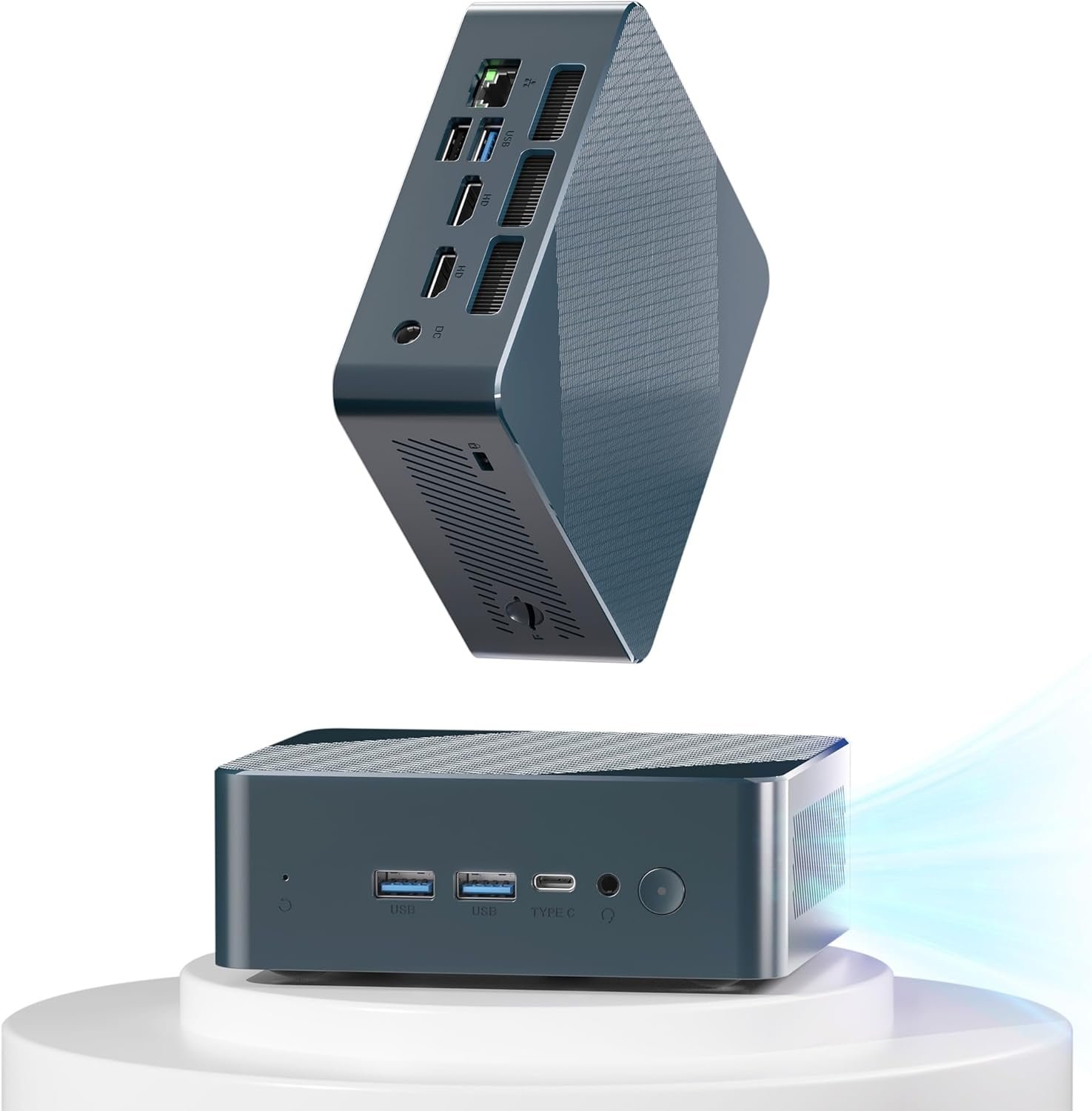
Powerful Celeron Processor N4000 Chip – LETSUNG Mini Air11SE Desktop Computer, powered by the innovative 11th Gen Celeron Processor N4020C (2 Cores, 2 Threads, 4M Cache, up to 2.8 GHz), delivers reliable performance for everyday use. So you can streamline your tasks, from web browsing to spreadsheet editing to light gaming.
Expandable Storage Support – The mini pc desktop computer is equipped with 6GB of onboard dual-channel LPDDR4 memory, ensuring a smoother computing experience and quicker loading times compared to DDR3. It also supports expansion up to 512GB with a 128GB M.2 SATA SSD, providing faster speeds than a traditional hard disk drive (HDD).
Dual Displays Support – The LETSUNG mini computer is equipped with two HDMI ports, allowing you to effortlessly connect two monitors for enhanced efficiency and reduced waiting time. With UHD Graphics 600 supporting a 1920×1080 @60Hz screen display, it delivers crystal-clear visuals for an optimal viewing experience
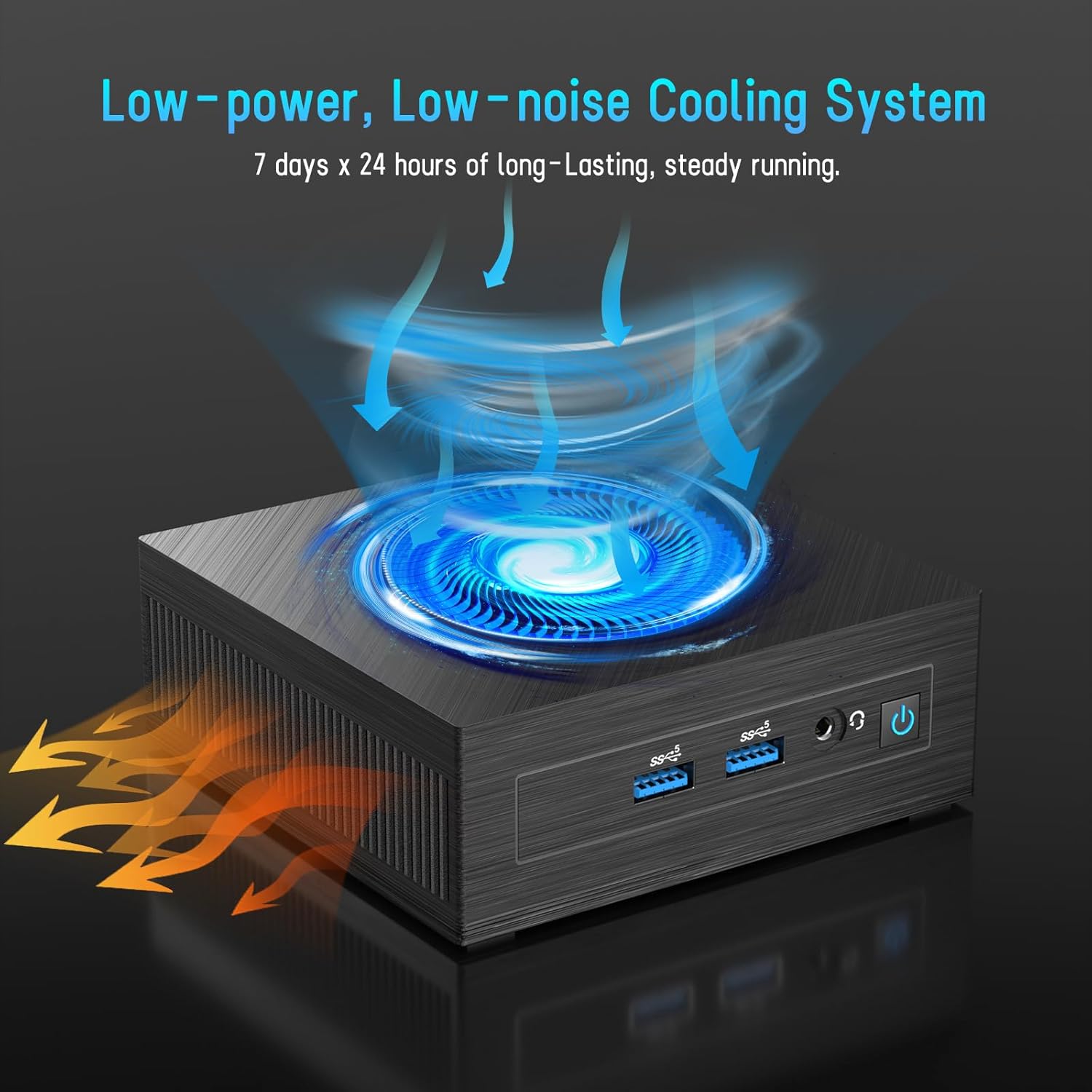
Upgrade Cooling System – Built-in ultra-low power cooling fan efficiently dissipates heat when the CPU is at full load, ensuring the mini PC runs steadily and quietly. It can operate continuously 24/7 at room temperature
Lightweight and Compact Design – With dimensions measuring just 4.52in x 4.42in x 1.61in and a weight of only 0.6lb, effortlessly fits into bags, pockets, or any tight space. Its lightweight and compact design ensure you can take it with you wherever you go
After-Service & Technical Support – LETSUNG Golite 11 mini desktop computer offers up to a 3-year free warranty to address any concerns about after-sales issues. Simply send an email to our customer service team, and we will provide service and technical assistance within 7 days/24 hours
5 reviews for Mini PC with Celeron N4020C, 6GB RAM LPDDR4 128GB M.2 SSD(up to 512GB) Desktop Mini Computers Support WiFi 5.0/BT4.2/HDMI for Office Home Study
Add a review

$9.99
Larry –
lasted about 6 months now won’t power on, but seller quickly replaced it
Nice PC for the money.
the_eggman –
Great Budget Mini PC If You Know What You’re Buying
Solid little box for stupid simple projects. I bought this to run a couple lightweight services and it does exactly that without complaining. It’s not a powerhouse, it’s not going to edit video, and it’s not going to beat a Raspberry Pi in a fistfight for efficiency, but for the price it’s basically a tiny dependable toaster with Windows.I wiped Windows immediately and threw Linux on it. Booted fine, drivers were all recognized, and it ran headless without me having to do any ancient ritual chanting. Perfect for small home server tasks, OctoPrint, PiHole, Docker stuff, or as a dedicated “don’t touch my network” box. It sips power, stays cool, and is basically silent unless you push it doing something it wasn’t born to do.Now, the storage situation. The BIOS *claims* it supports NVMe. It lies. This thing will not detect an NVMe drive no matter how politely you ask. It only takes M.2 SATA SSDs, so save yourself the 20 minutes of “why isn’t this showing up” troubleshooting and just buy SATA. Once you do, it works flawlessly.A couple tips:- Upgrade the SSD if you can. The stock one is “it works” tier.- Ignore the BIOS NVMe option. It’s fictional. SATA only.- Do not expect miracles. This is a dual core Celeron. Plan accordingly.- Works great for streaming a couple webcams or handling random automation junk.- Way more stable than the no-name SBCs that like to die in the middle of the night.Overall: Cheap, tiny, reliable, and shockingly useful once you treat it like the budget work mule it is.
GB1960 –
Great little mini PC
The Geekom MiniAir 11 is a great little mini PC. It is exactly as described in the product listing and shown in the included photos. It is a sleek professional looking box that even comes with a handy mounting bracket that lets you easily mount it to the back of a monitor, provided the monitor has open VESA mounting holes that are not used by any built-in stand. In other words, you cannot use the bracket with a monitor that is already using any other type of VESA bracket.Since it is based around the Intel N5105 processor, which is in the Celeron family of processors, I wasn’t sure what to expect performance wise. Plug in a mouse, keyboard and display and it will power right up and boot into the pre-installed Windows 11 OS and begin the initial configuration for Windows settings. It seemed to perform pretty well during this process, so I tried out a few things to get a feel for the performance. Copying some very large video files from an external USB-C drive to the internal SSD was a pretty respectable speed and hit just shy of 360MB/s doing a plain Windows file copy. Watching the full HD videos on the built in Windows Media Player, the machine was easily able to handle playback while still performing a number of other tasks simultaneously. This makes it look ideal for a great portable media playback device. In terms of performance, the internal SSD that ships with this is a SATA style drive and I’m curious to replace it with a better NVMe type drive to see how much better it may perform.As the PC has three USB-A style ports, I wanted to connect all the input devices (mouse, keyboard, webcam, etc) to a hub and use only a single USB port on the PC. This worked perfectly at first. But on a couple of occasions, when the PC was rebooted, the mouse/keyboard did not seem to be recognized unless I unplugged the hub and plugged it back in. Again, only seemed to happen a couple time, and only on a reboot, so I am not yet clear on where the responsibility for the glitch lays yet. I suspect it may be the hub itself as it is an early USB 3.0 hub.The PC itself appears to be well made and I like the layout and having usable USB ports on the front in addition to the expected ports on the back. My only complaints about this so far don’t have anything to do with the machine itself. My only issues are the support from Geekom on their website. I wanted to be able to see if there are any electronic versions of any manuals or anything. While these was a PDF version of the quick setup paper that comes with the PC, there was no other documentation or anything available on the website. These is download links for all the drivers needed if you had to do a complete reinstallation of the OS, but all of them go through another 3rd party website with annoying ads, including pop-up windows! I thought pop-up ads were banished many years ago, but apparently not, and this does not inspire a lot of confidence in the safety of these drivers. Scanning them with my desktop PCs installed anti-virus software did not show any problems, but hopefully the vendor will fix this sloppy mess on their website.
Gal from Indiana –
Letsung Mini PC Great for the right project
At $89 I simply wanted a remote location computer that could perform some fairly minor operations remotely. The Letsung with Win 11, is driving a remote operation for a laser printer and USB camera. It is a great little 3.2 USB source allowing me to manage the printer from my office for set up using VirtualHere as a USB server and client. I do use Lightburn 1.4.x and the camera via wifi for some verification steps. It is as though it is setting next to my desk here in the office. I keep a keyboard, mouse, and monitor beside the equipment but seldom use it. I have a more robust i5 Win 10 mini ($250 two years ago) that I use to fully remote my telescope system via wifi. It is powered with a 10amp power tank and is good for several nights with 3 to 4 hours of remote observations. I use two more for other equipment and uses. These are very robust for the right project and cheap!
Tony Green –
power supply is bad
I got the PC and setup everything and the power supply went out after 3 hours but I had a spare so I’m up and running.