

Razer Kiyo V2 Streaming Webcam: 4K 30 FPS, 1080p 60 FPS – AI Powered Auto-Framing – Built-in Microphone – Ultrawide Angle Lens – Privacy Cover – Works with OBS, Xsplit, Discord, Zoom, Teams – Black
$16.99
Related Products





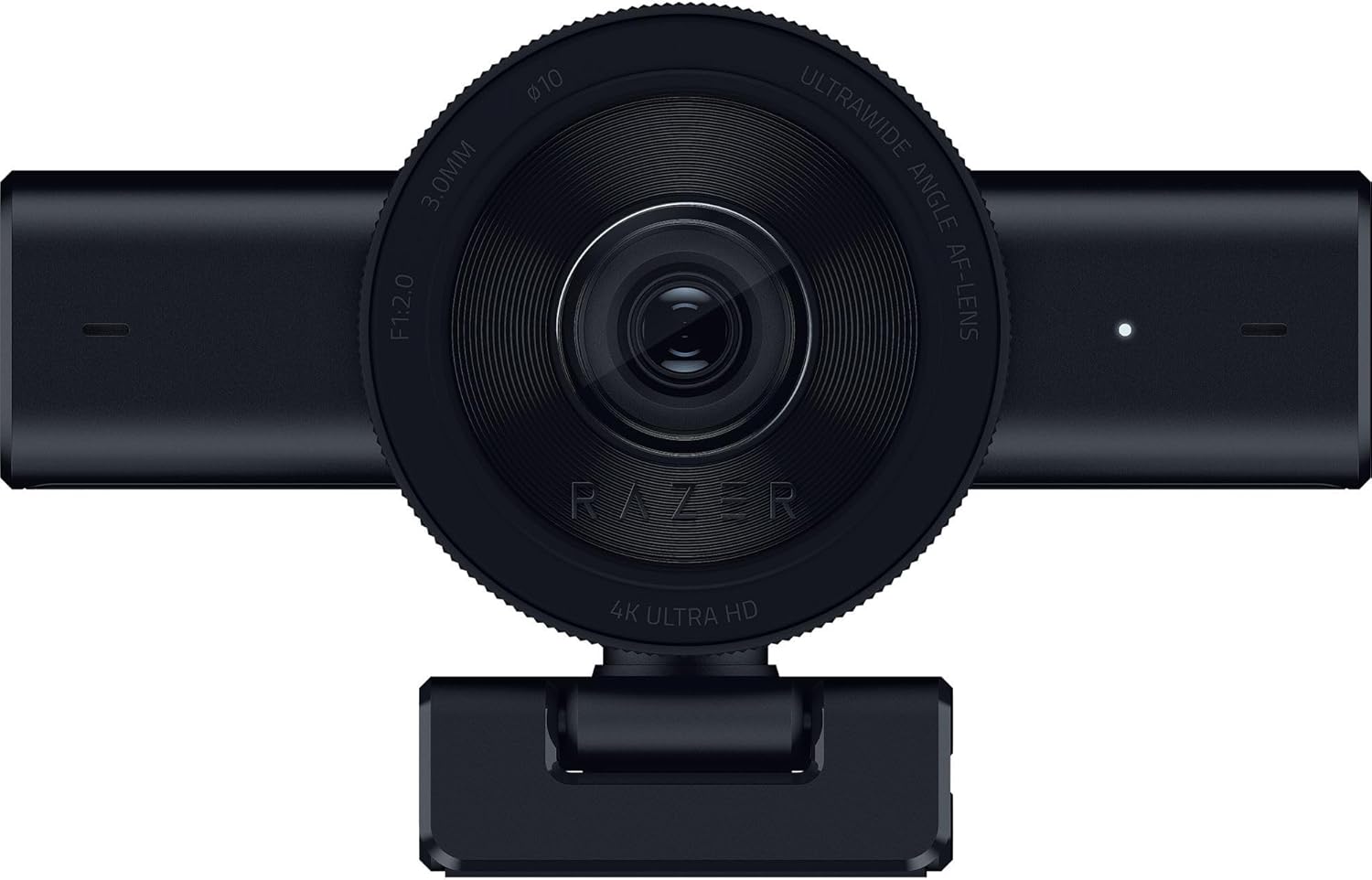
Make content creation effortless with the Razer Kiyo V2, a 4K 30FPS AI webcam designed to deliver professional-quality streaming, recording, and video conferencing. Powered by a high-performance Sony STARVIS™ sensor, this webcam captures sharp, vibrant 4K clarity at 30FPS, ensuring your audience always sees crisp and clear footage. With AI-powered auto-framing, the Kiyo V2 tracks your movements automatically, keeping you in focus and center stage, even during dynamic moments. One-click image enhancement optimizes exposure, white balance, and noise reduction, making sure you look your best, even in low light settings. The intuitive Razer Synapse software allows for easy customization of key settings like ISO, shutter speed, and white balance, giving you full creative control. Featuring an ultra-wide-angle lens, the Kiyo V2 ensures a wide field of view, letting you show off more of your setup without distortion. The universal pivoting mount offers easy positioning for the perfect shot on any monitor or tripod, while the integrated privacy shutter provides peace of mind by covering the lens with a quick twist. The Razer Kiyo V2 is the ultimate webcam for effortless, high-quality streaming and content creation, designed to keep you focused on what matters most—creating your best content.
CRYSTAL-CLEAR 4K 30FPS VIDEO — Powered by a high-performance Sony STARVIS sensor, create professional content that stands out and looks sharp
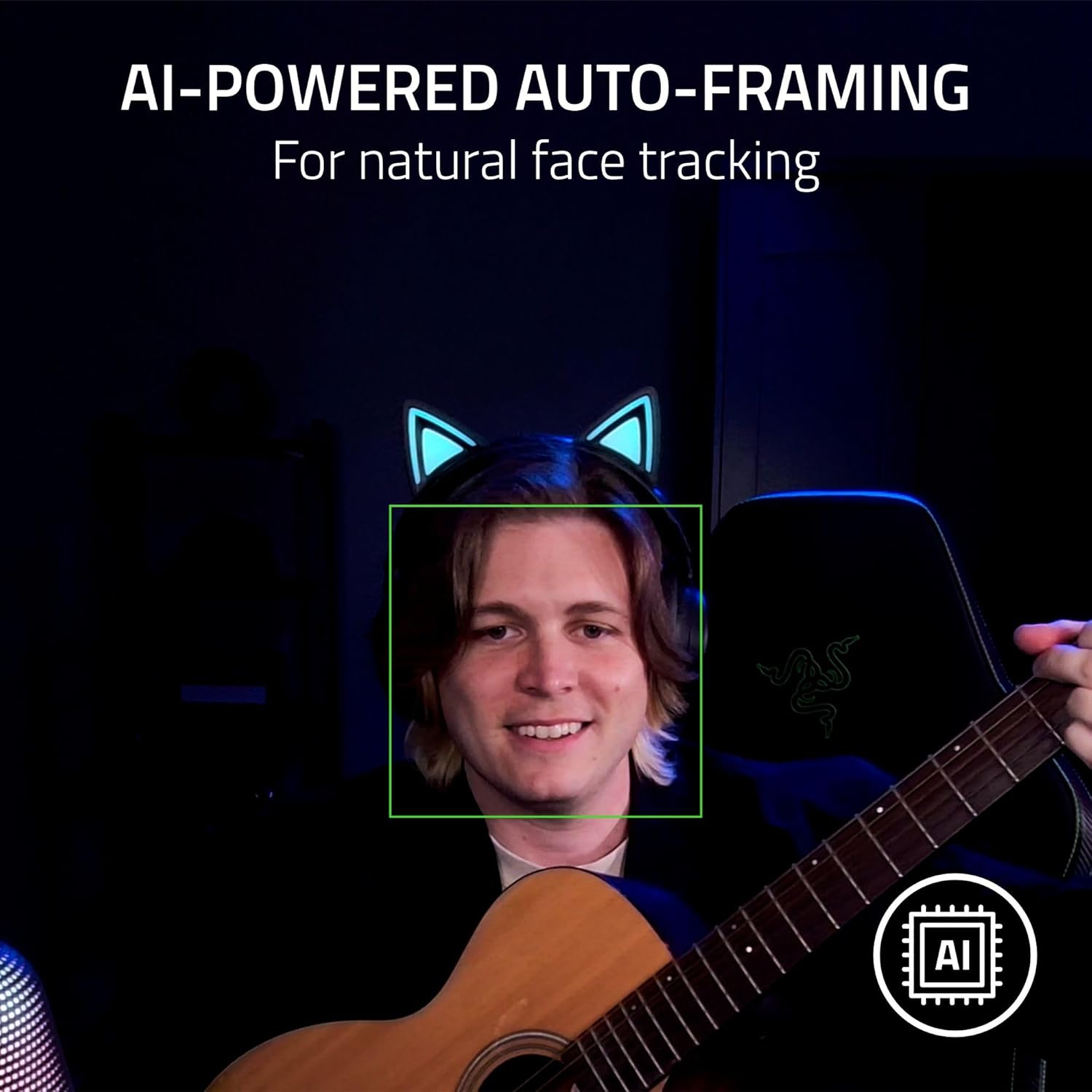
AI POWERED AUTO-FRAMING — This webcam catches every clip worthy moment with natural face tracking and intelligent pan, tilt, and zoom effects
ONE-CLICK IMAGE ENHANCEMENT — Experience superior low-light performance; from low-light RGB battlestations to backlit setups, appear crisp and clear with automatic exposure, white balance and noise reduction
POWERFUL, INTUITIVE SOFTWARE CUSTOMIZATION — Take control through Razer Synapse that’s both easy to use and powerful enough for pros—featuring advanced settings like ISO and shutter speed
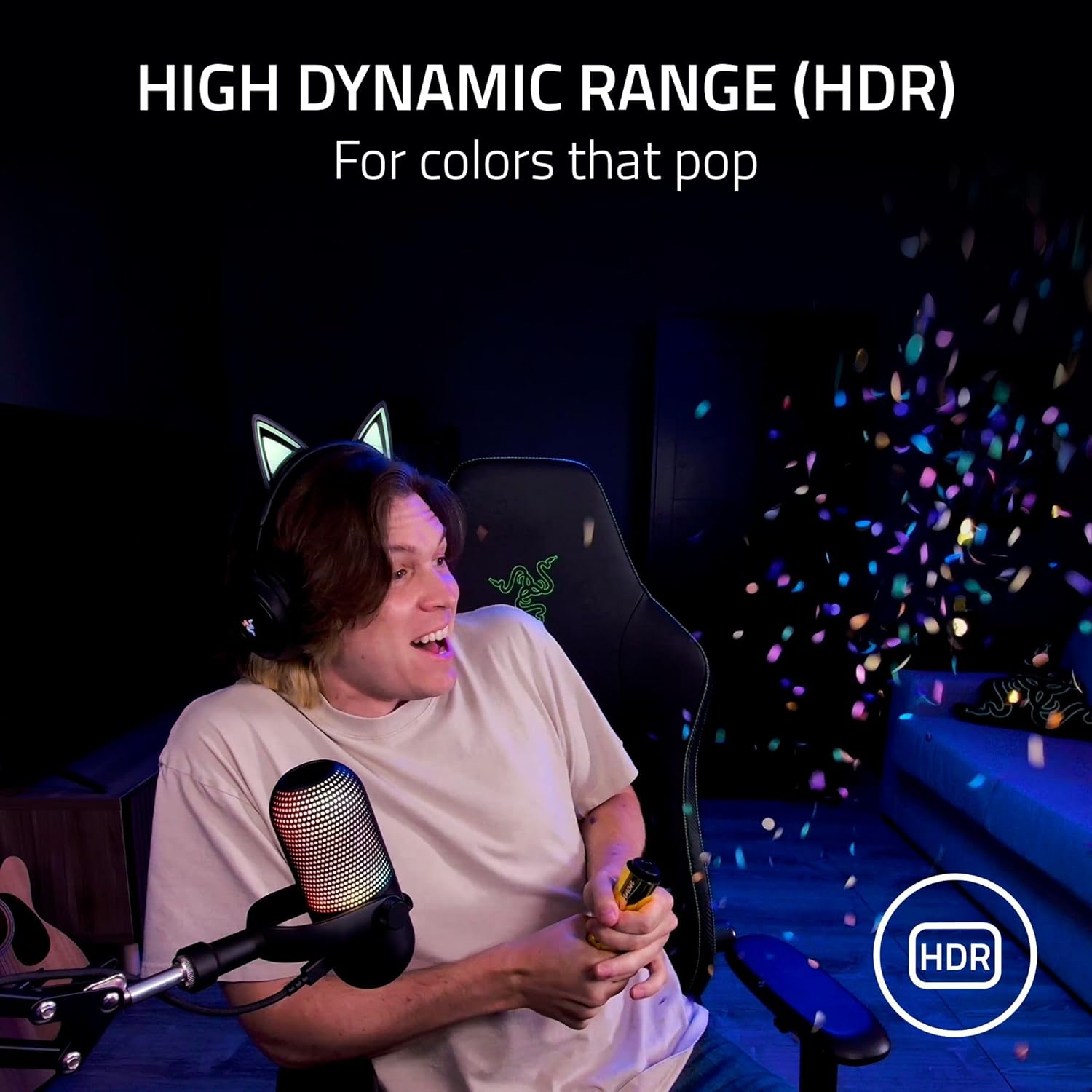
HIGH DYNAMIC RANGE (HDR) — From Chroma-filled gaming sessions to GRWM streams, bring more depth to content with richer hues and enhanced contrast
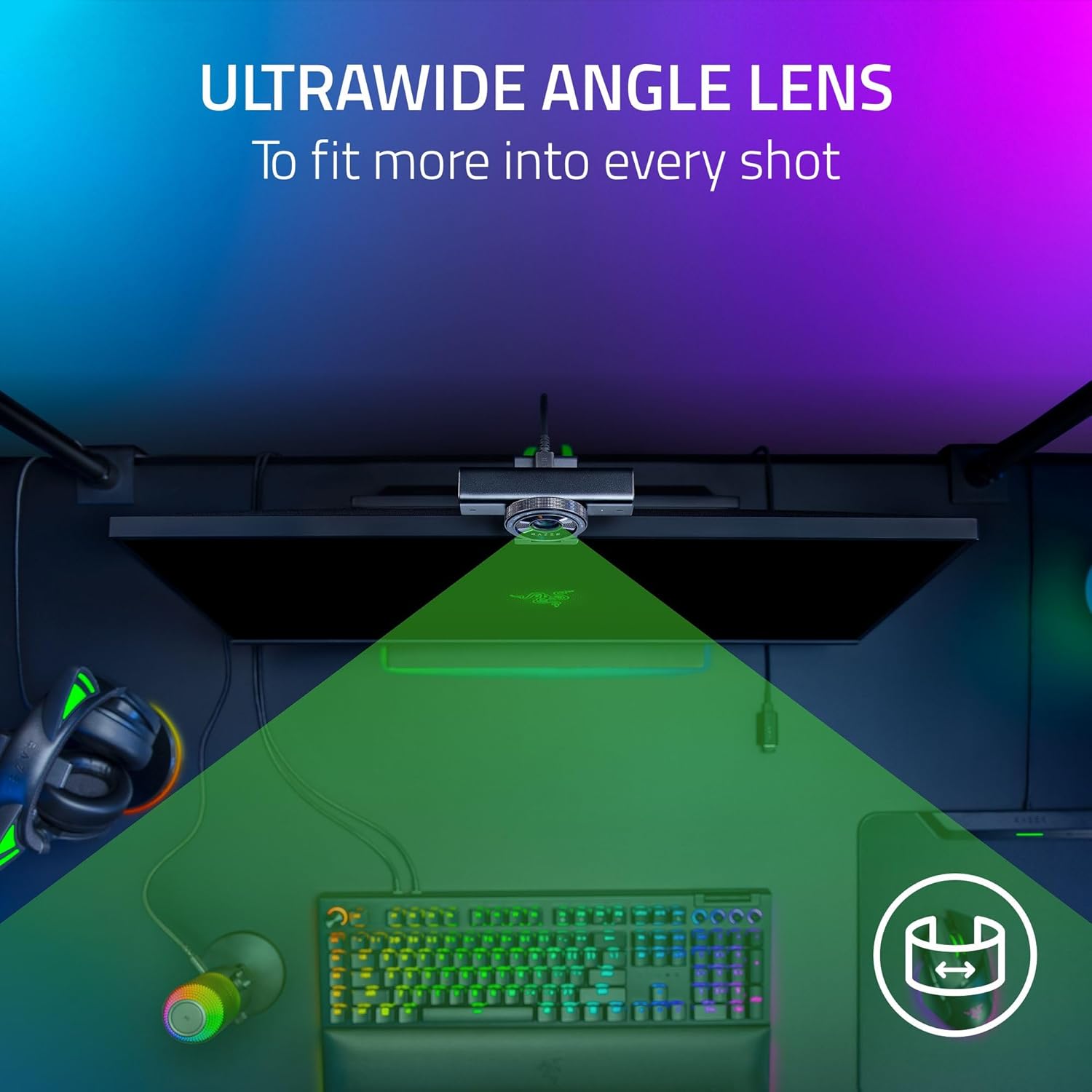
ULTRAWIDE ANGLE LENSE — Zoom in to get personal or pull out to show off an entire setup, all without warping or distortion around the edges
UNIVERSAL PIVOTING MOUNT — Tilt and swivel the mount to find the perfect angle on a monitor, or fix it to a tripod via its built-in thread to achieve a higher or lower angle shot
6 reviews for Razer Kiyo V2 Streaming Webcam: 4K 30 FPS, 1080p 60 FPS – AI Powered Auto-Framing – Built-in Microphone – Ultrawide Angle Lens – Privacy Cover – Works with OBS, Xsplit, Discord, Zoom, Teams – Black
Add a review

$16.99
M from NYC –
A-
We received this item as part of the Amazon Vine program.Please note that although Vine program items are often perceived as free, members are required to report them as taxable income (34% of the item’s MSRP cost). Consequently, we refrain from ordering any product unless we have a genuine intention to use it. We believe it is vital for readers to understand this distinction, as it underscores that we do not participate in reviewing items solely to provide inflated ratings. If a recommendation is made to a product, it is because it has met its intended purpose or is genuinely impressive. Conversely, items that fail to meet expectations will be reviewed with equal honesty and transparency.Pro,+elegant design+easy to use+easy to install+good picture quality+privacy shutterCons,-missing windows hello facial recognition-software could be betterOverall, 4.8/5.This camera is awesome. It works flawlessly with Windows and is true plug-and-play, no extra drivers needed. The sound and video quality are excellent, and if you install the software, you get extra perks like zoom controls, settings, and even some AI features. It’s a little pricey, but totally worth it. Mounting it on my monitor was super easy and secure, and the privacy shutter is great for avoiding accidental camera moments. My only complaint? No Windows Hello facial recognition. Come on, it’s 2025, that should be standard on premium webcams. Overall, though, it’s still a solid camera for the price.
Brandon –
Great Webcam – Quality Built-In Microphone
I’m really enjoying using the Razer Kiyo V2 webcam. It works incredibly well with Windows. I’ve been using it with Teams and it’s been pretty flawless. I was very happy that it worked without needing to install software or drivers. The sound quality is excellent. The video quality is really good. If you do choose to install the software, it gives you more control over zoom and other video settings. This camera is on the spendy side, but you get what you pay for.I really like how the camera mounts on my monitor. It was super easy to place and feels secure. I’m not worried about the camera falling or damaging my monitor.The privacy shutter is also really handy. I’ve accidentally activated my camera on Teams meetings in the past and it is super embarrassing. The shutter is super easy to open and shut by turning the dial on the camera.Mac compatibility could be better. It is plug and play with FaceTime. I was really disappointed that this doesn’t work with the Mac Razer Synapse app. It does take away the ability to change settings. I hope they roll out an update to the app soon that supports the Kiyo V2.
Customer –
Works great!
I’ve wanted a standalone webcam for my home office setup for a long time, so when this became available I wasted no time in ordering it. I’m glad I did! From the moment I took it out of the box I could tell it was a quality product, which is what I would expect given the price and that it’s from Razer. Setup couldn’t have been easier; it was truly a simple plug-n-play operation with my laptop running Windows 11. I’ve used it with both Zoom and MS Teams and it works like a champ for both. The video quality as far as I can tell is outstanding, and I haven’t had any complaints about the audio quality from other participants in calls I’ve been on. I highly recommend this webcam!This review is for “Kiyo V2 Streaming Webcam: 4K 30 FPS, 1080p 60 FPS – AI Powered Auto-Framing – Built-in Microphone – Ultrawide Angle Lens – Privacy Cover – Works with OBS, Xsplit, Discord, Zoom, Teams – Black”
R2V –
It’s a pretty cool camera
It’s a good camera. It could be great, but it’s good. One feature I do love about it and that it can still capture you in the dark. Plenty of camera does that, but I think this is one of the few that actually brighten up the area you’re in to allow yourself and your viewers to see you. The app is pretty good too. The price is probably justified depending on what you’re looking for in a streamer camera. I would say this, compared to my DLSR camera, this is better and I paid more for the DLSR one. There’s a little ghosting, but i think thats from the software you download to use some if the features. Other than that, I havent been seeing any ghosting. So if you’re looking for a good camera, I’ll say get this one. I haven’t been disappointed at all so far.
Ibuystuffonline –
Elite camera
The picture on the Kiyo V2 is incredibly clear. It is plug and play with the option of so much more. Just hooking it up via USB-C gives you immediate use of the webcam’s basic features. If you download Razer’s free software Synapse, you can dive into a ton of extra features to fine tune your experience.It fits easily atop your monitor like any regular webcam would. A cool low-tech feature it has is a manual, tactile privacy shutter. By twisting the lens ring you can block out the lens even if you don’t turn it off on your computer.I’m using it both for work and for streaming video games after work. It is an excellent choice for anyone needing a crystal clear picture!
Joseph –
Small, compact, and incredibly easy to use
This webcam is small, compact, and super easy to use right out of the box. The video quality is extremely sharp, 4K looks amazing, and even the 1080p 60fps mode is incredibly smooth for streaming. The AI auto-framing works really well and keeps you perfectly centered without needing to adjust anything manually. Low-light performance is excellent, and the ultrawide lens gives you flexibility to show your setup or zoom in without distortion. Setup was quick, and the privacy cover is a great touch. Overall, a great webcam for streaming, calls, or content creation.