

REOLINK Video Doorbell PoE Camera – 2K IP Security Camera Outdoor with Chime V2, 4:3 Aspect Ratio, 180 Degree Diagonal, 2-Way Talk, Plug & Play, Secured Local Storage, No Monthly Fee
$7.99
Related Products


![Furbo Mini 360° [New] 2K QHD Pet Camera – Unlock Smart Camera & Smart Features w/Paid Plan: Dog & Cat Safety Alerts, Rotating Treat Dispenser w/Speaker (Subscription Required, Low Risk 3mo Minimum)](https://deviceden.co/wp-content/uploads/2025/11/71wCIlkWErL._AC_SL1500_.jpg)






From the brand



Video Doorbell Series
New Release-Wireless Doorbell


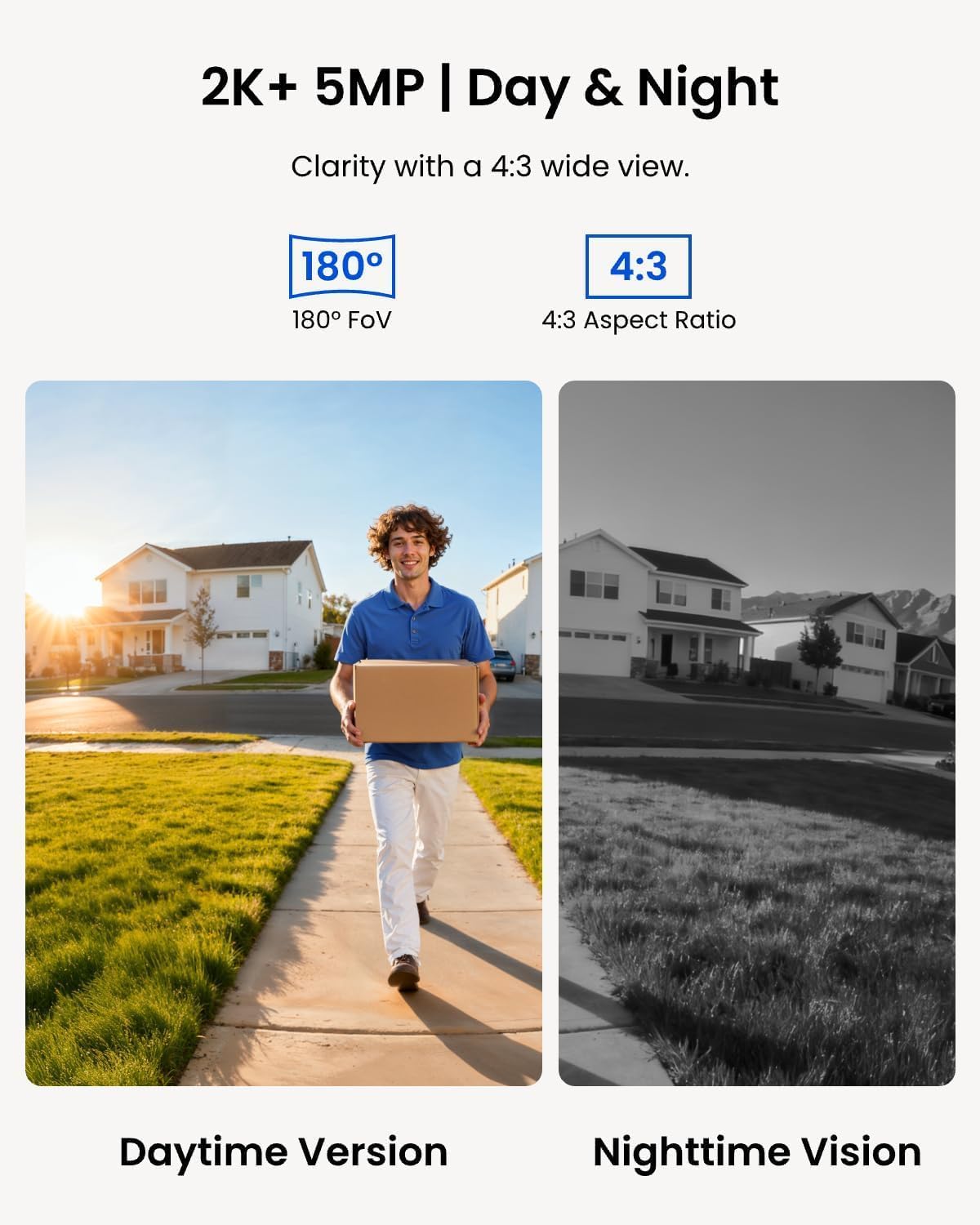
2K Super HD & 4:3 Aspect Ratio: Enjoy the super wide field of view of 135° (H) x 100° (V) x 180° (D). Find the right position for your doorbell with its 15° wedge kit. Incredible 2K HD, along with advanced HDR, 3D DNR, and distortion correction technologies, provides sharp and detailed images even in low light conditions.
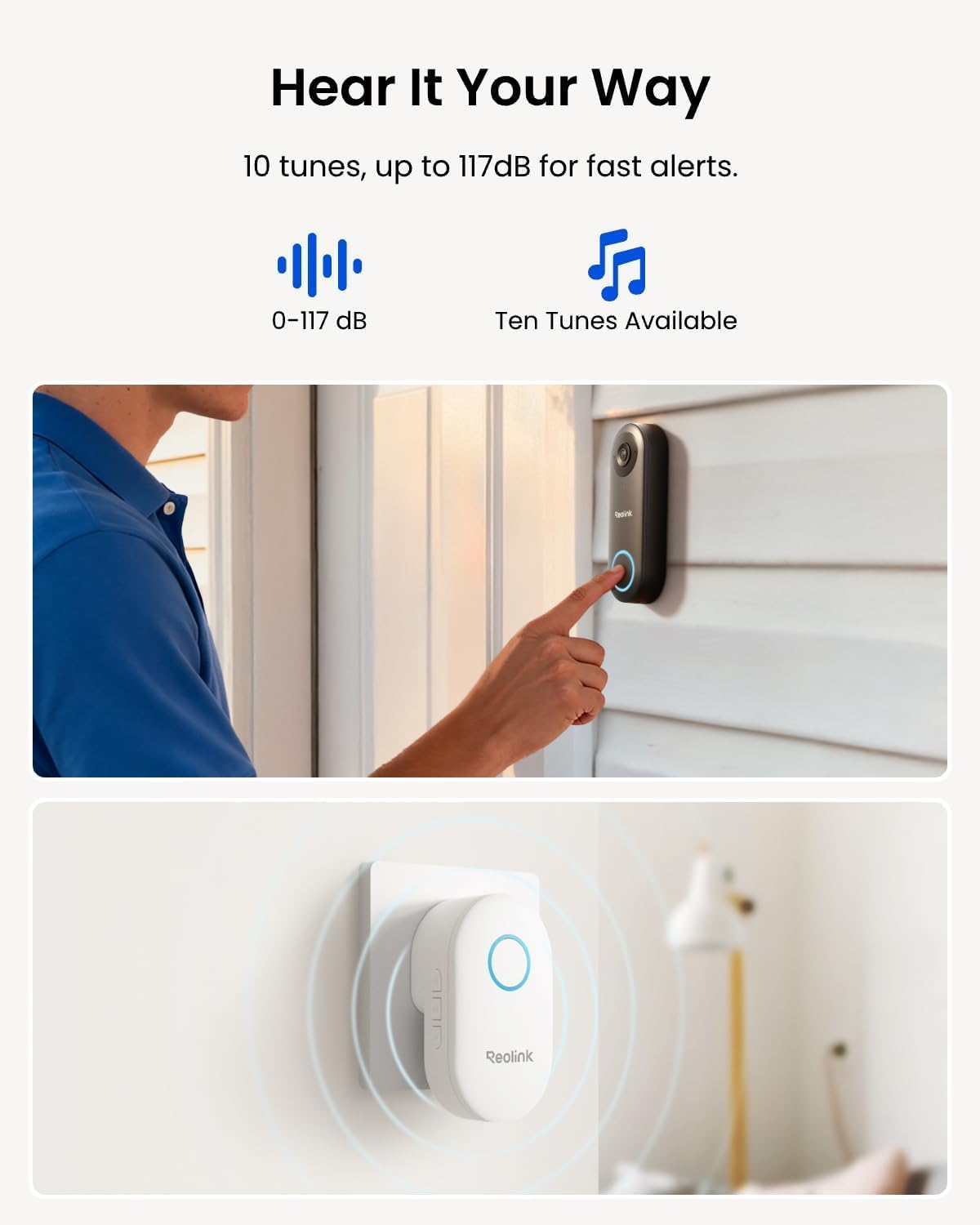
Chime V2 Included & Answer the Door Faster: Plug the chime included into any electrical socket in any room and be confidently alerted when visitors “knock”. You can choose 1 of its 10 tunes and adjust its volume. You can also preset voice messages or automatic replies for times when you’re occupied. Chime Compatibility: Reolink Chime-V2.
Easy & Reliable PoE Setup: Finish the installation in minutes with a Power over Ethernet design (power supply NOT included) also with unmatched stability – data transfers with no reliance on spotty signal but with a wired connection. An internet break won’t stop it from 24/7 recording. Please note that a third-party NVR is NOT supported. Supports 12-24V AC 50/60Hz, 24V DC power, IEEE802.3af PoE switch/injector, or Reolink PoE NVRs.
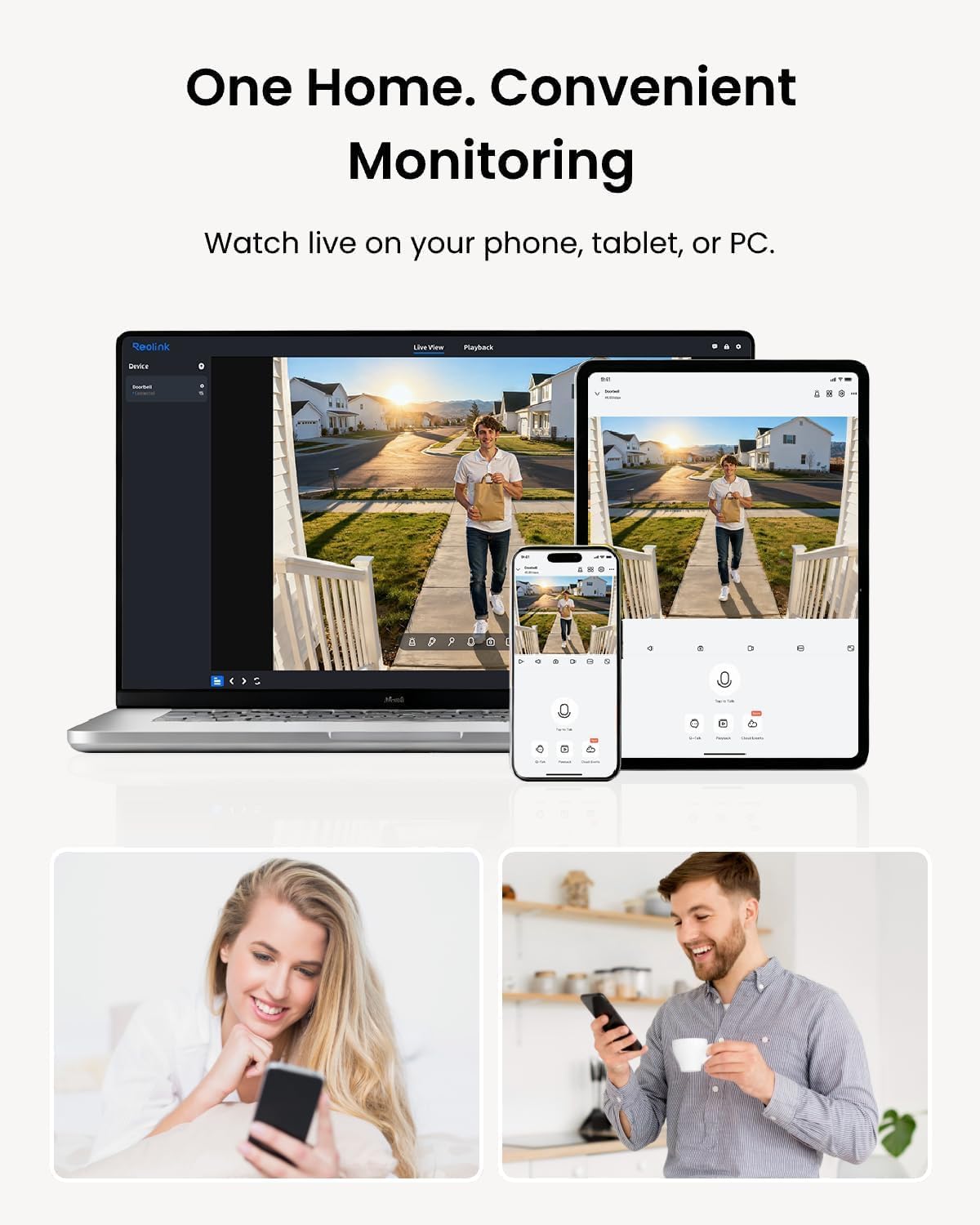
Flexible Storage Options & Versatile Software: Reolink software provides lifetime service that requires NO monthly fee. It supports pre-roll recording, which provides valuable 6s footage from before an event is triggered. Recordings can be stored on a microSD card (Max. 256GB, not included), Reolink NVR for built-in 2TB/4TB HDD local storage, or FTP/NAS.
Accurate Alerts by Humanoid Detection: You can set it to alert you when a human is detected, ignoring trivial non-human passers-by, and you can set the motion zone to decide where objects’ movements will be detected.
11 reviews for REOLINK Video Doorbell PoE Camera – 2K IP Security Camera Outdoor with Chime V2, 4:3 Aspect Ratio, 180 Degree Diagonal, 2-Way Talk, Plug & Play, Secured Local Storage, No Monthly Fee
Add a review

$7.99
Linwood –
Worked great out of the box, POE is so much nicer than wifi
This installed and worked fine out of the box, and is a great value given the price.I replaced a Reolink wifi device, which was just kind of OK — wifi is not a good solution (IMO) for cameras, it’s a little too flakey, especially with cheap, no-external-antenna devices outside the home. POE is great. I also added one to a back door.I am not particularly happy with some of the Reolink quirks (like access via NAt over the gateway it uses not working) but those are easy to work around, and this has a good camera and is pretty easily configured and has been working great.
Silvia –
best doorbell on the market
instant notifications, 1 or 2 second max delay on notifications. I love it. the quality is great and the field of view on this camera is large. You can set a tone for the chime and a volume that you like the most. it has auto replay for when you aren’t home and expect a package. I run it with blue iris with the ai integrated and its really clear and easy to detect accurately. it takes a bit of time to set static IPs but once its running you don’t have to worry about anything. the live access from the reolink app is fast there is a bit of delay on the playback, but will assume i am running a very poor read speed micro sd. overall great camera to have if you can climb to the attic and do some gymnastics yourself getting the cat 6 cables over.
Stephen the Ex-Monk –
Nice camera, works well.
It’s a doorbell camera, you can record who or what approaches your door.I chose the POE camera because I don’t like batteries and I’ve found WiFi cameras frequently are problematic if outside. Aside from the challenges of running cable in my old house, this thing was a breeze to set up.I have not yet botthered to install an SD card, everything that happens in the camera view gets recorded on my Blue Iris system.You will need to use the Reolink app to get everything configured, which was easy to do. I forget exactly where but in the menus are options that will make it possible to use with y our chosen NVR. Initially this caused me some problems until I figured it out.The doorbell does pair up with Alexa so you can get an announcement when someone rings the door bell. You can also program other actions like turning lights on or some random announcement alerting you to intruders at the gate. You cannot disable the default announcement that I’ve found.I’m happy overall with this product and would use it again if needed.
vahan bedrossian –
Exelent camera door bell
As most people opt out to go for the ring I chouso to stray from the pack. I just liked the reolink brand since I helped out a friend install a cc-tv sistem in his house. The no subscription or monthly fees is a big plus for me. I got a NVR sistem for my home and the doorbell interfaces seamlessly with it. It does everything as well as it say in the description. The no need for complicated whiring and installation is also a big plus. The cuality of the picture is great as not only you can see who is at the door but they are not pixels on your screen and you have to use your emagination to figure out who is that. The usual delay is minimal just under a second, and the colors are vivid.
21B –
100% recommended
I have a Reolink NVR already so this was a no-brainer. Wifi can be unreliable, so the POE version just makes sense. It took longer to fish the ethernet cable down the wall then literally anything else. I plugged it in and my NVR found and added it automatically. I opened my app amd it was there ready for minor configuration. Came pre-paired with the chime, my old one was an A/C chime so it wouldn’t work with the new, not a big deal. Now I can even pair another chime to extend the chime range if needed, an option i didn’t have with the older system. Video quality is good, audio quality is good and I can talk to people at the door now. 100% recommend
maurice –
Connect to your NVR through NVIF, great system with lots of features at good price
This is the POE version, not wifi. Some basics- for poe, you need to wire the doorbell using Cat 6 cable to an nvr or injector. If you don’t know what that is, hire someone to do the wiring and figure out which nvr to buy. If you want home security with nvr capabilities, i.e. many cameras, secure recording to a hard disk, etc. then become familiar with nvr and wired cameras. POE cameras simply mean one Cat 6 cable is used to both power the camera and send its signals to the NVR. Older systems use two cables.So, if you are in the right place and you have a POE Cat 6 cable at your door, this camera is terrific. I had a professional do the wiring and sell me an NVR and 4 cameras plus a doorbell. NVR and cameras are from Dahua. Doorbell was from Aukvox. The latter was very sophisticated, could unlock two locks remotely, had provision for a security card, etc. But its night vision was zero even with infrared, its motion detection was zero and you could only hear but not talk back. Good for business maybe, not residence. $500 device useless to me as a homeowner/residence. Wanted service fee of $175 to come out each time and tinker with it. Had enough and bought this POE reolink.Installed it and it has great night vision and motion detection, 2 way intercom, great features.The rub is how to install it so it shows up on my nvr monitor? It has NVIF capability and my Dahua nvr has nvif ability as well so I gave it a shot. Bought it from Amazon because they have a great return policy and if I was not able to set it up I would return it.The reolink support documents did not help. I did not bother to call tech support. I googled Dahua nvr and Reolink POE camera how to connect and got a lot of good info that way. I will not go into all the detail. Too long already. But, they say get into the camera interface through the URL address. I got in but that didn’t help. So if you are trying to connect to nvr, you have to enable NVIF on the camera. How? Do the following on the APP, not the interface or Reolink client on the web.Go to Settings, hit the device name (first item), another screen opens Device Info, go to Network Information, then Advanced, BOOM, the screen gives you choices to enable RTMP, HTTP, HTTPS,RTSP and ONVIF. I enabled them all.Plug the camera into POE. The NVR will now be able to add the camera to its list of cameras. Add camera, initialize, do whatever your nvr manual says to do and it will appear in your phone app as well along with all your other cameras. When you add it, you will have to enter username and pw. I am skipping the nvr steps. Figure those out.I see some negative reviews here but I am very satisfied with it. You also have to pair the chime. My old battery chime ate batteries every 3 months. This is plug in and quite loud with choice of rings.Overall, one week later, very happy. Lets see how it performs over time.
Amazon Customer –
It is perfect, I like the POE because I don’t need to use any transforrmer.I need to add that homeassistant integration was a real added value for me.
jamie –
Just received this in the mail, at first glance, it’s exactly what I was a after, build quality it feels & looks sturdy but I’ve yet to install it….will give a better review once done but so far I’m really happy with it.
Daniel Mountford –
This doorbell camera works great. Had to run a cable for Ethernet to my PoE switch. I find the Ethernet cameras are better as you don’t have to deal with batteries or WiFi issues. Using a third party application to record locally and no cloud being utilized. Supports ONVIF to work with many different systems. Picture quality is decent
DXB_Uzi –
This has the best 2 way audio i have ever experienced on a doorbell. I have it on a noisy street, and I have previously used Nest, Logitech, Ring (their most expensive model which was PoE), and Eufy. Nothing compares in terms of audio – its almost like as if it is a phone call with no background noise.
Amazon Customer –
I purchased this camera on august 09, 2023. It has an excellent 2K+ picture and lots of great features. I really like its ability to store my videos on a FTP server. The video storage is limited only by the hard disk storage on my server. I don’t have to pay for cloud storage and I already had several computers to use as a FTP server. My neighbour pays a monthly fee for his storage. I was worried that it wouldn’t survive the harsh Newfoundland winters. It worked fine during winter of 2023 but began to fog up last winter. We get a lot of freeze thaw cycles and a lot of wind rain and snow. I couldn’t really fault the camera. I also have two Reolink RLC-810A 4K cameras with the same features and they have been working great through two winters. I got in contact with Reolink support and they were good enough to send me a replacement camera. I installed it today and it works great. Overall I am quite pleased with my Reolink cameras. When I need another camera I’ll definitely purchase another one from Reolink. The cameras and support are top notch. Thank you Reolink.