

Yealink Sp92 Conference Speaker and Microphone Teams Certified Mic with Al Noise Cancelling 20H Call Time USB Speakerphone for Small Meeting Room, Bluetooth Speaker for Computer/Laptop
$7.99
Related Products



Product description

Yealink Speakerphones Comparation
Add to Cart
Add to Cart
Add to Cart
Add to Cart
Add to Cart
Add to Cart
Customer Reviews
4.3 out of 5 stars 65
4.2 out of 5 stars 31
4.8 out of 5 stars 5
4.8 out of 5 stars 5
4.4 out of 5 stars 380
4.4 out of 5 stars 380
5.0 out of 5 stars 1
Price
$74.99$74.99
$90.12$90.12
$167.99$167.99
$159.99$159.99
$89.99$89.99
$149.99$149.99
—
Microphone Type
Built In Microphone
Built In Microphone
6-Mic Array
6-Mic Array
Built In Microphone
6–Mic Array
8-Mic Array
Special Feature
Virtual Bass
Include Dongle
Daisy-Chain
Daisy-Chain + Include Dongle
Portability -220g
8 Touch Buttons
Daisy-chain
Audio Pickup Radius
4m
4m
5m
5m
1.5m
2m
6m
Teams Certification
✔
✔
✔
✔
✔
✔
✘
Talk Time
20 Hours
20 Hours
26 Hours
26 Hours
9 Hours
12Hours
DC Power Supply
Bluetooth Connectivity
✔
✔
✔
✔
✔
✔
✔
Connection Method
USB-C / USB-A / Bluetooth
USB-C/USB-A/Bluetooth/Dongle
USB-C / USB-A / Bluetooth
USB-C/USB-A/Bluetooth/Dongle
USB-A / Bluetooth
USB-A / Bluetooth
USB / Bluetooth / PoE
Ai Noise Cancellation
✔
✔
✔
✔
✔
✔
✔
Full Duplex
✔
✔
✔
✔
✔
✔
✔
Acoustic Echo Cancellation
✔
✔
✔
✔
✔
✔
✔
Reverberation Cancellation
✔
✔
✔
✔
✔
✔
✔
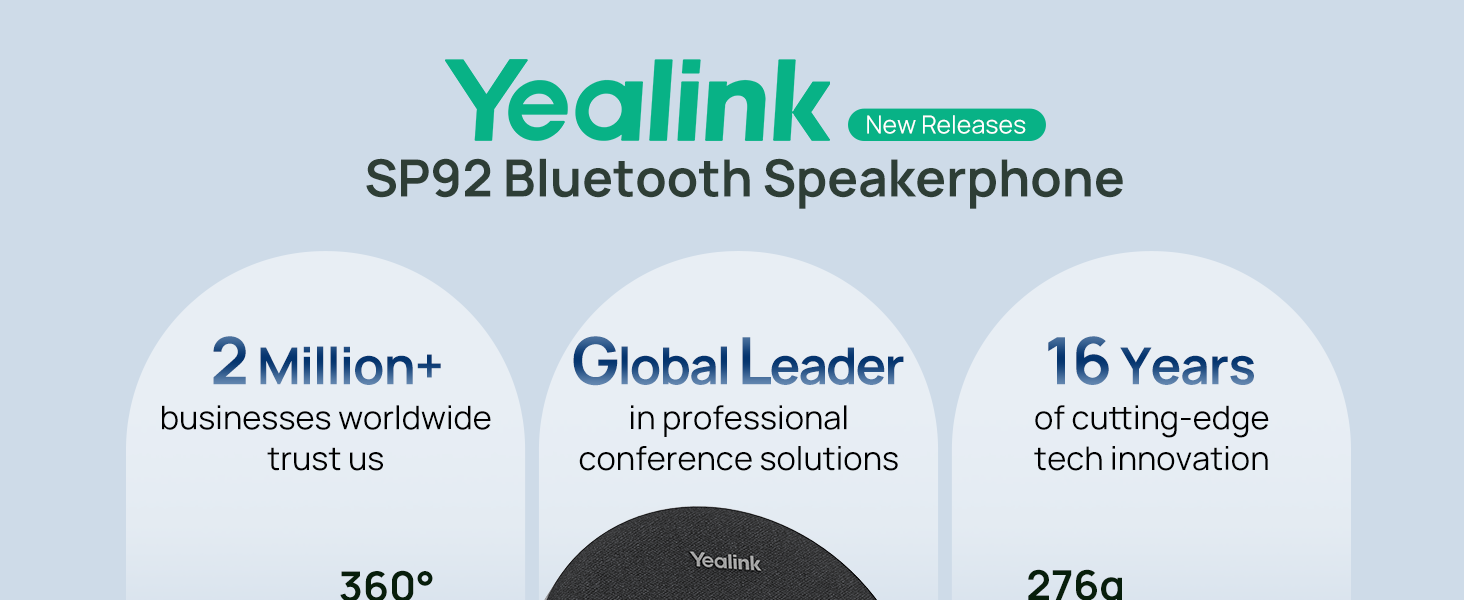
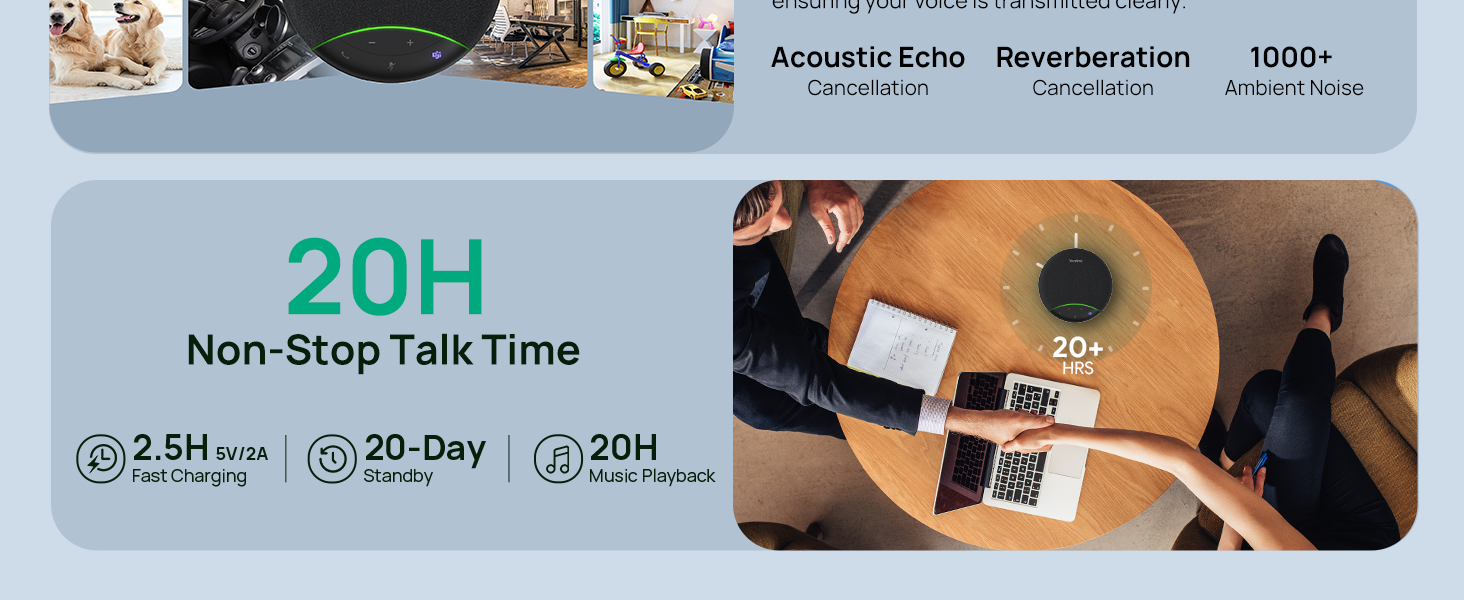
Crystal-Clear Conference Calls: The SP92 speakerphone delivers exceptional audio quality with real-time AI noise cancellationthat filters over 1,000 noises (like keyboard taps or AC hum etc.) for accurate speech reproduction.
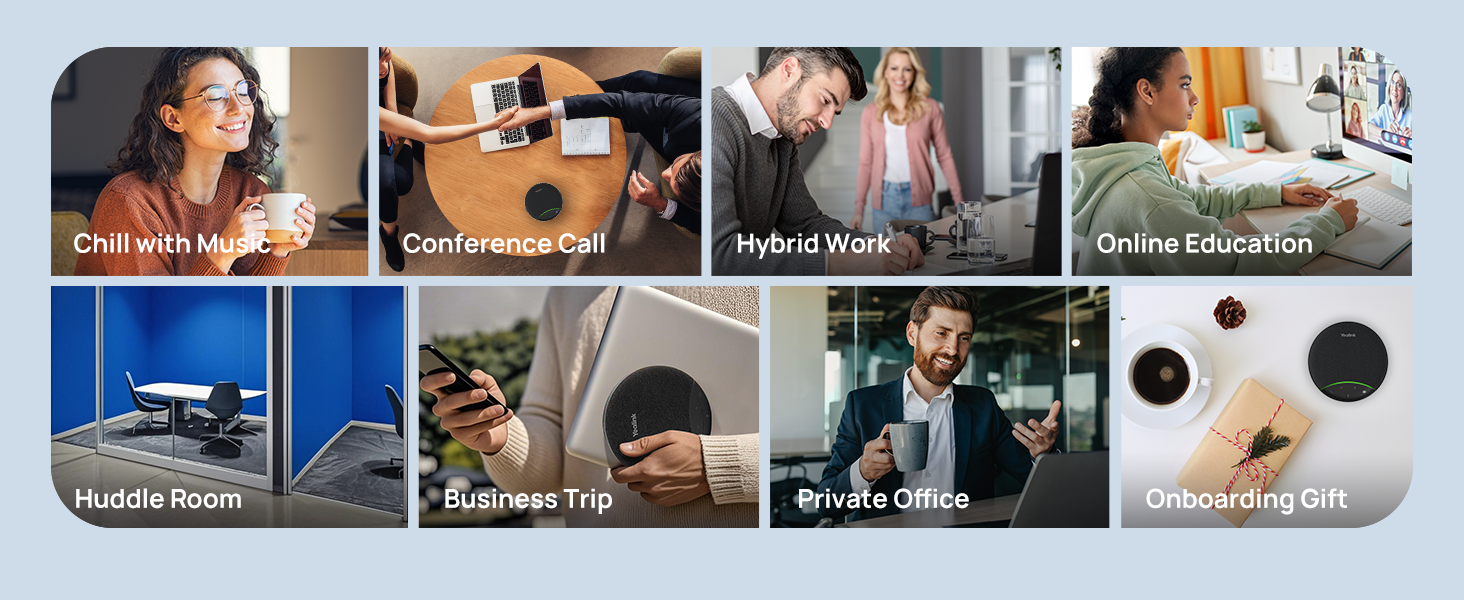
360° Room Coverage: Equipped with an omnidirectional mic and 50mm speaker for clear audio pickup within a 13ft (4m) radius, designed for 4-8 person conference rooms.
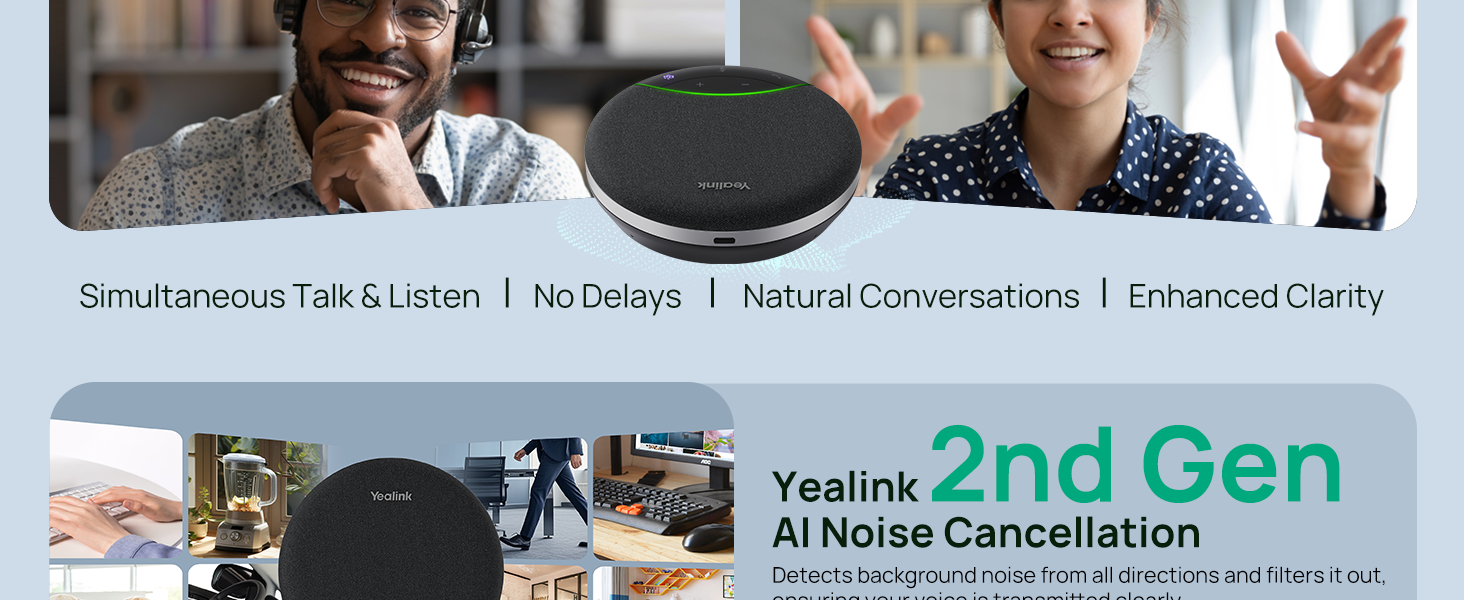
Enhanced Audio Experience: Features built-in full-duplex microphones for natural multi-person simultaneous conversation, Virtual Bass for balanced voice clarity and deep music, and echo cancellation technolog.
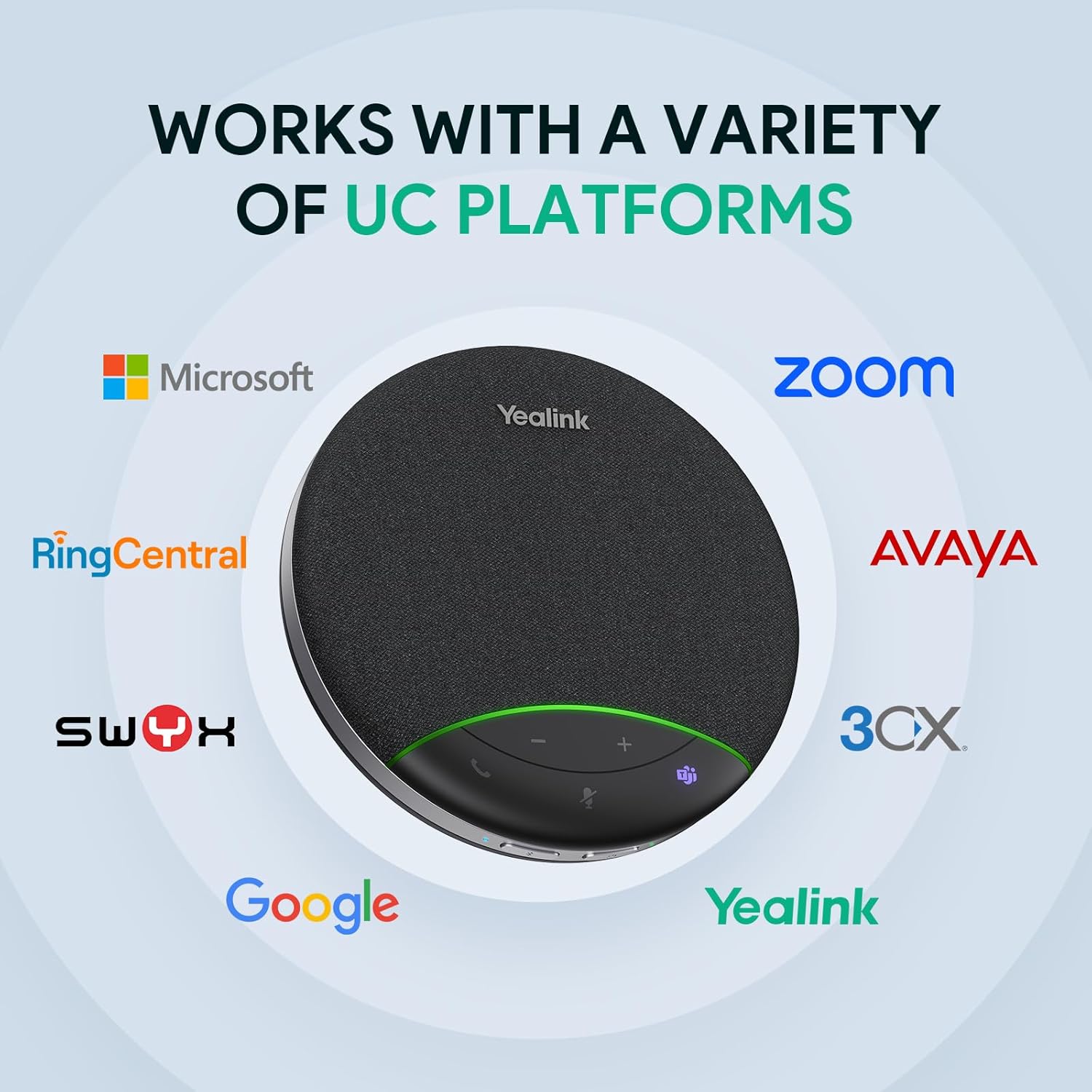
Microsoft Teams Certified: Compatible with Zoom, Google Meet, Cisco Webex, and other UC platforms. Runs seamlessly on Windows, macOS, Android.
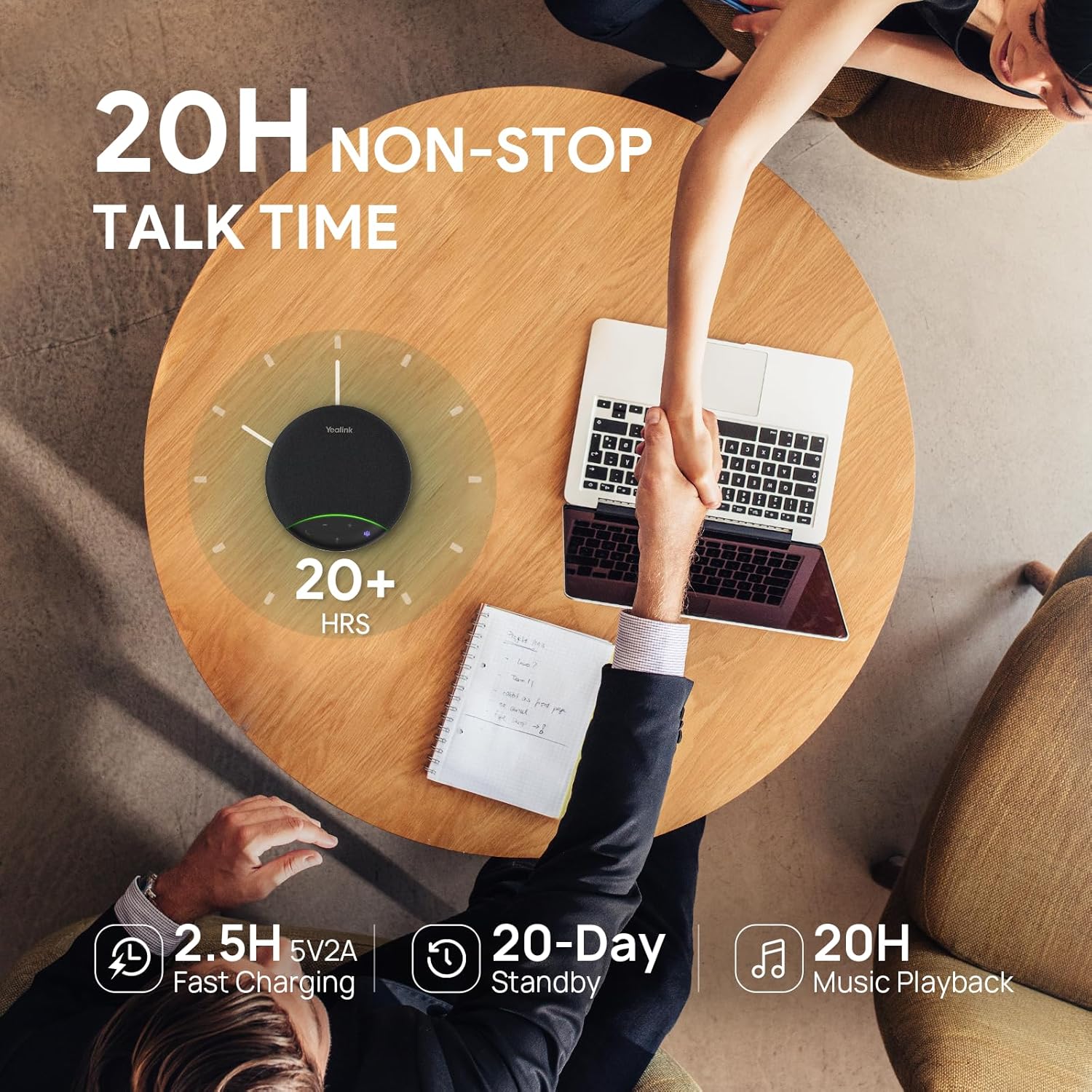
20-Hour Battery Life: Built-in rechargeable battery supports up to 20 hours of calls or music per charge — enough for all-day meetings. Fully recharges in 2.5 hours with 5V/2A source. Standby time to 20 days.
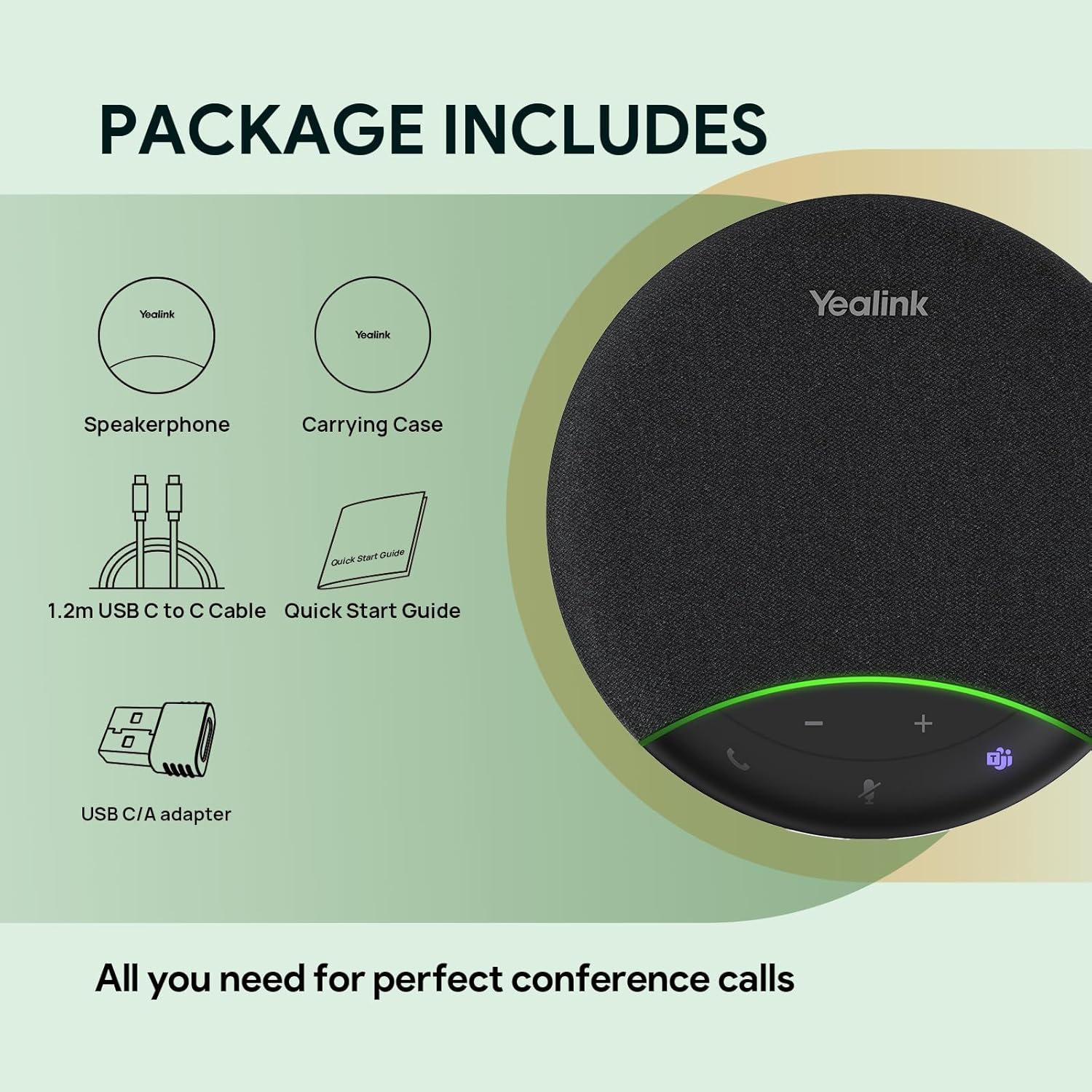
Ultra-Portable Design: Weighing just 276g and measuring 5″ x 5″ x 1.3″, it easily slips into any laptop bag. It also includes a compact carrying case—ideal for business travel or multi-location meetings.
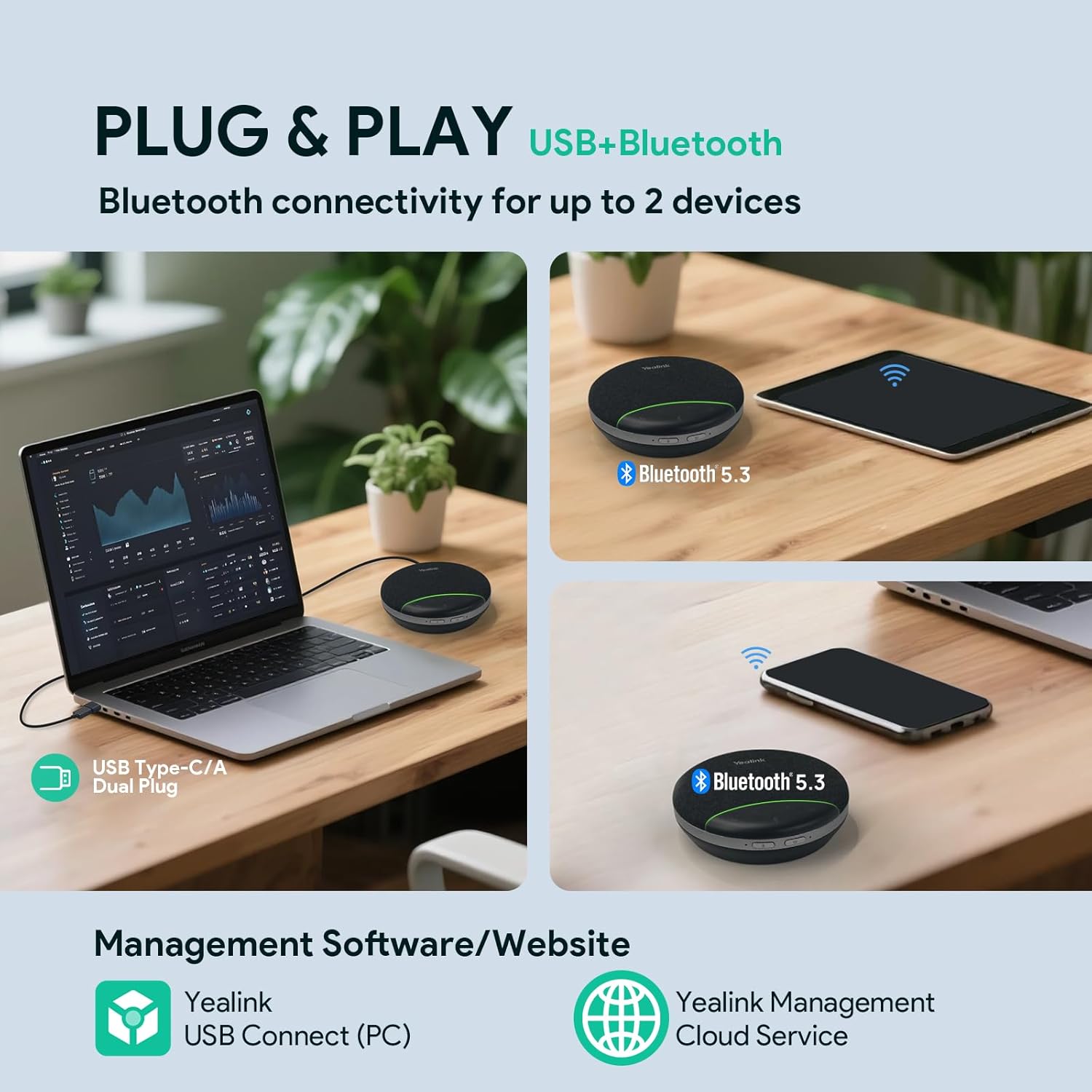
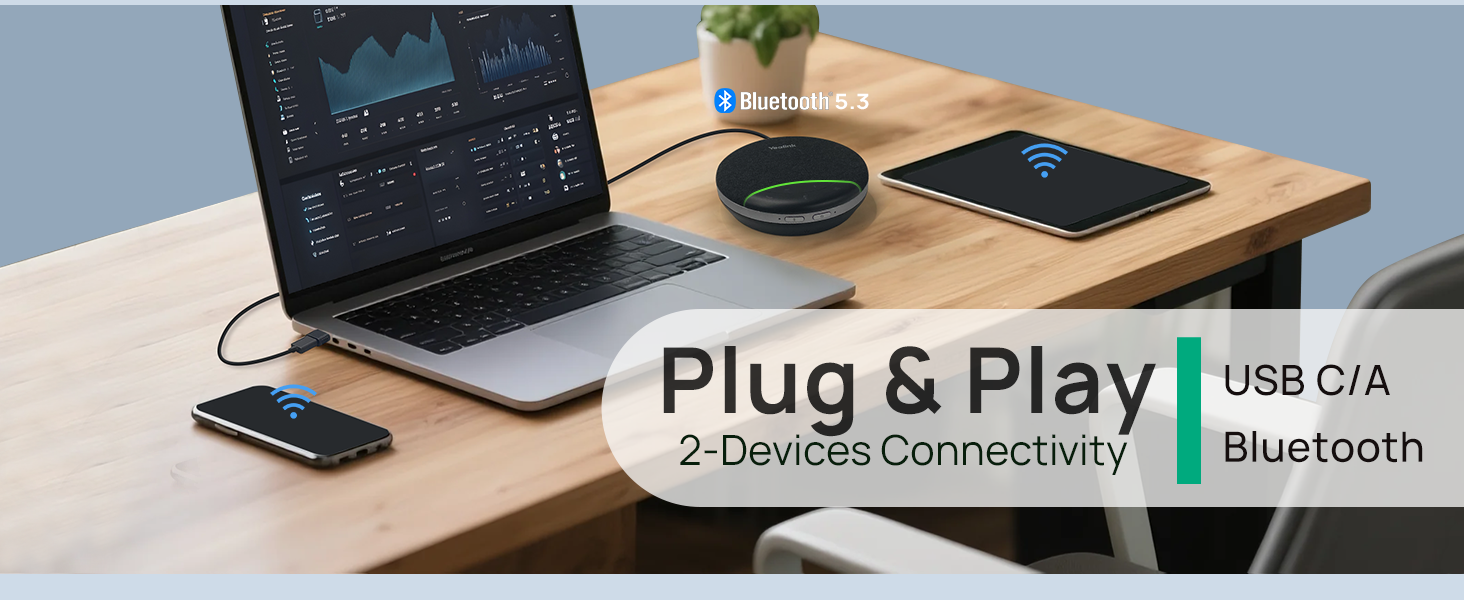
Triple Connectivity Options: Bluetooth 5.3 (30m range), USB-C cable (includes C-to-A adapter), or BT51C dongle (optional). Seamlessly pair smartphones, laptops, and computers.
10 reviews for Yealink Sp92 Conference Speaker and Microphone Teams Certified Mic with Al Noise Cancelling 20H Call Time USB Speakerphone for Small Meeting Room, Bluetooth Speaker for Computer/Laptop
Add a review

$7.99
Jeff S. –
Surprised at how well this works with Teams
I don’t often give 5 stars for a product. But the Yealink speaker-mic worked better that I expected.Running on a MacBook Air M3 over USB, the speaker and mic appear as expected.The sound and mic are excellent for this price point. I have used in multiple teams meetings.What surprised me is this: There is a button for Teams on the device. When I press it, it bring up teams. On my mac. That’s cool, and handy too. There is another button with a phone icon – that hangs up the call.The microphone button mutes the mic (as expected) but also mutes the setting in teams. I’ve seen setups where you have to unmute both otherwise nobody can hear you.I also tried this on my Ubunut Linux computer works there too (I don’t have Teams on my Linux computer so could not test that)In summary : good quality product, works better than expected with teams. better sound that from my Mac speakers.
JG –
Great home office addition
The speaker works great in my home office. No more spotty laptop mic or headphones. I can be anywhere in my home office and hear or be heard clearly Holds a charge for a long time and works while charging.
SheS –
Serves my purpose
First off the product did not arrive on time. The status online changed & was never updated, saying enroute but no delivery date. I had to call Amazon, cancel & reorder the product.The product works for my needs.Pros: Very light. Connected to bluetooth without issue. Battery lasts for over 2 weeks with couple of hours of talk time every day. I can hear people & they can hear me clearly as well (I am always right in front of the speaker, never more than a feet or 2 from it).Cons: It does sound more mono than stereo (took me some time to get used to it). The power switch has to be held down for a few seconds to turn on/off power. The volume button seems a little finicky.
Steve –
Great value and great sound
Great sound! Connects promptly and without disconnections. Now to see how it holds up and how battery life will be.
Baghir Akhundov –
Little Perfect Speakerphone – will fill your room with music and conference capabilities
Simply perfect for its value and size … very much recommended to anybody looking for a device capable of meeting near-high-end expectation for a small $ to pay.
sjc –
Easy setup and connectivity, audio is just ok. Updated review, returned it.
Amended review 10/24/2025.I just wrote my original review four days ago but after using the SP92 for a week I have to down rate my review to three stars. What I said about ease of connectivity and reliably staying connected as well as ok speaker audio quality still stands but after a week of use I received to many negative comments from the customers I was talking to about how I was sounding on their end of the call. As I mentioned in the original review they were saying I sounded like I was in a tin can, or in a large echoing space, or that I was very far away, or they could barely hear me. That was disappointing. The SP92 was sitting on my desk right in front of me in a small carpeted second bedroom so I don’t see how there would have bee echo or reverberation or level issues.The SP92 claims to be a AI Noise and Echo Cancelling design and in Windows Sound settings it even shows up as “echo cancelling speakerphone”. When I Googled the issues the answers said the echo and noise cancellation needs to be enabled in settings however, there are no such settings for the SP92 either on the device itself or in the USB Connect Utility that you are prompted to download nor was there any mention of such settings in the online documentation. I think the Google answer was referring to actual Yealink VoIP phones, not the SP92. The other culprit might be the single microphone positioned right below the Mute and Power buttons on the front of the unit, I thought this had multiple mics but apparently not. Other speakerphones I looked at have a multiple mic arrays which might perform better than a single mic.I had a feeling this wouldn’t work but I had to try it. Ultimately I returned the SP92 and I’m back to my Poly Blackwire wired headset.Original Review 10/20/2024:I purchased the Yealink SP92 speaker phone and I did not get it free in exchange for a review. I got this on a Prime sale for $59 (normally $85) and I’m still evaluating performance but wanted to give a first impression review.Arrived on time and well packaged, no documentation in the box other than the now usual QR code and a link to download the Yealink USB Connect utility for the computer and to their support page. I did visit the support page for a rundown of the buttons and lights on the device and easily found the document I needed. Fit and finish of the product is good, looks nice on the desktop.The battery starts charing after you plug it in, the green bar on the device flashes while charging, I will never use it purely on battery power but to report, it was at around 70% out of the box and took about 45 minutes to charge the rest of the way to 100%.I’m using this for working from home which I do full time. I got it on a weekend so I couldn’t really use my work soft phone to test it until logging back into work on Monday so I initially connected my iPhone 14 PRO MAX (running 18.6.2) via Bluetooth to test it out. Bluetooth pairing mode initiated automatically after I plugged the SP92 into the USB-C port on my Dell expansion dock. My iPhone discovered the SP92 after about 45 seconds and it paired without issue. If you don’t pair any mobile devices within about four minutes after plugging in the SP92 the pairing mode will stop and it announces that pairing is stopped. Sound quality from the speaker was good and the friend I called said I sounded “normal” and clear on her end, as good as if I were just on the phone. I will not be using this with my iPhone regularly but Bluetooth seems to work fine.For connection to a Windows PC all you have to do is plug it in to a USB-C port and then select the Yealink in the computers Sound settings for both the audio output (speaker) and microphone settings and then it just works. In my case the SP92 is not specifically compatible with my companies soft phone system which is NICE/InContact (and we use Salesforce) so the SP92 works at a hardware level interfacing only with the Windows sound settings, just like when you plug in a headset. I actually prefer to answer and end calls via the NICE/InContact interface anyway so the non-compatibility is not a deal breaker for me.I was delighted when I took my first work call and I could hear the soft phone ringtone in the speaker and everything worked when I answered the call. Now that I’ve had a couple of days using it at work the speaker sounds decent, it get’s plenty loud, I have volume set to around 50 to 55 for most calls. If I change the volume on the computer you can see the green bar on the SP92 adjust accordingly.Just as with any device, speakerphone or headset, the callers voices are clear as long as the call is clear with no drops or interference on either end. For the most part callers that I’ve asked have said my voice is ok on their end but some have said I sound like I’m in a tin can or like I’m in a large space with echo and reverberation which I didn’t particularly want to hear since the SP92 is supposed to have echo cancellation. I work out of a small bedroom office in my house so it’s by no means a large echoing space and it’s carpeted so I don’t know what would be causing that.So I’m still on the fence about the audio quality and if I’ll keep this SP92. Audio is passable but I’m not blown away. I’ll have to poll several more callers and friends so I can really get an idea of how I sound on their end. My other option in this speakerphone category was the Poly Sync 20 which appears to be a larger speakerphone and reviews of it do mention above average audio quality over some other similar devices so I might give that a try as a comparison.For connectivity and setup the SP92 was a champ, it just works.
Me! –
Loud and clear
Works great! No more headsets, no more earaches.
Binta –
Yealink Review
Works great! I use it all the time for my meetings instead of wearing a headset.
Roger Gray –
Good product. Will recommend it to anyone.
Theman & GF –
I’ve been using the speaker for Teams calls for nearly a month now and it works well. The sound output is clear and easy to understand, however it isn’t the same as my laptop or headphones. It’s almost as if it’s optimized for larger rooms. I’m not sure if it’s missing the bass or what? Again, it’s clear and easy to understand, but I wouldn’t want to use it for watching Netflix – if that makes sense.It does a good job picking up voices in the room and the noise cancelling seems to work well. A couple times the other people couldn’t hear what I was saying clearly, however I blame that on my internet connection as it’s been flawless when I had a good connection.It supports bluetooth or a wired connection. I’ve used the wired connection, which also keeps it charged.As I don’t love the sound quality, generally I use another speaker for that, and this doesn’t seem to affect the microphone/ noise cancelling. In our meeting room, we have a TV as the screen and that sound is much louder, especially with the “quiet talkers”.Given that I use it at my home office, or in our conference room, I’m happy with its size and shape to make it easy to tuck into my laptop bag.