

Canon imageFORMULA R40 – Office Document Scanner, Windows and Mac, Duplex Scanning, Easy Setup, Scans a Wide Variety of Documents, Scans to Cloud
$33.99
Related Products


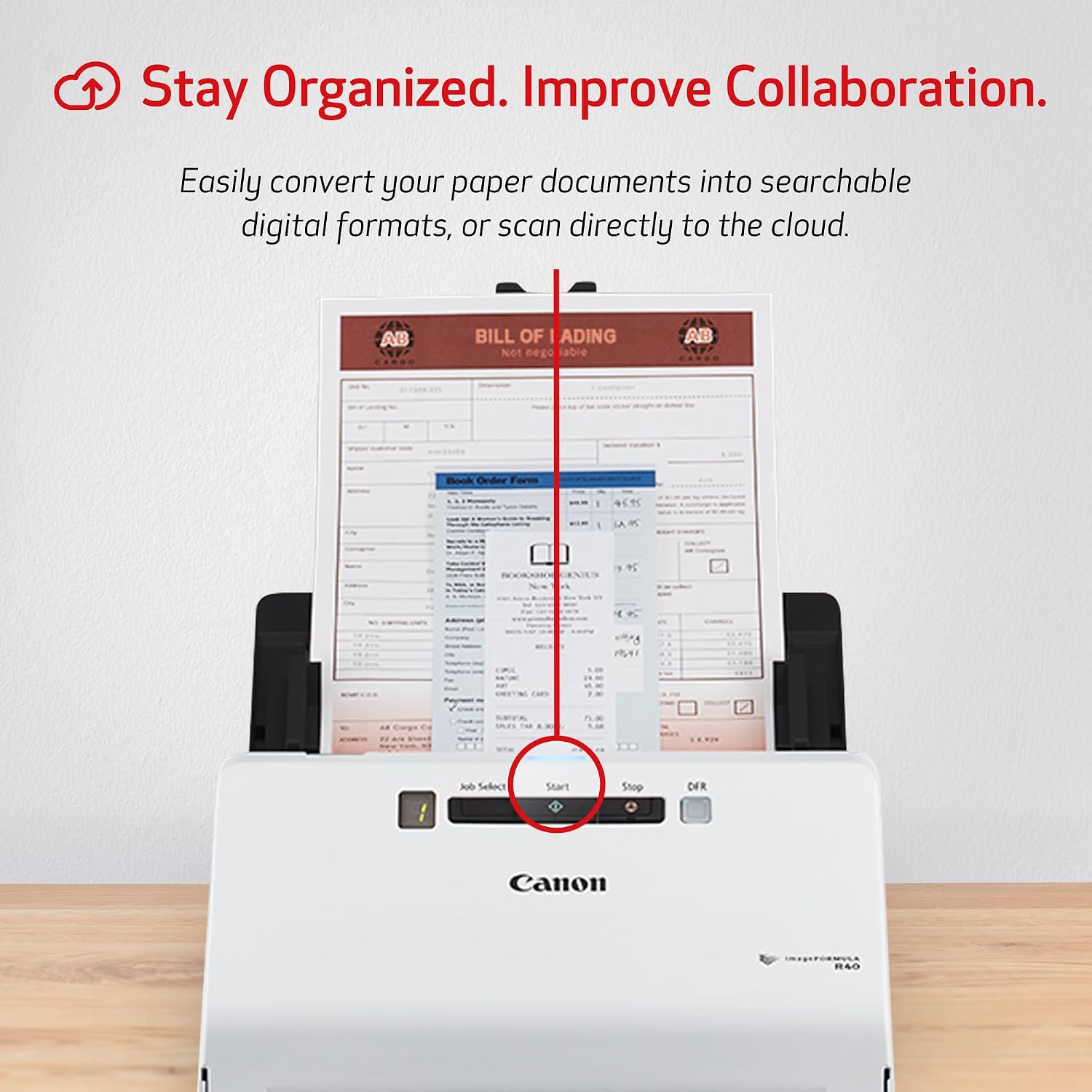


The Canon ImageFORMULA R40 scanner, easy to set up and use, Allows users to increase productivity and organization at home or in the office. Quickly convert paper documents to searchable digital files using the bundled software.
Stay organized: Easily convert your paper documents into searchable digital formats.Grayscale : 8-bit, Long Document Mode : Up to 118”.Has Greyscale: Grayscale:- Simplex: Up to 40 ppm ; Duplex: Up to 80 ipm
Reliably handles many different document types: Receipts, photos, business cards, reports, contracts, long documents, thick or thin documents, and more
Fast and efficient: Scans both sides of a document at the same time, in color, at up to 40 pages per minute, with a 60 sheet automatic feeder, and one touch operation
Broad compatibility: Windows and Mac TWAIN driver included
Easy Setup: Simply connect to your computer using the supplied USB cable
Bundled software: Includes easy-to-use Canon CaptureOnTouch scanning software (Win and Mac) plus free licenses for Readiris PDF and OCR software and Cardiris business card software (Win)
Backed by a one-year warranty and US-based technical support
8 reviews for Canon imageFORMULA R40 – Office Document Scanner, Windows and Mac, Duplex Scanning, Easy Setup, Scans a Wide Variety of Documents, Scans to Cloud
Add a review

$33.99
Dave Stevens –
Game-Changer for Time Management: Canon imageFORMULA R40 Scanner
The Canon imageFORMULA R40 Office Document Scanner Receipt Edition has truly changed the game for my business in terms of time management. This scanner has quickly become an indispensable tool in our daily operations.From the start, the setup was incredibly straightforward, and the user-friendly interface made it easy to get up and running. The scanning speed is impressive, allowing us to process large volumes of documents and receipts in a fraction of the time it used to take. This efficiency has freed up valuable time, enabling us to focus on other important aspects of our business.The image quality is outstanding, capturing every detail with precision. Whether we are scanning receipts, invoices, or multi-page documents, the output is consistently clear and accurate. The automatic document feeder works flawlessly, handling various paper sizes and types without any issues.One of the standout features of the Canon imageFORMULA R40 is its ability to integrate seamlessly with our existing systems. The included software is intuitive and offers a range of options for organizing and managing scanned documents. This has significantly improved our workflow and document management processes.Another huge benefit is the compact design, which fits perfectly in our office space without taking up too much room. Despite its small footprint, it packs a powerful performance that meets all our scanning needs.Overall, the Canon imageFORMULA R40 Office Document Scanner Receipt Edition has revolutionized the way we handle documents and receipts. It’s a time-saving, efficient, and reliable tool that I highly recommend to any business looking to enhance their productivity and streamline their operations.
Kerwin & Sandie Scheel –
Best & Easiest Way of scanning Photos
It was little hard with any direction how to use the Canon Formula R40 at first. But after reading and coming up my own Photo files. The scanner works great, No wasted time of resizing your photos. Now you have more time working on your projects and have all your photos in one place. Should have purchase this unit years ago, the old fashion of scanning photo with my lift up lids days are over. My photos are scanning much better now. The only issue was No information on how to use the scanner its self and saving your photos. I would give big 10 rating on the Canon scanner it is worth paying for. I purchase the extra warranty, which I do not want to used.
Joaozinho –
Ludicrous Mac support
I have a Mac running the current MacOS, Ventura. This OS has been around since October 2022, not exactly new by OS standards.According to the Amazon product page, this scanner “includes easy-to-use CaptureOnTouch scanning software (Win and Mac).” This short quote contains multiple lies. First, the software is not included. No big deal–the Setup Guide in the box told me to get software from the Japanese Canon web site, which merely asks me if I want Win or Mac. After downloading, installing, and a complete fail, it turns out that the software I downloaded from Japan does not work on Ventura.Canon, how hard would it be to update the Japanese site with a sentence pointing out this major problem?It turns out that the US Canon site has software that they say works on Ventura. I downloaded and installed it. It didn’t work, probably because of files left over from the wrong software. I looked in the Canon forums, where a guy from Canon named Arthur wrote that I have to uninstall the wrong software; however, Arthur doesn’t bother to tell me how many files there are, what the filenames are, which folders they are in, or how to do that; their installer doesn’t uninstall like well-written ones do. Then Arthur wrote to install the most recent software. That didn’t work either.I then spent more than an hour on the phone with Kevin in support, who was very patient and walked me through many uninstalls, reinstalls, and restarts, many of which were in conflict with the installer instructions. After all this, some scanning was possible! However, the scanner remains unusable and will be returned because it will only complete a 3-page job after 2-3 restarts of the scanner and 2-3 restarts of the software, with the same two error messages recurring.
Gerardo F. –
El escaner es muy eficiente y rápido, lo mejor es que escanea por los 2 lados al mismo tiempo, y no pierde el tiempo girandola u acomodandola.
Mario C. –
Il est facile à installer et à utiliser. C’est un appareil performant. Le seul regret est de ne pas l’avoir acheté avant. Il m’aide à m’organiser dans mon travail. C’est un outil indispensable.
KuanSung –
Small size and works with Mac OS!
Fernando villa l –
bueno en genral, solo que no trae discos para instalacion y es algo complicado o engorroso poder instalar los archivos en la computadota, todo lo demas muy bien
GittiTech –
Scans many photos at a good speed