

Cudy Dual Band BE3600 WiFi 7 Wi-Fi Mesh System, 3.6 Gbps 160 Mhz, Coverage up to 2500 Sq.ft, 3 Gigabit Ports, Multi-VPN Compatible, Cudy APP Control(M3600 1-Pack)
$13.49
Related Products


![Gigabit Ethernet Splitter 1 to 2 – Network Splitter with USB Power Cable, RJ45 Internet Adapter 1000Mbps High Speed for Cat 5/5e/6/7/8 Cable [2 Devices Networked Simultaneously]](https://deviceden.co/wp-content/uploads/2025/11/71198oB8NnL._AC_SL1500_.jpg)



Product description


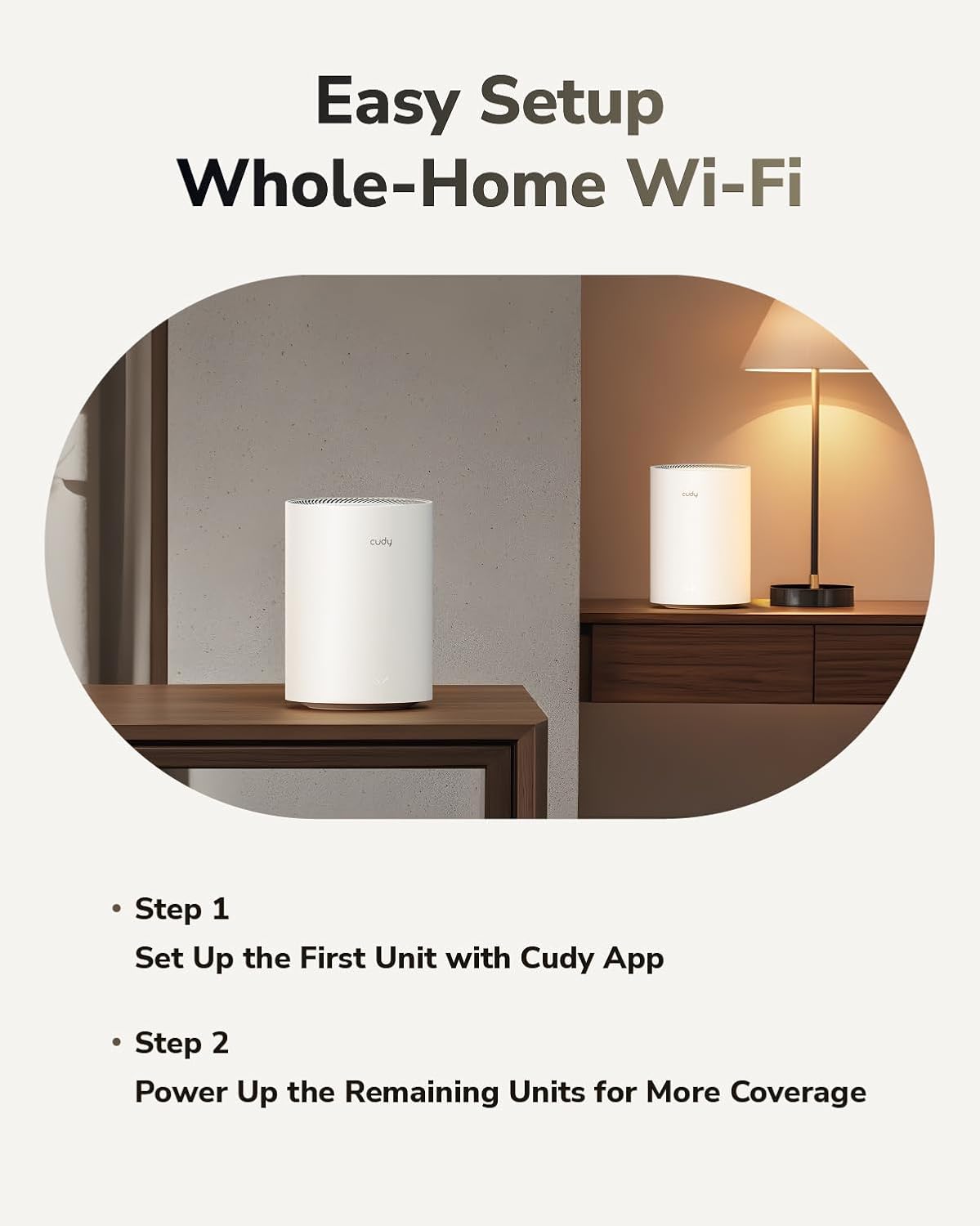
Create Seamless and Everywhere Wi-Fi  Easily Set Up the First Unit with Cudy App
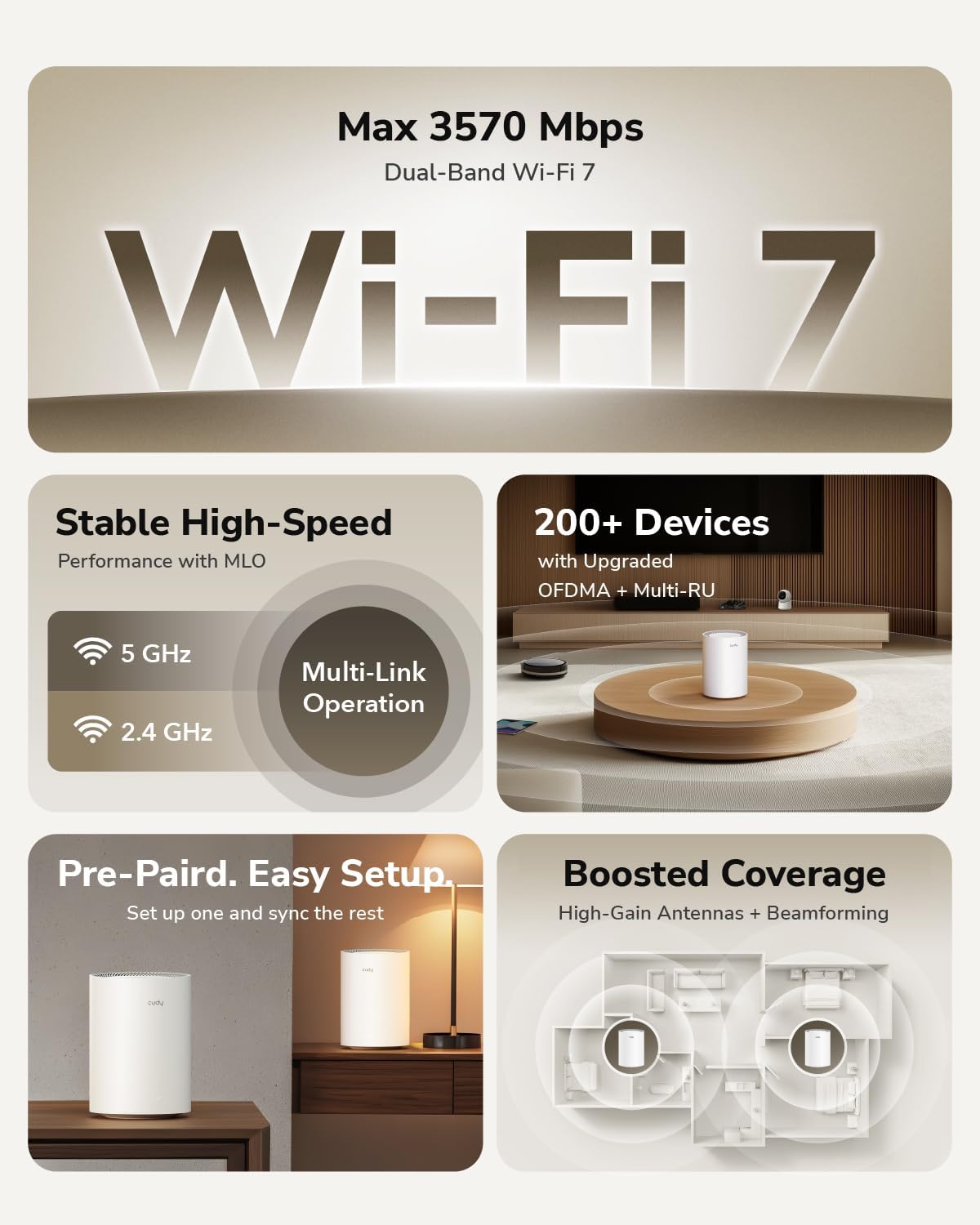
Pick one Mesh unit and set it up on your phone via the Cudy App. The elegent cylinder design compliments your home in any style.
 Power Up the Remaining Units for More Coverage
Mesh units in one package are pre-paired. Power on the remaining units between the first unit and Wi-Fi dead zones — they’ll form a seamless network once powered up.


 Parental Controls
Set Wi-Fi time schedules and block inappropriate websites to protect your loved ones. You can create custom profiles to easily manage multiple devices.
 Super-Fast Roaming in Milliseconds
Create same-name Wi-Fi coverage throughout your home. The auto Wi-Fi switching is so fast that your gaming and streaming stay responsive while moving between Wi-Fi zones.

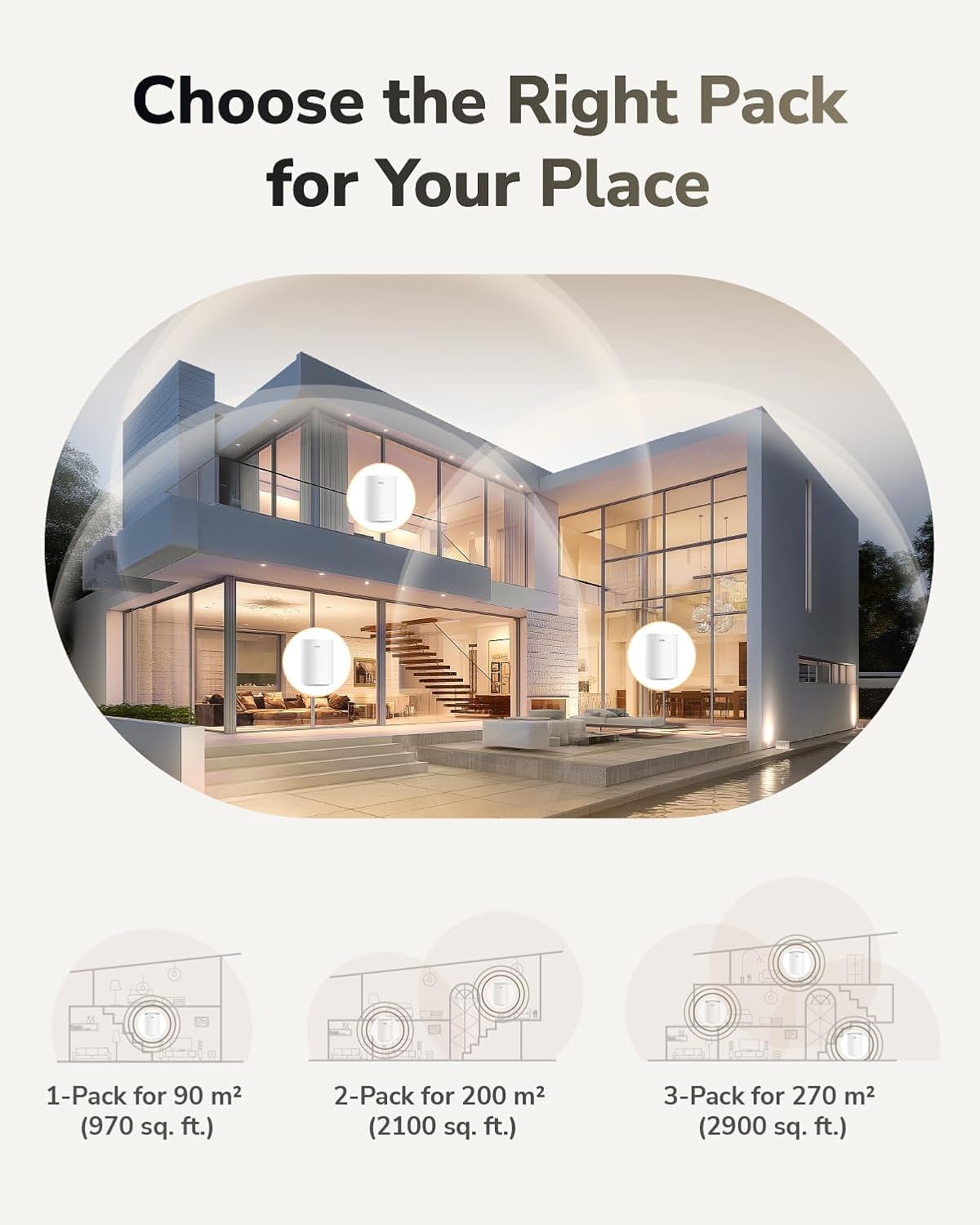
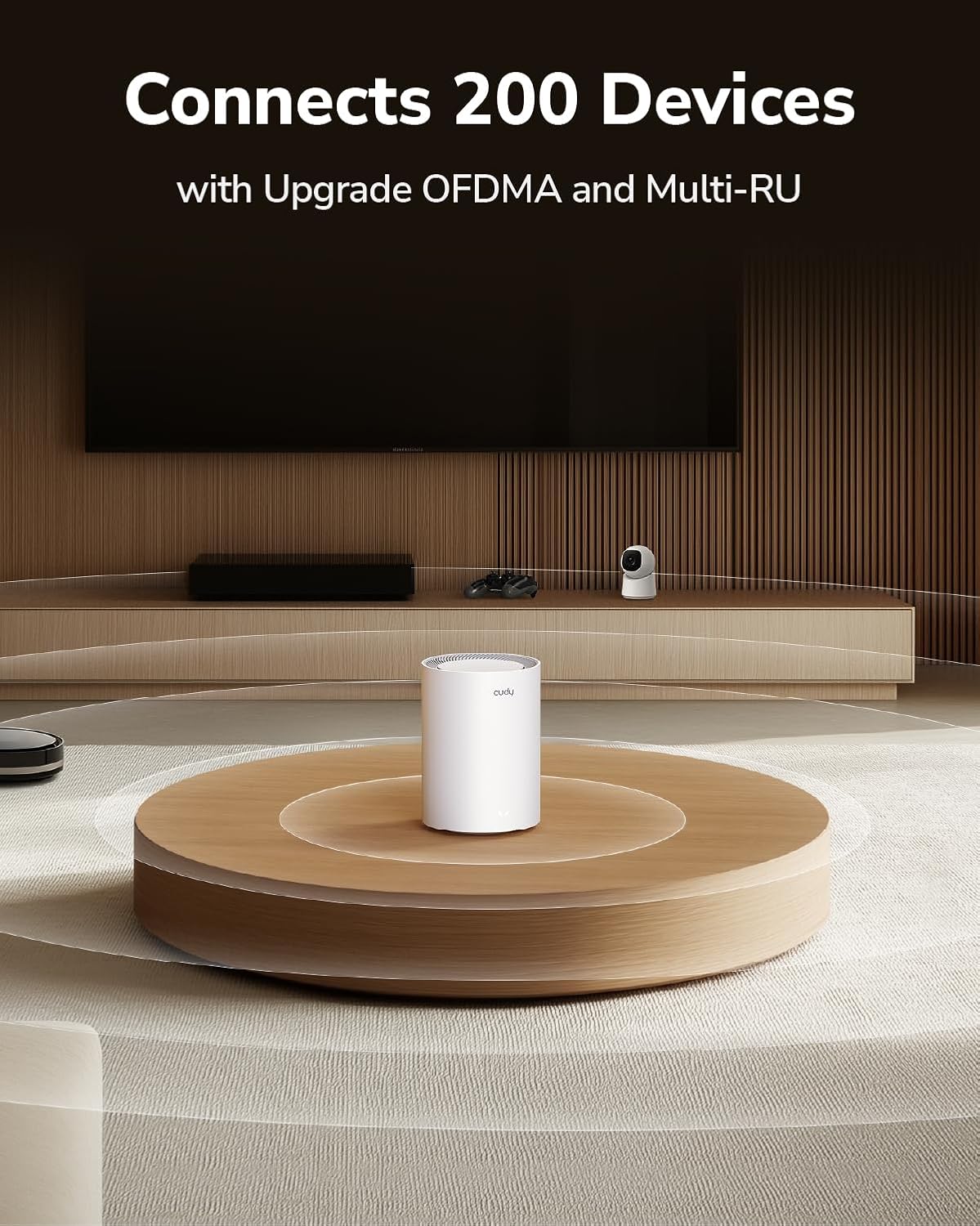
Wide Mesh Coverage and Device Capacity: Enjoy seamless Wi-Fi coverage up to 2500 sq.ft and 70 devices without compromising performance. Students, workers and others both can experience better wifi.
Multiple VPNs supported: OpenVPN/WireGuard/IPsec/Zerotier/PPTP/L2TP, allowing you to access your home or company network through these VPNs, making work and life more convenient and faster.
Easy Setup and Management – Cudy App ensure you set up your network in minutes with clear guidance and keeps you always in control even when you are not home.
Seamless Roaming: M3600 creates a unified network with a single network name and uses the newest technology for seamless streaming, adapting through advanced algorithms as you move throughout your home.
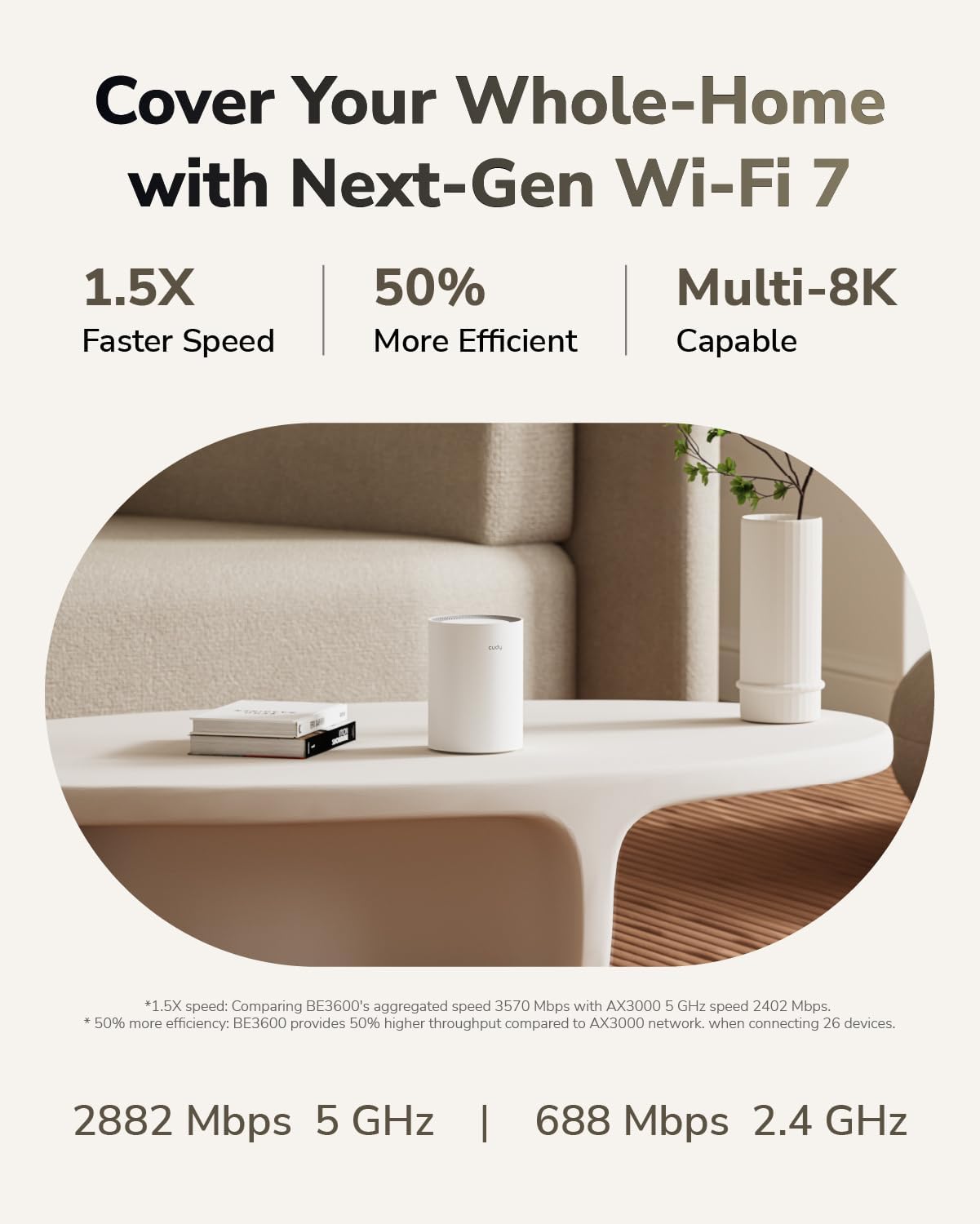
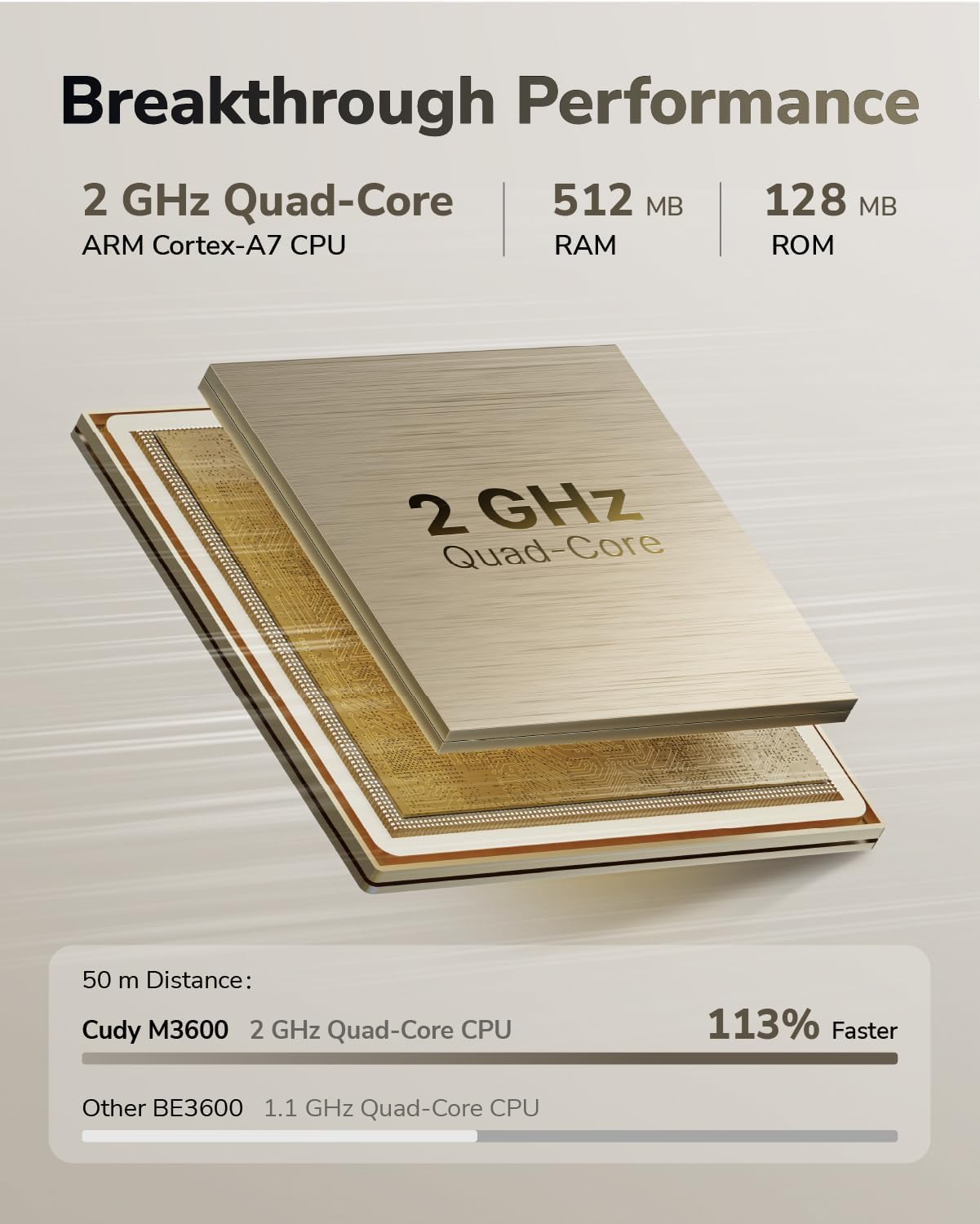
Latest-Gen WiFi 7: M3600 adopts the latest generation WiFi 7 technology. Through efficient CPU drive and MU-MIMO technology, your home/office network will never be stuck again.
11 reviews for Cudy Dual Band BE3600 WiFi 7 Wi-Fi Mesh System, 3.6 Gbps 160 Mhz, Coverage up to 2500 Sq.ft, 3 Gigabit Ports, Multi-VPN Compatible, Cudy APP Control(M3600 1-Pack)
Add a review

$13.49
KAM –
Great value
Saved me $$ over the rental one from my provider. Works great and very sleek
Cadere graham –
Look no further! Purchase NOW!!
These are awesome!! I have three in my home. The signal strength is great I have mine on middle transmit so they don’t overlap each other and cause network connectivity issues. But that’s more than enough. The maximum transmit power goes far! I have 1 gig internet and it transmits all of that. Even if I’m standing by a node that’s not the main I’m still getting 600 mbs which is more than enough. I was having a problem with my iPhone 16 pro staying connected to the mesh system. After going in and reading the warning disclaimer I have fixed the problem. Even though my iPhone 16 can run on the latest WiFi 7 it was constantly connecting and disconnecting. But you can change it to run on whatever bands you want it to run on so I put it down to wifi 6e and haven’t had any issues since. The only problem is sometimes the nodes will show a red light randomly but it resolves its self quickly! If you looking for a great mesh system with the latest technology that’s budget friendly I would try these out. Especially if it’s your first mesh system!
🐹 –
Increased my WiFi coverage and has a web interface with many settings
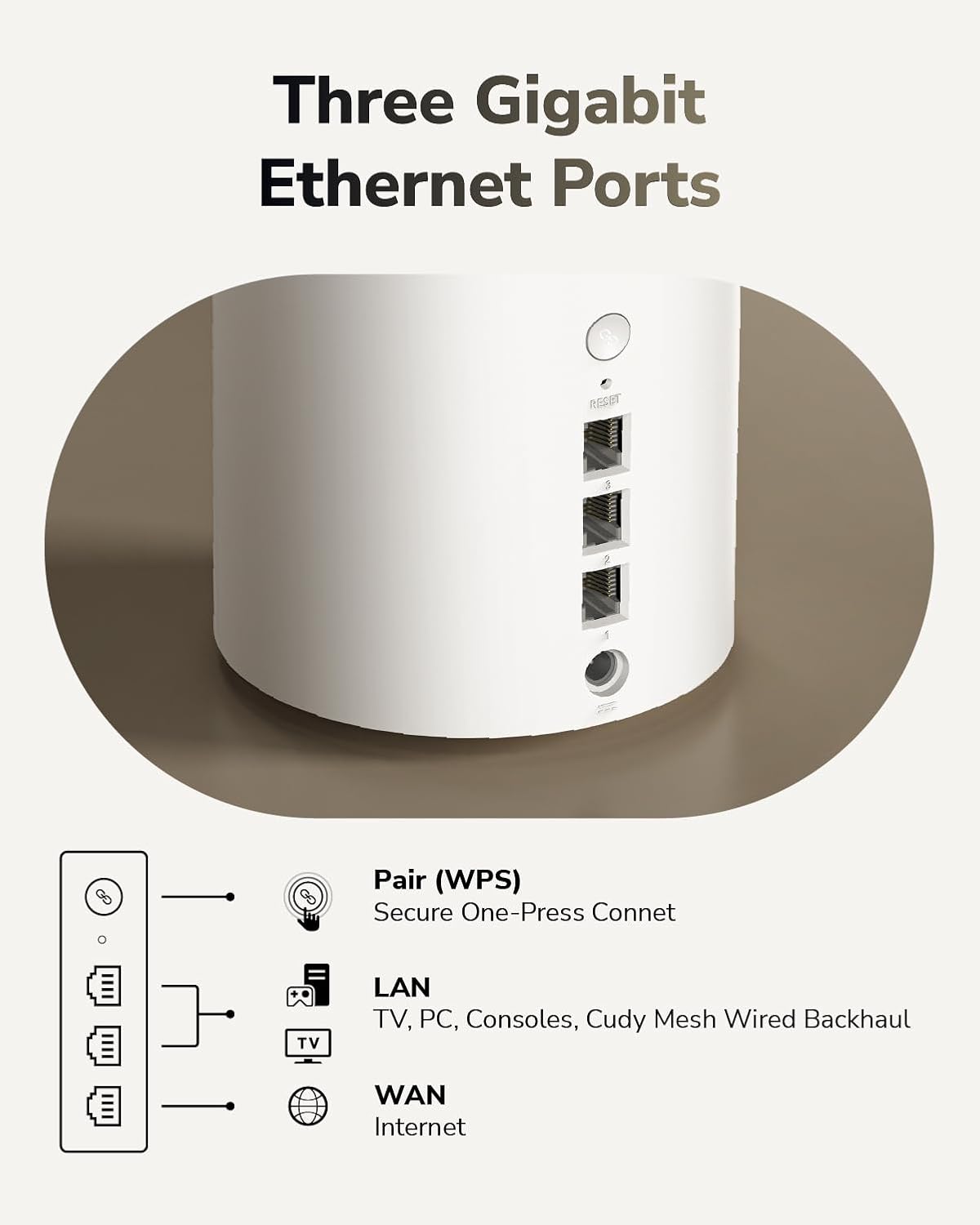
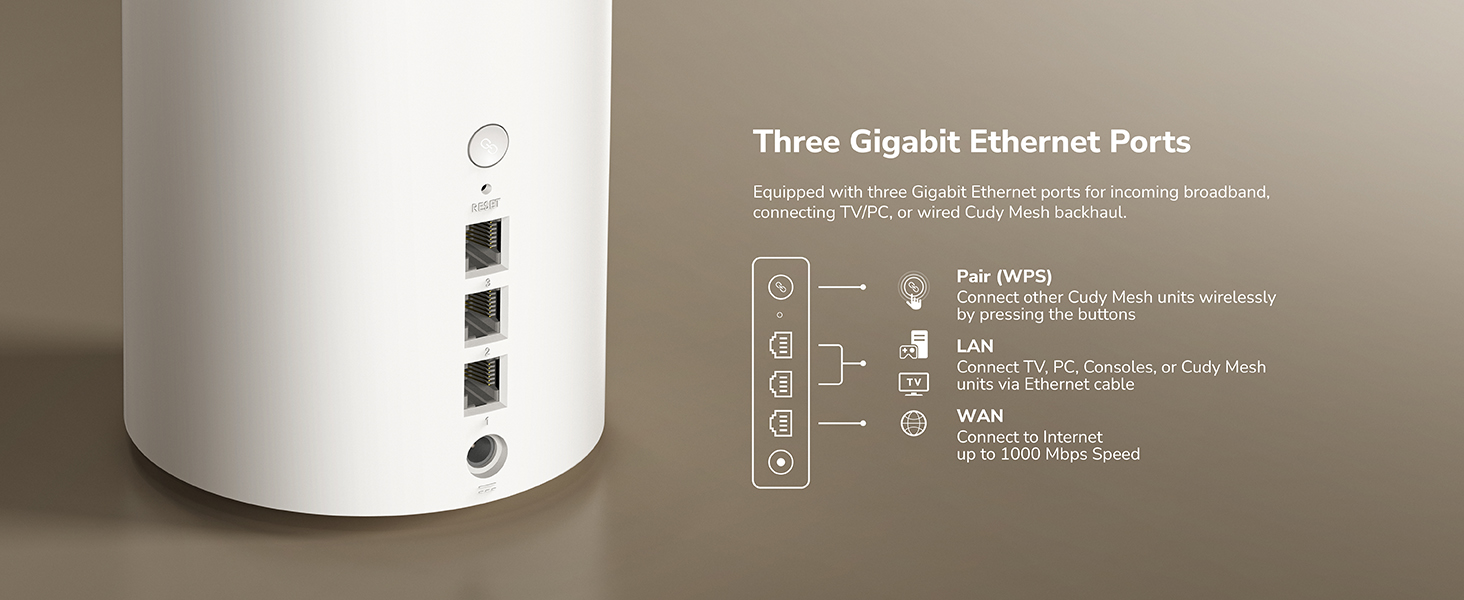
I got one white unit with three Ethernet ports that is about 6 inches tall and 4 1/4 inches wide in the shape of a cylinder. It includes a 3-foot-long Cat 5e Ethernet cable and a 12V/1A adapter. I set up the unit by connecting it to one of my switches via Ethernet using its Ethernet port 1 and then connected port 2 to my PC. In the manual, it says to shut down the modem first, but I got Internet through this mesh router unit after two or three minutes. I could use my phone to connect to it and do the setup, but I prefer a trusted wired connection. On the bottom of the mesh router unit is the LAN IP, 192.168.10.1, which I have to enter in my browser’s URL bar. I did that and was prompted to create a password. At the next step, I was asked to choose between Mesh Wi-Fi Router and Mesh Access Point. I chose the latter as I already have my OPNsense router. Next, I selected the right timezone. After that, I was told to connect the mesh router unit to my modem or router’s LAN port, which I had already done. Then, it let me change the name of the SSID for both 2.4G and 5G and the corresponding encryption methods and passwords. A summary of my settings appeared, and I clicked on save & apply to confirm. The mesh router unit rebooted. It took slightly over a minute to apply my settings after reboot, and I saw a red light flashing, then turning solid red, and then solid white, and my Internet was back.The IP of the mesh router unit changed from 192.168.10.1 to 192.168.1.99. I found the latter through Pi-hole’s DHCP table, where I found an entry with the hostname M3600. The web interface gives me many options, including LAN (for static address), DHCP (to enable/disable), IGMP snooping, WPS, WiFi Schedule, System Time (choose Timezone, set NTP server), Firmware (manual upgrade), Backup/Restore settings, Administration (access via HTTPS), Admin Account (password change only), Language (it’s set to Auto, but I switched to English to prevent errors down the line), Timed Reboot, Reboot button, Reset button, and LED control (to turn on/off). I turned off the DHCP server as I already have one with my Pi-hole. That was quite quick, and the web interface showed me the mesh router unit stayed on the same static IP I set up earlier. After turning off the DHCP server, the web interface is still accessible to me. I made a backup of my settings.Once set up, I have the mesh router unit near my front door so my outdoor wireless security cameras have a better WiFi signal. According to the specs, it uses WiFi 7.On the bottom of the packaging, I see it has FCC, CE, UKCA, and other certifications. I also installed the Cudy app from the Google Play store so I can control the mesh router unit from my Android phone. The app quickly discovered it, and I see it has many of the same options as in the web interface. Still, I find the web interface gives me more options and control. I let the mesh router unit run 24/7, and I don’t feel it gets hot, and it increased my home’s WiFi coverage.
Hector A. –
Good mesh link, but have issues with access point roaming similar to BE11000.
Good mesh link, but have issues with access point roaming similar to BE11000. The mesh work well with each other after initial setup, but I run into issues when moving between areas in a large house. I mainly want this mesh setup to reach wireless security cameras in the detached shed and detached garage, which have benefited from having an access point nearby. The issue is that my phone tends to stay connected to the main AP in the house while I move to the garage or the shed. I also have tried the BE11000 and have ran into similar roaming issues like with this device.
Arman Jaff –
Dont buy it
No support available i did all the step and was problem i sent email didn’t get and replied and no phone to call
VS –
Surprisingly – very good!
After a couple of days using it as my main router, I can say it actually performs way better than I expected from something in this price range.Setup was easy. The router walks you through a quick setup process where you choose between two modes: Mesh Wi-Fi Router or Mesh Access Point. I used it in router mode, and the network was up and running in just a few minutes. The interface is clean and fast, and all the settings are exactly where you’d expect them.Let’s talk about what really matters – speed. I ran a few local network tests using iPerf and also checked internet performance on different devices.- On my iPhone 14, I got around 860 Mbps download and 370 Mbps upload over wireless. That’s basically the best you can expect from that phone.- My wife’s iPhone 16 Pro Max (WiFi 6E/WiFi 7 capable) did even better — 970 Mbps down and 860 Mbps up. So it’s clear the router is capable of pushing high speeds when the device supports it.I was pleasantly surprised by how much control this router gives you. Beyond the usual basics, you get access to a ton of advanced features:- Full VPN support, including OpenVPN, WireGuard, IPsec, PPTP, and L2TP.- QoS for traffic management, Guest networks, Custom DNS, Port Forwarding, DDNS.- Good security options like MAC/IP/domain filtering, firewall settings, and scheduled WiFi on/off.- System tools for backups, firmware updates, remote access, and even LED control.There’s also a full section for Parental Controls and a Captive Portal if you’re setting up a shared or guest environment. I didn’t expect to see so many enterprise-level features on a router that costs this little.This router is a great deal if you’re looking for strong, reliable WiFi and you want to be ready for newer devices that support WiFi 7. Even if you don’t have WiFi 7 devices yet, it still performs great with WiFi 6. Setup is beginner-friendly, but the settings are deep enough for power users too.It’s not magic – you’re not getting tri-band or super high-end extras, but for a single-unit mesh-capable router under $100, it punches far above its weight.
Customer Review –
I’ve paired this with the Cudy WR3600, which when together form a mesh network for a seamless network experience no matter which access point your device is connected to. I’ve had no issues with the WR3600 for the past few months and adding this BE3600 has improved range greatly. It’s a fairly small router with a nice design and will suit any space really.Firstly I’d recommend doing a firmware update of this unit and any other in the mesh system as the option to even add a mesh network wasn’t available until I did so. After that setup was easy and just follow the step by step instructions: do note you’ll need to go to the router settings by inputting the IP address (this is noted in the included instructions).Connection has been rock solid and whether this is your only unit, or you’re making a mesh system – I do believe that £70 is quite exceptional value when considering the upgrade over any included ISP router. Range and reliability is an instant performance increase, though don’t expect speed to magically increase if you’re right next to the ISP router anyway. Be aware that this has no modem built in, so if you’re not on a fibre connection (I.e. FTTC with speeds less than 80mbs) then you will need to either ethernet cable from the ISP router into this one and turn off the ISP wifi signal / turn bridge mode on if able, or buy a standalone modem.Overall I’m super happy with this router and it has eliminated all dead spots in my property. You can split the network into 2.4GHz and 5GHz if you’d like which is really important for smart devices like plugs etc, as they were acting up when forced to connect to one wifi network which encompassed both 2.4GHz and 5GHz.
Kiffi und Lars –
Ich habe das Cudy Dual Band BE3600 WiFi 7 Wi-Fi Mesh System im Rahmen des Vine-Programms erhalten und bin sehr beeindruckt. Auch wenn es sich hierbei nicht nur um einen einfachen WLAN-Repeater handelt, sondern um ein vollwertiges Mesh-System, liefert es eine hervorragende Leistung zur Verbesserung der WLAN-Abdeckung.Leistung und AbdeckungDas System glänzt mit WiFi 7 (BE3600) und einer Bandbreite von 3,6 Gbit/s bei 160 MHz, was für blitzschnelle Verbindungen sorgt. Ich habe eine deutliche Verbesserung der Geschwindigkeit und Stabilität in meinem gesamten Haus bemerkt. Die angegebene Abdeckung von bis zu 2500 m² mit einem einzigen Gerät (im 1er-Pack) ist beachtlich und dürfte für die meisten Haushalte mehr als ausreichend sein. Selbst in Ecken, wo mein altes WLAN schwächelte, habe ich jetzt eine starke und zuverlässige Verbindung.Funktionen und EinrichtungDer Cudy M3600 ist mit drei Gigabit-Ports ausgestattet, was praktisch ist, um Geräte per Kabel anzuschließen, die eine besonders stabile Verbindung benötigen (z.B. Gaming-Konsolen oder Smart-TVs). Besonders hervorzuheben ist die Multi-VPN-Kompatibilität, die zusätzliche Flexibilität und Sicherheit bietet. Die Einrichtung über die Cudy APP war kinderleicht und intuitiv. Man wird Schritt für Schritt durch den Prozess geführt, und das System war innerhalb weniger Minuten einsatzbereit.FazitFür alle, die eine hochmoderne, leistungsstarke und weitreichende WLAN-Lösung suchen, ist das Cudy BE3600 WiFi 7 Mesh System eine absolute Empfehlung. Es ist weit mehr als ein einfacher Repeater und bietet eine herausragende Performance und Funktionsvielfalt für ein nahtloses Interneterlebnis im ganzen Haus.
Jan Erik Granberg –
Fungerar som den ska , är nöjd
Josep –
Muy satisfecho con este sistema de malla. Tengo un piso en forma de L I no me llegaba el wifi a las habitaciones. Con este sistema de malla me ha llegado el wifi a toda mi casa
Fabio –
Perfetto