

Full HD 1080P Webcam with Privacy Shutter and Tripod, Pro Streaming Web Camera with Microphone, Widescreen USB Computer Camera for Laptop Desktop
$15.19
Related Products


Product description

Clear and Natural Sound
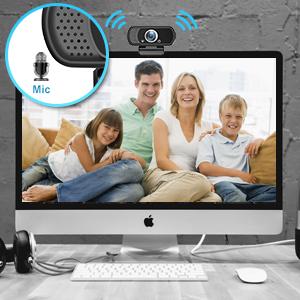
The computer camera is equipped with noise reduction and echo-canceling technology, along with a high-sensitivity mic that ensures clear voice transmission for seamless communication.
Automatic Low Light Correction
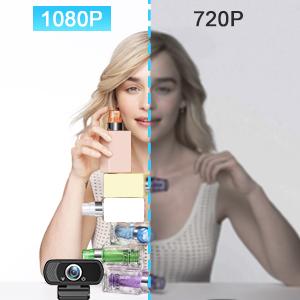
1080P webcam with automatic low light correction and high dynamic range (HDR) technology, stream clear video even in dim light. so you always look your best on camera.
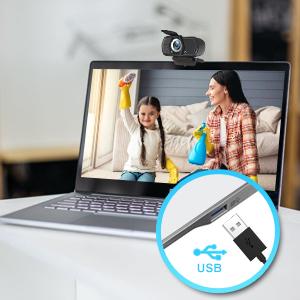
Super Easy to Use
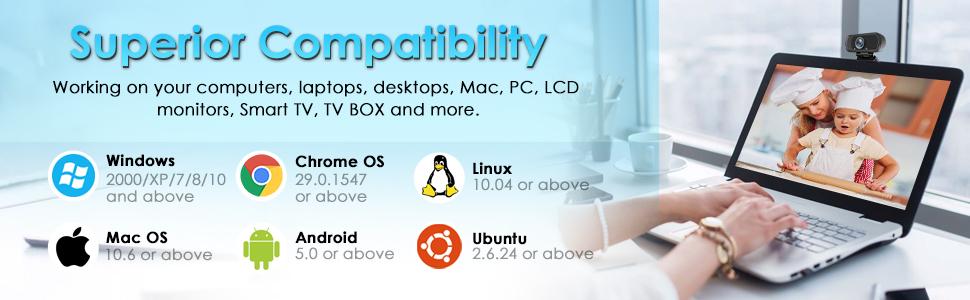
Just plug and play, USB webcam get up and running immediately without having to install additional drivers. Simply connect this HD web camera 1080p to your computer.
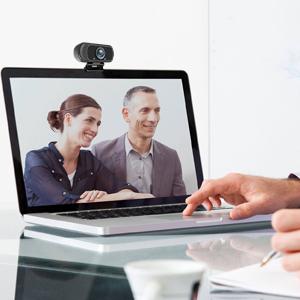
High-Def Video Calling
Web cam provides premium quality video that makes you like a pro, connect with everyone in FULL HD 1080P at a fluid 30 frames/sec. on most popular video calling apps.
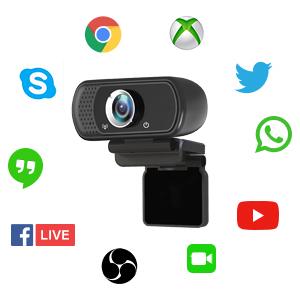
Suitable for Most Software
Pro stream webcam supports Skype, Youtube, Facebook, XBOX one, OBS, Mixer, Xsplit, ZOOM, Hangouts, FaceTime, Twitter, Twitch, WhatsApp, Yahoo, MSN, Android IPTV, etc.
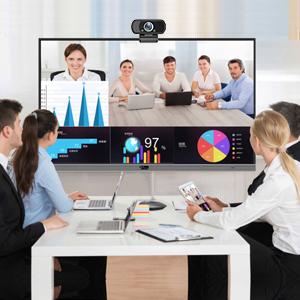
110 Degrees Wide-Angle view
HD web camera with 110 degrees wide-angle, show friends more of you in 16:9 widescreen, easy to stream video, share your recorded videos or vblog. Perfect for conferencing, video calling, live streaming, recording, gaming…
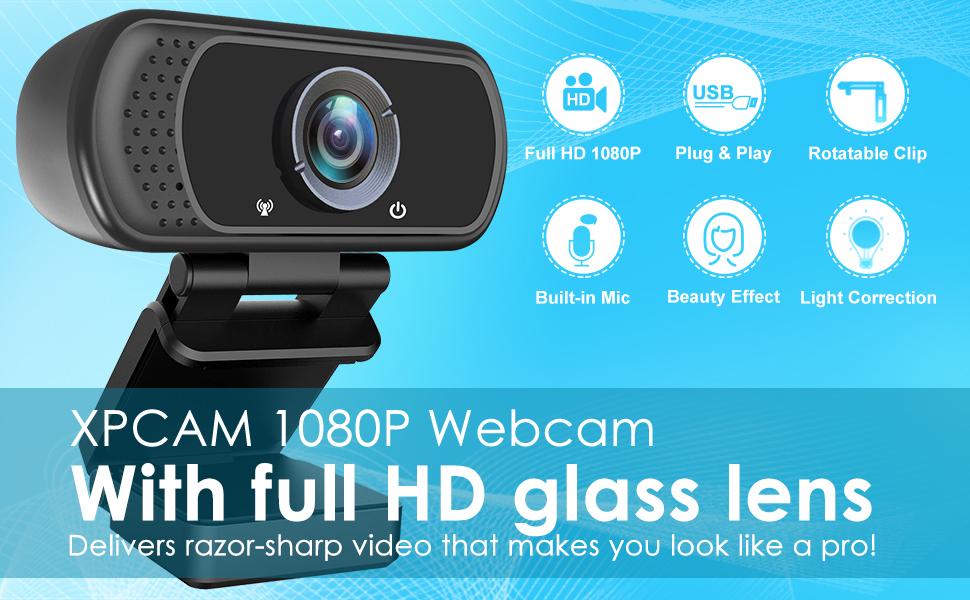
Web camera with full HD glass lens delivers razor sharp video that makes you look like a pro, with automatic light correction and HDR technology, computer camera auto adjusts color and brightness for natural lighting even in dim light
Webcam with microphone, pick up your voice even at 10ft distance to make sure everyone hears the real you; computer camera also features a universal clip can meet your multi angle needs on computers, laptops, desktops, and even other flat surfaces
Webcam 1080p captures video at a wide angle of up to 110 degrees, fluid HD video calling in 16:9 widescreen; pro stream camera with advanced H.264 video compression technology provides you the excellent quality video on most software
USB webcam with 6ft USB power cable, no additional driver required, you just need to plug the USB port into your computer, then you can use video software such as facetime for calling; this 1080P Webcam comes with a privacy cover and small tripod
HD webcam compatible with youtube, skype, facetime, zoom, and more; you can widely use it for online teaching, video calling, recording, conferencing; package included webcam, privacy cover, small tripod, user manual, box
8 reviews for Full HD 1080P Webcam with Privacy Shutter and Tripod, Pro Streaming Web Camera with Microphone, Widescreen USB Computer Camera for Laptop Desktop
Add a review

$15.19
David W. –
Great camera. Easy to use and setup. Inexpensive but not cheap. Buy it if you need it.
I bought this camera to mount on a 3D Printer so that I can always view my prints. It is working perfectly for that. Very compact. I love the little tripod it comes with too. I’m using it for other purposes but it fits everything I connect to it well and feels study. Camera itself feels good, has a good output, and picks up voice fairly well. I used it to record a review video and the quality was on par with my others that were a little more expensive. Clear quality, clear indicators so you know when it is on or off for privacy reasons so it has security/privacy in mind, easy to install (plug and play – no drivers if your computer is modern) Great deal for the price. Will probably by more when the need comes.Buy it if you need it.
James N –
Great Video
Much better video than built in laptop camera. A must have for Zoom or any online video meetingsAlso Mandy in Customer Service was very helpful, Best service i could hope for
Rob B –
Very good picture quality
I bought this camera so I can keep my MacBook Pro cover closed to save room on my desk and make use of my large, curved monitor. As a pure camera, it works great and the set up was simple. I use Zoom and MS Teams for most of my video calls, and this camera was easy to find/configure with both of those apps. My only negative is the sound quality. When you use the camera, it also forces you to use the built in mic. I’d rather use my MacBook mic, but it won’t let me when I use the camera. And the sound quality is a lot thinner and tinny. With Zoom I could enhance the sound a bit, but it’s less quality than the MacBook provides. A nice addition is the flip cover, so you can maximize your security and blind the lens when you don’t want it operational.
Niel N Lategan –
Thank you
Works great
dadbob –
This is an excellent web cam.
It is easy to install — just plug and play. The image quality is good. I do not know about the sound quality, but I can tell you the microphone does work. It is small and light weight. It fits nicely at the top of a desktop monitor. I taped it to the top of the monitor for added stability. There is no ON/OFF switch. If it is plugged into a USB-A female port, it is ON with a red light on the monitor. The camera must be turned on in some software & in your computer. I used Zoom. When the camera is ON, a green light illuminates on the camera. You can set it up and test it on Zoom without having a meeting. Create a Zoom account (for free), log in, go to SETTINGS at the top right, click on Video & Audio, and test your web cam. The plastic hood on the lens does not work well. The tripod that comes with it is too small and unstable to be of much use.
Alex –
Terrible mic, inconsistent video
Generally, this webcam has worked fine when using it for about 30 minutes at a time, but after that it either is marked as “USB device malfunctioned” or the video starts strobing and being completely unusable. After this happens, I have sometimes been able to fix it by unplugging the USB and plugging it back in, but more often than not, it just doesn’t work at all as a video source. Also worth noting is that when I took the privacy cover off, it would take a few seconds to shift the lighting away from being a deeply purple saturated color. I am also not convinced that the video is 1080p, as it has nearly always been grainy enough that I could easily see the pixels especially around the edge of my face.The microphone is low enough quality that I have been informed nearly every time it defaults to being the audio source for my computer, and I have to manually change the source to my headphones which have a reasonably good microphone or built in computer audio when on my laptop. The first comment I got after getting the webcam was that it sounded like I was underwater.The microphone has been an issue since day 1, and the video worked for probably a month or 2 before starting to malfunction, being used at most once a week. The main redeeming quality is that the price was low enough that I don’t feel terrible for having wasted $20 now that I’m going to buy another camera.
Tia Rose –
broken…but works
as i was filming and unboxing and unboxed and put together this WebCam, the tripod leg flew out. Very cheap. it works. It’s decent quality, but I was disappointed that the leg flew out.
Big John –
Nothing fancy, but it does the job at a very reasonable price.
I am very pleased with my purchase. I will be using this for my volunteer outreach. This webcam will come in handy. The video is very clear. It’s a basic webcam, but it will do the job at a decent price. The price is amazing.