

GIGABYTE – Gaming A16 Gaming Laptop – 165Hz 1920×1200 WUXGA – NVIDIA GeForce RTX 5070 – Intel i7-13620H – 1TB SSD with 32GB DDR5 RAM – Windows 11 Home AD Gaming A16 CWHI3US864SH
$224.99
Related Products




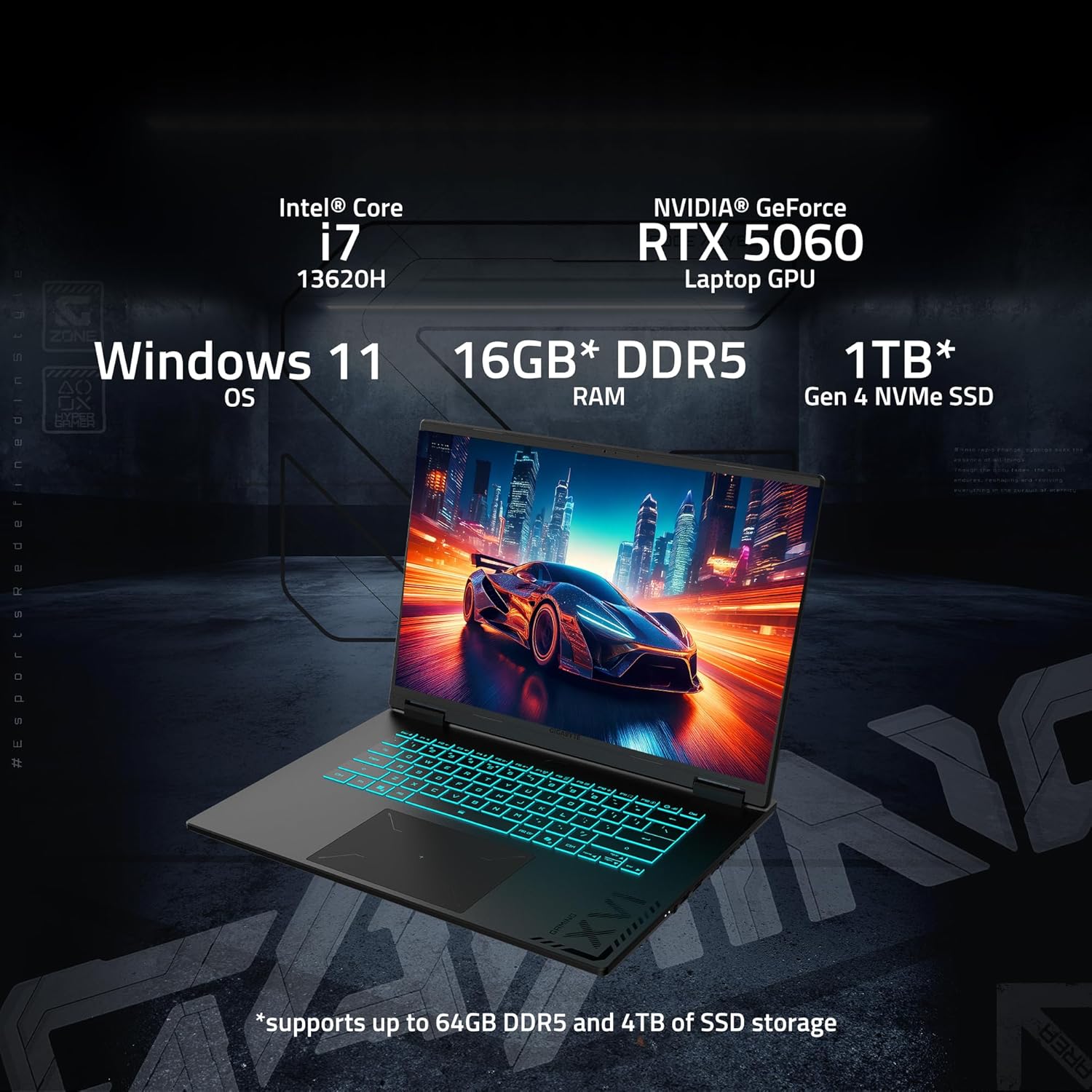

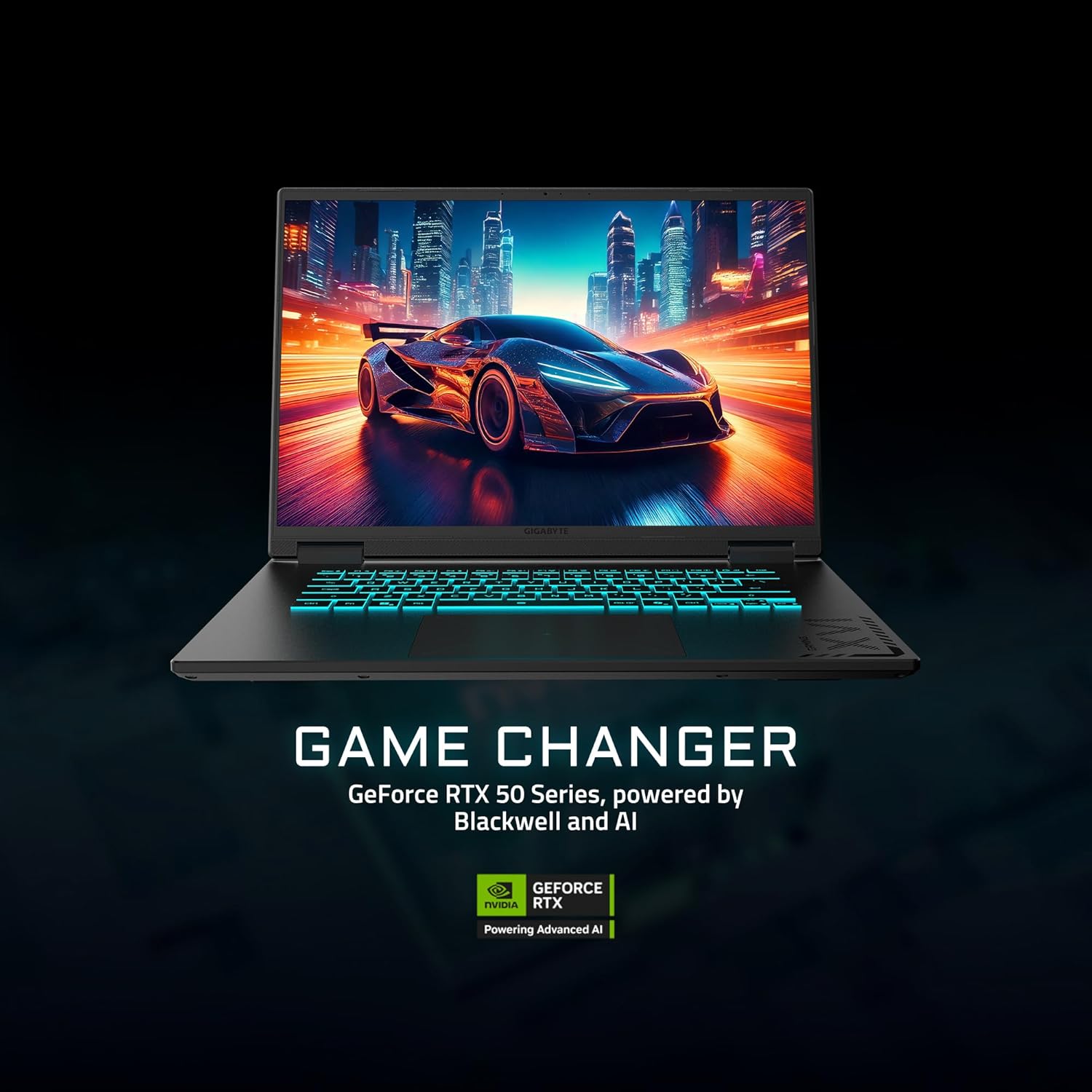
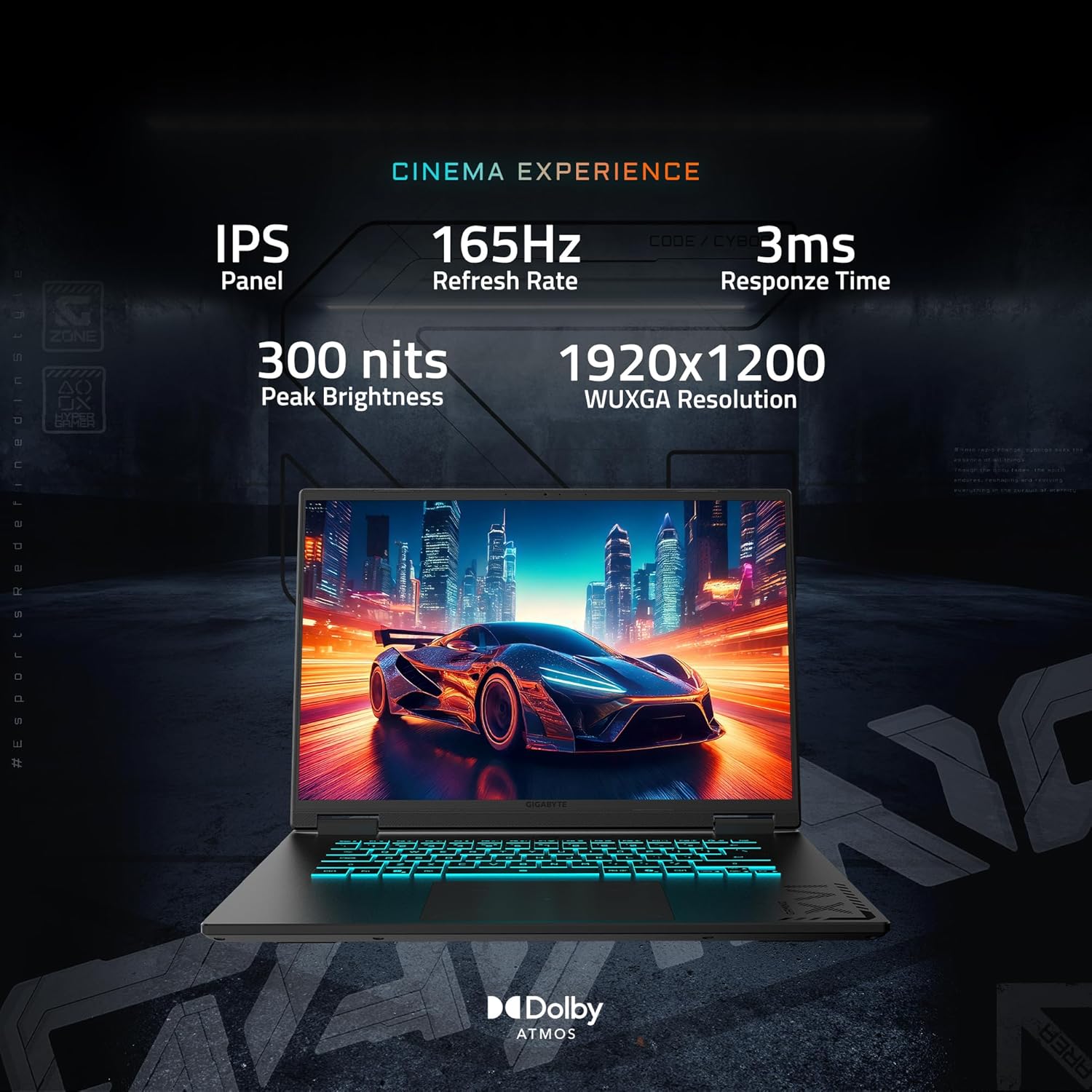
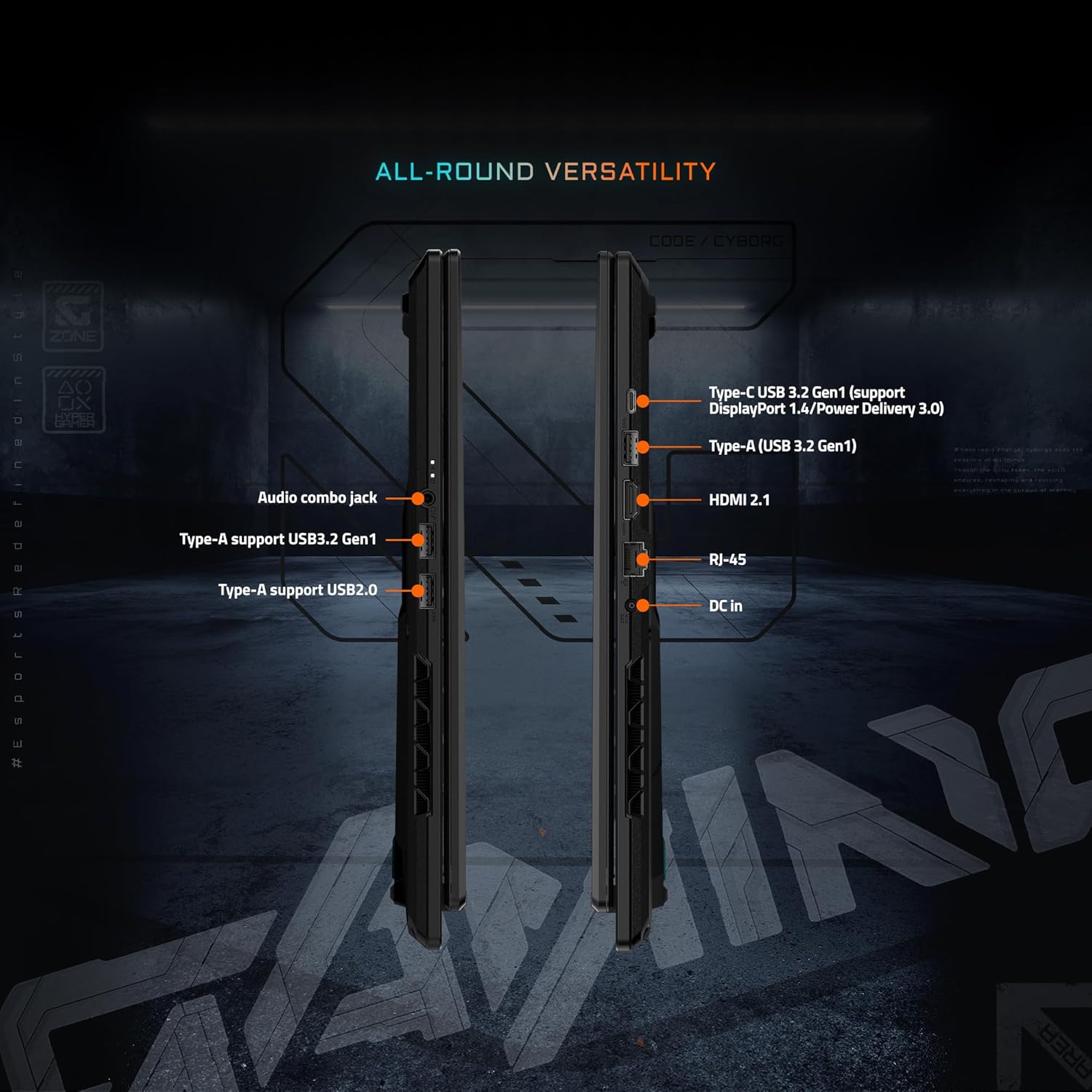

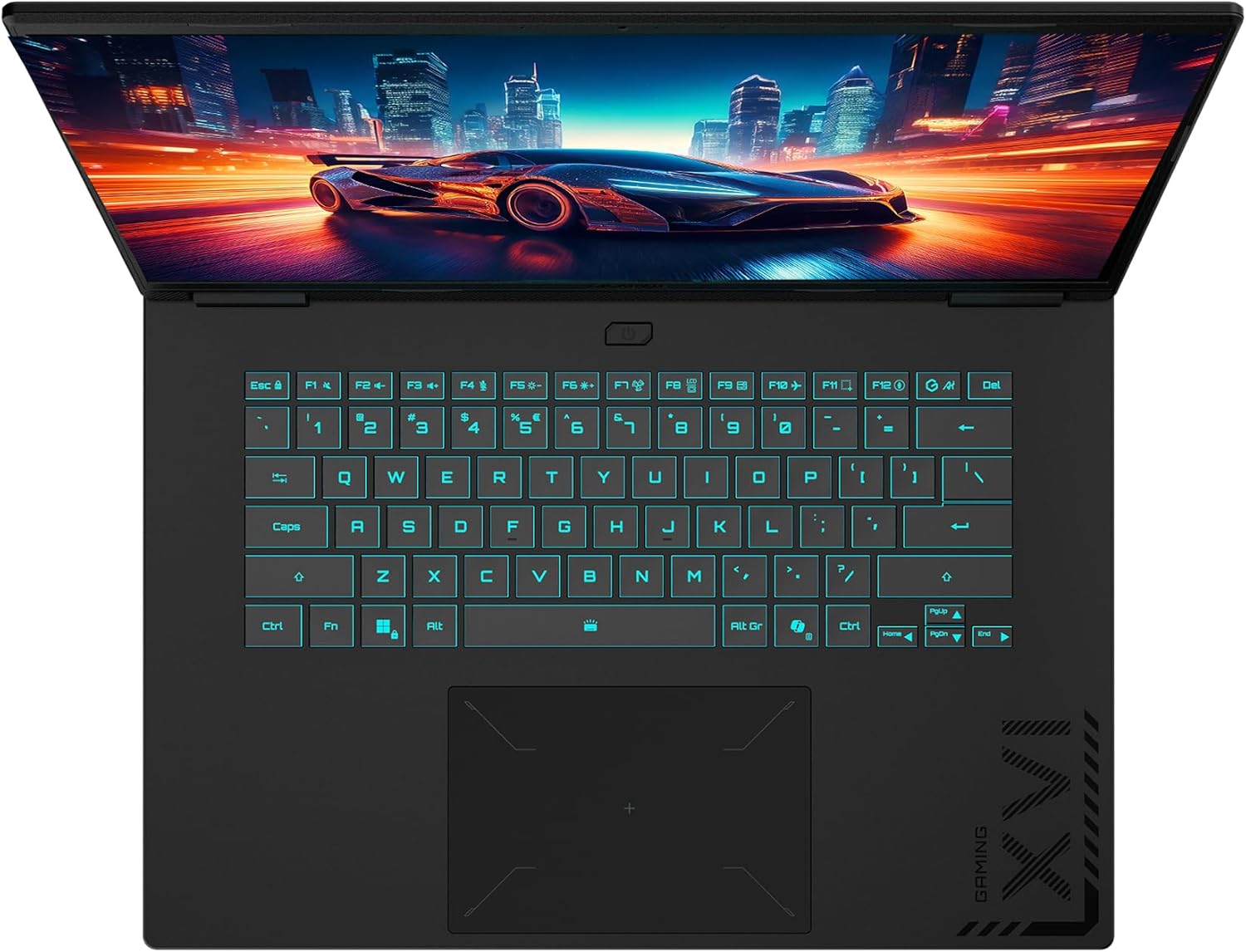





GAME IT ALL. The GIGABYTE GAMING A16 redefines gaming with a perfect synergy of AI-powered performance and ergonomic design. Featuring an Intel® Core™ i7-13620H Processor and up to a NVIDIA® GeForce RTX™ 5070 GPU, the GAMING A16 is ideal for casual gamers, students, and professionals exploring generative AI. Equipped with GiMATE – an intelligent AI agent – this laptop, personalizes your computing experience by adapting system operations to your unique needs. With a focus on user comfort, the GIGABYTE GAMING A16 introduces the premium GIGABYTE Golden Curve Keyboard and a versatile 180-degree hinge design, accommodating various usage scenarios from gaming to productivity. Perceive every game winning moment on a panoramic 165Hz display with slim bezels and a 16:10 aspect ratio while Dolby Atmos® creates an immersive audio experience.
GIGABYTE GiMATE as Your Smart AI Mate – Introducing GiMATE, your smart AI Mate that transforms how you interact with technology. GiMATE creates an intelligent interface that truly understands your needs. Control is now more intuitive, more intelligent, and more personal.
Intel Core i7-13620H Processor – With the Intel Core i7-13620H processor, you can stream, record gameplay, and run multiple applications without compromise. GIGABYTE GAMING A16 offers fast multimedia processing and the smoothest gaming experience.
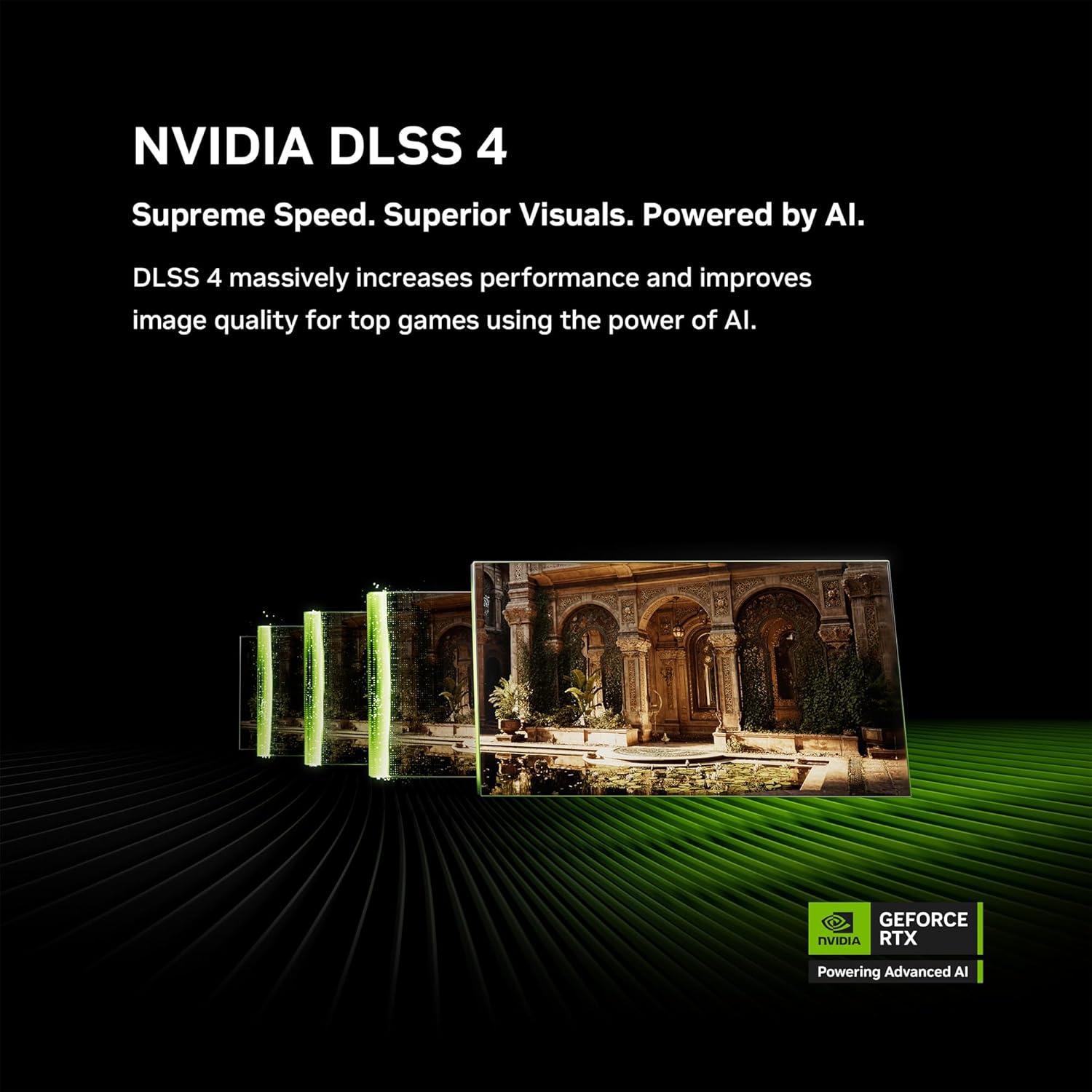
NVIDIA GeForce RTX 5070 Laptop GPU – Powered by NVIDIA Blackwell, GeForce RTX 5070 Laptop GPUs bring game-changing capabilities to gamers and creators. Equipped with a massive level of AI horsepower, the RTX 50 Series enables new experiences and next-level graphics fidelity. Multiply performance with NVIDIA DLSS 4, generate images at unprecedented speed, and unleash your creativity with NVIDIA Studio. All in the thinnest and longest lasting RTX laptops, optimized by Max-Q.
Game and Create with Windows 11 Home – With Windows 11 Home, GIGABYTE GAMING A16 brings it all together in one place and gives you everything you need to stay ahead – game, create, and boost your productivity with confidence.
180-degree Hinge with 19.45mm Slim Chassis – GIGABYTE GAMING A16 features a laid-flat 180-degree hinge design to adapt to various scenarios, all with a 19.45 millimeters (0.76 inches) slim chassis.
Surcharge The Productivity with 14 Hours Battery Life – GIGABYTE GAMING A16 refines the system and gives up to 14hrs battery life to support your study session in library or school.
WINDFORCE Infinity Cooling with 0dB Ambience – GIGABYTE GAMING A16 is equipped with the iconic WINDFORCE Cooling Technology, featuring dual-fan design coupled with 3D VortX air-channeling to maximize the airflows. The Icy Touch allows gamers to control in comfort with low temperatures. With the help of GIGABYTE GiMATE AI Cooling feature, the device dynamically adapts to the system demands and creates noise-free immersion on low-power scenarios.
Support NVIDIA Advanced Optimus with MUX Switch Performance Uplift – With the support of NVIDIA Advanced Optimus, you have the ability to switch between an internal GPU for longer battery life or discrete GPU for higher performance.
4-sided Super-slim Bezels Design – With the 4-sided slim bezels, GIGABYTE GAMING A16 presents a panoramic display and delivers smooth framerates for gamers. Perceive every game-winning moment on the fast, smooth display with enlarged viewing area.
Newly Designed Golden Curve Keyboard – GIGABYTE GAMING A16 features Golden Curve Keyboard with larger key caps and optimized force curve that meets the golden sweet spot to deliver a comfortable and silent experience for both gaming and working. Along with the enlarged touch pad, GIGABYTE GAMING A16 presents best-in-class on-device control for your portable scenarios.
9 reviews for GIGABYTE – Gaming A16 Gaming Laptop – 165Hz 1920×1200 WUXGA – NVIDIA GeForce RTX 5070 – Intel i7-13620H – 1TB SSD with 32GB DDR5 RAM – Windows 11 Home AD Gaming A16 CWHI3US864SH
Add a review

$224.99
Amazon Customer –
Very clean – good looking – minimal/zero bloatware
This is a VERY Clean laptop. You have to load a LOT of drivers when you unbox this thing but it looks and feels great. Rans all my games with zero problems. Very very clean and good looking laptop so far. No extra software besides the GiMate laptop manager is included except the xbox game pass. Very clean sw install on this machine.
Danielle Hawking –
BEST VALUE LAPTOP
This is one of the best laptops I have found. It is extremely durable and thin, while providing excellent gaming performance and battery life. The screen’s refresh rate is wonderful, combined with amazing sound quality from the speakers. I highly recommend this laptop not just for gaming, but for everyday use and media consumption.
Tony –
Great Performance – When it works – Wish more timely support was available
Owned for about a week of occasional gaming for testing as i planned to be traveling and wanted an option to do so while away. Great price performance all around. I have an external GSYNC HDR monitor i push it to at home and everything is almost on par with my desktop.I Did all the updates for drivers, bios and utilities and all was well. Satisfied I let it be for about a week until I began traveling yesterday and went to boot up a game i had tested before and its slow to launch, all inputs lag and i get about 5fps on all titles, that were previously tested and running well. Task manager shows none of the hardware being taxed in any capacity so i went to check GI Mate and its just spinning. Ive tried uninstalling and re installing from the website and it just spins. I know GI mate does interact with the hardware so I don’t know if thats the issue is of if some aspect of the hardware is already on the fritz. I would have reset everything but since im traveling on on hotel internet I’d be home before all the updates were done.During my question to get support from Gigabyte their live service has always told me its unavailable and I cant find a phone number so I currently await in my hotel during my free time with my very expensive netflix machine.
Yasmany Navas –
My Gigabyte Aorus 16X Gaming Laptop is finally here
For a Guy who’s on the hunt for a laptop that can handle both my day job in graphic design and my weekend gaming sessions, I finally pulled the trigger on the Gigabyte Aorus 16X this year. Priced around $1,600 for the mid-tier config (Intel Core i7-14650HX, RTX 4070 GPU, 32GB DDR5 RAM, 1TB SSD, and that stunning 16-inch 2560×1600 165Hz display), it seemed like a steal compared to bulkier beasts from ASUS or MSI. think rendering 4K timelines in Premiere Pro, cranking through Cyberpunk 2077 on ultra settings, and even some light 3D modeling in Blender—I’m ready to share my unfiltered take. Spoiler: It’s a powerhouse with some quirks, but it earns its spot in my daily driver lineup. I’ll break this down into pros and cons first, then dive into a deeper section-by-section review. This isn’t just spec-sheet fluff; it’s based on real-world grinding, from airport lounges to late-night raid bosses.ProsExceptional Performance: The i7-14650HX and RTX 4070 combo crushes gaming (100+ FPS in most AAA titles at 1440p) and creative workloads without breaking a sweat. No throttling during long sessions.Excellent Connectivity: Thunderbolt 4, HDMI 2.1, Ethernet, Wi-Fi 7—hook up external monitors or docks effortlessly.Limited RGB: 3-zone keyboard lighting is cool but no per-key customization; projector light is gimmicky and drains battery if left on.Impressive Battery Life for a Gamer: Up to 6-7 hours of light productivity (web, docs, streaming) thanks to NVIDIA Optimus switching.Upgrade-Friendly: Easy access to two SODIMM slots and dual M.2 bays for future-proofing RAM and storage.Robust Build and Cooling: Sturdy aluminum lid, solid chassis with minimal flex, and effective vapor chamber cooling keeps temps under 85°C even under load.ConsLoud Fans: They ramp up to jet-engine levels during intense gaming or rendering, making it tough for shared spaces.Gorgeous Display: 16-inch QHD IPS panel with 165Hz refresh, Dolby Vision HDR, and 500+ nits brightness—vibrant colors and smooth motion for both work and play.Bulky Power Brick: The 240W adapter is chunky and has a straight cable that sticks out awkwardly; no L-shaped plug for tidy setups.Software Glitches: Gigabyte Control Center crashes occasionally, especially when tweaking profiles on the fly. RGB control can be finicky.Port Placement: All on the sides—no rear ports for cleaner desk setups. MicroSD reader feels cheap compared to full-size SD.Average Webcam in Low Light: 1080p IR cam is fine for Windows Hello, but grainy for Zoom calls without good lighting.Clean Out-of-Box Experience: Minimal bloatware; AI features in the Control Center (like auto-gear shifting) actually help optimize power without hassle.Weight and Portability: At 5.1 lbs, it’s not backpack-friendly for long hauls—feels more desk-bound than ultra-portaUnboxing and Initial SetupThe box arrives with the usual suspects: the laptop, a hefty power brick, and a quick-start guide. No fancy sleeve or extras like some Razer models, but that’s fine—Gigabyte keeps it practical. Setup was a breeze: Boot into Windows 11, run the Gigabyte Control Center for drivers, and you’re golden in under 30 minutes. The IR webcam nailed facial login right away, and the pre-installed RGB Fusion synced effortlessly (mostly). One hiccup: The Control Center app glitched once during initial profile setup, forcing a restart. Not a dealbreaker, but it hints at the software quirks I’ll gripe about later.Design and Build QualityGigabyte nailed the “stealth gamer” aesthetic here. The matte black aluminum lid with subtle Aorus branding looks professional enough for client meetings, but flip it open, and the aggressive vents and RGB keyboard scream “beast mode.” At 14 x 10 x 1.1 inches and 5.1 pounds, it’s slimmer than the MSI Raider GE78 but still chunkier than a MacBook Pro 16. The chassis feels premium—no creaks or flex, even when palm-resting during intense typing. The rear light bar projects the Aorus logo onto your desk, which is a fun touch (though I disabled it to save battery). Ports are plentiful: 2x USB-A 3.2, 1x Thunderbolt 4, 1x USB-C 3.2 (with DP), HDMI 2.1, Ethernet, and a headphone jack. Wish they’d added a rear USB-C for docking, but the included layout works for most setups.Display and AudioThis is where the Aorus 16X shines brightest—literally. The 16-inch IPS panel hits 2560×1600 at 165Hz with G-Sync support, delivering buttery-smooth gameplay in titles like Forza Horizon 5 (144 FPS locked) and crisp visuals for photo editing in Lightroom. Colors pop with 100% DCI-P3 coverage, and HDR content (Netflix, YouTube) looks cinematic thanks to Dolby Vision and 500 nits peak brightness. Viewing angles are wide, and anti-glare coating kills reflections in bright rooms. For audio, the quad speakers pump out surprisingly rich sound with decent bass—better than the tinny output on my old Dell XPS. Not audiophile-grade, but immersive for movies or Spotify during renders.Performance: Gaming, Productivity, and MultitaskingNo sugarcoating: This thing flies. In benchmarks, it edged out the Lenovo Legion Pro 5 in Cinebench R23 multi-core (18,500+ points) and Handbrake encoding, thanks to the 16-core i7 and 140W RTX 4070. Gaming? Cyberpunk 2077 with RT Ultra at 1440p averaged 85 FPS with DLSS; Shadow of the Tomb Raider hit 140+ FPS on high. Creative apps love it—Blender viewport rendering was 20% faster than my previous RTX 3060 rig, and Premiere Pro exports flew by. The 32GB RAM handles 50+ Chrome tabs plus Photoshop without swapping. AI features? The Control Center’s “AI Nexus” auto-switches GPU modes seamlessly, boosting efficiency for mixed use. Upgrades are straightforward: Pop off the bottom panel (six screws), and you’ve got room for 64GB RAM and a second SSD.Keyboard, Trackpad, and InputThe per-key-ish RGB keyboard (it’s zoned, but customizable) has 1.7mm travel with snappy feedback—great for typing reports or mashing WASD. NumPad integration via touch is handy for spreadsheets, though accidental activations happen. The glass trackpad is huge and precise, with haptic feedback that rivals Apple’s. Windows Hello via IR cam is lightning-fast, and the 1080p webcam holds up for Teams calls (just light it well).Battery Life, Thermals, and PortabilityBattery surprised me: 6.5 hours of web browsing/Office work at 50% brightness, dropping to 4 hours with light photo editing. Gaming unplugged? Expect 1-1.5 hours max—plug in for the full show. Thermals are a mixed bag: Vapor chamber cooling keeps the CPU/GPU under 85°C in balanced mode, but fans hit 50dB+ during stress tests, sounding like a vacuum cleaner. It’s warm on the keyboard (up to 95°F), but not uncomfortable. At 5.1 lbs, it’s portable for a 16-incher, but the brick adds bulk to your bag.Software and SupportGigabyte Control Center is the weak link—it’s bloated with RGB tweaks and monitoring, but crashes when switching power modes (fixed by reinstalling from their site). No McAfee nonsense, though, and Windows updates integrate smoothly. Warranty is standard 1-year, with decent RMA experiences from forums (quick swaps for DOA units). Gigabyte’s site has solid driver support, but don’t expect hand-holding like Dell. I’ll try using a program like SignalRGB and see how it fairs instead.Who Should Buy This?If you’re a hybrid user—gaming after hours, creating by day—the Aorus 16X is a value champ at $1,600. It punches above its weight against pricier Lenovo or ASUS options. Skip if you need whisper-quiet operation (go XPS) or ultra-portability (MacBook). Overall, I’d repurchase in a heartbeat—it’s boosted my workflow and frag count without regrets. Solid 8.5/10. If you’re eyeing it, grab the i7/4070 config; the i9 upgrade isn’t worth the extra $300 for most.
Frank Reymundo –
Gigabyte logró un equilibrio perfecto entre potencia a un precio muy asequible y con una RTX 5070!!
Impresionante rendimiento y calidadCompré la Gigabyte Gaming A16 con RTX 5070, y realmente me ha sorprendido.El rendimiento es excelente tanto en juegos como en tareas exigentes. He probado títulos como Resident Evil 8, la beta de Call of Duty 7 y Cyberpunk 2077 en configuraciones altas y corren muy fluidos, con buena temperatura gracias al sistema de refrigeración.La pantalla de 16” se ve espectacular: colores nítidos, gran brillo y una tasa de refresco muy suave. Además, la construcción es sólida, el teclado se siente premium y la batería dura más de lo esperado para un equipo gamer.
Marcos –
Great deal
Great laptop, arrived on time
Scott –
Nice Mid Range Gaming Laptop
Nice build quality. Decent GPU for portable gaming. Keyboard feels nice.
Musician+Amazon Customer –
TOP SHELF LAPTOP
This is an excellent laptop with everything i need and can be upgraded later on to make it even better … i would recommend this laptop to anyone and worth the value ,, great performace machine and gaming is awesome with good sound and graphics quality sharp color images
Cliente de Kindle –
esta es la situacion compre mi computadora la puse en mi escritorio la configure le conecte al monitor y ahi la deje este tiempo y en menos de un mes ya presento fallas en el puerto hdmi con el monitor asus las primeras semanas todo super bien y ahora el monitor dejo de funcionar, los drivers estan actualizados, el refresh rate esta en 60 hz y aun asi no volvio a trabajar con un monitor hdmi si compran un adaptador lo pueden conectar por usbc pero que falle en menos de un mes una computadora de 30mil no se me hace padre la verdad. porfa guarden su caja y todo porque lo necesitaran para la devolucion. yo cometi el error de tirarla.