

StarTech.com Triple Monitor USB 3.0 Docking Station, 2x 4K DisplayPort & HDMI, USB Type A Universal Laptop Dock, Windows/Mac, TAA
$15.99
Related Products


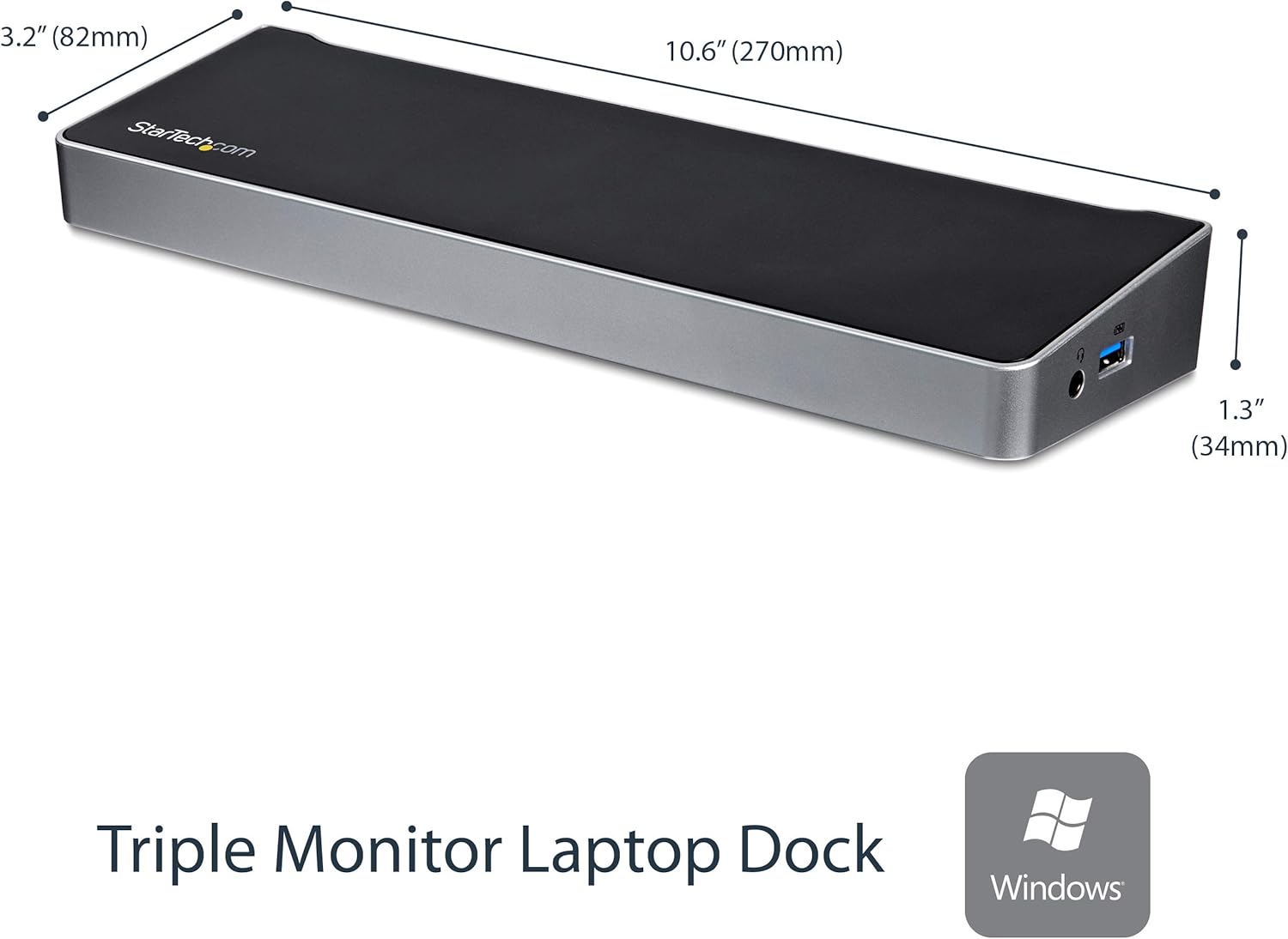


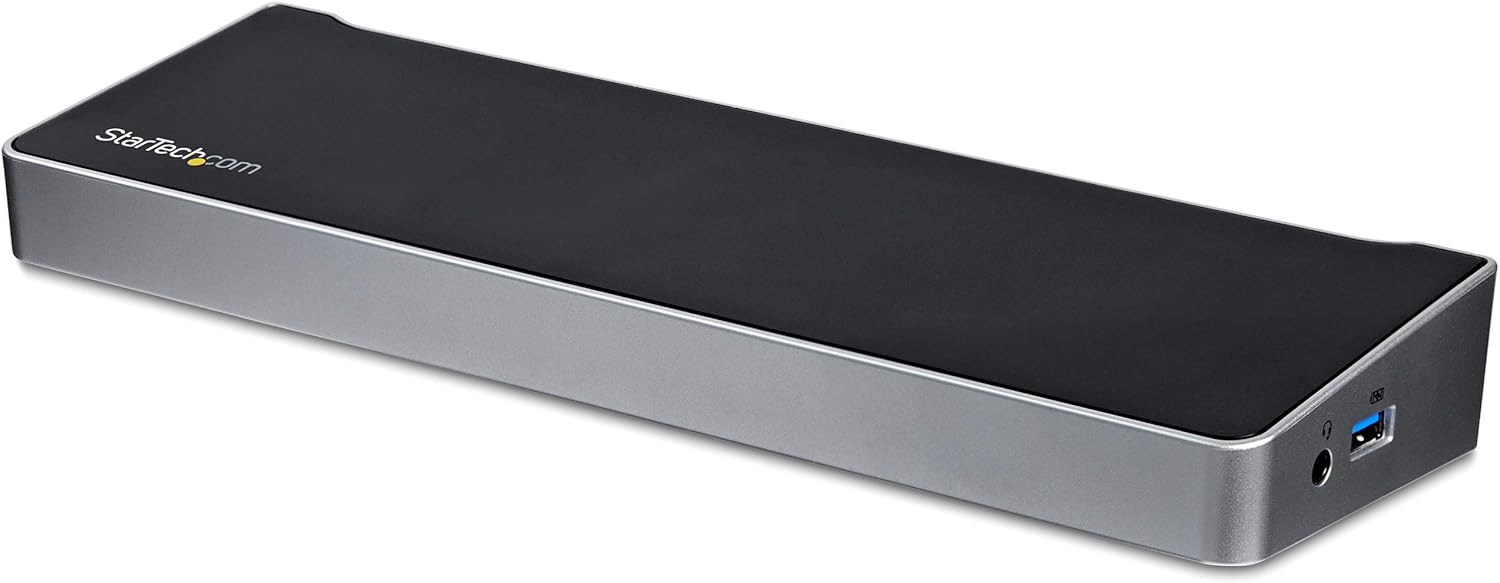
This triple monitor USB 3.0 laptop docking station turns your USB 3.0/3.1 laptop into a full workstation with two DisplayPort outputs and an HDMI output. Unlike some proprietary docks that only work with specific laptop brands, this dock is universal, working with your Windows or Mac computer with USB 3.0. Triple Display Flexibility This USB 3.0 port replicator adds triple monitor support to your workstation, with resolutions up to 4K Ultra HD (3840 x 2160p) on one display and 2048×1152 on the other two. With more screens combined with high resolution, the dock maximizes your screen real estate so you can simultaneously access multiple applications and compose on one display while referencing material on the other. You can also use your laptop screen, for four displays in total, making it easy to manage several programs at once and avoid the nuisance of minimizing or rearranging windows. Powerful Connections and Fast Device Charging To support all your USB peripherals, this USB 3.0 laptop docking station provides five USB 3.0 ports. The side-facing USB port is a USB fast-charge port (USB Battery Charging Specification 1.2), so you can charge your mobile devices faster than from standard USB ports, with or without your laptop connected. The dock has a GbE port, headset jack and separate 3.5 mm audio and mic ports, so you get all the connections you need in one place. It also supports UASP, helping to enhance the performance and quicken the read/write speeds to and from your device(s). This TAA compliant multiport docking station is backed by a 3-year warranty and free lifetime technical support. Operating Temperature : 0°C to 40°C (32°F to 104°F).
TRIPLE DISPLAY DOCKING STATION: This universal USB 3.0 laptop dock lets users maximize their display capabilities with a triple monitor (1 x HDMI and 2 x DP) or dual-monitor setup, which will help to boost productivity
4K ULTRA HD RESOLUTIONS: Bring a lifelike picture to your monitor or display with this 4K USB docking station that supports resolutions up to 3840×2160 on one of the displays while supporting and 2048×1152 on the other two
CONNECT & CHARGE YOUR USB PERIPHERALS: Connect up to five USB devices with this USB 3.0 DisplayPort & HDMI docking station. For added convenience, you can quickly charge your USB devices using the integrated USB fast-charge port
CREATE A POWERFUL WORKSTATION: In addition to the five USB ports, the triple display docking station features a GbE RJ45 port and headset jack plus a separate 3.5mm audio and microphone port
OS COMPATIBILITY: This USB docking station works with Windows, Mac, and ChromeOS; Includes 1x 3.3ft (1m) USB 3.0 Type-A to B host cable; NOTE: USB-C hosts will need a USB 3.0 Type-C to B cable or USB 3.0 Type-C male to Type-A female adapter (not incl.)
10 reviews for StarTech.com Triple Monitor USB 3.0 Docking Station, 2x 4K DisplayPort & HDMI, USB Type A Universal Laptop Dock, Windows/Mac, TAA
Add a review

$15.99
Emmanuel –
Great deal.
Worked great and looks great! Can’t beat the price. Easy to setup.
Angel R. –
Works perfectly with my windows laptop now I have three displays plus my laptop screen
This worked great as I had a work laptop that did not have a thunderbolt connection plus with the driver installed. I was able to get three separate monitors on my windows laptop. I tried literally seven other products all of which did not work. This one is the best four I would definitely recommend.
A. Voris –
Great Startech dock and customer service
This product is a godsend for a desktop replacement laptop. I use an msi gs60 ghost pro as my laptop and gaming computer. I have to plug in a keyboard, mouse, hdmi monitor, gigabit ethernet, and charge my phone. with this dock I am able to do all of this. The drivers are picked up and installed by windows very quickly. Also, startech has a great little utility for changing the monitor output, the way it is oriented, etc. Also, a shout-out to startech representative Gordon, who helped me trouble shoot my dock when the fast charge port wasn’t working. It turns out you should always double check that the power brick is plugged in all the way. also in terms of gaming performance this docks works fine. I can push gta V out at medium settings to and an HD asus monitor at 60fps no problem with no noticeable input lag (although I’m sure the response of the monitor is now about ten ms). The reason why it works so well is that windows picks up the monitor as a generic pnp monitor so it works just fine. Overall great buy for $100. Also don’t spend more money for the display port one if you don’t need to. In the future i would have preferred a few more usb ports but that’s nothing a good old usb 3.0 hub can’t fix.
A. Mayberry –
The right balance for me
Ranting about modern laptop docks:I remember the good ol’ days when you could buy a splitter for a dollar at radio shack and turn your single coax cable into 2, and have your TV in 2 rooms instead of 1, and not pay the technician $100 for the privilege.It just doesn’t seem to work that way anymore. While I fundamentally disagree that USBc port replication streams are worth nearly the price everyone is charging, I cannot argue that they are more complicated than old splitters.We’re muxing and demuxing and other fancy stuff here, so I guess that’s why folks are paying hundreds of dollars.Ranting about DisplayLink:My company supplied laptop uses linux, and displaylink isn’t directly supported on anything other than ubuntu. This leads to general incompatibility and makes anything with displaylink strictly a windows (and maybe MAC) technology at the time I’m writing this. I tried very hard to find a non-displaylink dock, and they are rare and even more expensive. So I am forced to accept how things are instead of how I wish they could be.Anyway, ranting aside, this thing has worked quite well for me. I wanted to be able to support 3 monitors, and have a handful of USB ports to work with, and I wanted support for HDMI and DP. This thing meets all the requirements, and it’s not $500 so I call this a huge win.736801My laptop is a Razer Blade 15 base model (2017) and my laptop does not support USBc charging, so I cannot evaluate that aspect.My laptop gets quite warm on the bottom, so I greatly appreciate the design and shape of this dock, as it allows me to prop up the laptop to give better airflow and cooling to the underside.No issues with the construction quality, or issues with USB drivers in windows randomly disconnecting and connecting as I have seen on some types of USB hubs (usually due to power issues).Also, I have noticed issues with my laptop lid needing to be opened every 5 minutes to unlock my screen, however, I attribute this to the laptop, not the dock. It seems to only be an issue if/when I launch an application that triggers optimus to switch over to the GPU. After the discrete GPU (gtx 1060 ti) has been tickled, I have to leave the laptop screen open to avoid the display freezing. If I close the lid again, it freezes after ~5min, I have to open the lid to unfreeze it. If I reboot the laptop, it runs fine with the lid closed (until that discrete card gets triggered by optimus again). I tried updating the displaylink driver, but it did not help.
Amazon_Customer –
Better than my integrated dell docking station (mostly)
Like everyone else, I got this so I could work from home and not have to unplug all my cords if I wanted to hang out on my couch rather than at my desk.I have a Dell laptop that has its own docking station specific to the model where you can snap the laptop in and out as you need to. I recently went and grabbed that from work but once I got it home, I discovered it added so much extra size to my laptop that I no longer had room for my dual monitors on my desk. I tried placing it down on a small side table and it was too big even for that so I decided to get a docking station that did not have to be attached to my laptop in order to work.I’ve had good luck with StarTech products so decided to give this a try. It has a great selection of ports to accommodate different types of displays (HDMI, DVI, VGA etc). It even comes with an adapter for VGA to DVI if you need that. Lots of USB ports — 2 of them are powered.One of the “monitors” I’m using is actually an All-In-One computer complete with its own B&O sound bar so really wanted to use that. It was a little tricky getting that configured to work with MS Teams — our conferencing platform but finally got it to work… it was recognized as a separate USB Audio and USB microphone device.Also, for some reason, the dongle for my keyboard wasn’t recognized using one of the USB ports in the docking station but I had a USB hub and plugged that in and it works fine.I think the most annoying thing is if the laptop needs to be powered down… rather than being able to power on from the docking station, I have to open the laptop and use the power button there and log in using the laptop keyboard until everything comes up and the docking station is recognized. But that’s a relatively minor inconvenience — much less inconvenient than having the whole darn laptop and docking station taking up precious real estate on my desk!If and when I wind up having to go back into the office, I’ll take my standard issue dock back there so I can have one for home and one for work.If you want to maximize your display options and workspace, this is a good way to do it.[LCAR]
k kaz –
この商品の優れたところは、ディスプレイへのポートを机の上で出せるという点です。ノートを主体に使う僕ですが、家ではやはり大きい画面で見たいので22インチディスプレイを机の上に置いていますが、今まではそこからhdmiケーブルを引っ張ってきて端子むき出しでその都度差し込んで使っていました。でも、この商品のおかげでいくつかの(古いものも含め)ディスプレイを上手にまとめることができますし見た目もきちんとしています。必要性を感じなかったのですが、整理整頓のためには優秀な商品だと感じました。
Antonio –
Buscaba un dock que me permitiera tener una salida en QHD y otra en FULLHD y que funcione holgadamente. Aquí tienes la solución, no se calienta, no falla, no ralentiza el pc, en definitiva es una maravilla de producto destinado al mercado profesional, no lúdico. Para jugar no va a valer.
Thomas W. –
Habe ich günstig als Warehouse Deal erworben. Funktion einwandfrei, insbesondere kann ich her wirklich 2 Monitore mittels VGA und HDMI unabhängig voneinander betreiben. Mit den preiswerteren USB-C Adaptern hat das nicht funktioniert.Kann das Gerät nur empfehlen.
Kevin Wicklein –
Ich bin absolut begeistert von der StarTech.com Drei Monitore USB 3.0 Docking Station! Diese Docking Station ist ein wahrer Lebensretter, besonders wenn man wie ich einen älteren Laptop besitzt. Die Installation war kinderleicht und in wenigen Minuten erledigt.Was mich besonders beeindruckt hat, ist die Kompatibilität mit meinem alten Laptop. Trotz seines Alters konnte ich problemlos drei Monitore anschließen und die Leistung ist einfach fantastisch. Die Bildqualität ist gestochen scharf und es gibt keinerlei Verzögerungen.Die Vielzahl an Anschlüssen ist ein weiterer großer Pluspunkt. Egal ob USB, HDMI oder Ethernet – alles ist vorhanden und funktioniert einwandfrei. Die Docking Station ist robust gebaut und sieht auf meinem Schreibtisch auch noch gut aus.Ich kann diese Docking Station jedem empfehlen, der eine zuverlässige und leistungsstarke Lösung für mehrere Monitore sucht, insbesondere wenn man einen älteren Laptop hat. StarTech.com hat hier wirklich ein großartiges Produkt geschaffen!
しーぷ –
職場でラップトップにディスプレイ3台接続の4画面で利用。今のところ問題無し。退社時にPC本体はロッカー施錠となる為、毎回全てのケーブルを外すのがかなりの手間だったが、ドッキングステーションにまとめられたためかなり楽になった。