
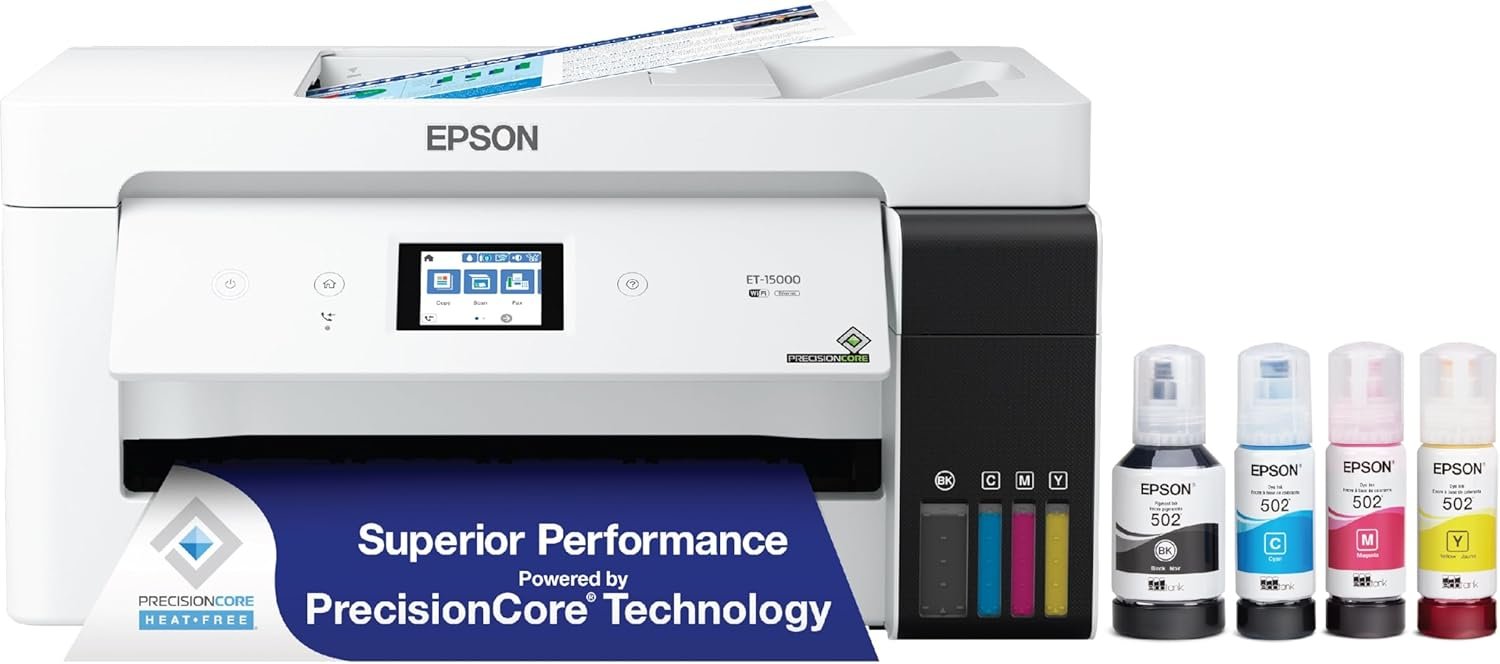
Epson EcoTank ET-15000 Wireless Color All-in-One Supertank Printer with Scanner, Copier, Fax, Ethernet and Printing up to 13 x 19 Inches, White
$76.99
Related Products


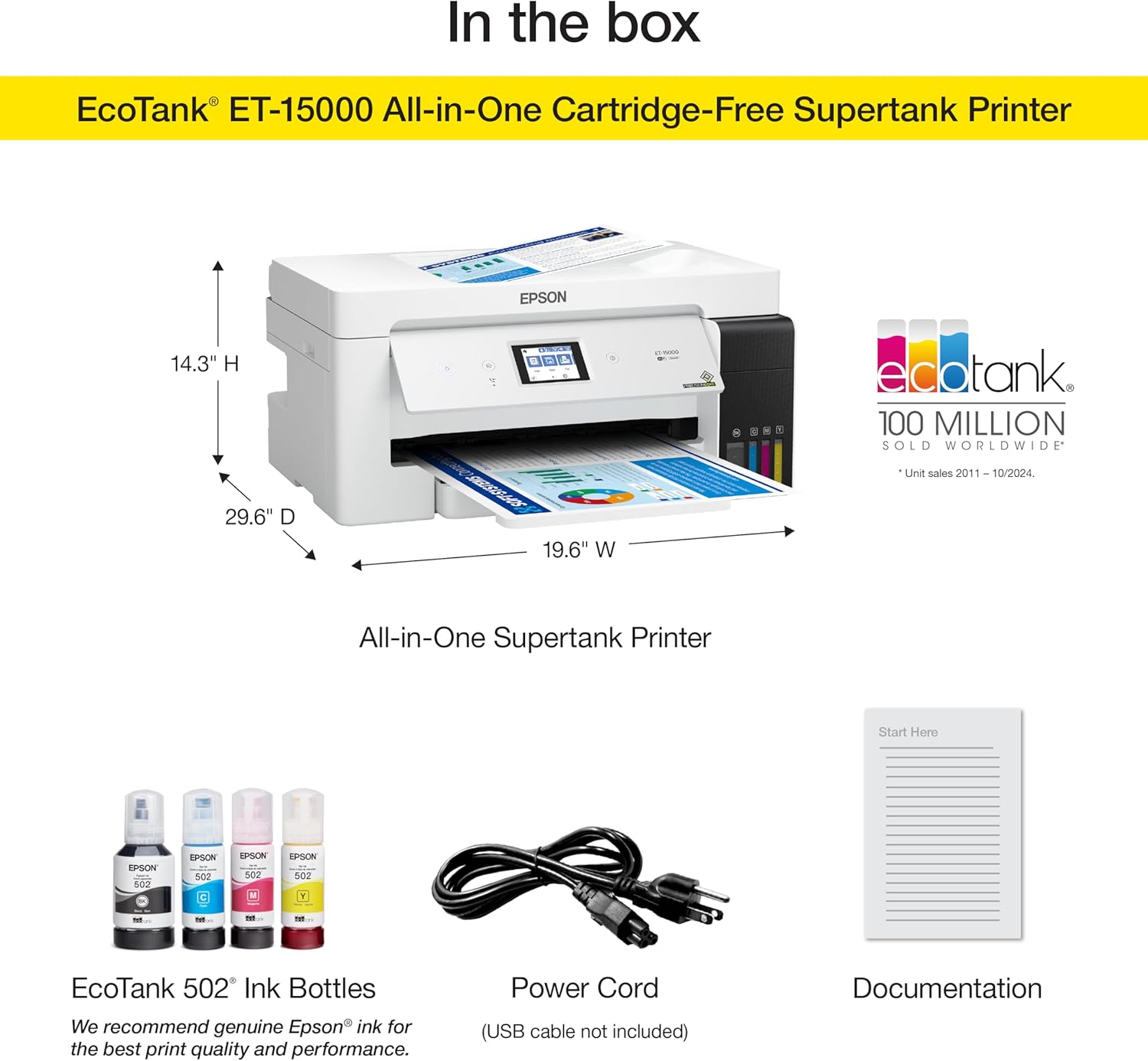

The EcoTank ET-15000 wireless all-in-one offers Cartridge-Free Printing with easy-to-fill supersized ink tanks. Save up to 90 percent on ink with low-cost replacement bottles — as little as 1 cent per color ISO page vs. 20 cents with ink cartridges (1). This all-in-one delivers vibrant prints up to 13″ x 19″ (through rear-feed tray) and scans up to 8. 5″ x 14″ (via the ADF). Print for up to 2 years with each included or replacement ink bottle set (2) — each replacement set includes enough ink to print up to 6, 000 pages (3). That’s equivalent to about 80 individual cartridges (4). And, there’s zero cartridge waste. The ET-15000 features a 250-sheet front tray paper capacity and rear specialty-paper feed, plus a 2. 7″ color touchscreen and hands-free voice-activated printing (5). *The NPD Group, , Total Channel Tracking Service, U. S. & Canada, Inkjet SF/MF Printers, Refillable ink tank included, based on units, February 2019 – January 2020. Supertank printers are defined as refillable ink tank printers. 1. Actual savings and costs will vary considerably based on print tasks, print volumes and usage conditions. Savings and cost per ISO page are based on the cost of replacement ink bottles and the cost of enough standard cartridges to achieve the total page yields of the bottles using the MSRP (USD) and yields for Epson standard-capacity ink cartridges for similarly featured Epson consumer inkjet printers as of February 2019. 2. Based on average monthly document print volumes of about 200 pages. 3. Part of the ink from the included bottles is used for initial setup; yields are lower than those of replacement ink bottles. Replacement and included ink bottle yields based on the ISO/IEC 24712 pattern with Epson’s methodology. Actual ink yields will vary considerably for reasons including images printed, print settings, temperature and humidity. Yields may be lower when printing infrequently or predominantly with one ink color. All ink colors are used for printing and printer maintenance, and all colors must be available for printing. For more information, visit www. epson /inkinfo. 4. Individual cartridges estimate based on print yields of a replacement set of black and color ink bottles as compared to Epson standard-capacity ink cartridges for similarly featured printers as of June 2019. 5. Epson Connect account and voice-activated account registration required. See www. epson /voice for device compatibility. 6. Most features require an Internet connection to the printer, as well as an Internet- and/or email-enabled device. For a list of Epson Connect enabled printers and compatible devices and apps, visit www. epson /connect. 7. Wi-Fi CERTIFIED; level of performance subject to the range of the router being used. Wi-Fi Direct may require printer software. 8. 12 months of standard limited or 50, 000 plain paper sheets (whichever happens first). For an additional 12-month extended service plan (total of 24 months or 50, 000 plain paper sheets, whichever happens first), register your product and use Epson genuine ink bottles. See Limited for details. 9. For convenient and reasonable recycling options, visit www. epson /recycle. 10. SmartWay is an innovative partnership of the U. S. Environmental Protection Agency that reduces greenhouse gases and other air pollutants and improves fuel efficiency.
Keep your business running smoothly with this high-performance Epson EcoTank printer. An all-in-one printer, scanner and copier makes it easy to accomplish a wide variety of tasks in 1 quick trip to the printer. Grab printed flyers, scan contracts to your email and make a copy for a coworker with ease.
Built-in wireless (802.11b/g/n) allows you to print from virtually anywhere.
Ethernet and USB connections are included.
Wireless printer technology helps you print from your phone or tablet.
Prints borderless, full-color photos up to 11″ x 17″.
13 reviews for Epson EcoTank ET-15000 Wireless Color All-in-One Supertank Printer with Scanner, Copier, Fax, Ethernet and Printing up to 13 x 19 Inches, White
Add a review

$76.99
dagunny –
Best bang for buck sublimation 13×19
Awesome printer. I make 13×19 posters. I liked it so much I bought 2 when onsale. One for sublimation using hiipoo sublimation ink and one for regular print. Now I can do 13×19 T shirts. Easy to install and works on Windows 11 and Linux Fedora 42. I use crontab to print a test sheet twice a weem to keep nozzles clean. I have used an ET-3830 and loved the sublimation. These just increase the footprint to 13×19. Highly recommend. This printer replaces a Canon ip8720 13×19 which never held alignment. This ET-15000 has great alignment adjustments. I do vector graphics and no problems with finite detail
krisnc –
Perfect prints
I LOVE this printer! It’s my second Ecotank (the other is a ET2760) which I bought to print large screenshots for my wildlife drawings. It settled in after 2-3 prints and now delivers perfect color prints (up to 13×19) every time. I use it on all types of paper, but I wouldn’t waste it’s ink on regular printer paper- use presentation paper or photo paper for best results. This week I printed lots of art prints, greeting cards, bookmarks, photos, etc. and it’s perfect every time- provided you set it for the paper you’re using you’ll get perfect results. It took no time to set up out of the box, is very quiet and fast, and although I use it a lot, the ink level hasn’t gone down appreciably in the 6 months I’ve had it.
tabr –
Love Love Love this printer
Awesome printer. I converted for sublimation and it prints large format images so fast and flawless. No paper jams (so far). Set up was so easy.Very happy with this printer
Erinn Beck –
Garbage. Save your money and buy something else.
I absolutely HATE this printer.I bought a wireless printer for a reason – so I could print from any device anywhere in my house. But this printer has an error every single day that has to be cleared before I can print anything. Having to go to the printer to clear the error or turn it off and back on before I can print totally defeats the purpose. I have downloaded every firmware update. I’ve tried every driver. I’ve spent hours on the phone with customer service, and all they tell me is to turn the printer on, then back off, and then they “document” the problem and tell me to call back the next time it happens.The scanner never has worked from the very beginning because my PC can’t find the printer. No matter what I do. Customer service can’t even come up with a solution for that one.This printer is garbage. Don’t waste your money.I typed this review while I waited for the printer to download YET ANOTHER firmware update and decide if it wants to print a few documents today.
Roane –
Great Quality
Functioned great, great quality! Easy to learn & holds a good amount of ink
Tyler –
Best Sublimation Printer To GetThe Best Sublimation Printer I’ve Ever Used – Worth Every Penny!
I’ve used several printers for sublimation over the years, and the Epson EcoTank 15000 blows them all away. The print quality is vibrant, crisp, and professional-looking every single time. Whether I’m working on tumblers, shirts, or larger custom projects, this printer handles it all with ease.The wide-format capability is a huge plus, and the EcoTank system is a game changer — super cost-effective with less mess and no constant cartridge swaps. Once converted for sublimation, it runs like a dream.This is now my go-to printer for everything sublimation. If you’re serious about your craft or business, this is the one to get. Highly recommend
Amazon Customer –
Great large area printer
Great printer works very well. Nice color prints. Using 11×17 paper. Would recommend.
JMS PDX –
A mostly LOVE, but sometimes HATE relationship.
First, the price gouging is real but the demand makes it inexcusable but unavoidable. I paid a huge premium in order to get one in a reasonable amount of time. Epson acts oblivious to this grey market BS but there is also nothing they can legally do. This printer does a really beautiful job (for an inkjet printer) when printing Tabloid (and larger) prints. Not surprisingly, photos really need to be printed on a heavier gloss or satin finish paper in order to for large areas of dark color to look smooth and opaque. It really does a commendable job on details and I have been very pleased when using it to print out sewing patterns. It also prints smaller than A4 jobs well. If using for T-shirt transfers, then the even application of color, image clarity and detail all are adequate to good for a home user but the results are certainly not professional. This machine has printed and printed for months with the ink that came with the machine. This is impressive as I mainly print full bleed four color tabloid sized prints. It scanner and fax capabilities have been little used but issue free. The interface for the printer can be difficult if you want to deviate from your standard settings but ultimately, it is just a matter of learning what boxes to check and uncheck. WiFi and remote printing are easy and download quickly to the printer. Now for the not so great. This printer is loud and so so so so so so SLOW. You will be stunned how long it will take to simply print out a single page of US LTR sized single sided black and white text. I recently printed an 11 page PDF file that was a 3/4 text and 1/4 color photo graphics. It took over two hours. Honest. TWO HOURS…. It does a wonderful job of printing but it does it on its own schedule.
Jane –
I use this printer to print my paint-by-numbers creations that I have done online onto canvas. I chose a 12 x 16″ image and printed it on a 13×19″ canvas sheet that I had trimmed down from a 16×20″ canvas pad sheet. Put the canvas in the rear feeder, set the paper size to A3+/plain white, and hit. Perfect feed, absolutely no problem. I had a small hiccup with setup and called the techie department. They were immediately available and knew exactly what I had done wrong (didn’t read the instructions properly).Yes, I bought it mainly to print on canvas sheets, but it will replace the smaller Epson I have been using for some years. It is light enough to move around easily, compact enough to fit in a reasonable space, and prints like a dream. Connecting to the wifi was easy. The eco tanks made it a no-brainer for me. I highly recommend this printer.
André La Chapelle –
I like to make calendars with my desktop Calendar Creator software. The bigger size paper gives very good results. The colours are fine and the liquid ink containers avoid the purchasing of very expensive cartridges. The scanner is great as it goes up to 1200 DPI. Also it has a feeder for the scanner so as to scan multiple sheets without manually put every sheet on the glass. It is also completely compatible with my Omnipage OCR software. It will print in multiple sizes of paper and even envelopes.
E Phillips –
I do a lot of large format printing. This printer is perfect. I had an older version of it that was no longer supported with drivers for my operating system so I needed to buy a new one. This one doesn’t disappoint, it’s great.
Vick Aubie –
I’m pretty sure it was a used printer as it had ink stains, and plugged nozzles that I could not get to workIt would not print with colour and black was spotty at best. Not worth the cost Very disappointed
Benjamin A. –
It works for our small prints in the office.I didn’t use it slot so I can not comment on quality of material. But does print really large papers. That’s why I bought the unit to work along side my 2850 Epson.