

AOC 4k Webcam for PC with Microphone, Computer Camera with Noise Cancellation, Privacy Cover, 99° FOV, Plug & Play USB Webcam for Streaming, Conferencing, Zoom, Skype, Facetime, Laptop, PC, Skype
$4.99
Related Products







Product description





1 Mac Setup Guide 2 Windows Setup Guide
Is this webcam truly plug-and-play for both USB-C and USB-A computers?
Yes. It’s designed for simple plug-and-play setup. The included USB-A to USB-C adapter ensures compatibility with almost any modern or legacy computer, and no extra drivers are needed to start using it
How does the privacy cover and noise-canceling microphone work?
The built-in privacy cover is a physical sliding shield that blocks the camera lens when not in use, providing unhackable security against unauthorized access
Does the 90° wide-angle lens work well for showing more than one person?
Absolutely. The 90° wide-angle field of view (FOV) allows you to fit more into the frame, making it great for small group calls or showing a bit of your background
The video image is blurry, too dark, or has poor quality. How can I fix it?
Try these steps for a better picture:Improve Lighting: Ensure your face is evenly lit, avoiding strong backlighting from behind you Clean the Lens: Gently wipe the camera lens with a soft, lint-free cloth
How do I fix echo or background noise from the webcam’s microphone?
Check Mic Position: Place the microphone farther from speakers and reflective surfaces to reduce echo Use a Headset: For the clearest audio, try using a headset or a dedicated microphone instead of the webcam’s built-in mic
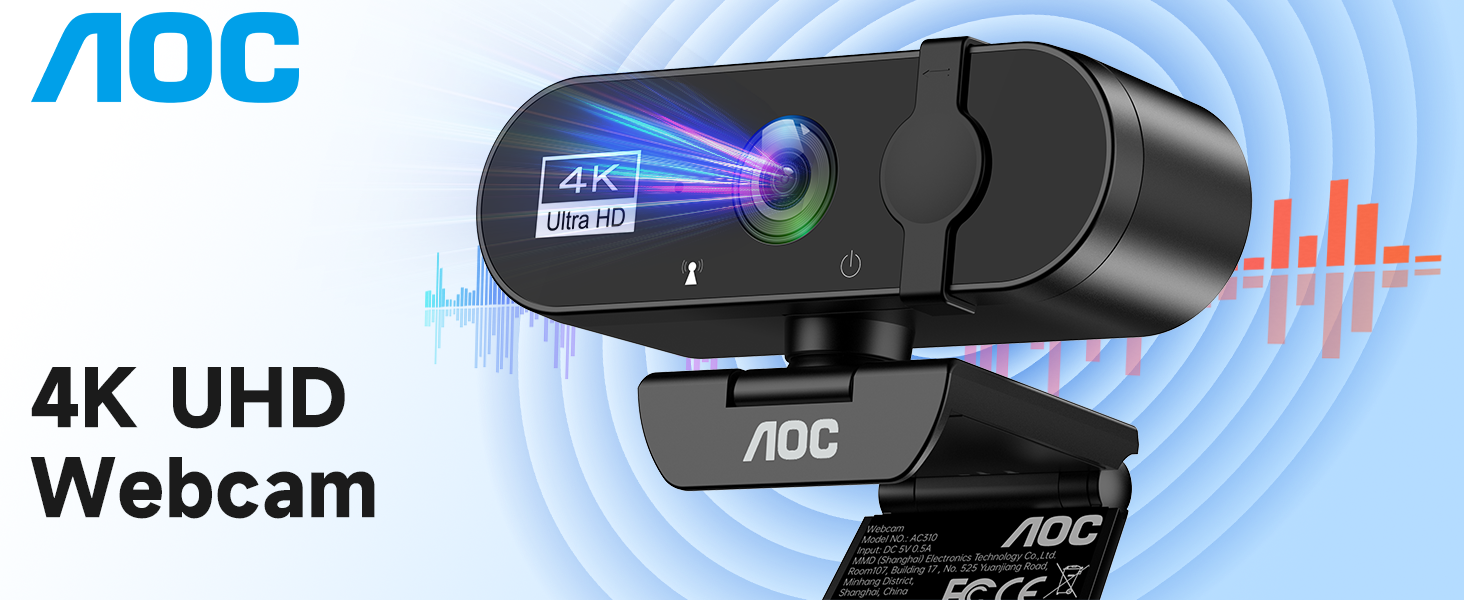
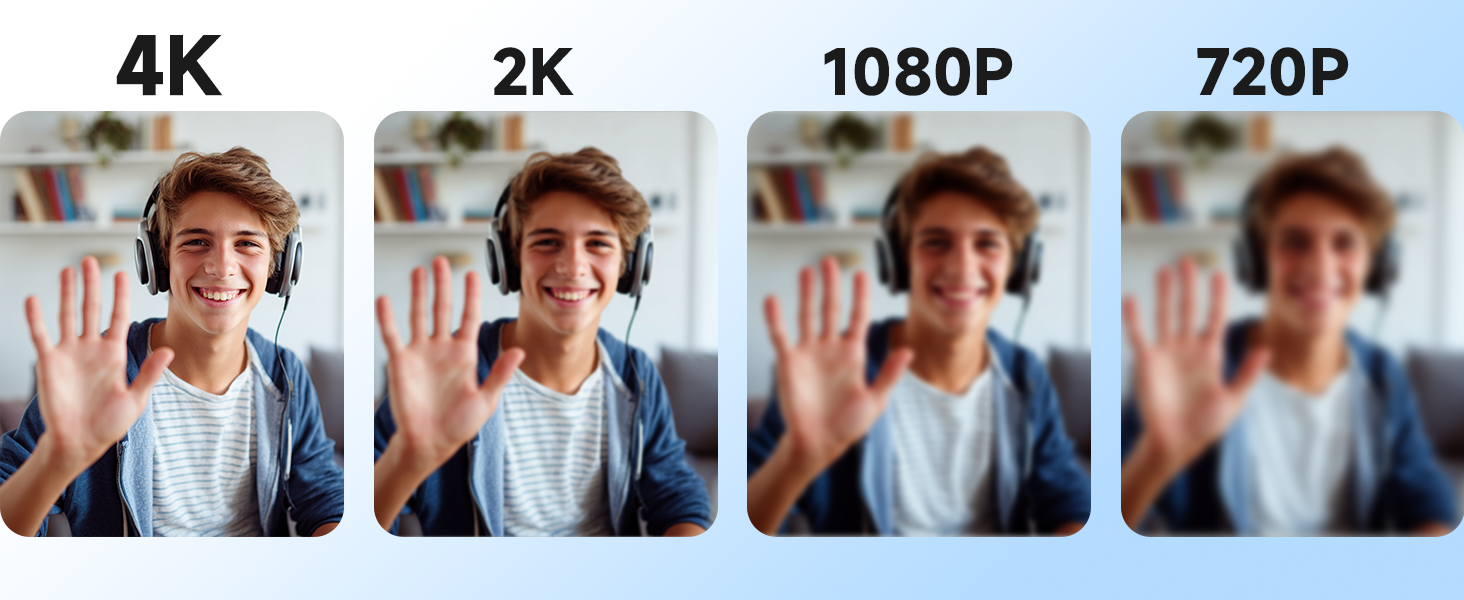
4K Ultra HD Video Webcam:See every detail with crystal-clear 4K resolution. Experience incredibly sharp and lifelike video quality that makes you look professional on every call, ensuring you’re always seen in the best light.
Wide 90° Field of View & Full 360° Flexibility:Fit everyone into the frame with the 90° wide-angle lens. Easily adjust your view with 180° tilt and 360° swivel rotation. Mount it securely on your monitor, desk, or tripod for the perfect angle every time.
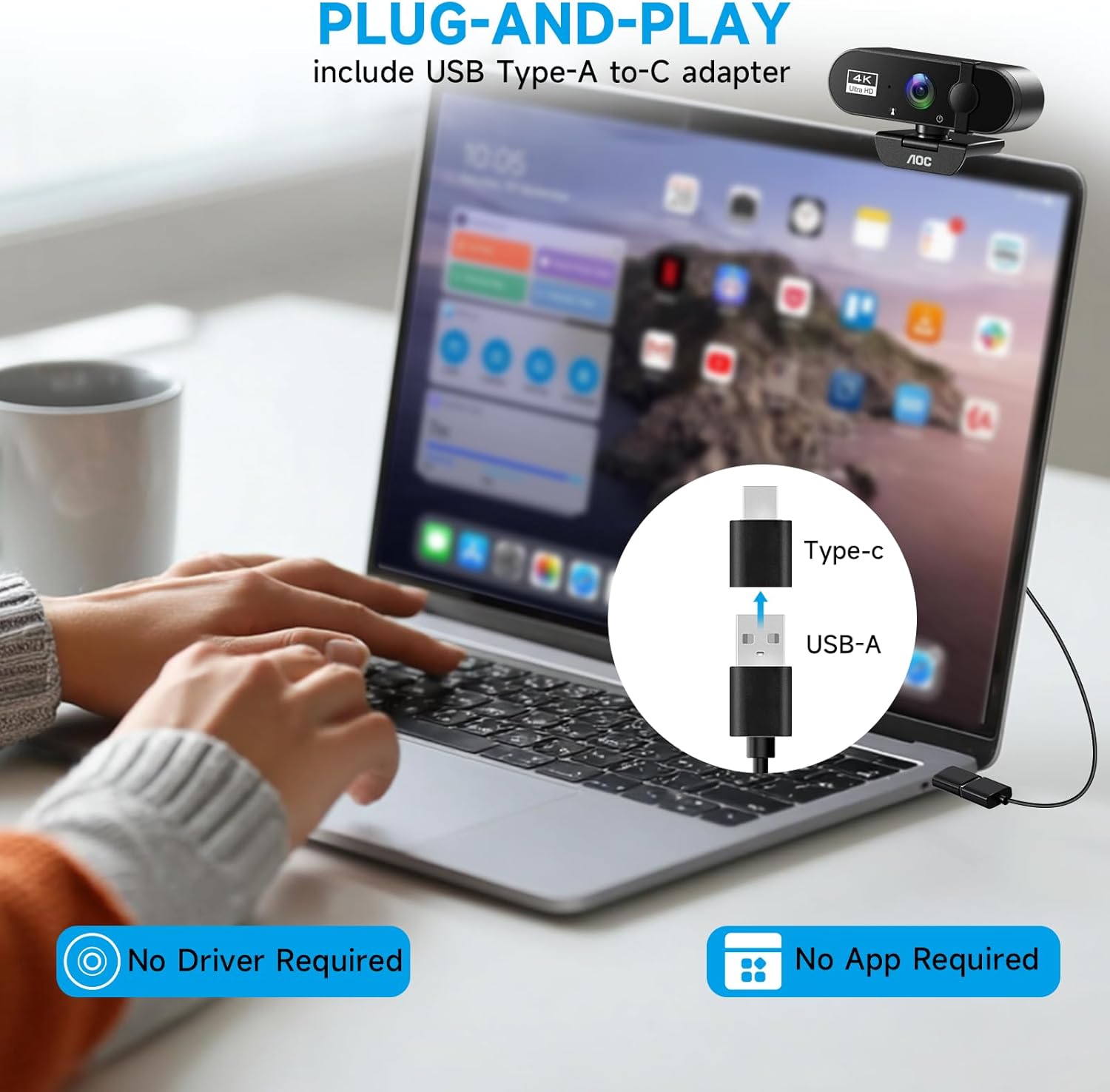
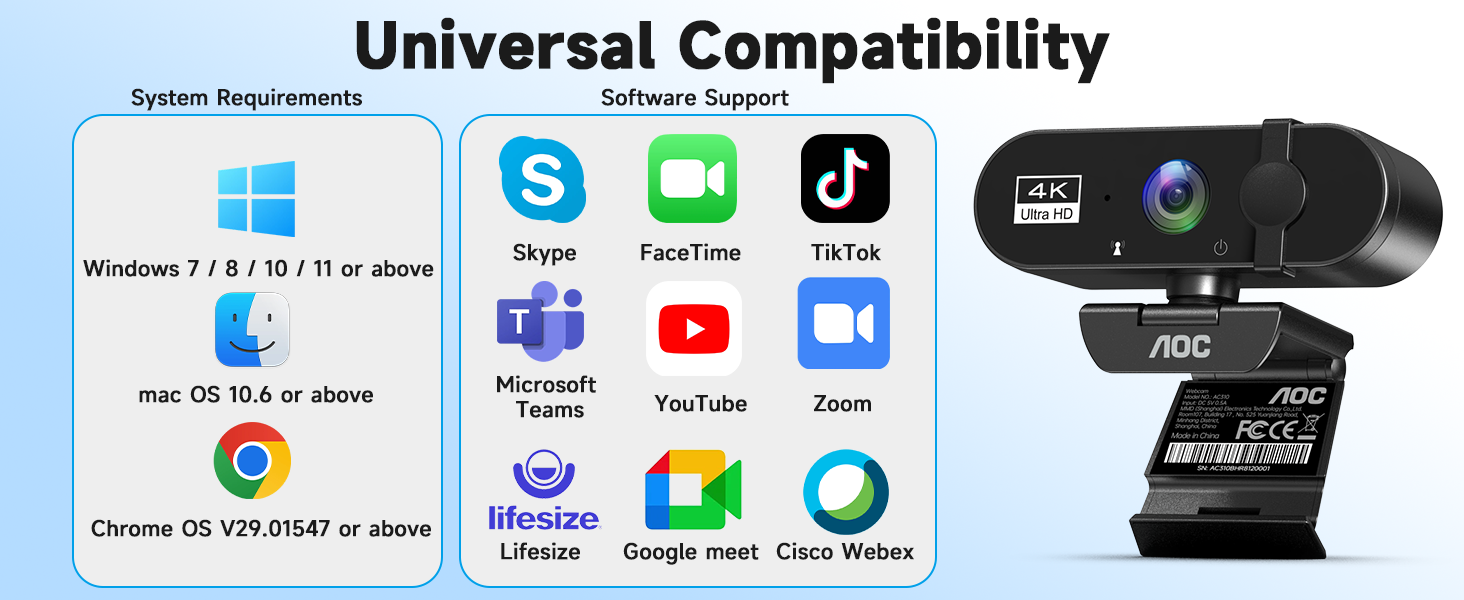
True Plug-and-Play Simplicity: No drivers, no fuss. Just connect the webcam to your computer via USB and you’re ready to join calls in seconds. It offers seamless compatibility with all major platforms like Zoom, Teams, and Skype.
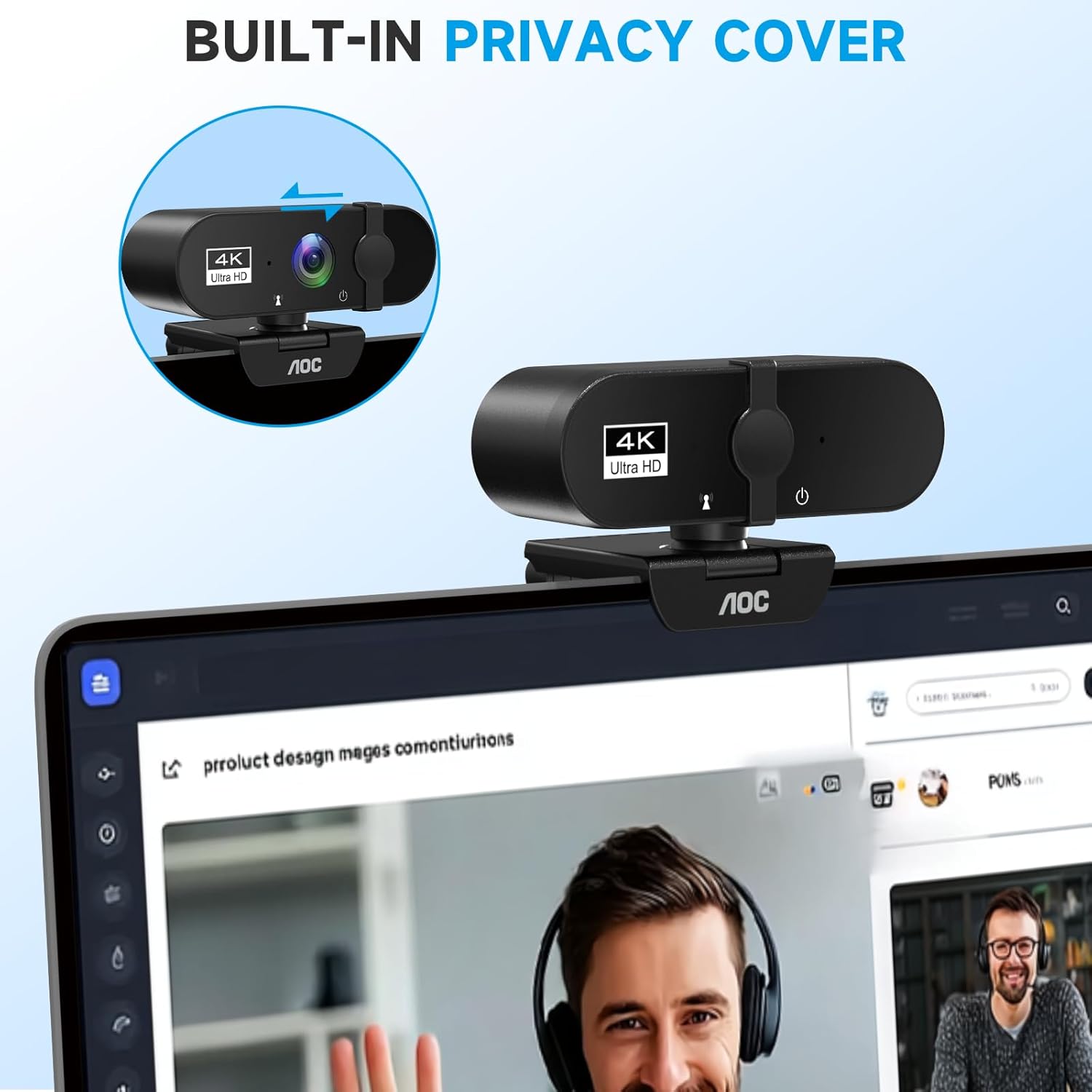
Complete Privacy with a Physical Sliding Lens Cover: Worried about privacy? We’ve got you covered—literally. A built-in sliding lens cover physically blocks the camera when not in use, ensuring your private life stays private.
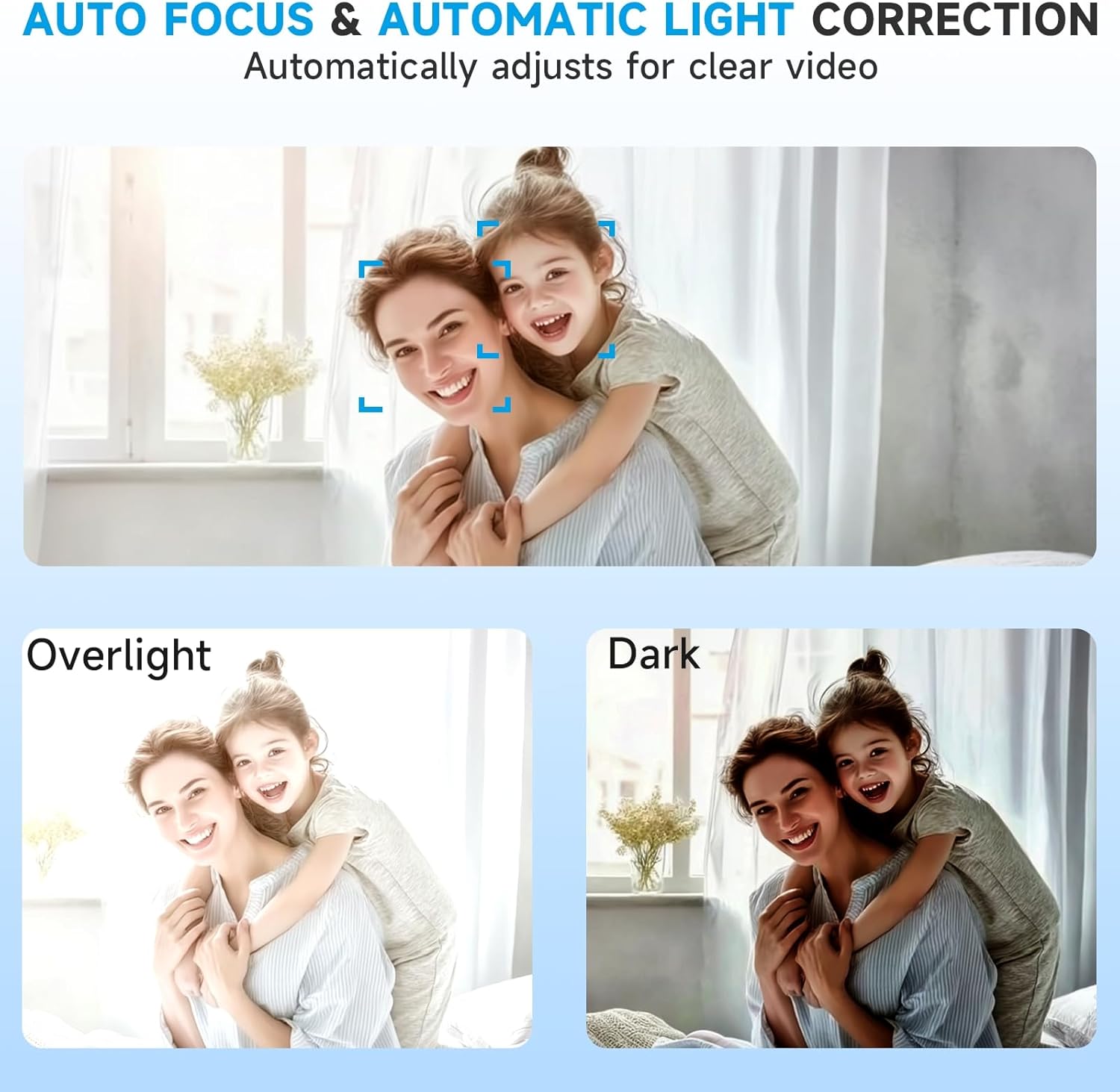
Built-in Mic & Automatic Light Correction: Communicate clearly with the built-in noise-reducing microphone. The camera also intelligently adjusts the video brightness to make you look your best, even in poor lighting conditions.
Universal Compatibility with USB-C & USB-A Adapter: Ready for modern and legacy devices. The included USB-A to USB-C adapter ensures you can connect to virtually any computer, laptop, or tablet for maximum versatility.
13 reviews for AOC 4k Webcam for PC with Microphone, Computer Camera with Noise Cancellation, Privacy Cover, 99° FOV, Plug & Play USB Webcam for Streaming, Conferencing, Zoom, Skype, Facetime, Laptop, PC, Skype
Add a review

$4.99
Jessie Canon –
Easy to use and excellent quality
This webcam is exactly what I needed. The picture is really clear and the colors look great, plus the built-in noise cancellation does a solid job for calls and meetings. I also like that it comes with a privacy cover for when it’s not in use.Setup couldn’t be easier. no drivers or software needed. Just plug it in and it works right away. It’s simple, reliable, and does everything I expected without any problems.
polarbaer052 –
a really good camera
a great camera for a great price
Andrea M. –
Not For Spelltable.
Seems pretty good. Wouldn’t recommend for Spelltable due to a fish lens effect.
Kayakbob –
Returned.
could not get zoom to work with either Teams or Zoom Workplace, returned.
Kindle Customer –
Poor video quality
Overall the video quality is really poor compared to the inbuilt MacBook camera, I wouldn’t recommend this to anyone and probably won’t be using it in my meetings, I’ll probably return it.
Janelle Johnson –
Finally, I look professional on my endless video calls!
My company’s built-in laptop camera was terrible, making me look grainy and unprofessional. This AOC webcam is a game-changer. The 4K resolution is incredibly sharp, and the automatic light correction actually works—I no longer look like a silhouette in my home office. The physical privacy cover gives me peace of mind when I’m not on a call. Setup was literally plug-and-play. For the price, this is an unbeatable upgrade for anyone working from home.
Andrew S Venneman –
Surprisingly great for starting my YouTube channel!
I needed a decent camera to start making tech review videos without breaking the bank. This one delivers! The video quality is crisp and the 90-degree field of view is perfect for showing off gadgets on my desk. I love the flexibility of the mount; it easily swivels to get the perfect angle. The only reason I’m not giving 5 stars is that the built-in mic is okay, but for serious recording, I’d still recommend an external microphone. For the video quality alone, it’s an absolute steal for beginners.
Terry Bernard Lewis –
So easy, even my grandparents can use it!
Bought this so my parents could video call their grandkids more clearly. The difference is night and day compared to their old tablet’s camera. The picture is so much brighter and sharper. They love the wide-angle lens because they can both fit in the frame without squeezing together. The best part? It was completely simple to set up. I just plugged it into their computer, and it worked instantly with Skype. The sliding privacy cover is a feature they actually use and appreciate. Highly recommended for making family calls more personal.
HomeDaddy –
I am absolutely blown away by the performance of this 4K Webcam. After struggling with grainy video quality and separate microphones for too long, this device has completely streamlined my setup and delivered results that exceed my expectations.Video Quality: The 4K resolution is stunningly sharp. Even in slightly dimmer lighting, the image remains crisp, clear, and vibrant, making a huge difference for client video calls and weekly streaming sessions. The auto-focus is fast and reliable, ensuring I’m never blurry, even when I shift positions.Microphone Performance: The built-in microphone is surprisingly high quality. It picks up audio cleanly, minimizing background noise far better than my laptop’s internal mic. It’s perfectly adequate for professional meetings, saving me the hassle of setting up an external mic every time.This is a premium product without a premium price tag. If you need top-tier video and clear audio for any remote work, education, or content creation, this 4K webcam is an essential upgrade.
Guy Michelson –
Purchased this webcam for university lectures and casual video chats. It’s been flawless so far — plug-and-play on my laptop, no driver setup needed. The 4K image is far sharper than my laptop’s webcam, and auto light-correction keeps my face visible even in dimly lit student halls. The microphone does a decent job too — I haven’t had complaints that I was hard to hear. For the price and ease of use, it’s a solid and dependable webcam for everyday needs.
Saiyam shah –
This AOC webcam truly impresses with its crisp 4K resolution and wide 99° field of view, making every video call look professional and sharp. The noise-cancelling microphone ensures your voice comes through clearly, blocking out background noise, which is great for meetings or streaming. It’s easy to set up with its plug-and-play feature, and the privacy cover adds a layer of security when not in use. Overall, it feels like a reliable, high-quality device that elevates your video experience, whether for work or leisure, and offers excellent value for its price.
Vanessa Darwin –
I’ve tried many webcams, but the AOC 4K is by far the best. The image is crisp and detailed, and it doesn’t have the grainy or washed-out look that many other webcams have. The microphone works well too, providing clear sound with minimal background noise. The setup was a breeze, and it’s compatible with all the video conferencing tools I use. I highly recommend it!
Ryan Susanna –
I’ve been using the AOC 4K webcam for a few weeks now for remote working and video conferences. The 4K image is crisp and detailed — a vast improvement over my laptop’s built-in camera. Low-light correction works surprisingly well, so even in my slightly dim study I don’t appear as a dark silhouette anymore. Installation was “plug and play” — no drivers, no fuss. All in all, excellent value for the price and a very worthwhile upgrade.